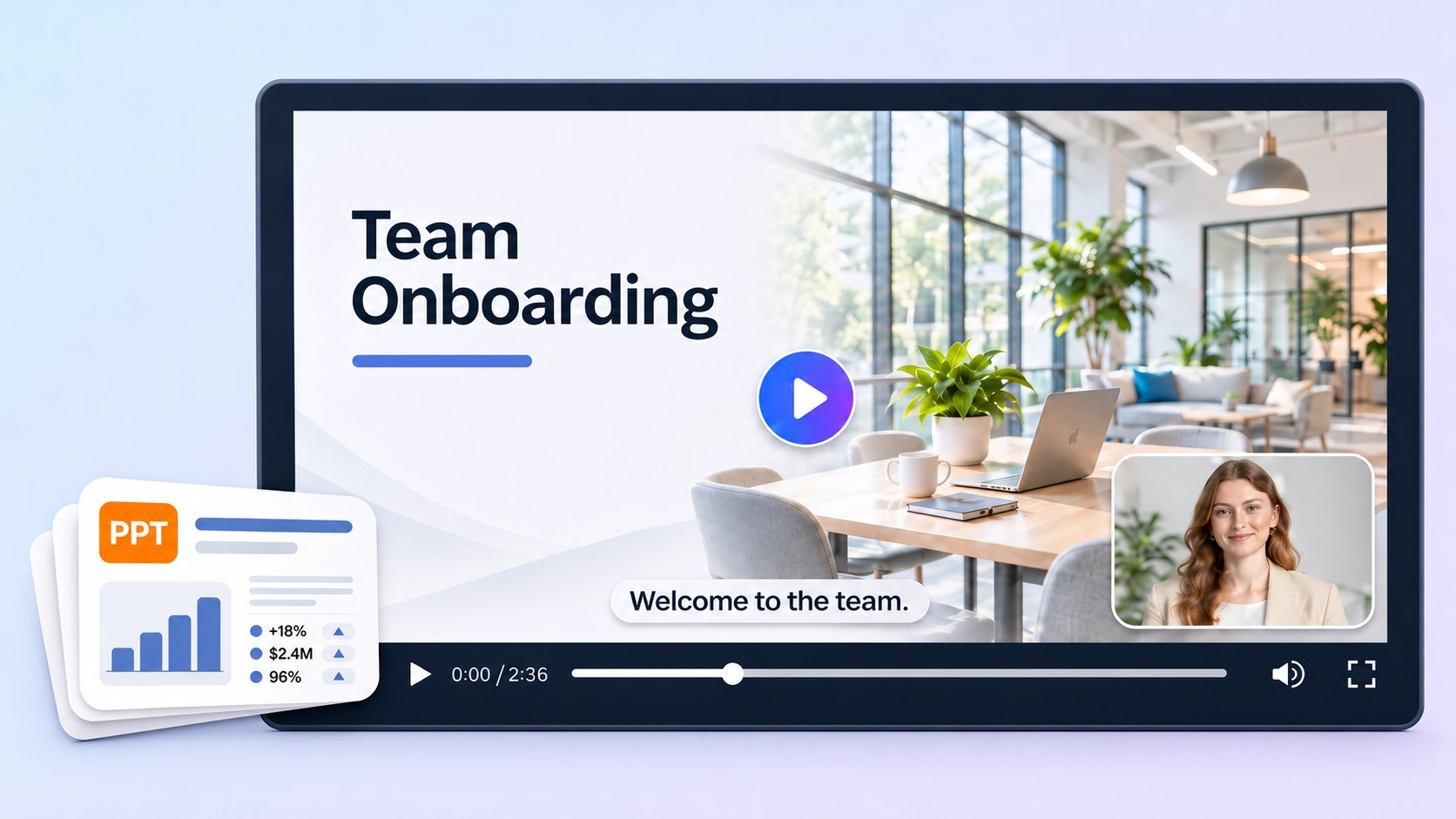
Convert PowerPoint to video online for free with Mango AI. Simply upload your PowerPoint file, and our AI PPT to video converter will extract key points, generate a natural script, and create a studio-quality video complete with realistic voiceovers and avatars in minutes.
PPT
Script
Template
Avatar
Subtitle
Music
Customize your video
Upload your PPT file
Total slides: 0 / 12
Upload PPT
Upload your PPT to create a video with AI.
Enter video script
Choose a template
Choose an avatar
Choose a background
Choose a subtitle style
Choose background music
Video Settings
AI Voices
Aspect Ratio
Landscape (16:9)
Landscape (16:9)
Portrait (9:16)
Resolution
720P
1080P
Make PPT into Narrated Video with Mango AI PPT to MP4 Converter
Turn your PPT slides into crisp MP4 videos with multilingual AI voices and clear, customizable subtitles. Pick the slides that matter most and share your presentation effortlessly anywhere. Start turning your decks into videos for free today.
Flexible PPT to Video Conversion
Stop sending massive slide decks that nobody finishes reading. Whether you want to convert a full PPT/PPTX file or pick just the essential slides, you stay in complete control of the story. Cut the filler and turn your sharpest ideas into a concise, shareable video—perfect for quick pitches, training, or team recaps.
High-Quality Templates, Endless Choice
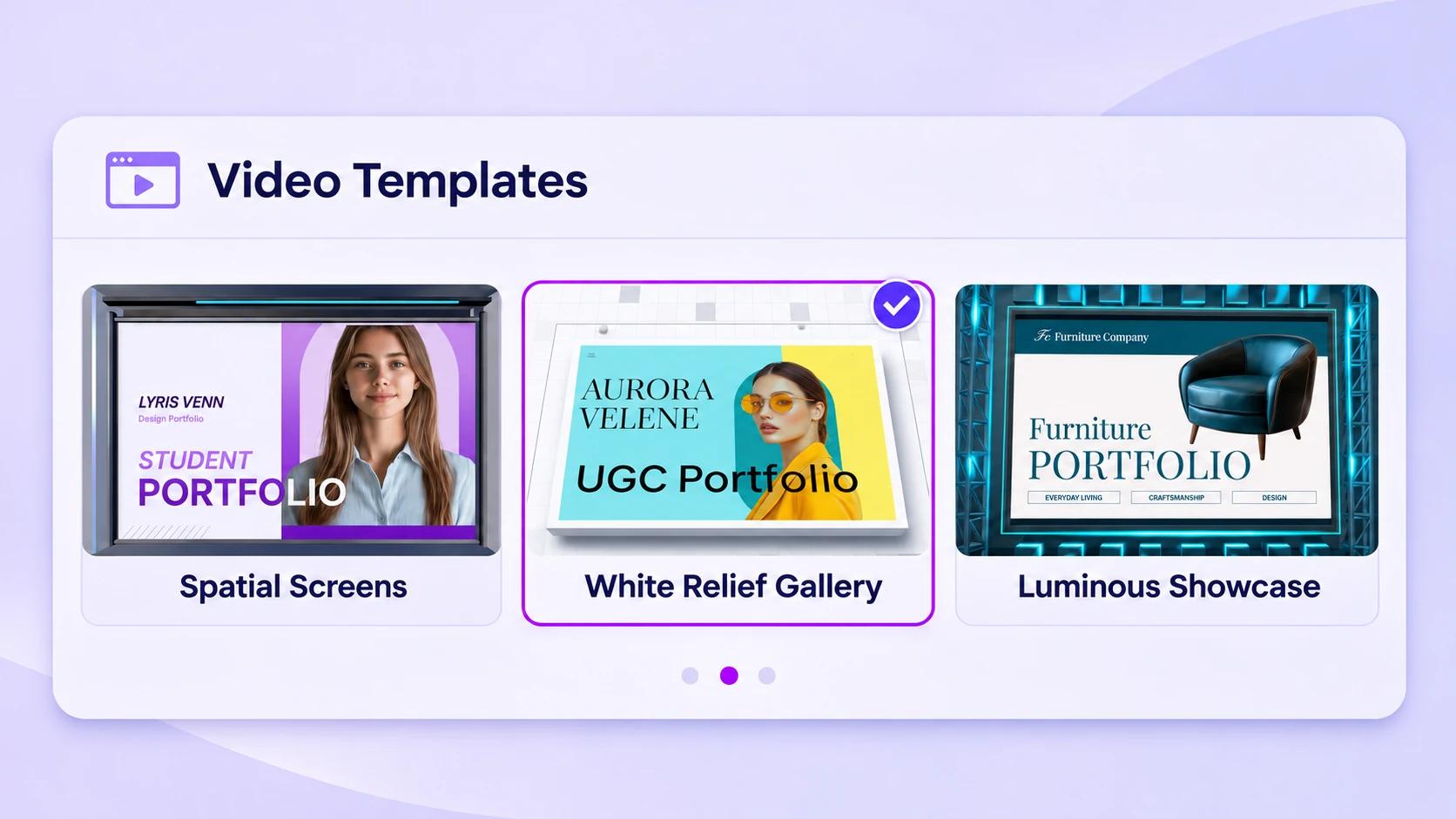
Turn ordinary PowerPoint slides into a cinematic viewing experience. Our PowerPoint to video converter offers a wide range of eye-catching video templates—from sleek spatial screens and luminous showcases to dynamic 3D cubes. Switch templates effortlessly until the look matches your message. Hook your audience from the opening frame.
AI Scripts, Avatars & Voiceovers
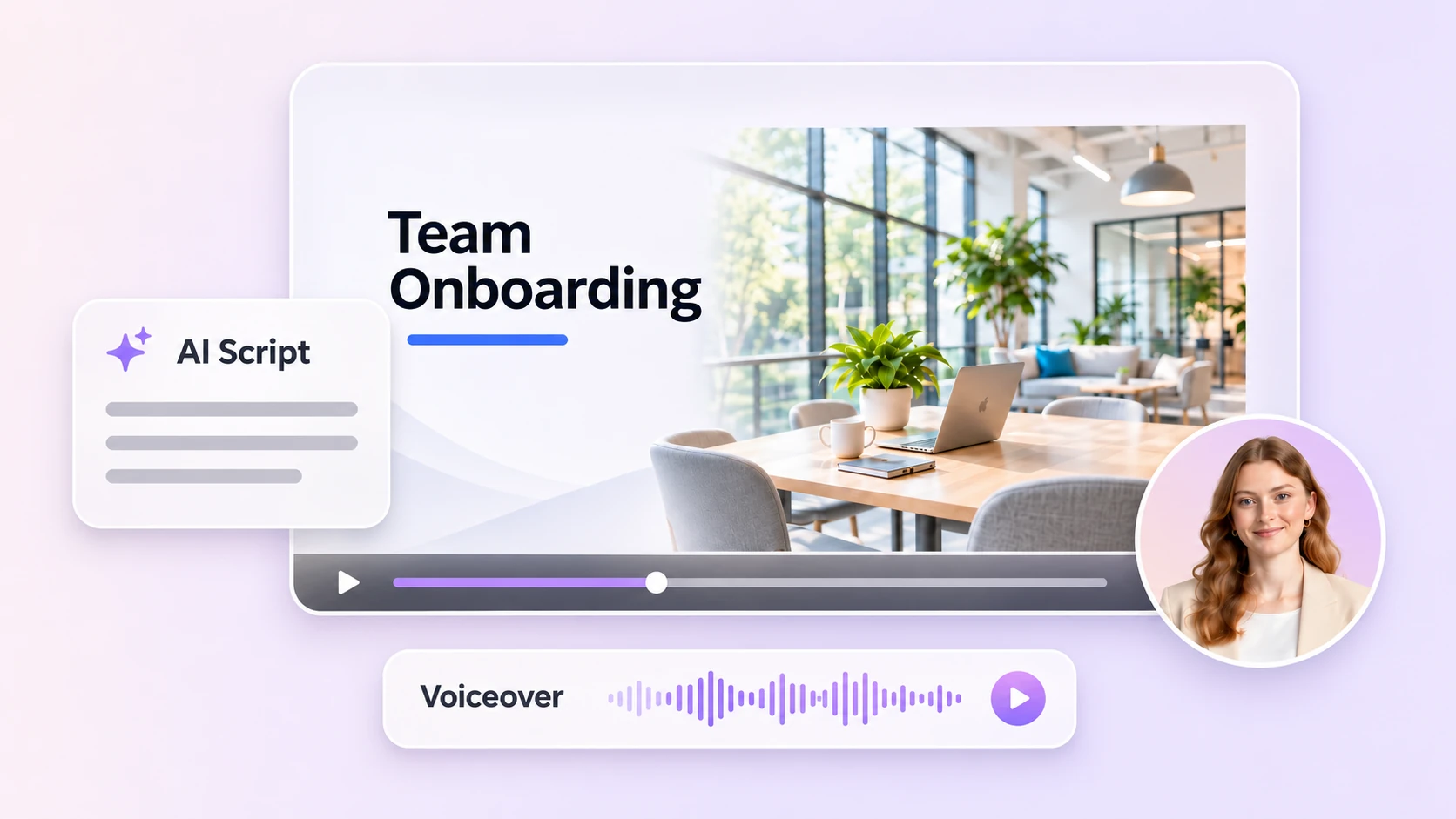
Generate an editable script with AI for each slide, or write your own from scratch. Choose a lifelike AI avatar to walk viewers through your key points, paired with natural AI voiceovers in your preferred language. With the PPT to video converter, static slides become engaging, narrated videos ready to share.
Customization at Your Fingertips
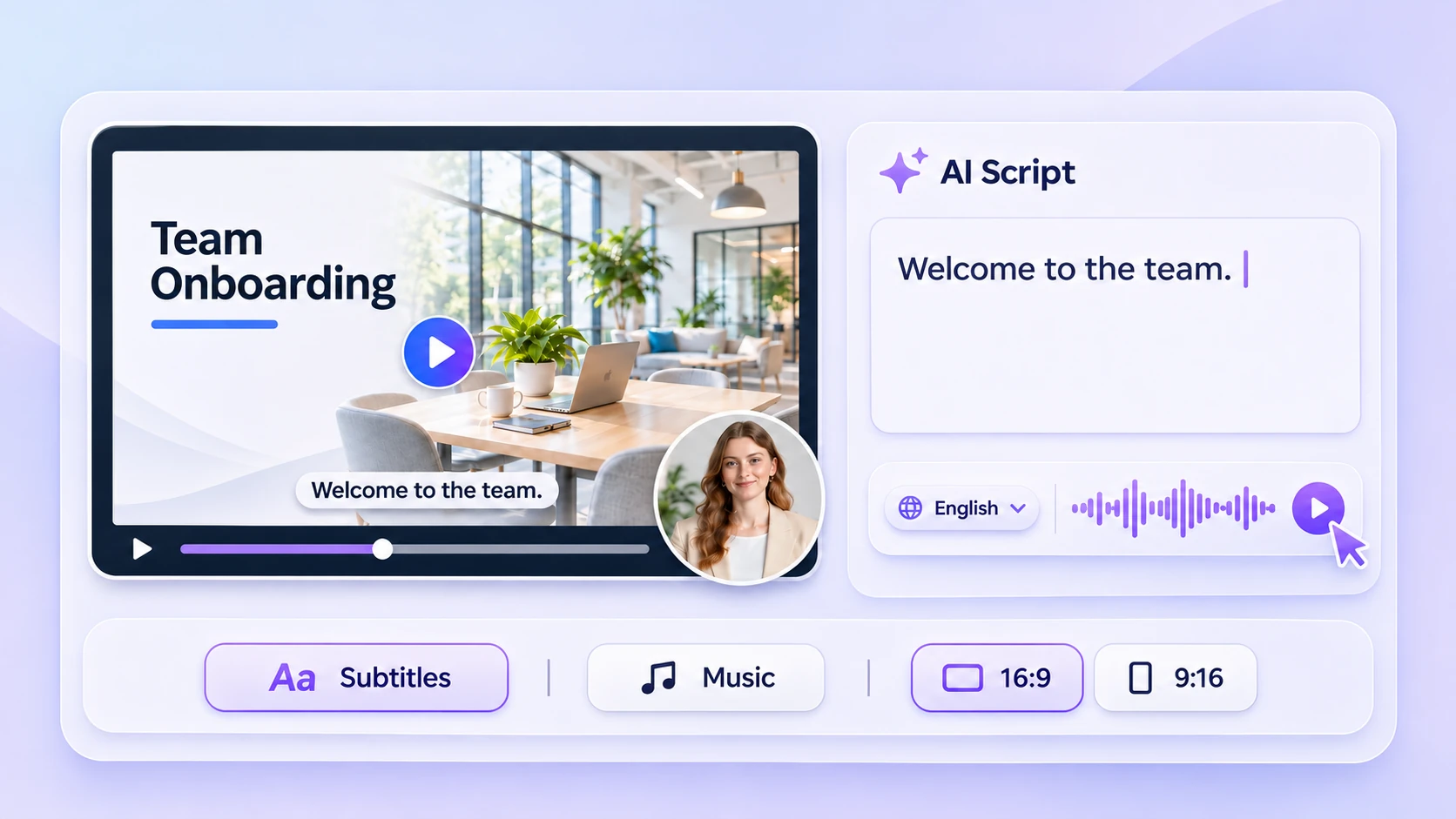
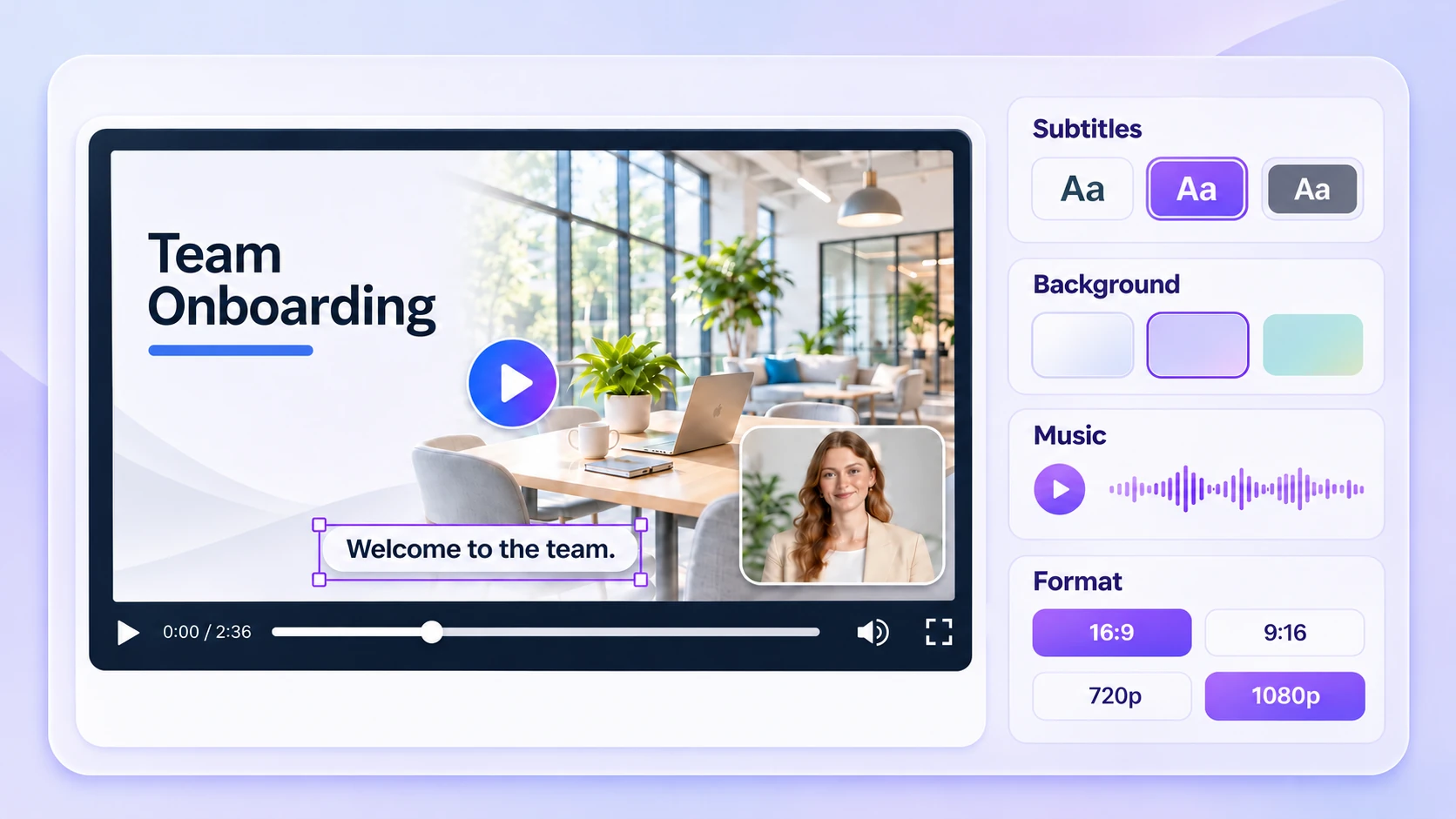
Take full control of how your presentation looks and sounds. Pick from plenty of subtitle styles and move subtitles wherever you want them. Swap backgrounds and add background music to set the mood. Choose a 16:9 or 9:16 aspect ratio and 720p or 1080p resolution so your PPT video fits right where you share it.
How to Use the PowerPoint to Video Converter
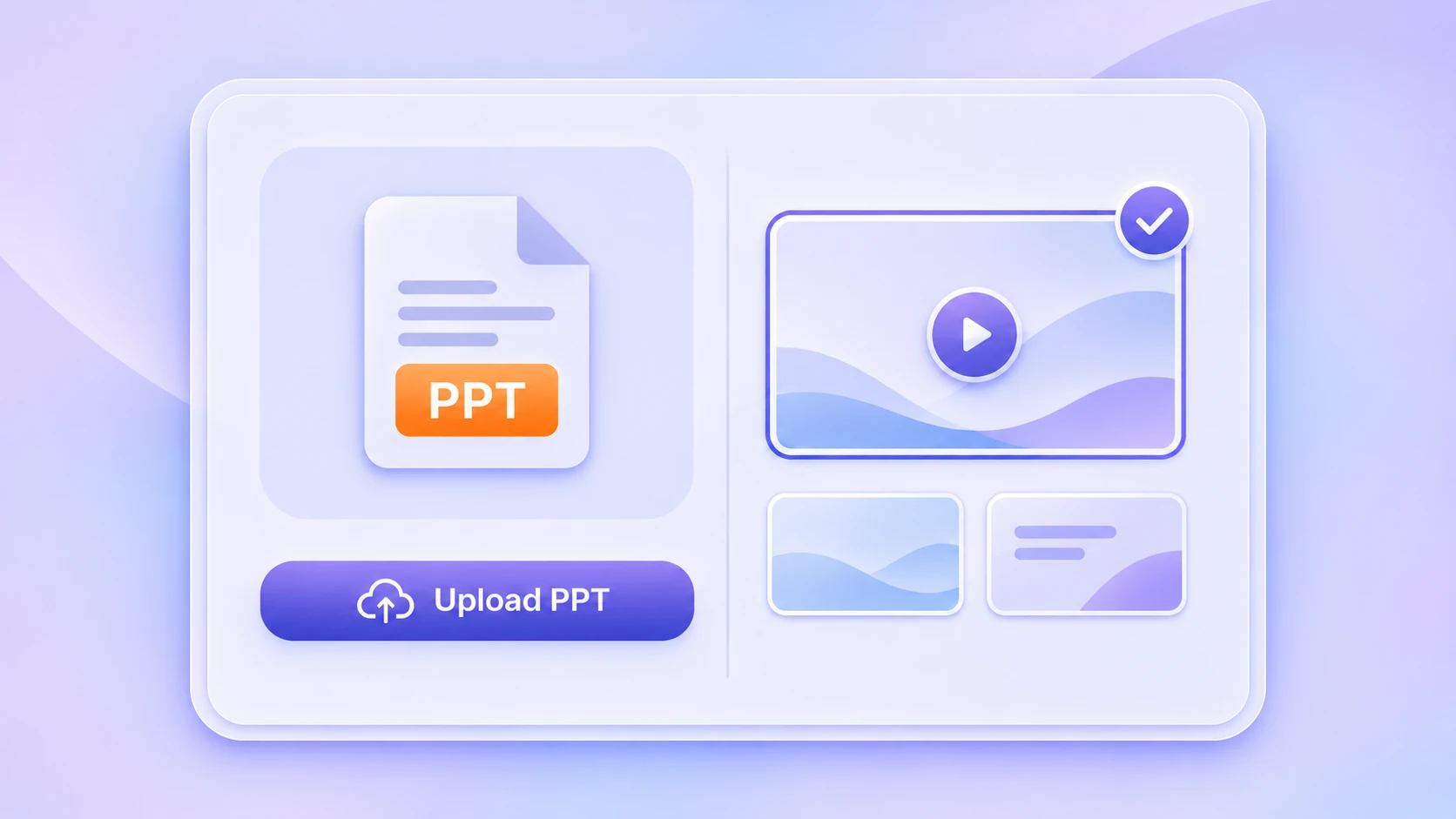
1. Upload Your PPT
Upload your PPT or PPTX file and select the slides you want to include.
2. Add Narration and Customize
Add a narration script, pick an AI avatar and voice. Adjust subtitles, background, aspect ratio, and more.
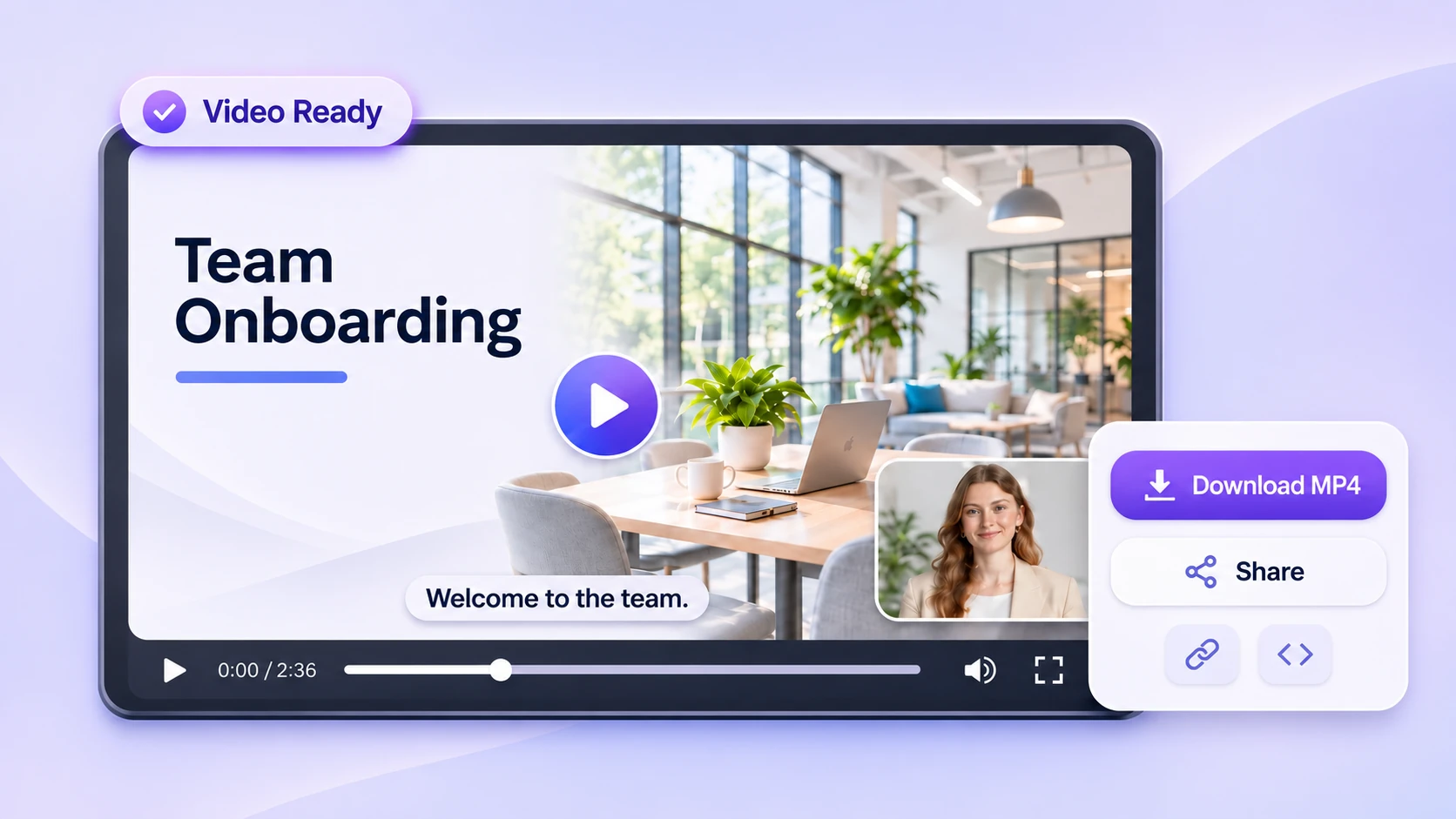
3. Generate and Share
Click the Generate AI Video button to convert your PPT to video, then download the video or share it across channels.
FAQs About the PPT to Video Converter
What Is a PPT to Video Converter?
A PPT to video converter turns PowerPoint slides into videos. Upload your deck, add a narration script or AI voice, adjust details like subtitles, background, and aspect ratio, and generate your video in a few steps.
What PowerPoint File Formats Can I Upload?
The free PowerPoint presentation to MP4 converter accepts files in .ppt and .pptx formats.
Can the PowerPoint to MP4 Converter Generate Narration from My Slides?
Yes. The converter can generate an editable narration script from your slides, or you can write and customize your own before generating the video.
Can I Convert Only Selected PowerPoint Slides to Video?
Yes. After uploading your PPT or PPTX file, you can pick only the slides you need without editing or splitting your original deck first.
Can I Add a Voiceover Without Using an AI Avatar?
Yes. Using an AI avatar is optional—you can pair your slides with a narration script, an AI voice, and subtitles for a clean, slide-focused video.
What Video Templates Can I Use to Convert PPT to Video?
You can choose from ready-made templates tailored for business presentations, training, education, marketing, and social media, including both horizontal and vertical layouts.
Can I Convert PowerPoint to Video for Free?
Absolutely! Mango AI's PPT to video converter is free to use—just upload your slides and generate your video.
Turn Your PowerPoint Slides Into a Video With Mango AI