Reference to Video
Generate List

Loading...

Loading...
Merge multiple reference images into visually consistent videos with seamless motion using our robust online reference to video AI generator. Add your images and describe the scene, and see them transform into immersive, film-like video shots instantly, ideal for marketing, social media, animation, and storytelling.
Mango AI reference to video generator, a fusion of the strengths of both image to video & text to video tools, delivers more precise and expressive results, opening up new creative horizons for your projects. Be it intricate, detailed visual storytelling or broader, more dynamic scenes, Mango AI empowers with exceptional accuracy, depth, and flexibility.
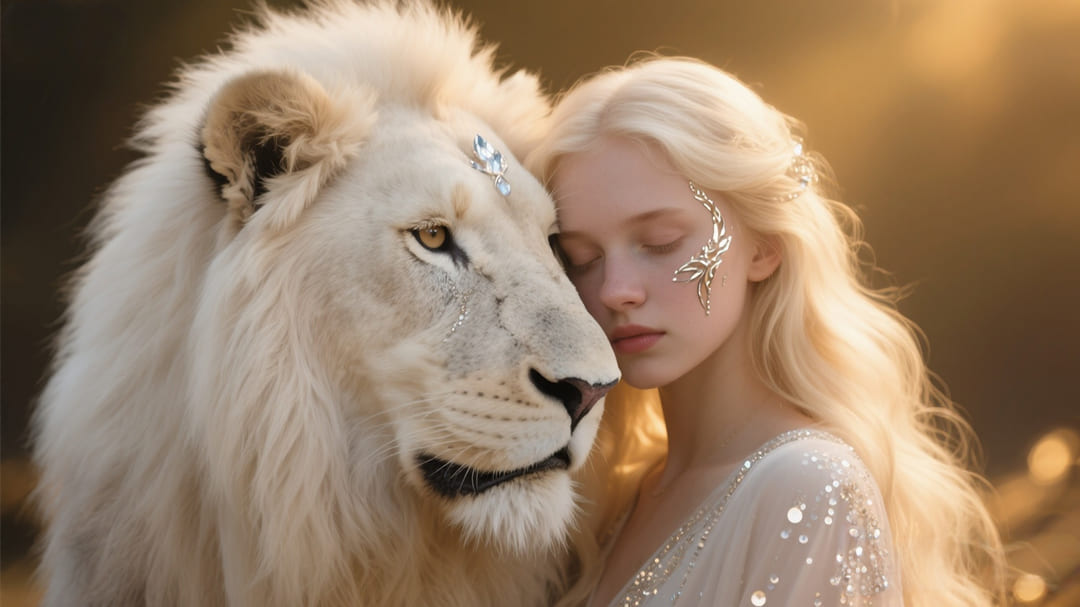
Forget about generic-looking conversions. With the best reference to video AI, your uploaded multiple reference images (characters, props, backgrounds — even separate pieces) can be fused seamlessly. The result is a video that preserves every visual detail intact, bringing them to life with natural motion and a harmonious overall style.
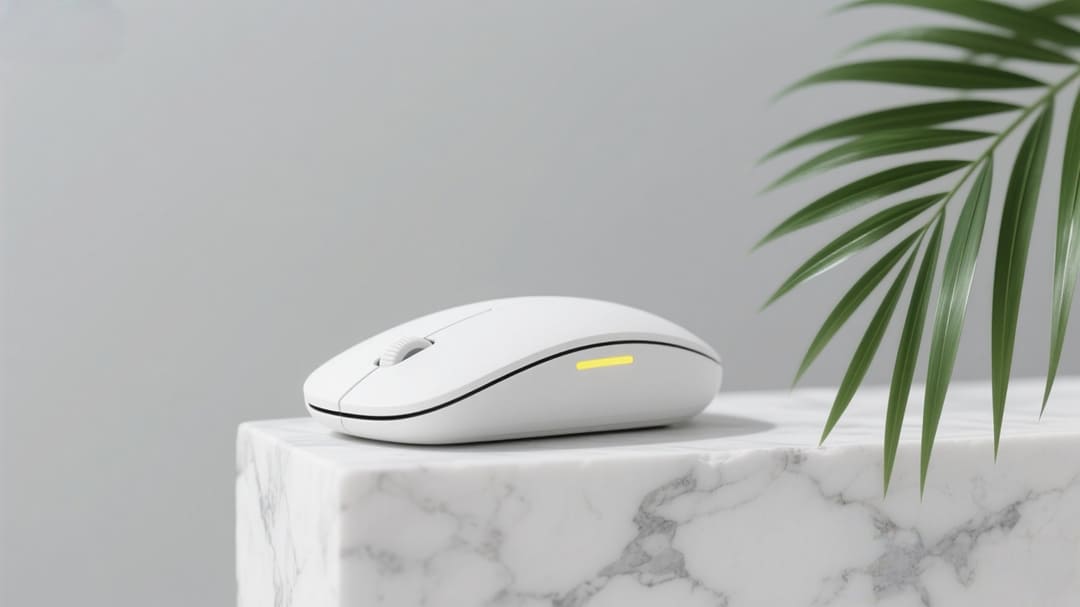
A well-crafted prompt shapes the scene and animation, guiding every detail (e.g. "Two girls walk through a sunlit campus path, chatting and laughing as the camera follows, capturing their lively expressions in a warm, relaxed mood"). The reference to video generator then brings your vision to life by managing the character motion, camera angles, lighting effects, and mood, creating expressive, cohesive clips instead of random, disjointed motion.
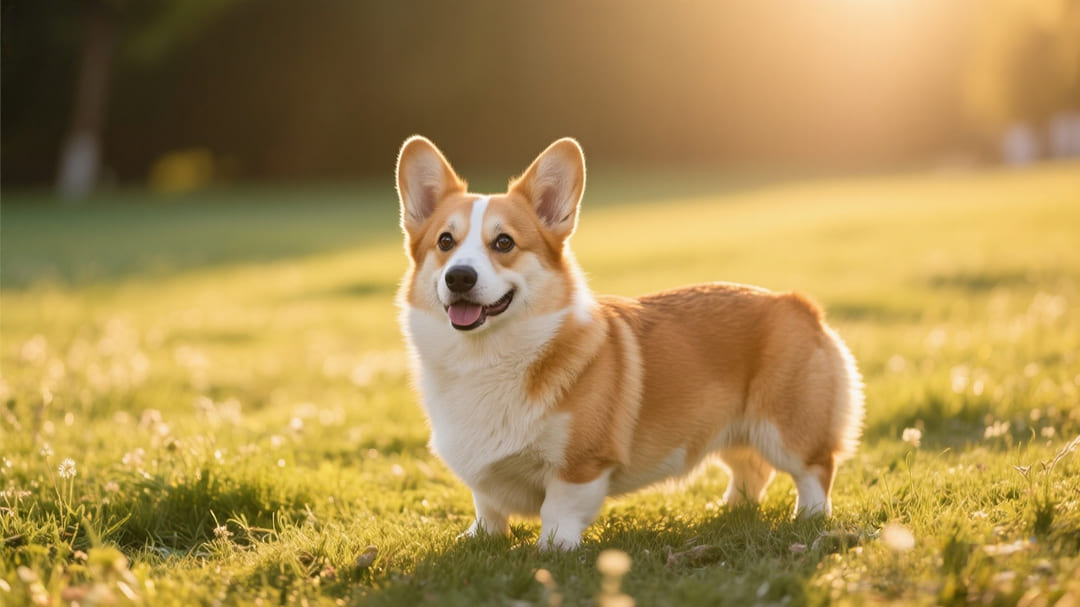
The best reference to video AI offers unparalleled flexibility to transform images into dynamic AI videos while keeping characters and objects visually consistent. You can add characters and objects into specific scenes, generate entirely new scenes for characters or objects, or combine multiple characters to build interactive scenes. Mango AI makes it easy to produce professional, creative visuals with minimal effort.

Start by uploading 1 to 3 images that represent the characters, objects, or scenes you want to bring to life. Enter a prompt to describe the scene you envision.
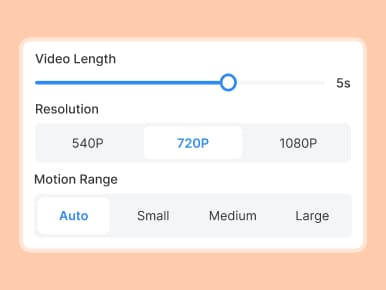
Adjust the video length (1-10 seconds), select the appropriate aspect ratio for your project, choose your preferred resolution, and configure the motion range to control the level of animation detail.
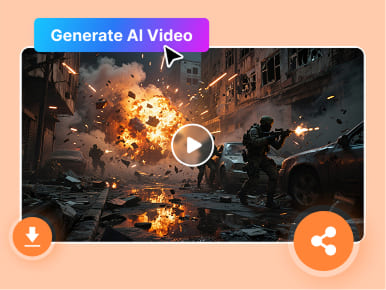
Tap "Generate" and watch your reference images transform into a visually and sonically rich video clip. Your vision is brought to life in moments, ready for use in marketing, social media, or storytelling.
Mango AI reference to video generator turns multiple images into dynamic, consistent video clips. By uploading reference images and providing a descriptive prompt, you can instantly generate movie-like videos with smooth animations and a stunning audio-visual experience.
Mango AI reference to video generator allows you to create videos in 5 different aspect ratios (16:9, 9:16, 4:3, 3:4, and 1:1), ensuring your content fits perfectly for various purposes, whether it's business, marketing, product showcases, or social media.
You can upload up to 3 images, with a minimum of 1 image required. The reference image to video tool supported files in JPG, JPEG, and PNG formats.
Yes, audio generation is supported with Mango AI multiple image to video generator. You are able to output videos with generated speech and background music based on the provided prompt. Note that generating audio will require additional credits.
Yes! Our reference to video AI supports reprompting and regenerating videos. If you want to tweak the scene or adjust the animation style, simply provide a new prompt or modify the existing one to create a refreshed version.