1.

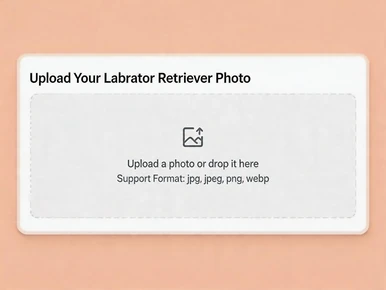
Upload a Labrador Retriever photo with a face

Upload a photo or drop it here
Support Format: jpg, jpeg, png, webp
Remove BG
Try Sample Photos
Place Labrador Retriever sample on short meadow grass in soft morning light
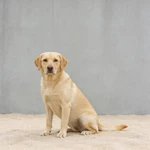
Show Labrador Retriever sample before a wide cool gray concrete wall
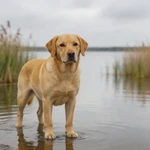
Frame Labrador Retriever sample at a still pond edge with blurred reeds
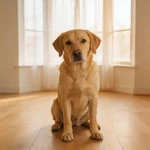
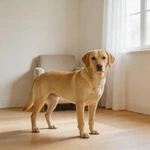
Set Labrador Retriever sample in a bright bay window on plain floor
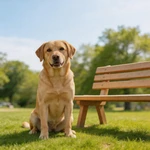
Display Labrador Retriever sample beside a simple park bench
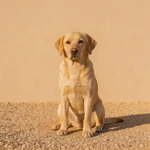
Present Labrador Retriever sample on fine gravel in front of a single buff wall
Feature Labrador Retriever sample in a nearly empty study nook
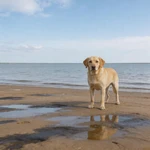
Capture Labrador Retriever sample on wet sand at a calm lake shore
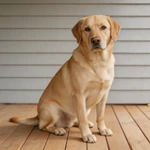
Picture Labrador Retriever sample on a wide plain wooden porch
Portray Labrador Retriever sample on a clean sidewalk by a long painted wall
Highlight Labrador Retriever sample beside one simple wooden planter
Show Labrador Retriever sample on a small empty wooden dock over still water
2.

Select an AI model

Mango AI 1.0
Fastest speed, standard video quality
Mango AI 2.0
New
Highest video quality, body movements
3.

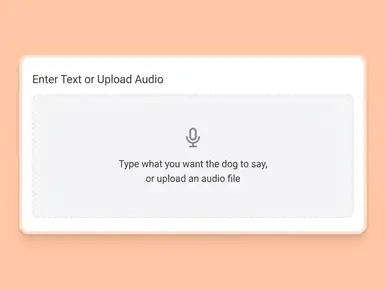
Enter text, upload or record audio to let your Labrador Retriever talk

Input text
Upload audio
Record audio
Pause

Video Settings
AI Voices
Facial Pose
Lip Scale
Remove Watermark

See a Talking Labrador Retriever Example

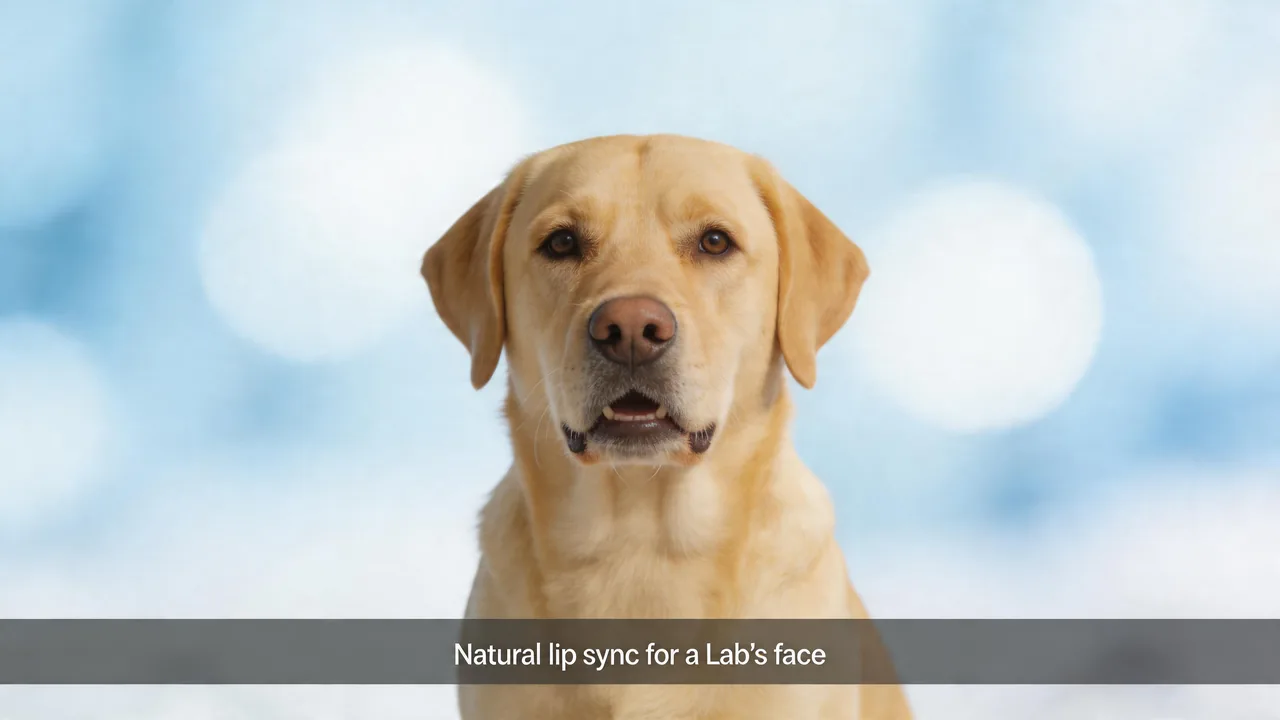
The demo below shows real output from Mango AI: the mouth follows the soundtrack while the rest of the face stays natural. Use it to set your expectations for timing and look before you try it with your own Lab.

Why Mango AI for Talking Labrador Retriever Videos

Sync That Holds Up to a Retriever's Broad, Friendly Face

A Labrador has a wide muzzle, soft jowls, and an open, friendly look—so anything off in mouth timing is easy to spot. Mango AI ties mouth and related facial motion to the audio you supply so the moment feels like one performance, not a static picture with a track dropped on top. The point is identity: the dog in the video should read as your dog. When the motion matches the sound, the same clip can carry family news, a playful post, or a short message for a local business without a new shoot or a hand-built animation.

Sync a Labrador Retriever photo mouth to your audio with natural lip movement

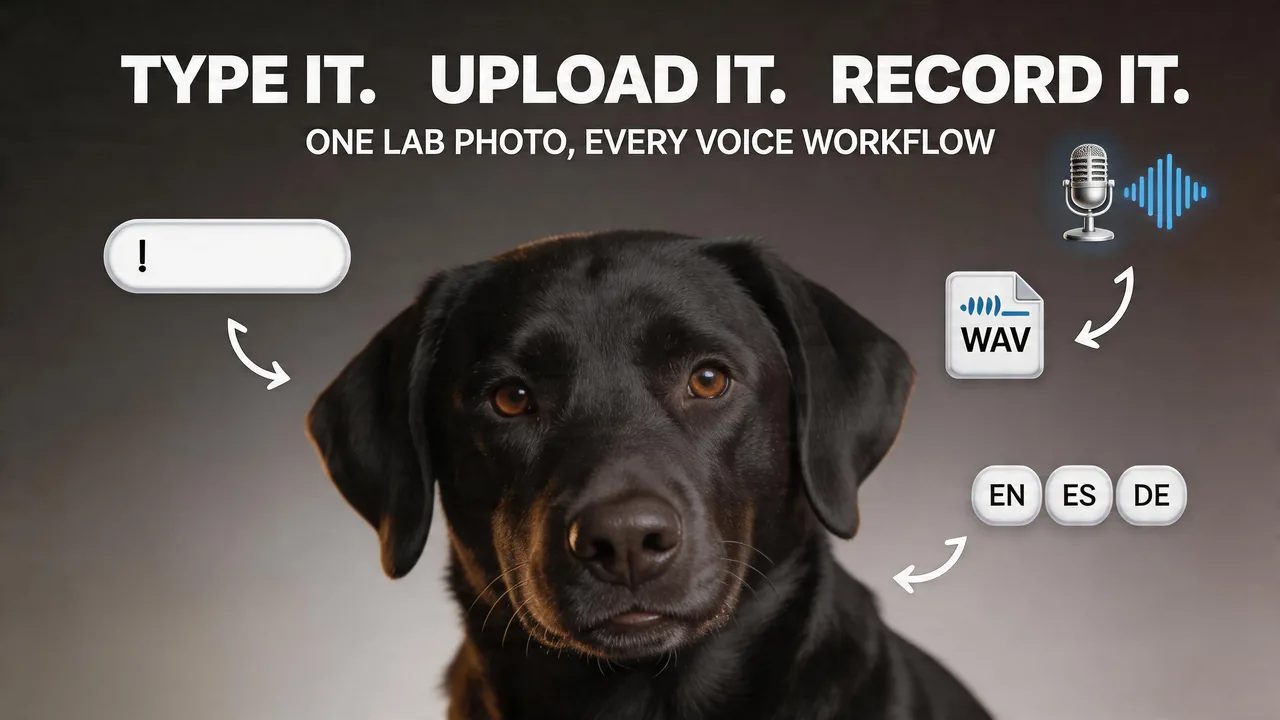
Your Line, Your Sound—TTS, Files, and Mic on One Image

The same Lab portrait can carry a polished read, a file you already like, or a more personal take—each route lands on lip motion matched to the soundtrack. Pacing and wording stay in your hands; the model's job is to make the face respond like it belongs to that audio. For multilingual or multi-region work, a consistent Lab photo can anchor a campaign while the language layer changes. The picture stays the character; the voice layer carries the local message—handy for brands, educators, and anyone running repeated formats.

Add text-to-speech, file audio, or mic voice to a Labrador Retriever photo

Still Portraits, Big Personality—No Second "Performance"

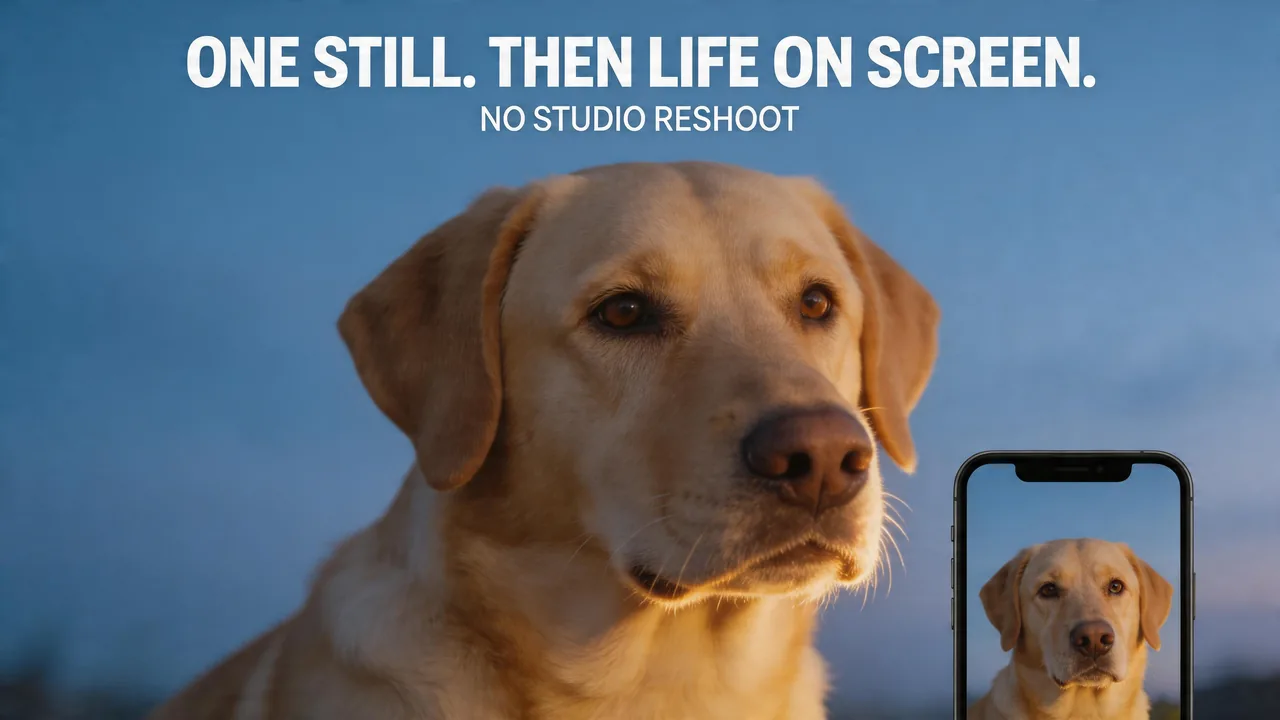
A strong, well-lit headshot is often enough. Many people begin from an everyday phone image where the eyes, nose, and mouth read clearly. The frame stays still; the life comes from how the model reacts to the track. That keeps iteration cheap: you can change the line or the read without another session trying to get the dog to cooperate on video. It also fits teams with one approved pet portrait, or shelters and small shops that want a single trusted photo to speak for the brand in a few seconds on screen.

Create a talking Labrador Retriever video from one clear front-facing photo

MP4s Built for Feeds, Shorts, and Site Embeds

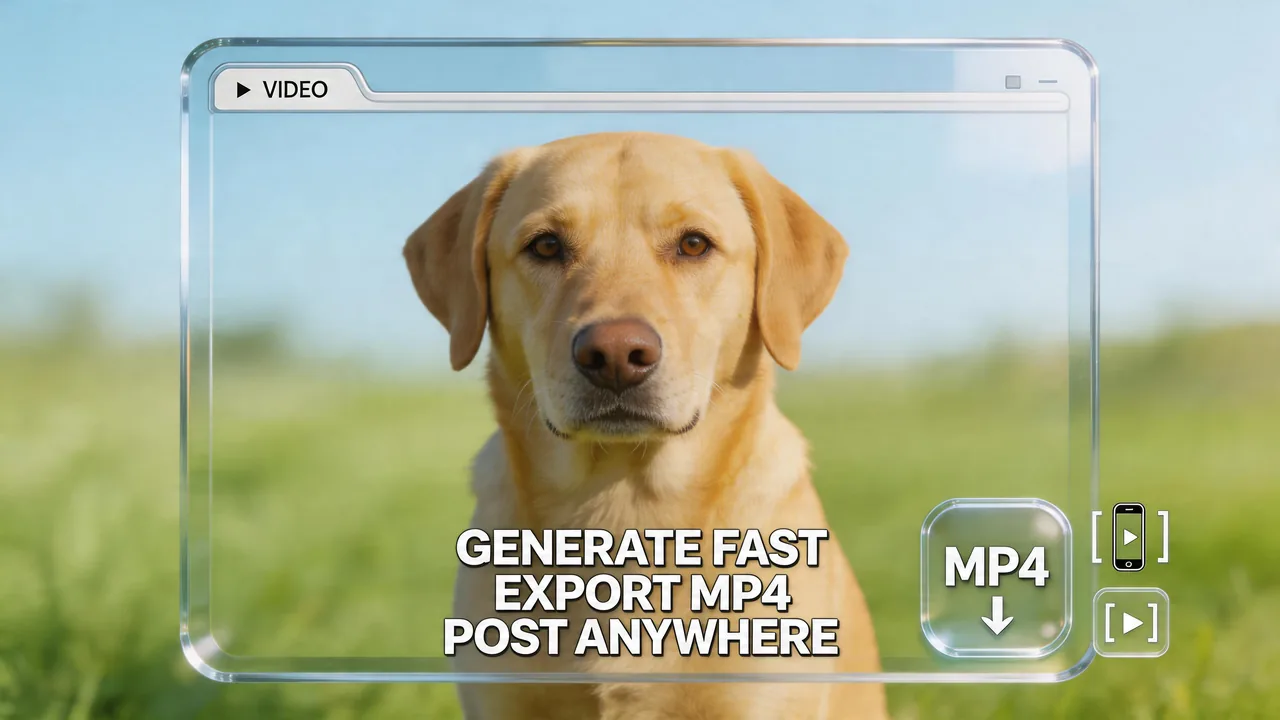
Mango AI runs in the browser, and the file you take away is a straightforward MP4 for the channels you already use—short vertical feeds, YouTube, or a simple embed on a product or event page. Less time gets lost in handoffs and long timelines. The emphasis stays on a compact talking moment that lands in one watch—not on managing a full post house for a single message.

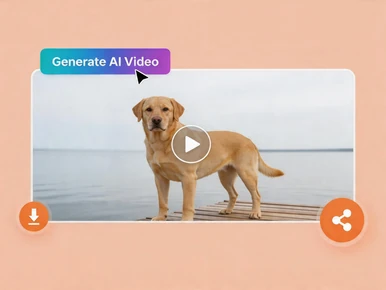
Download and share a talking Labrador Retriever video as MP4 for social media

How to Create a Talking Labrador Retriever Video in 3 Steps with Mango AI

Upload a Labrador Retriever photo to create a talking video with Mango AI

1. Upload your photo

Choose a sharp, front-facing shot with the full face visible. Even light across the muzzle helps—especially for black or chocolate Labs where shadows can hide detail. A straight-on angle usually gives the most stable lip sync. Use your own photo or pick from the sample gallery.

Enter text or upload audio to make your Labrador Retriever talk

2. Add a Voice

Type your script and pick a voice, upload a recording, or use the built-in recorder. The tool syncs your audio to your Lab's mouth automatically.

Generate a talking Labrador Retriever video and download or share it

3. Generate and Download

Click "Generate AI Video", wait for processing to finish, then save your MP4 and share it wherever you need.

Popular Ways to Use Talking Labrador Retriever Videos

Social media

Lovable Labs make strong hooks. Short clips work for organic posts, ads, or channel intros that need a warm, recognizable face.

Personal greetings

Holidays, birthdays, or group messages with the family dog as the on-screen "speaker."

Pet businesses

Trainers, groomers, vet clinics, and retailers can get hours, tips, or promos in front of people with a mascot customers already like.

Education and training

Routines, safety reminders, or family-friendly "how we do it at our house" stories.

Community and nonprofit

Adoption events, volunteer asks, or fundraiser updates in a relatable, shareable format with a dog people root for.

Memories and tributes

A favorite portrait can carry a few sincere seconds of matched motion and sound—sometimes shared only with close friends and family.

FAQs About Talking Labrador Retriever Video Generator

What is a talking Labrador Retriever video?

A short clip made from your Lab's photo where mouth movement is animated to match your audio, so the dog appears to speak or deliver a message.

What photo works best for a Labrador?

A clear, front-facing shot with the muzzle easy to see. Even lighting helps, including on black or chocolate coats where deep shadows on the face can make detail harder to read. Steep side angles, heavy blur, and anything blocking the mouth get in the way. Images where the dog is looking at the camera tend to work best.

Do black, yellow, and chocolate Labs all work?

Yes, coat color is not the main issue. A sharp, well-lit face and a visible mouth area matter more.

Does it work with Lab puppies and adults?

Yes, as long as the face is visible and the image is reasonably clear.

Can I use my own voice?

Yes. Personal recording, a file you provide, and AI text-to-speech are all supported, and all sync to lip movement.

Do I need to install software?

No. The experience runs in your browser, with no separate install.

How are my photos handled?

Uploads are processed securely for generation. See Mango AI's Privacy Policy for storage and retention details.

Does this work with other dog breeds?

This page is tailored to Labrador Retrievers, but other breeds are fine with a clear, front-facing photo that suits lip sync.

Create Your Talking Labrador Retriever Video Online