Turn any Golden Retriever photo into a talking video. Add your image and a voice track, and you get a clip where your dog appears to speak—mouth movement and expressions stay matched to the audio.
1.
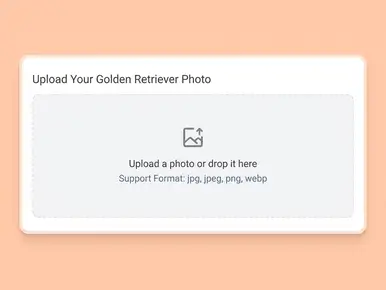
Upload a Golden Retriever photo with a face
Upload a photo or drop it here
Support Format: jpg, jpeg, png, webp
Remove BG
Try Sample Photos
2.
Select an AI model
Mango AI 1.0
Fastest speed, standard video quality
Mango AI 2.0
New
Highest video quality, body movements
3.
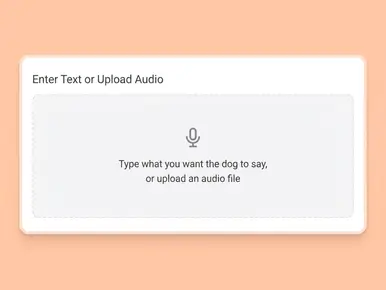
Enter text, upload or record audio to let your Golden Retriever talk
Input text
Upload audio
Record audio
Pause
Upload a audio or drop it here
You can upload up to of audio.
Record Audio Now
You can record up to 30 seconds of audio.
Video Settings
AI Voices
Facial Pose
Small
None
Small
Medium
Big
Lip Scale
Medium
Small
Medium
Big
Remove Watermark
See How Your Golden Retriever Comes to Life
Here's what a talking Golden Retriever actually looks like. The AI matches lip movements to your audio and keeps all the natural charm of your dog's face intact.
Why Choose Our AI Talking Golden Retriever Generator?
Realistic Lip Sync That Actually Looks Right
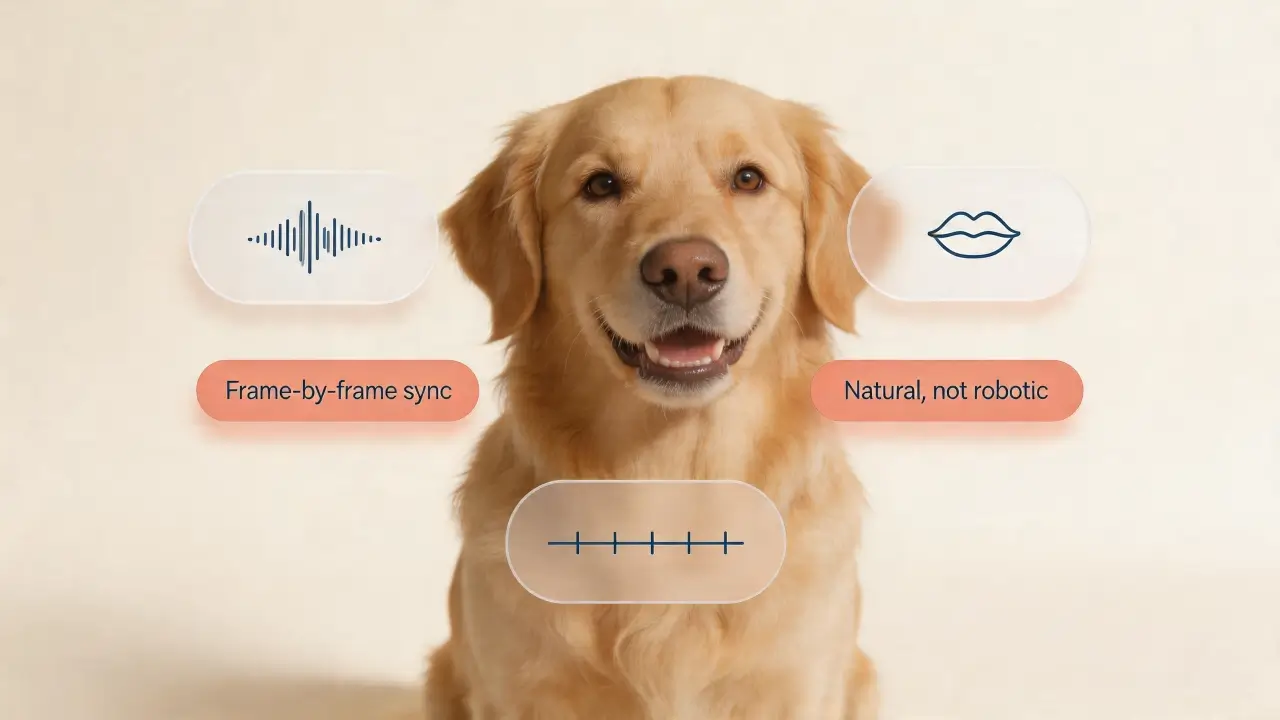
Golden Retrievers have big, expressive mouths — and our AI knows how to work with them. Upload any photo and the generator matches lip movements to your audio frame by frame. The result looks natural, not glitchy or robotic. Whether your Golden is smiling wide or resting with its mouth closed, the animation adapts to the photo you give it.
Works with Any Voice — Yours, AI, or a Recording
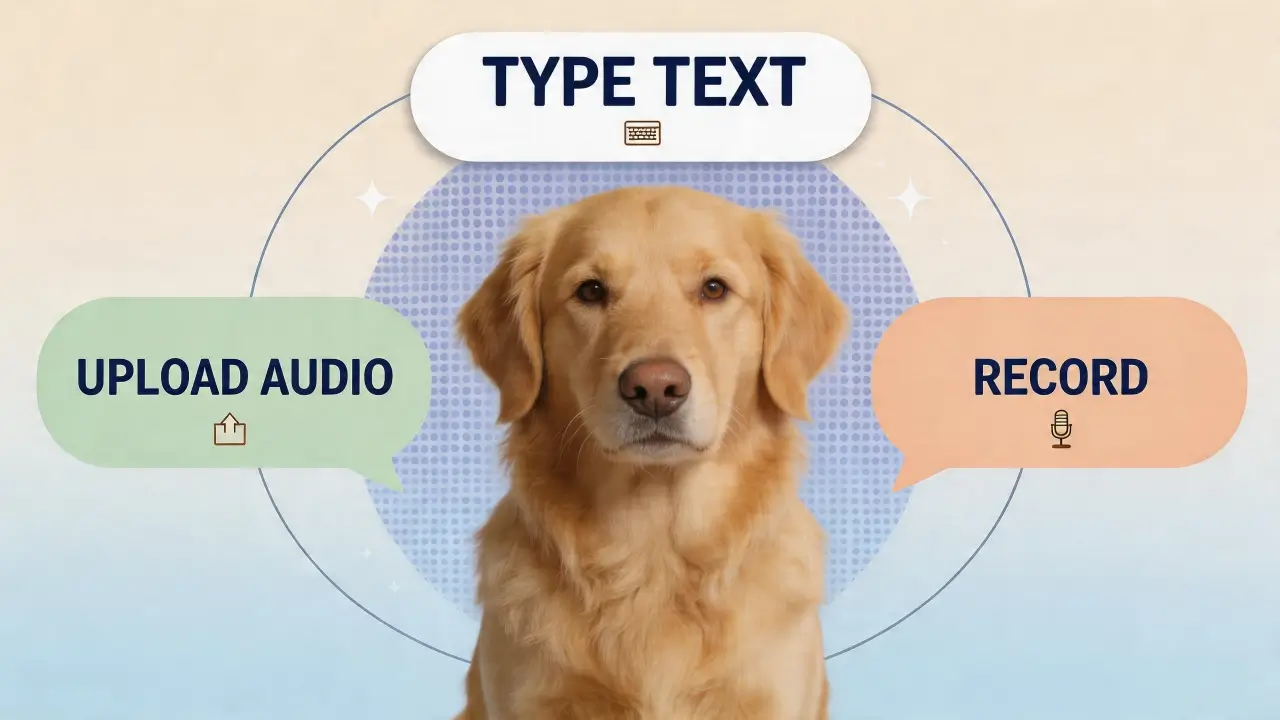
You get three options: type text and let our AI voice engine read it, upload an audio file you already have, or record your own voice on the spot. Want your Golden Retriever to sound like a sports commentator? Go for it. Want it to wish Grandma happy birthday in your own voice? That works too. Multiple languages and accents are available if you need them.
Built for Golden Retrievers Specifically
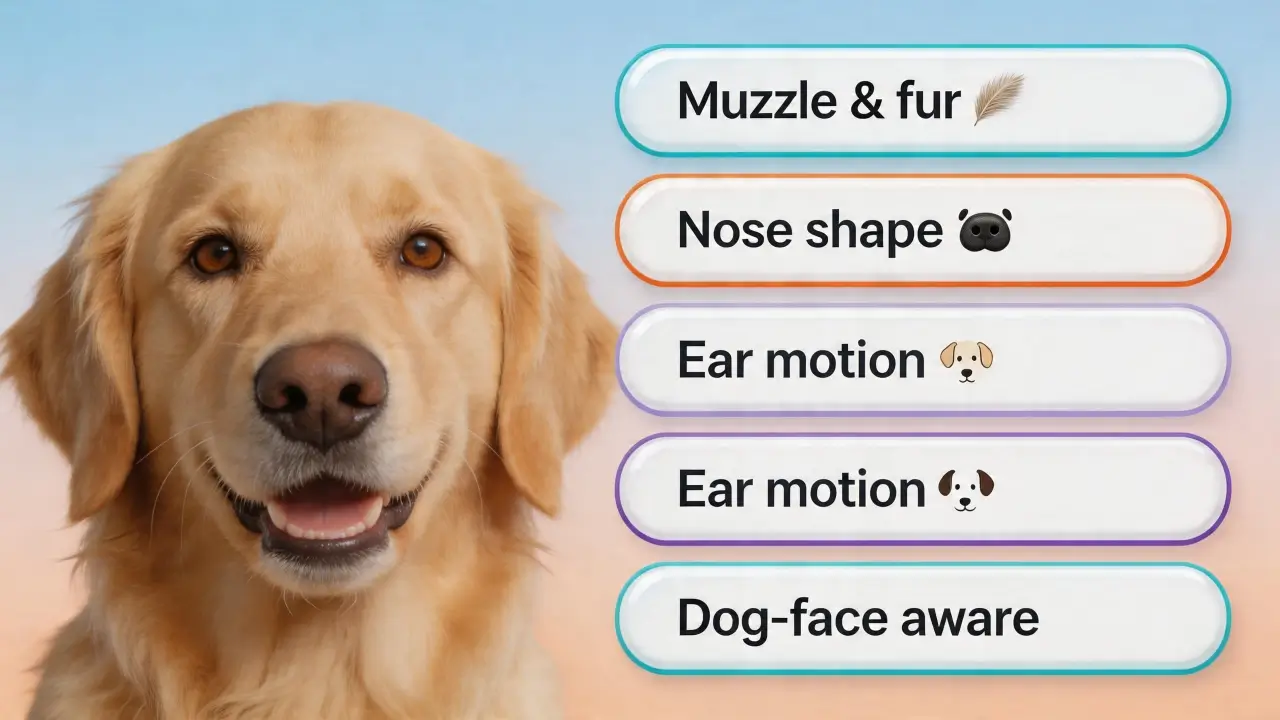
This isn't a generic animal tool. The AI is trained on dog faces and handles the specific features of Golden Retrievers well — the fur around the muzzle, the wide nose, the floppy ears. You get better results than you would with a one-size-fits-all photo animator because the model understands what a Golden Retriever face actually looks like.
Share-Ready Videos in Under a Minute
No editing software, no timeline, no export settings. You upload a photo, pick a voice, and hit generate. The video is ready to download and post to TikTok, Instagram Reels, YouTube Shorts, or wherever your audience is. Golden Retriever content already performs well on social media — add a talking twist and you've got something people actually want to share.
How to Make Your Golden Retriever Talk in 3 Easy Steps
1. Upload a Golden Retriever Photo
Pick a clear, front-facing photo where your Golden Retriever's face is fully visible. Good lighting helps. A straight-on angle works better than a side profile. You can use your own photo or choose from our sample gallery.
2. Add a Voice
Type the words you want your dog to say and pick an AI voice, or upload your own audio file. You can also hit the record button and speak directly. The AI will sync whatever audio you provide to your Golden Retriever's mouth movements.
3. Generate and Download
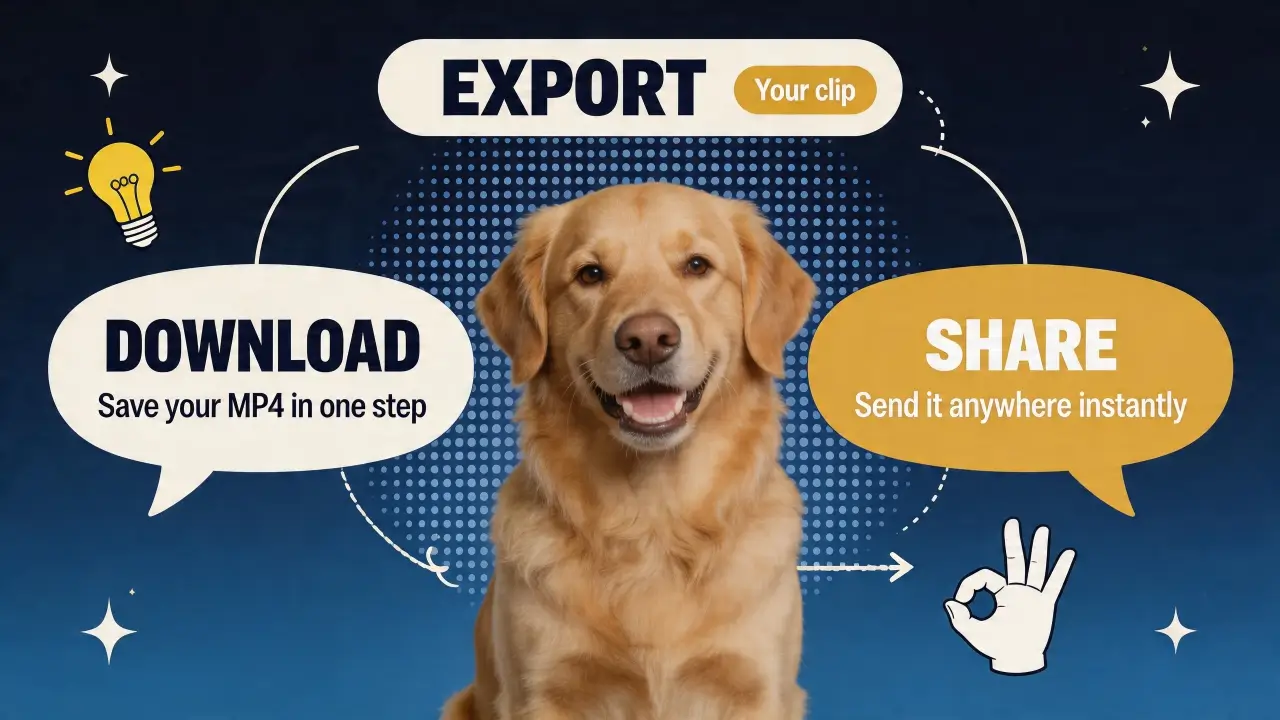
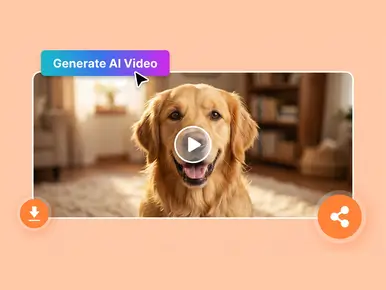
Press "Generate AI Video", give it a moment to finish rendering, then open the preview, save the file, and share it on any channel you like.
Use Cases for Talking Golden Retriever
Social Media Content
Golden Retrievers dominate pet content on every platform. A talking Golden Retriever video stops people mid-scroll. Use it for TikToks, Reels, or YouTube Shorts.
Birthday & Holiday Greetings
Skip the generic e-card. Make your Golden Retriever deliver the birthday message instead. Works for Christmas, New Year, or any holiday.
Pet Business Marketing
If you run a dog grooming salon, pet store, or veterinary clinic, a talking Golden Retriever can be your spokesperson.
Family Fun & Personal Memories
Your Golden Retriever can "narrate" a family vacation, comment on the kids' homework, or give a pep talk before a big game.
Educational Content
Teachers and pet educators use talking animal videos to keep audiences engaged. A Golden Retriever explaining dog care tips makes information more memorable.
Pet Memorial & Tribute
For Golden Retriever owners who've lost their dog, a talking video can be a meaningful way to remember them.
Trusted by Creators and Pet Lovers Worldwide
Here's what people are saying about Mango AI across major review platforms.
It's a short video where a Golden Retriever photo is animated to move its mouth in sync with audio — making it look like the dog is actually speaking. You provide the photo and the voice (text-to-speech, uploaded audio, or your own recording), and the AI handles the rest.
What kind of Golden Retriever photo works best?
Use a clear, front-facing photo with good lighting. The dog's face should be fully visible — no sunglasses, no extreme angles, no heavy shadows. Photos where the Golden Retriever is looking directly at the camera produce the best results.
Can I use a Golden Retriever puppy photo?
Yes. The AI works with puppies and adult dogs alike. As long as the face is clear and front-facing, you'll get good results regardless of the dog's age.
Can I use my own voice for the Golden Retriever?
Absolutely. You can record your voice directly in the tool, upload a pre-recorded audio file, or type text and let an AI voice handle it. All three options sync to the lip movements automatically.
How long does it take to generate a talking Golden Retriever video?
Usually under a minute. The exact time depends on the length of your audio and which model you choose (Mango AI 1.0 is faster, Mango AI 2.0 produces higher quality).
Is there a limit on video length?
It depends on which model you use. With Mango AI 1.0, your finished talking video can be up to 15 minutes long. With Mango AI 2.0, each generated video is up to 30 seconds long.
Do I need to install any software?
No. The tool runs entirely in your browser. No downloads, no installs. Just open the page, upload your photo, and start creating.
Can I use the talking Golden Retriever video for commercial purposes?
Yes, videos generated with a paid plan can be used commercially — for marketing, social media business accounts, or client work. Check the specific plan details for usage rights.
Is my Golden Retriever photo stored or shared?
Your photos are processed securely and not shared with third parties. See the Privacy Policy for full details on data handling.
Does this work with other dog breeds?
Yes. This page is built for Golden Retrievers, but you can use it with other dog breeds too when you have a clear, front-facing photo that works well for lip sync.