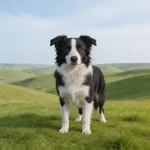
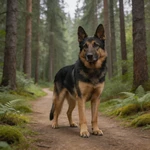
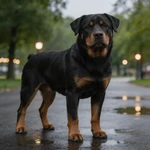
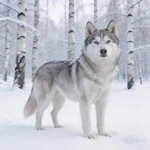
Mango AI animates your dog's mouth to match your audio so it looks like your pet is really speaking. Upload a front-facing photo, add text-to-speech, an audio file, or a voice recording, then generate a shareable video in your browser.
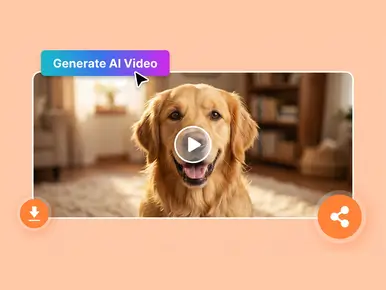
The demo below shows real output from Mango AI: mouth movement follows the soundtrack while the rest of the face stays natural. Use it to judge quality before you upload your own dog.
Viewers judge talking-pet content in the first second — if the mouth feels "pasted on", they scroll. Mango AI aligns lip and related facial motion to the audio or text-to-speech you provide, so syllables read on the muzzle and timing stays believable across different dog shapes and coat lengths. The result is a performance that still looks like your dog, with sync stable enough for punchlines, promos, and quick-hit social posts.

Creators rarely ship one voice for every idea: brand reads need polish, personal jokes need your real tone, and sometimes the best take is already on disk. Mango AI supports text-to-speech, audio upload, and in-browser recording so you can match delivery to the script and audience without re-shooting your pet. Multiple languages and accents help you localize the same dog character for different markets or communities. You keep creative control in the audio layer while the tool handles the lip performance on the image.

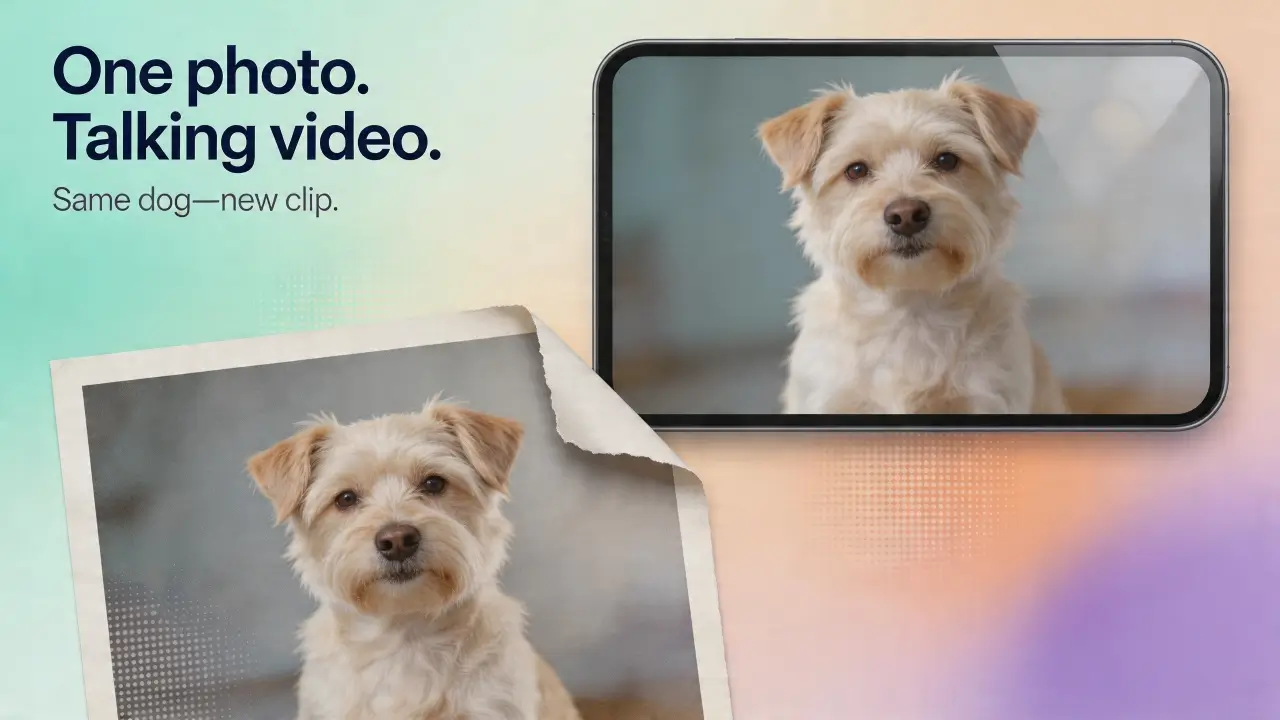
You only need one clear, front-facing photo of your dog. Mango AI uses that single image as the base for the whole clip: your dog stays recognizable, and the mouth and related facial motion are driven by the audio or text-to-speech you provide — so you get a complete "talking" performance without filming video, without multiple angles, and without a traditional animation rig.

Short-form channels reward a tight loop from concept to a file you can actually post. Mango AI focuses on fast generation, then a straightforward download you can drop straight into TikTok, Instagram Reels, YouTube Shorts, or embedded placements on a site. You avoid rebuilding a full edit timeline for simple talking, ideal for creators and pet brands that need repeatable output on a calendar.


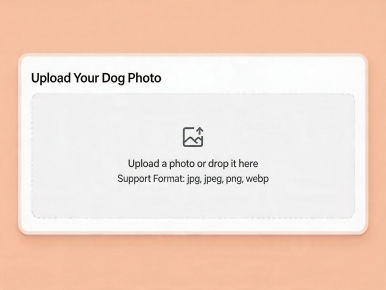
Upload a sharp, front-facing image with the full face visible. Good lighting and a straight-on angle produce the most stable lip sync. You can use your own photo or pick from the sample gallery.

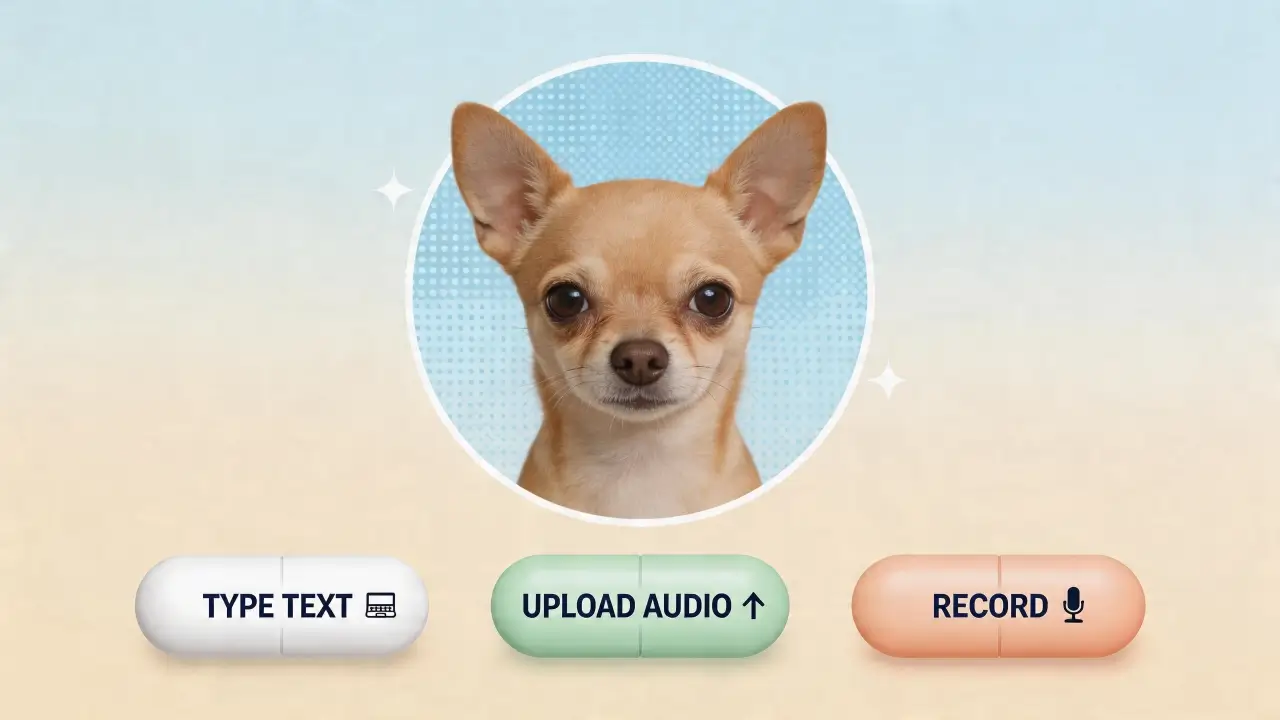
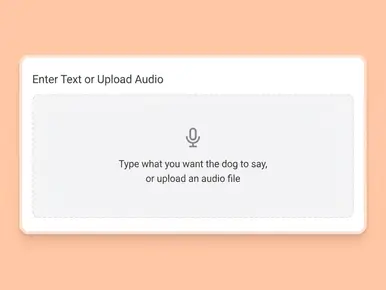
Enter the words you want spoken and select a voice, upload an existing recording, or use the built-in recorder. The tool syncs your audio to your dog's mouth automatically.

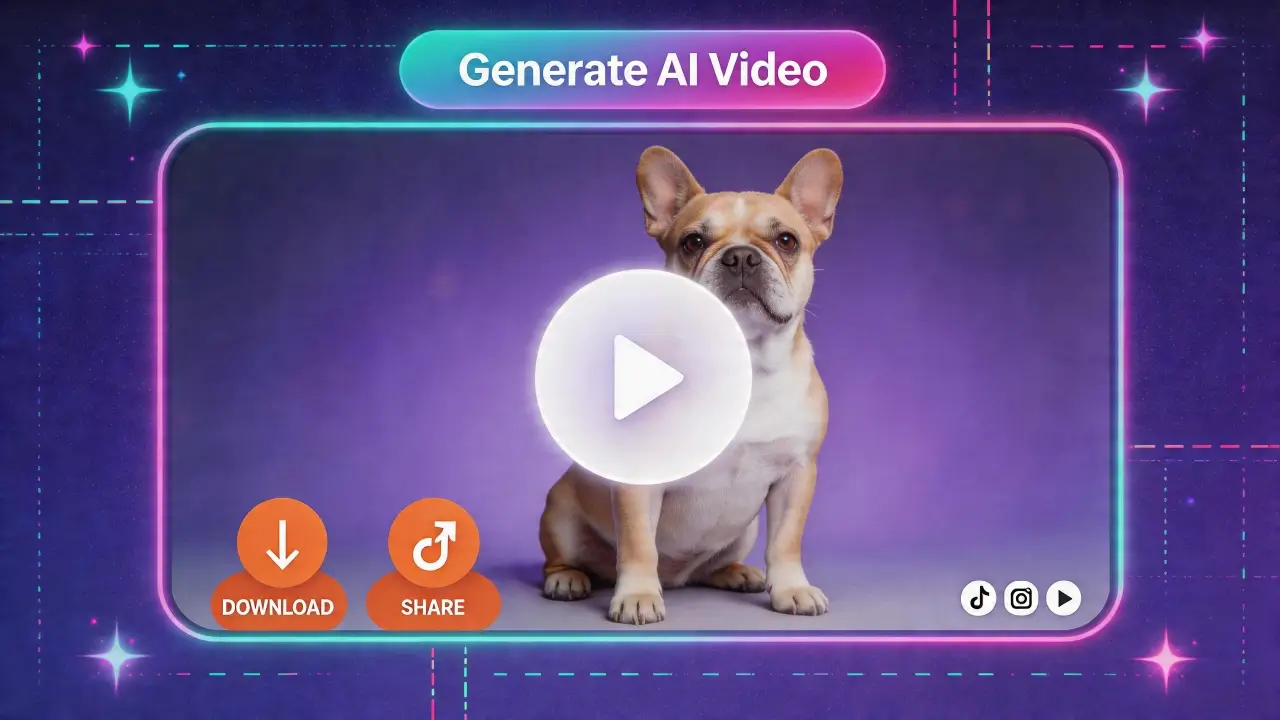
Click "Generate AI Video", wait for processing to finish, then save your MP4 and share it wherever you need.
Short talking pet clips perform well on short-form platforms. Use them for organic posts, ads, or channel intros that need a fast hook.
Send birthday messages, holiday wishes, or inside jokes with your dog as the "speaker" — ideal for family chats and group messages.
Vets, groomers, trainers, and pet retailers can announce offers, hours, or tips with a memorable mascot instead of plain text.
Explain rules, routines, or care steps with a friendly dog character to keep viewers engaged, especially in youth-focused content.
Highlight adoptable dogs or fundraising goals with a short scripted clip that is easy to reshare across channels.
Turn a favorite portrait into a gentle talking clip: your dog seems to speak a short tribute while lip motion follows the soundtrack. Many families keep it private—shared only with people who knew the dog best.
Mango AI is rated on leading software review platforms. Below are aggregate scores and typical feedback from users who create talking pet and talking photo content.


It is a short video made from your dog's photo where mouth movement is animated to match supplied audio, so the dog appears to speak or deliver a message.
Use a clear, front-facing shot with the face unobstructed. Avoid heavy shadows on the muzzle, extreme side angles, and accessories that cover the mouth.
Yes. As long as the face is visible and reasonably sharp, both puppies and adults are supported.
Absolutely. You can record your voice directly in the tool, upload a pre-recorded audio file, or type text and let an AI voice handle it. All three options sync to the lip movements automatically.
Limits depend on the model. Mango AI 1.0 supports longer outputs; Mango AI 2.0 focuses on higher quality with a shorter maximum duration per clip. Check the in-product description for current limits.
No. The tool runs entirely in your browser. No downloads, no installs. Just open the page, upload your photo, and start creating.
Uploads are processed securely for generation. See Mango AI's Privacy Policy for details on storage and retention.
Any breed works when the input photo meets face visibility and angle guidelines—from small dogs to large breeds and mixed rescues.
Yes, videos generated with a paid plan can be used commercially — for marketing, social media business accounts, or client work. Check the specific plan details for usage rights.