1.

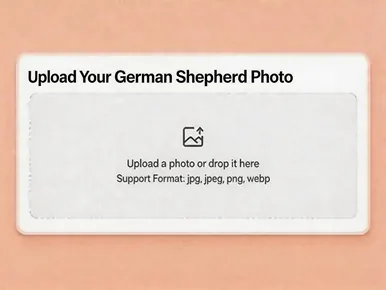
Upload a German Shepherd photo with a face

Upload a photo or drop it here
Support Format: jpg, jpeg, png, webp
Remove BG
Try Sample Photos
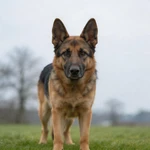
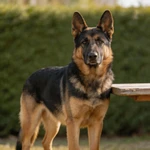
Place German Shepherd sample on open grass with soft blurred trees behind
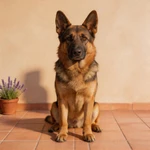
Show German Shepherd sample on terracotta tiles before a warm plaster wall
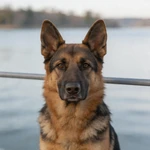
Frame German Shepherd sample beside a quiet lakeside railing
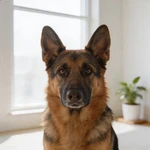
Set German Shepherd sample in a bright window nook with one potted plant
Display German Shepherd sample beside a weathered outdoor wood table
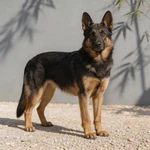
Present German Shepherd sample on gravel before a gray wall with bamboo shadow
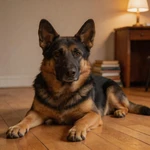
Feature German Shepherd sample in a minimal desk corner indoors
Capture German Shepherd sample on a grassy ridge under open sky
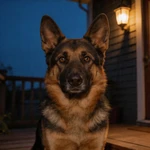
Picture German Shepherd sample on a plain stoop under one porch light
Highlight German Shepherd sample before a muted painted sidewalk wall
Portray German Shepherd sample beside one outdoor chair and a gray wall
Show German Shepherd sample on empty asphalt with a faded parking line
2.

Select an AI model

Mango AI 1.0
Fastest speed, standard video quality
Mango AI 2.0
New
Highest video quality, body movements
3.

Enter text, upload or record audio to let your German Shepherd talk

Input text
Upload audio
Record audio
Pause

Video Settings
AI Voices
Facial Pose
Lip Scale
Remove Watermark

Watch a Talking German Shepherd Sample

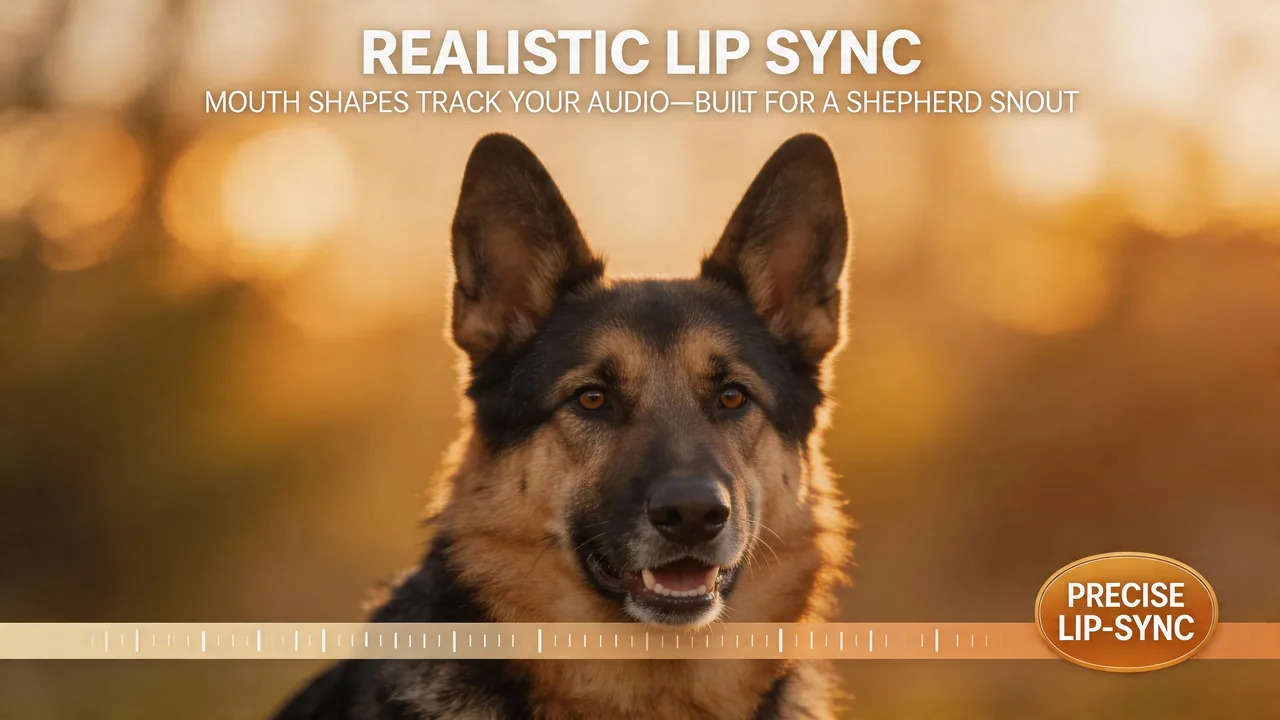
The preview below is straight from Mango AI's pipeline: syllables land on mouth movement while ears, coat, and lighting stay photographic. Skim it to set expectations, then swap in your own shepherd when you are ready to experiment with tone and pacing.

Why Creators Pick Mango AI for Talking German Shepherd Clips

Lip Sync That Respects a Shepherd's Bone Structure

German Shepherds carry a longer muzzle and a strong stop between the eyes—details viewers read instantly when timing feels off. Mango AI maps mouth opening, closure, and related micro-motion to the audio you supply, whether that is synthetic speech or a human recording, so the performance reads as continuous rather than a static portrait with a soundtrack slapped underneath. That fidelity matters when your shepherd is the face of a training tip, a kennel update, or a playful reel: you keep the breed's recognizable silhouette while the dialogue does the storytelling—no reshoots, no frame-by-frame masking in an editor.

Match your German Shepherd portrait to the soundtrack with believable mouth timing

Audio Workflows Built for Real Projects

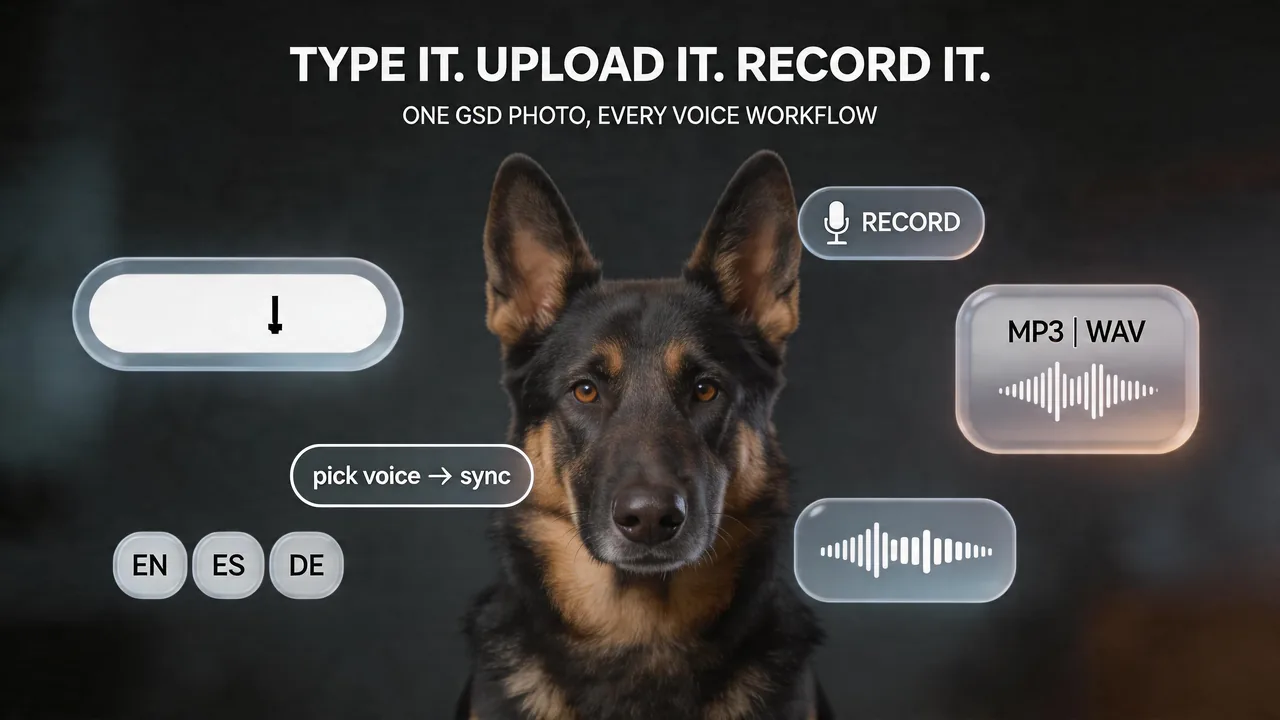
Draft in the text box when you want repeatable wording; import a WAV or MP3 when the perfect take already lives on your phone; open the recorder when you need warmth, sarcasm, or a last-second script change. You steer cadence and emphasis; the tool translates that energy into motion on the photo. Need the same dog in multiple markets? Pair your hero image with multilingual TTS reads so one portrait can anchor English announcements, Spanish reminders, or German club notices—swap voices, keep the visual constant, ship batches faster.

Add dialogue with typed lines an uploaded take or a quick in-browser recording

From Single Portrait to Finished Clip

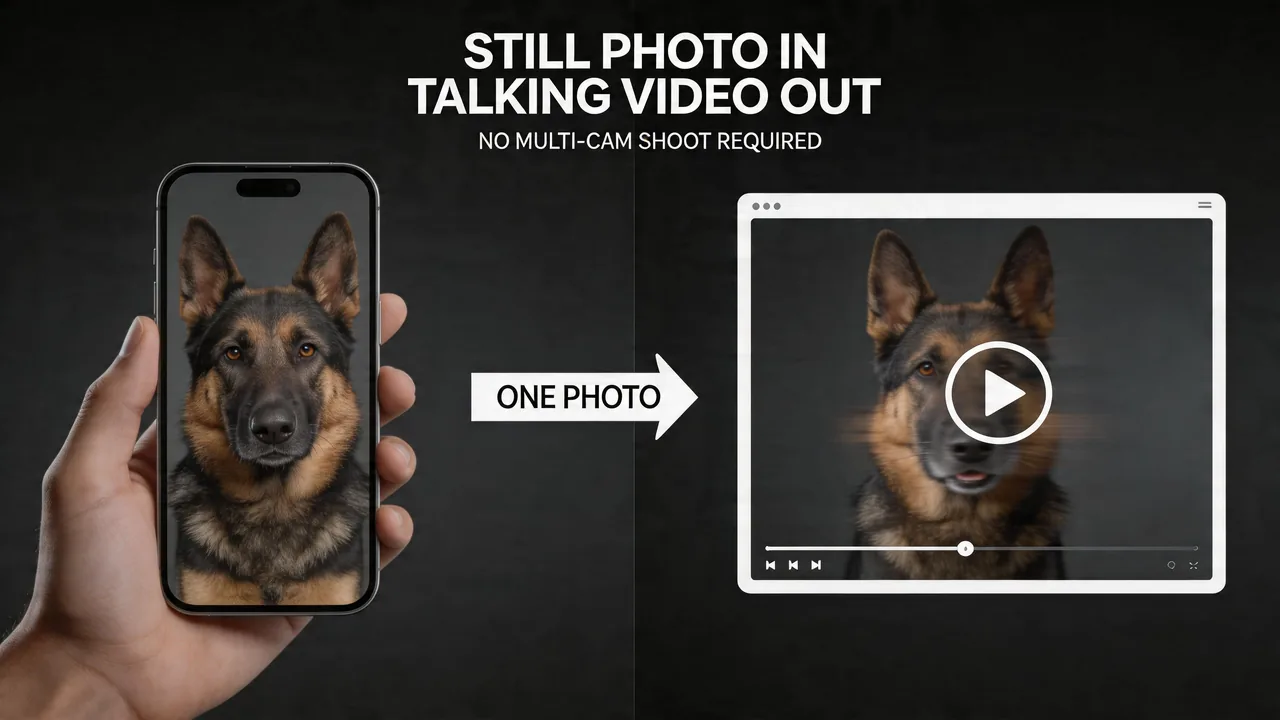
Skip the multi-angle video day. A well-lit, frontal capture—often an everyday smartphone shot where eyes, nose, and mouth read clearly—is enough to seed the scene. The still becomes your stage; motion emerges from how the model responds to phonemes in your track. Iterating copy no longer means asking your dog to hold another mark on camera. Shelters, sport clubs, and family pages can all start from an approved headshot and spin fresh lines whenever messaging shifts.

Turn one sharp shepherd portrait into a short talking performance

Browser Workflow, MP4 Finish

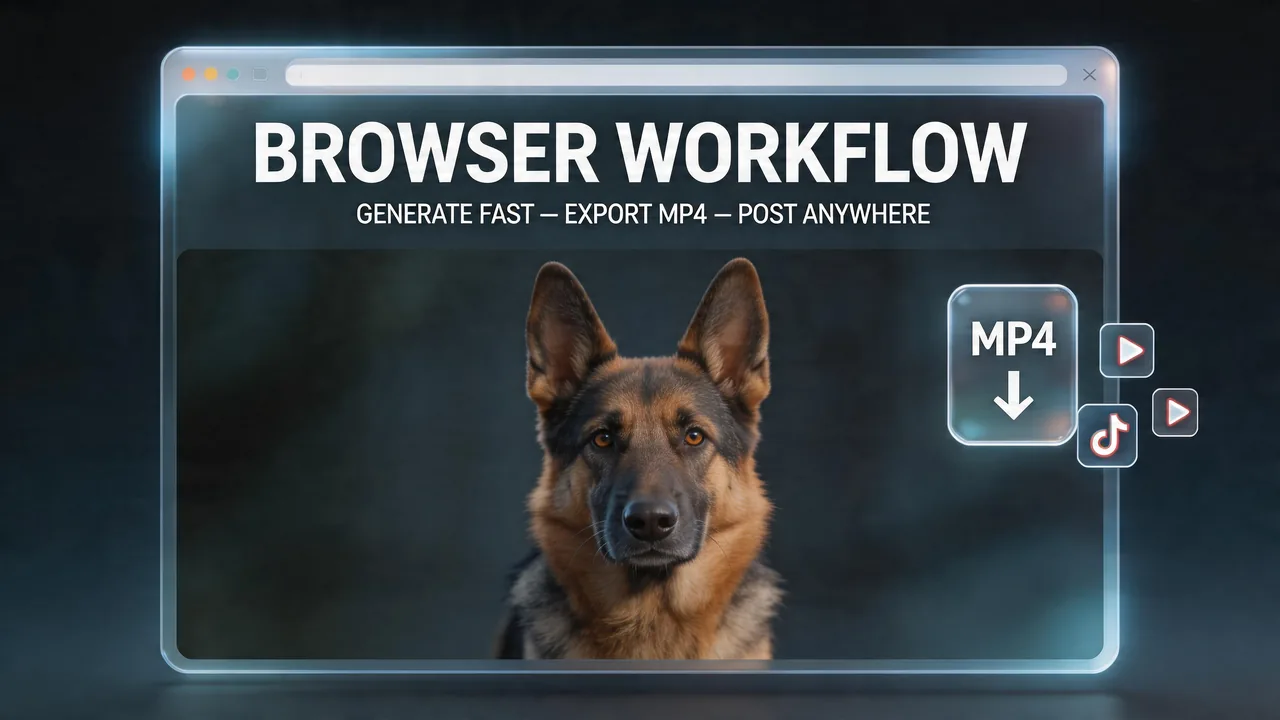
Upload, score, generate, download: the loop stays in the tab you already have open. Export MP4 and drop it into Shorts, Reels, TikTok, embedded players, or internal comms channels without wrestling a heavyweight NLE for a ten-second talking beat. Teams spend less time on handoffs; solo makers can A/B a punchline, regenerate, and publish while the idea is still hot. The point is a crisp talking moment—not a miniature post house on your desktop.

Save the finished clip and share it on social feeds or embed it on your site

How to Make a Talking German Shepherd Video in 3 Steps

Add your German Shepherd still as the frame the animation builds from

1. Upload your photo

Pick a sharp, forward-facing frame with the full face visible. Even light and a level camera reduce drift on a deep muzzle. Use your own image or start from the sample gallery if you want to explore the controls first.

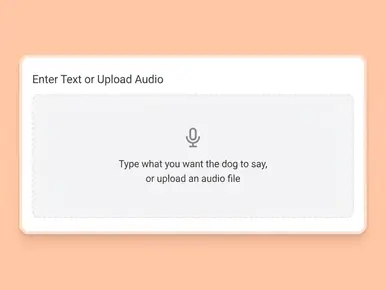
Enter text or upload audio to make your German Shepherd talk

2. Add your voice

Type a script and choose a voice, bring in an existing recording, or capture a new line in-browser. Lip alignment runs automatically against the audio you attach.

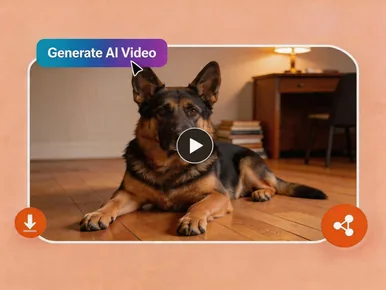
Generate the video and review your talking shepherd result

3. Generate and Download

Run "Generate AI Video", wait for processing, then save your MP4 and publish wherever your audience already scrolls.

Where Talking German Shepherd Videos Shine

Social and creator content

Shepherds photograph with natural authority—use that presence for hooks, skits, or explainers that need to stop thumbs mid-feed.

Personal messages

Birthdays, deployment homecomings, or inside jokes with your GSD as the on-screen narrator.

Working-dog and sport communities

Handlers, trainers, and clubs can spotlight trials, health reminders, or event logistics with a mascot people already trust.

Pet businesses and breeders

Groomers, vets, and responsible programs can announce hours, litters, or education series without booking a video crew.

Safety and public awareness

Short PSAs or neighborhood updates gain memorability when delivered by a familiar local shepherd "spokesperson."

Memorials and legacy clips

Pair a beloved portrait with a short, carefully written line—often shared privately among people who knew the dog best.

Trusted by Creators Worldwide

Mango AI is reviewed on major software directories. The figures and quotes below mirror the broader talking-photo experience—pet creators, marketers, and educators who need fast lip-sync without a studio stack.

FAQs About the Talking German Shepherd Video Generator

What counts as a talking German Shepherd video?

A brief clip built from your GSD's photo where mouth motion follows your audio so the dog appears to deliver the line.

Which photos sync best?

Clear, front-facing shots with the mouth visible and minimal shadow across the muzzle. Avoid extreme three-quarter angles, motion blur, or props covering the lips. Eyes toward the lens usually stabilize results.

Do puppies and adults both work?

Yes. Young dogs and seniors are fine as long as facial features are readable and the file is sharp enough.

Can I use my own voice?

Yes—record in the product, upload a file, or type text for AI speech. Each path feeds the same automatic lip alignment.

Do I need to install software?

No. Generation runs in the browser without a separate install.

How are uploads handled?

Files are processed securely for creation. Refer to Mango AI's Privacy Policy for retention and storage specifics.

Are long-stock and stock coats both acceptable?

Yes, provided fur does not hide the mouth and the image meets angle and lighting guidelines.

What about other breeds?

This landing page targets German Shepherds, but any breed works when the portrait is front-facing and lip-sync friendly.

Ready to Hear Your German Shepherd "Speak"?