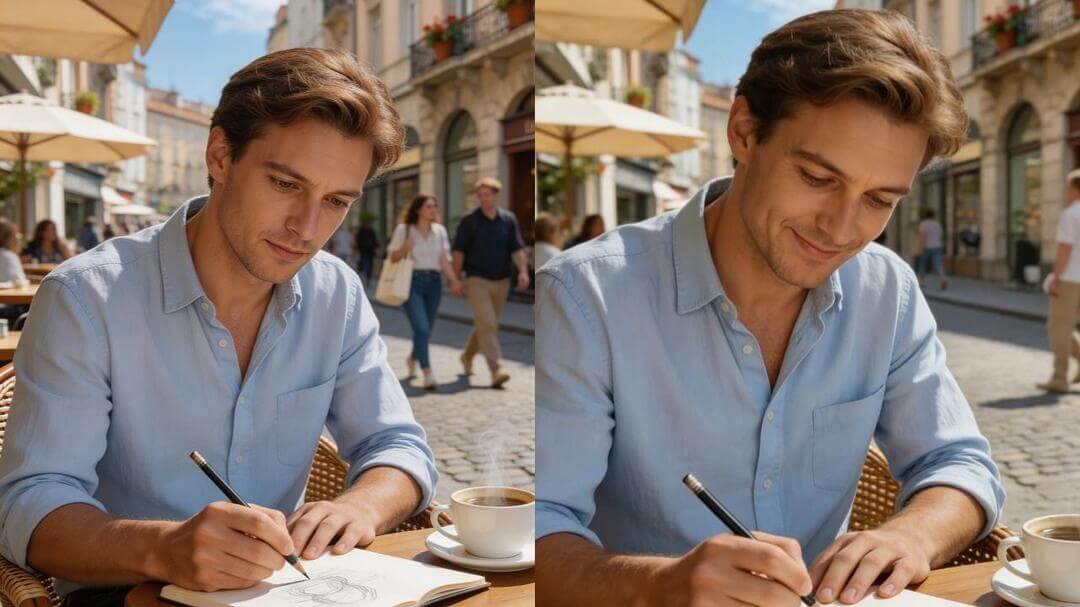
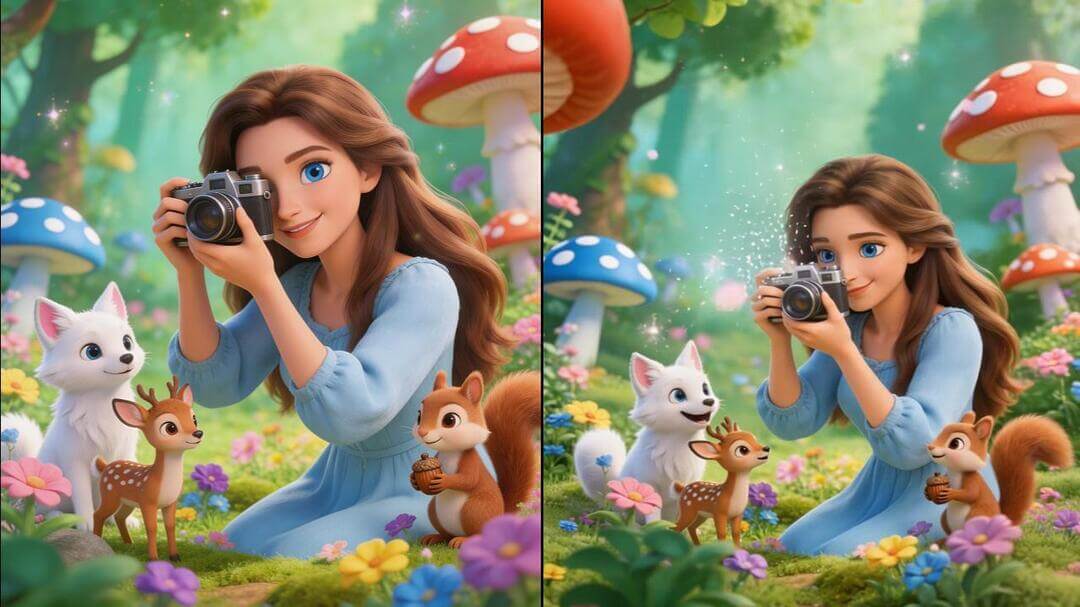
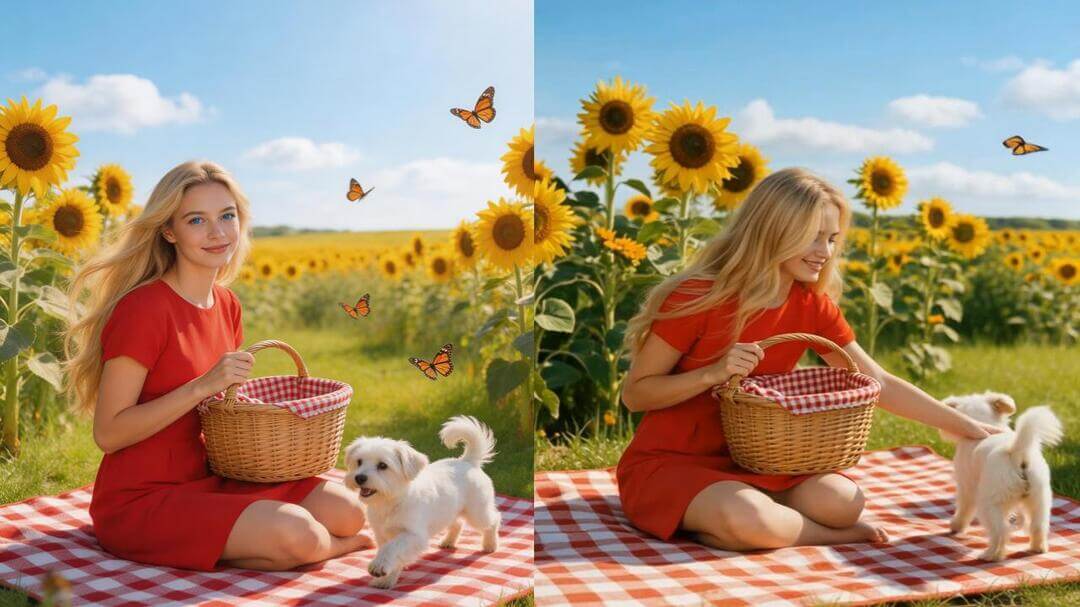
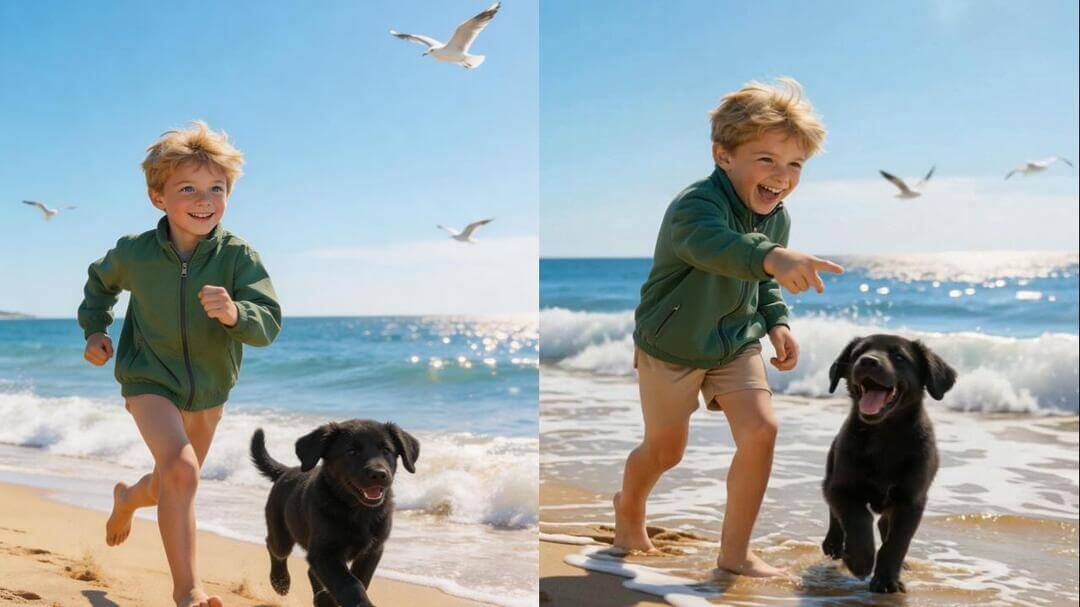
Turn still images into dynamic videos with our AI image animator. Simply upload an image, enter a prompt, and generate stunning animated videos in seconds. From fantasy scenes to dynamic actions, let your creativity flow.
Model
Seedance 1.5 Pro
Audio
Cinematic narrative quality with synchronized audio-visuals
Seedance 1.5 Pro
Audio
Cinematic narrative quality with synchronized audio-visuals
Seedance 2.0
Audio
Cinema-grade multi-modal video with native audio
Seedance 2.0 Fast
Audio
Fast, cost-effective multi-modal video generation
Seedance 1.0 Pro Fast
New
High-speed, Pro-level visuals
Seedance 1.0 Pro
New
Multi-shot narrative, smooth motion
Vidu Q2 Pro
Audio
Frame-level refinement, cinematic depth and detail
Image
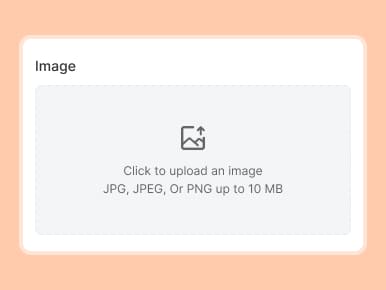
Upload a photo or drop it here
Support Format: jpg, jpeg, png, webp
Prompt
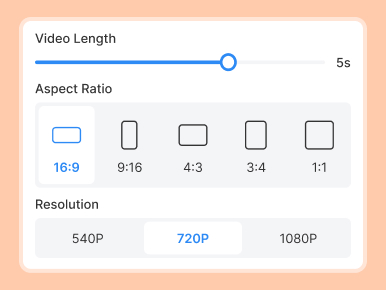
Video Length
5s
Resolution
480P
720P
Generate Audio
Generate List
Loading...
Animate Photos into Captivating Videos with Mango AI Image Animator
Want to make photos move? Upload a photo and describe the motion. Watch as the AI image animator delivers fluid animated videos effortlessly. Whether for fun, creative projects, or professional use, it's easy to add motion to your photos.
AI Animator from Image
Just upload a photo and start your exciting animation journey. Whether it's a portrait, a food shot, a product image, a landscape, or even an old photo, the AI image animator quickly converts it into an engaging, moving video. It's easy to use, and no video editing skills are required. Turn your photos into dynamic, imaginative creations.
Describe It, See It Move
Our AI photo animator gives you full control over creating photo animations. Just describe the changes you want for your photos. It could be changing styles, enhancing the atmosphere, altering motion paths, adding playful actions, or creating unique scenes. The AI captures your ideas and turns them into an eye-catching video. As long as you can describe it, we'll make it happen.
Realistic Motion Every Time
Unnatural-looking animations can ruin the viewing experience. The AI picture animator brings polished and natural motion to your photos. Subtle facial expressions or big movements all flow seamlessly. Slow actions stay smooth, fast movements remain clear, and complex scenes remain without stutters. Every AI image animation looks lifelike and wows viewers.
Versatile Animation for All
Unleash imagination and turn visions into reality. Use the image to animation AI tool to create viral funny clips, stylish e-commerce showcases, revived old photos, or unique art projects. Whether you're using it for entertainment or professional use, making photos move is a breeze. Share your created AI photo movement across any platform.
How to Make Photos Move with Mango AI
1. Upload Your Photo & Add a Prompt
First, upload an image you want to animate. Then enter a simple prompt to describe the motion or effect you'd like to see.
2. Adjust Video Settings
Choose the video length and resolution to get the best result for your project.
3. Generate and Share
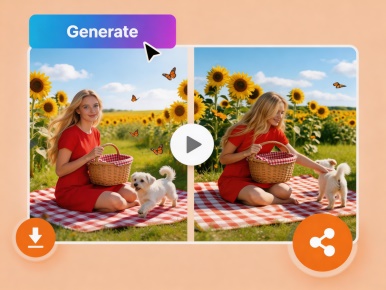
Click the "Generate AI Video" button to see your photo move. Once it's ready, download the video or share it anywhere you like.
FAQs About AI Image Animator
What is an AI image animator?
An AI image animator is a tool that uses artificial intelligence to transform static images into animated videos with natural and realistic motion.
How to animate a picture with Mango AI photo animator?
To animate a picture, upload an image, add a prompt to describe the motion, set the video length and resolution, and Mango AI photo animator will generate the photo animation for you.
Can I animate any photo with the AI image animation tool?
Absolutely! You can animate all kinds of photos, including portraits, animals, cartoons, landscapes, and more. This versatile tool is ideal for creating animations across a wide range of creative projects.
What image formats does AI image animator support?
The AI photo animator works with popular image formats, such as JPG, JPEG, PNG, and WEBP.
Can I use this AI picture animator on my phone or tablet?
Yes! Mango AI is a web-based platform, so you can simply visit our website on your phone or tablet—no app download needed to start animating.