1.

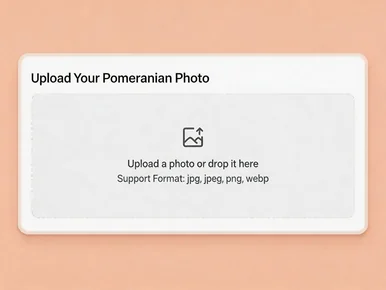
Upload a Pomeranian photo with a face

Upload a photo or drop it here
Support Format: jpg, jpeg, png, webp
Remove BG
Try Sample Photos
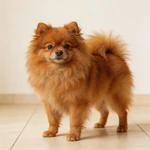
Display a Pomeranian sample standing on a light cream tile floor
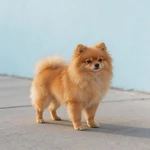
Show a Pomeranian sample standing by a pastel blue wall on a sidewalk
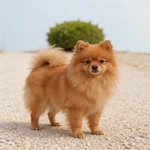
Feature a Pomeranian sample standing on a light gravel path
Present a Pomeranian sample standing in a bright room corner
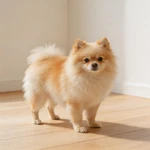
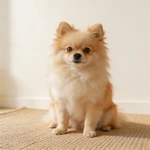
Display a Pomeranian sample sitting on a beige rug indoors
Show a Pomeranian sample sitting on a low stone edge with lawn behind
Feature a Pomeranian sample sitting beside a white planter on pavement
Present a Pomeranian sample sitting on a light tan step
Show a Pomeranian closeup sample on a light gray backdrop
Display a Pomeranian closeup sample on a muted green backdrop
Feature a Pomeranian closeup sample by a cream curtain
Present a Pomeranian closeup sample on a pale peach wall
2.

Select an AI model

Mango AI 1.0
Fastest speed, standard video quality
Mango AI 2.0
New
Highest video quality, body movements
3.

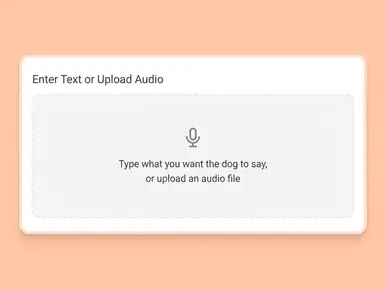
Enter text, upload or record audio to let your Pomeranian talk

Input text
Upload audio
Record audio
Pause

Video Settings
AI Voices
Facial Pose
Lip Scale
Remove Watermark

See a Pomeranian Talking Example

Preview the final effect before creating your own. This sample shows how a fluffy Pomeranian portrait keeps its style while mouth movement follows a real voice track.

Why Mango AI for Talking Pomeranian Videos

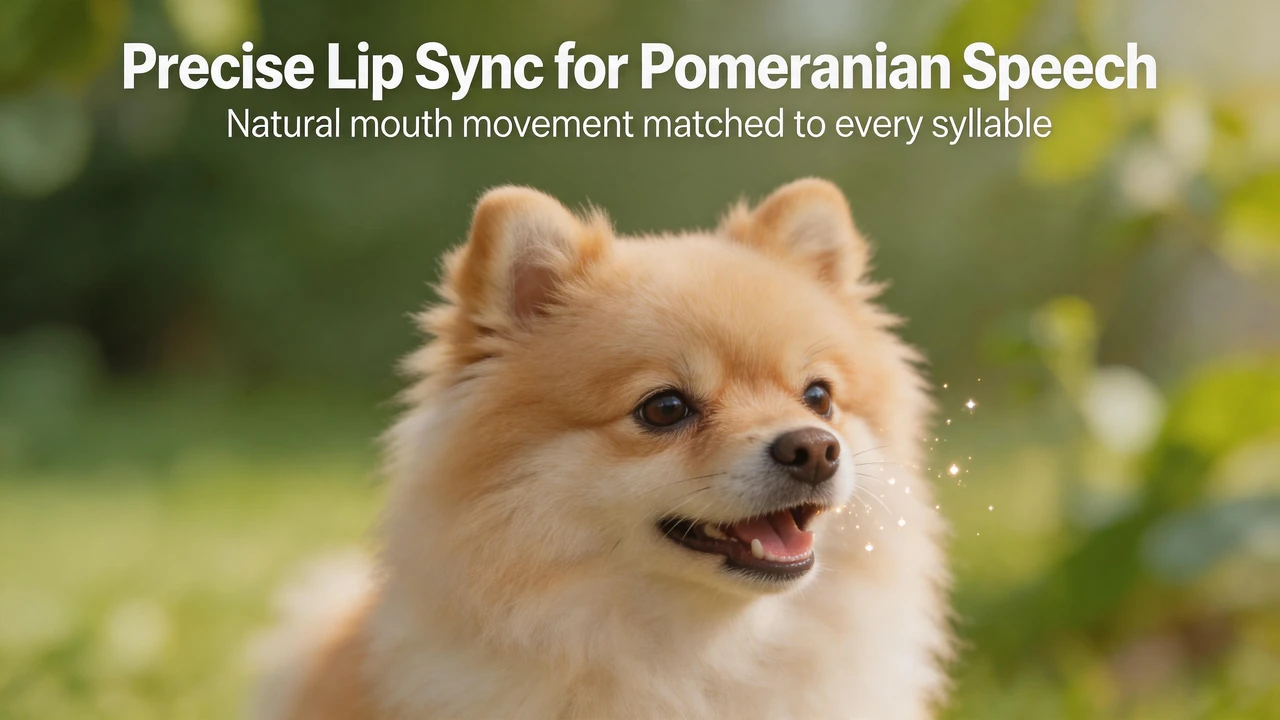
Make Pomeranian Speech Look Real with Precise Lip Sync

Pomeranians have compact facial features, so even small lip-sync errors are easy to notice. Mango AI aligns mouth movement with syllable timing to keep speech readable and stable throughout the line, while preserving the look of your original pet photo instead of over-processing it.

Match Pomeranian lip movement to each spoken syllable

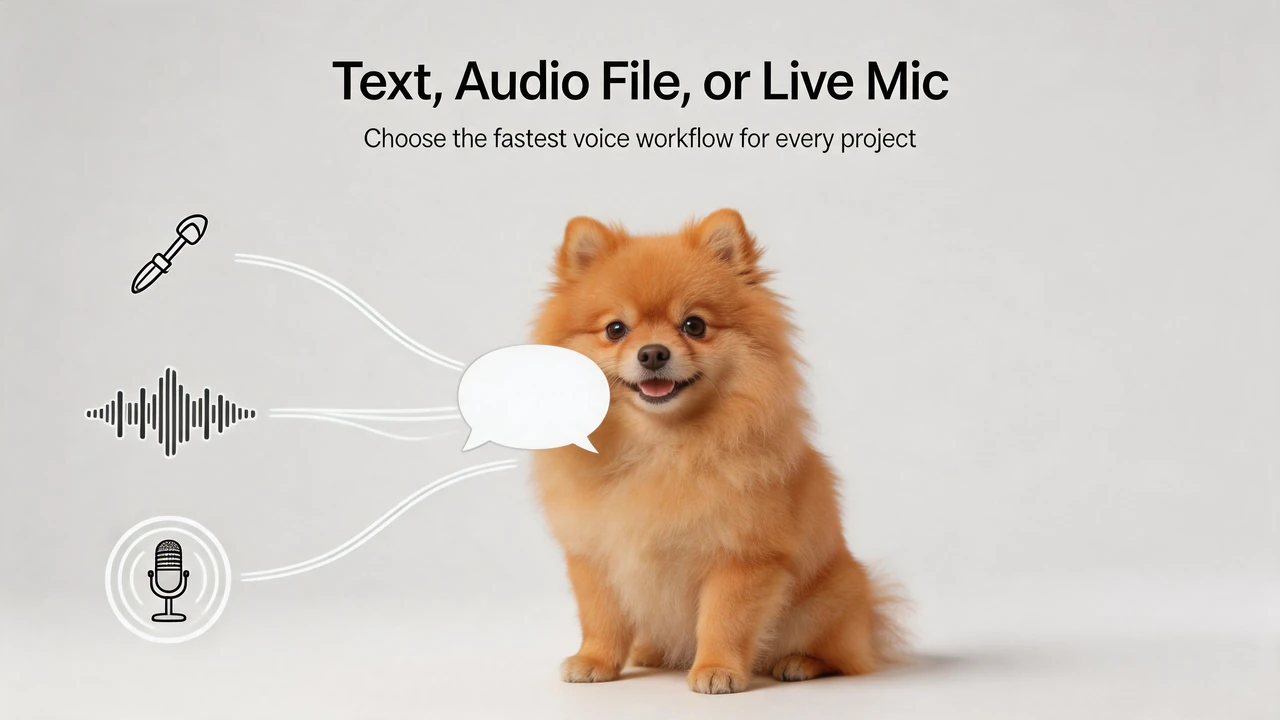
Add Voice Your Way: Text, File, or Real-Time Recording

Start with text to speech, import a prepared voice track, or use the built-in mic to capture a quick line; each input path runs through the same generation flow, making it easy to switch methods without rebuilding the project and to test language, tone, and pacing in one place.

Choose text audio file or live mic for Pomeranian voice input

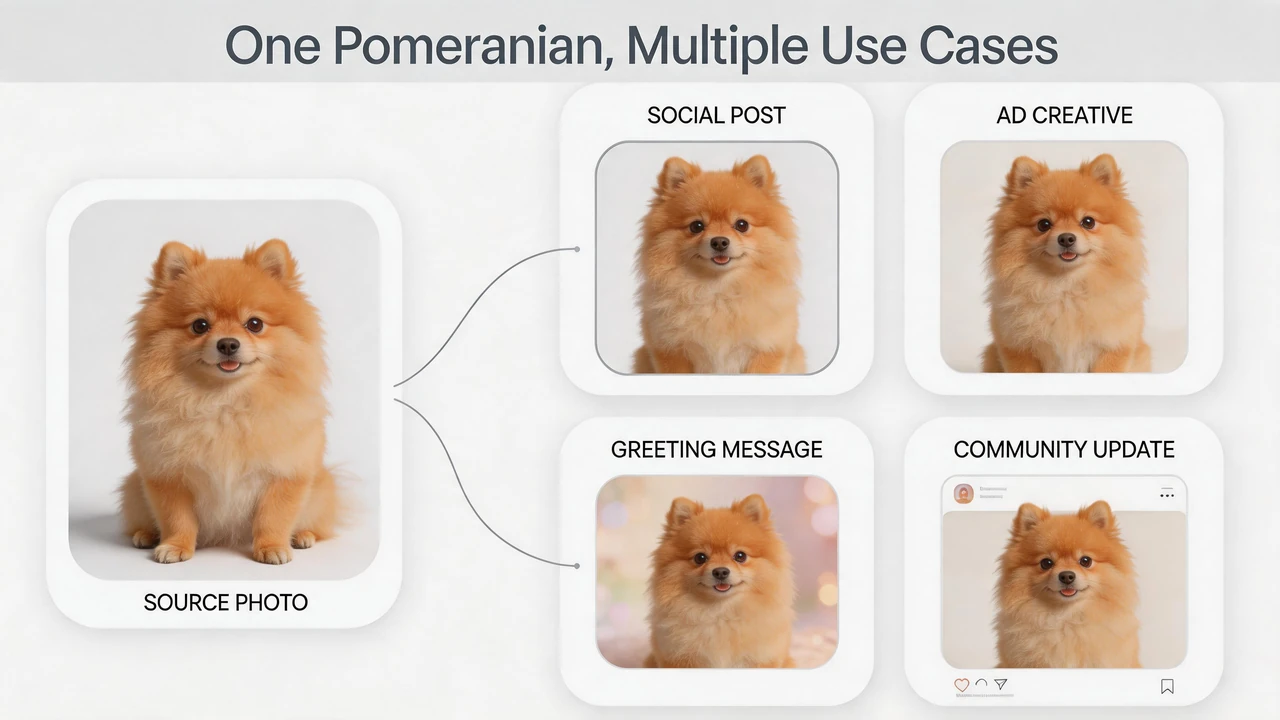
One Pomeranian, Multiple Use Cases

A single strong Pomeranian headshot supports different content goals across the workflow, using the same dog identity for social posts, ad creatives, greeting messages, and community updates while keeping brand tone consistent and publishing faster with a familiar visual anchor.

Show one Pomeranian across social ad greeting and community use cases

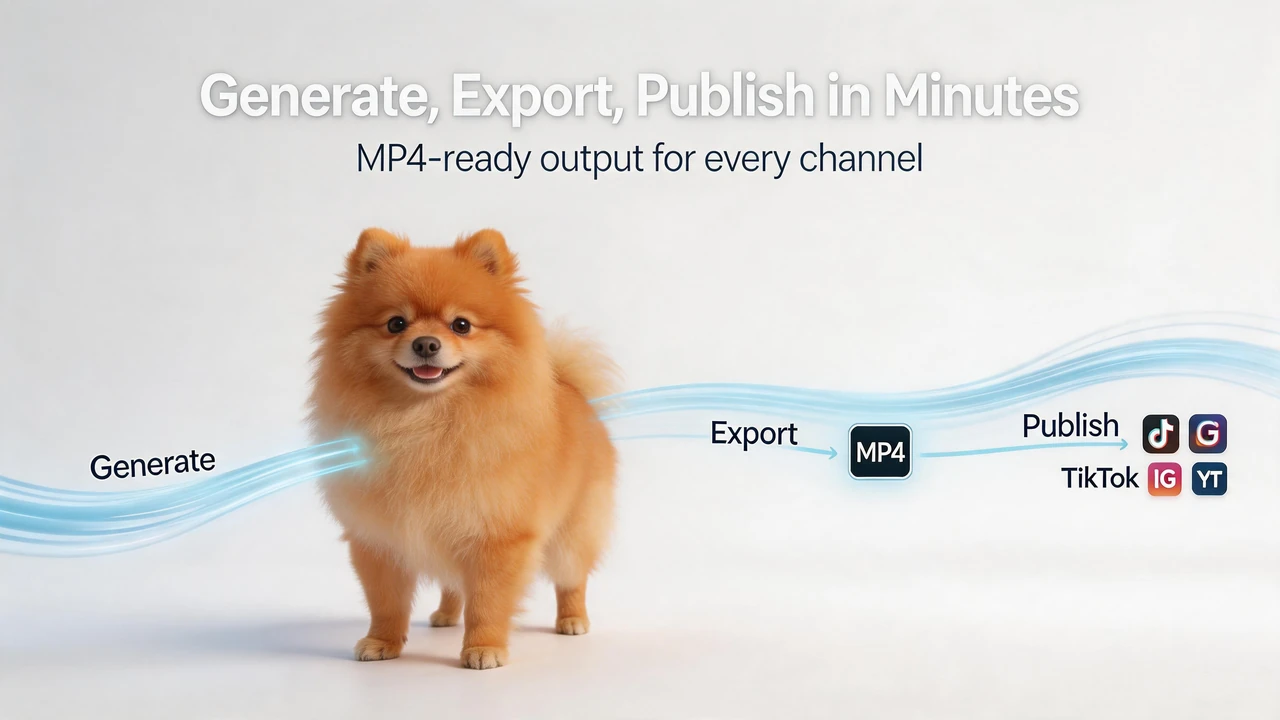
Generate, Export, and Publish in Minutes

Generated videos are delivered as standard MP4 files, ready for direct posting to Reels, Shorts, TikTok-style feeds, landing pages, or private chat groups with minimal post-processing and faster turnaround when timing matters.

Generate and publish a talking Pomeranian video in minutes

How to Create a Talking Pomeranian Video in 3 Steps with Mango AI

Upload a Pomeranian photo as the source image

1. Upload a Pomeranian Photo

Pick a front-facing photo with a clear face crop. Keep the eyes, nose, and mouth unobstructed, and avoid heavy blur or extreme side angles.

Enter text or audio to prepare talking Pomeranian voice input

2. Add Your Voice Source

Enter text to speech, upload an existing audio file, or record directly in the browser. Select the option that best fits your content style and turnaround time.

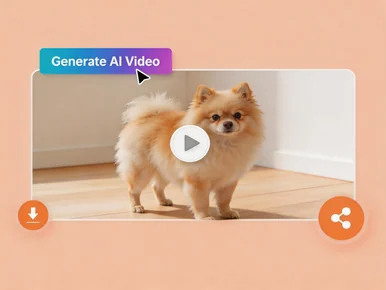
Easily share your AI-generated talking Pomeranian video

3. Generate and Download MP4

Click Generate AI Video, wait for rendering, then download the final MP4 for immediate sharing or scheduling.

Popular Ways to Use Talking Pomeranian Videos

Creator short videos

Open a reel or short with a talking Pomeranian line to increase first-second attention.

E-commerce social posts

Present product drops, coupon reminders, or limited bundles in a pet-mascot format.

Fan community updates

Share meetup notes, challenge announcements, or group highlights with a consistent character voice.

Personalized greetings

Make custom birthday, holiday, or thank-you clips for friends, followers, and customers.

Pet service promotion

Create quick promos for grooming, boarding, training, and pet-care packages.

Memory keepsakes

Turn a favorite portrait into a short speaking clip for family archives and tribute edits.

FAQs About Talking Pomeranian Video Generator

What is a talking Pomeranian video generator?

It is an AI tool that animates a Pomeranian photo and synchronizes mouth movement with text or audio to create a speaking-style video.

Which photo quality gives the best result?

Use a clear, well-lit, front-facing image with visible facial details. Avoid strong motion blur, extreme shadows, and cropped mouths.

Can I generate videos with my own recorded voice?

Yes. You can upload your recording file or capture audio directly with the built-in microphone.

Is text to speech available for this workflow?

Yes. You can type a script and generate voice automatically, then render a lip-synced talking Pomeranian video.

Can I reuse one photo for multiple scripts?

Yes. You can keep the same image and create many versions by changing text or audio tracks.

Does this work for different Pomeranian fur colors?

Yes. Orange, cream, white, black, and mixed coats are supported as long as the face is clear and centered.

Is software installation required?

No. Everything runs online in your browser.

Where can I use the exported video?

The MP4 output can be used on social platforms, websites, ad creatives, and messaging apps.

Start Your Talking Pomeranian Video Now