1.

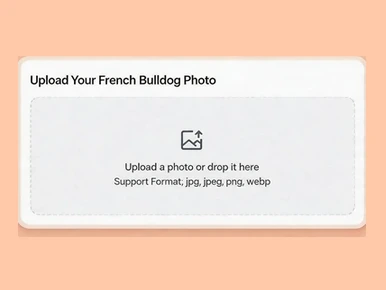
Upload a French Bulldog photo with a face

Upload a photo or drop it here
Support Format: jpg, jpeg, png, webp
Remove BG
Try Sample Photos
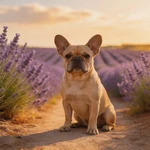
Display French Bulldog sample among lavender rows
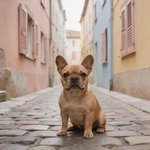
Feature French Bulldog sample on a cobblestone alley
Present French Bulldog sample inside a glass greenhouse
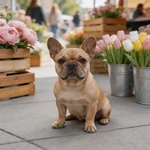
Highlight French Bulldog sample at an outdoor flower market
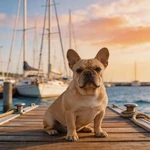
Capture French Bulldog sample on a marina pier with boats
Frame French Bulldog sample along a bamboo grove path
Portray French Bulldog sample between bookstore shelves
Spotlight French Bulldog sample on a vineyard gravel path
Picture French Bulldog sample under night market lanterns
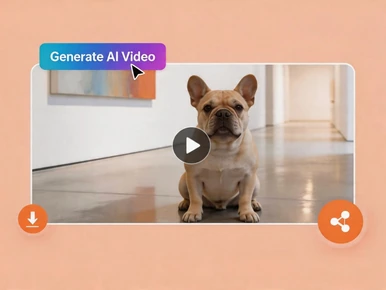
Exhibit French Bulldog sample in a white art gallery corridor
Showcase French Bulldog sample on an urban rooftop garden
Introduce French Bulldog sample beside a street food cart
2.

Select an AI model

Mango AI 1.0
Fastest speed, standard video quality
Mango AI 2.0
New
Highest video quality, body movements
3.

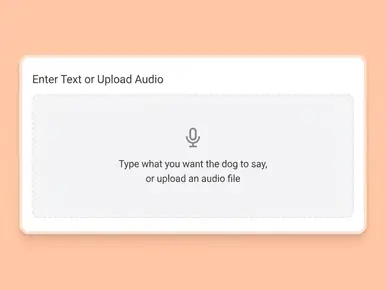
Enter text, upload or record audio to let your French Bulldog talk

Input text
Upload audio
Record audio
Pause

Video Settings
AI Voices
Facial Pose
Lip Scale
Remove Watermark

See How Your French Bulldog Comes to Life

Here's what a talking French Bulldog looks like in real output: the AI follows your soundtrack on the muzzle while keeping that signature Frenchie expression—bat ears, wrinkled brow, and all. Use it to preview quality before you upload your own photo.

Why Mango AI for Talking French Bulldog Videos

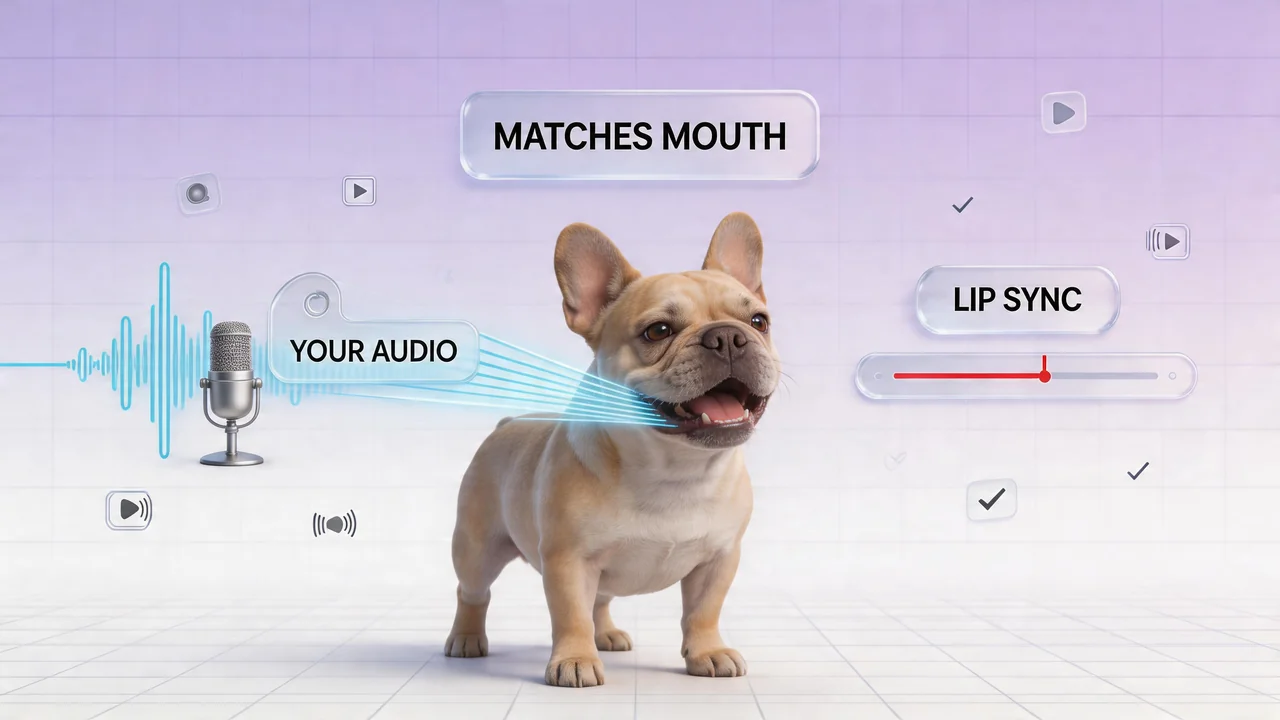
Lip sync matched to your audio

Mango AI drives mouth and related facial motion from the audio you supply—whether that is text-to-speech, an uploaded track, or a recording—so syllables land where viewers expect them. On a French Bulldog's shorter muzzle, believable sync matters: when timing feels off, people scroll away before the joke or offer lands. The tool keeps the performance tied to your script's rhythm, which helps short social clips, lightweight ad reads, explainers, and any format where the first second decides whether someone keeps watching.

Show French Bulldog lip sync with microphone and waveform

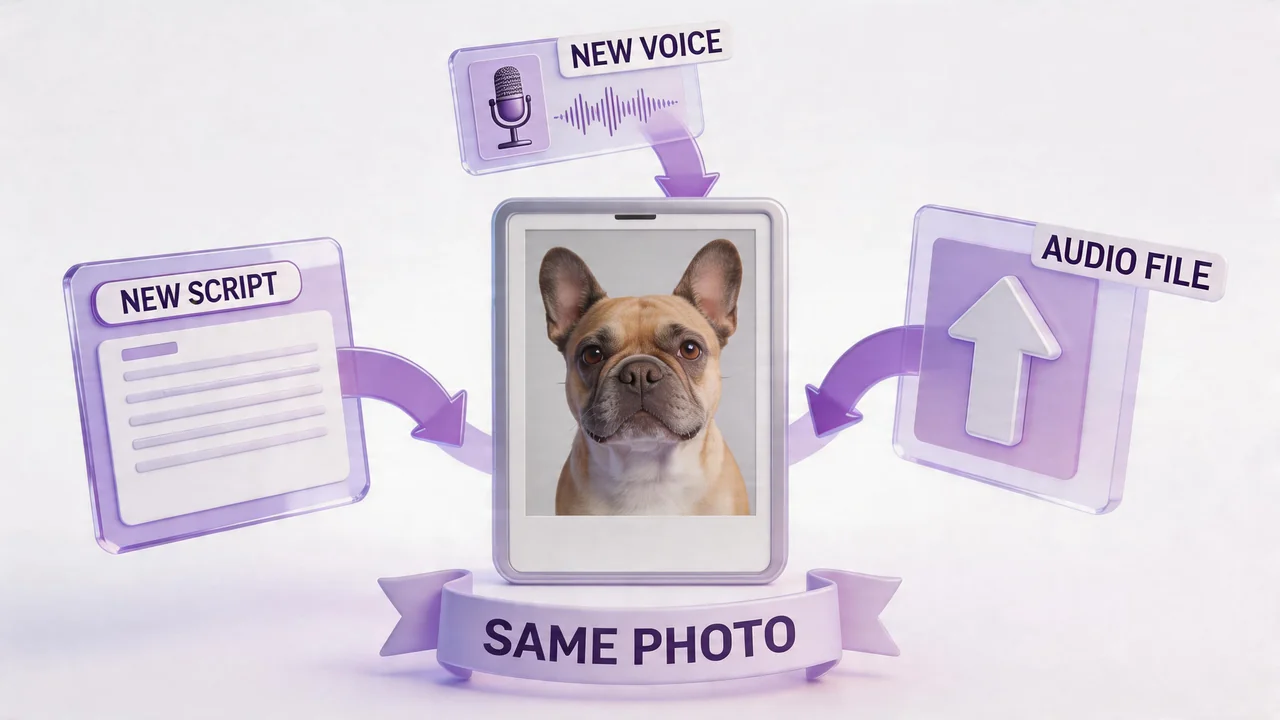
Update the line or voice, keep the photo

Your picture can stay fixed while everything else changes. Revise the wording, try another text-to-speech voice, swap in a new audio file, or record a fresh take in the browser—each output uses the same French Bulldog image as the base. That workflow suits seasonal promotions, A/B tests on hooks, translations for another market, or quick fixes when a date or price changes and you do not want to coordinate a new photo day. Teams and creators get more mileage from one approved mascot asset instead of reshooting for every variation.

Create French Bulldog videos with script, voice, and upload inputs

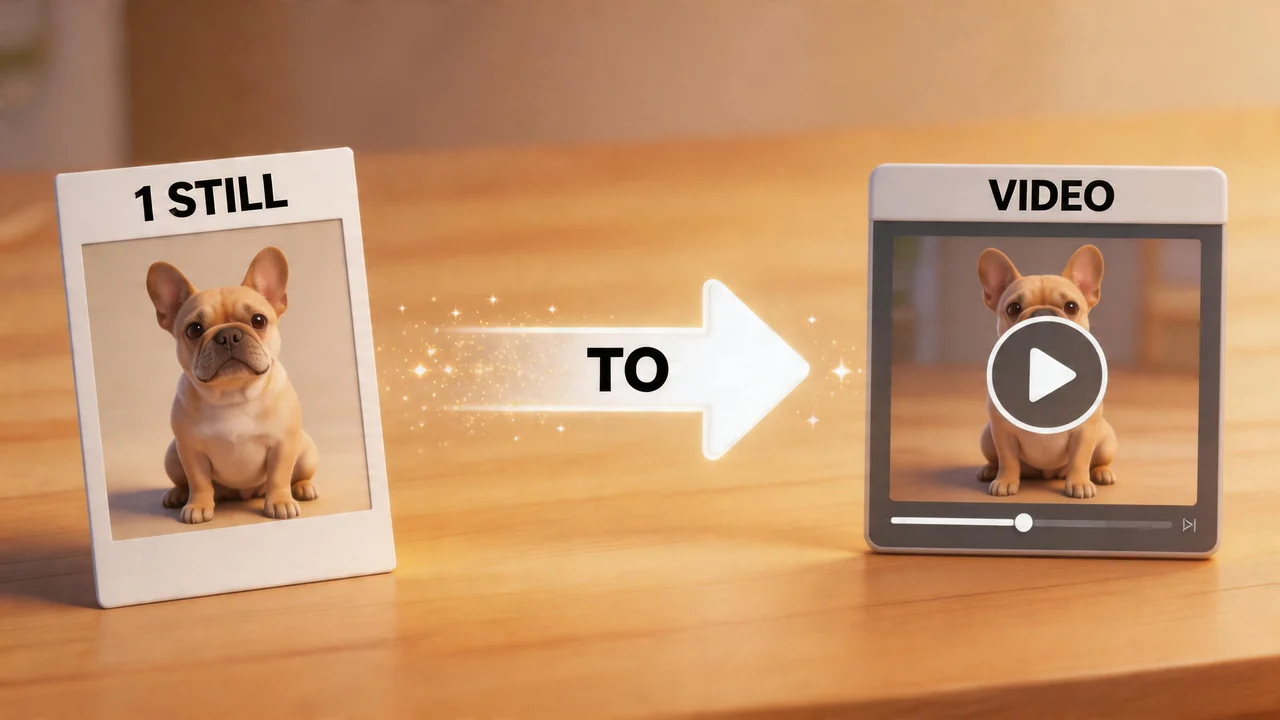
One still image, full talking clip

You do not need multi-angle footage or a long on-camera session. One sharp, front-facing still—with the face, ears, and mouth area clearly visible—is enough for Mango AI to build a talking performance from your audio. That is helpful when you already have a portrait you like, when filming a wiggly dog is unpredictable, or when you are working from archives or shelter intake photos. You still get a finished clip with mouth movement matched to sound; you simply start from a photo instead of a traditional video shoot.

Turn any French Bulldog photo into talking videos

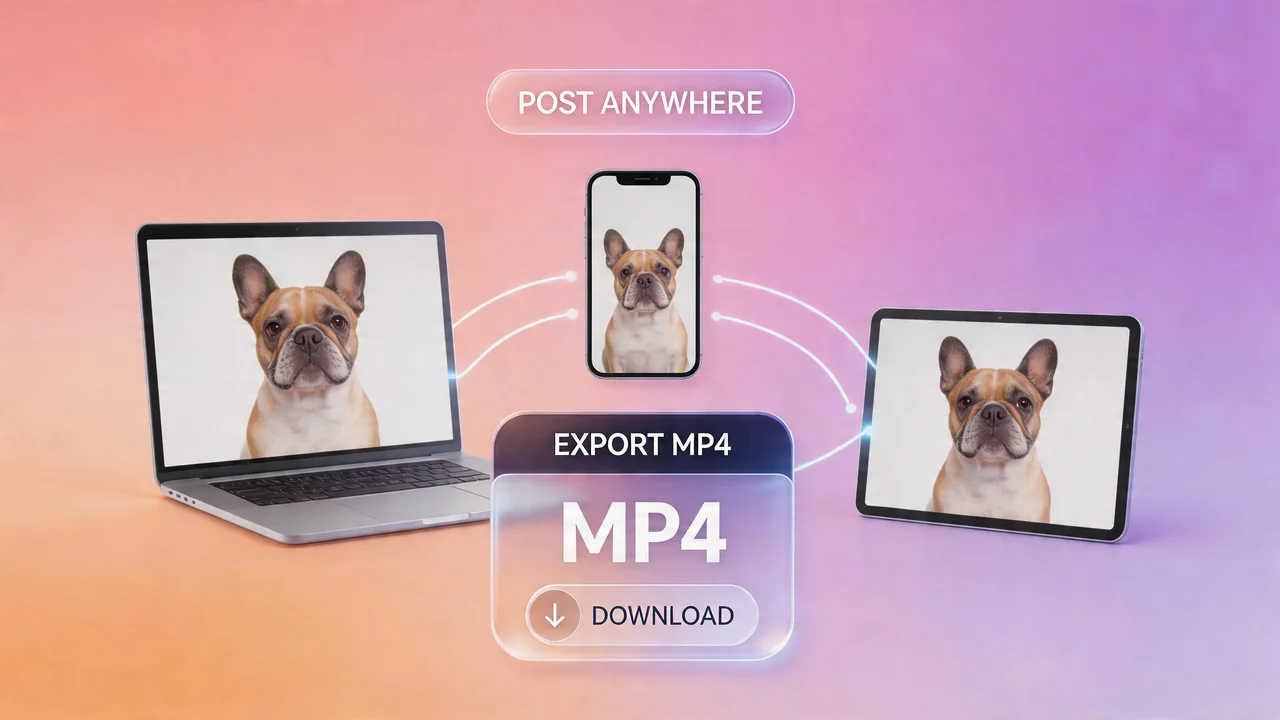
MP4 download, ready to publish

When processing finishes, you download a standard MP4 you can upload to TikTok, Instagram, YouTube Shorts, Facebook, and other platforms that accept common video files. The same file can sit on a product or landing page, play in a newsletter, or sit in a slide for a presentation—without rebuilding an edit timeline for a simple talking clip. Generate when you need it, store the file with your other brand assets, and redeploy it wherever your French Bulldog needs to represent your message next.

Download and share talking French Bulldog videos

How to Make Your French Bulldog Talk in 3 Easy Steps

Upload a French Bulldog photo to create a talking video with Mango AI

1. Upload a French Bulldog Photo

Choose a sharp, front-facing shot with the full face visible—ears and mouth area unobstructed. Even lighting on the muzzle helps on a flat-faced breed. Use your own photo or a sample from the gallery.

Enter text or upload audio to make your French Bulldog talk

2. Add a Voice

Type your script and pick a voice, upload audio, or record in the tool. Whatever you supply syncs automatically to your French Bulldog's mouth movements.

Generate a French Bulldog talking video and download or share it

3. Generate and Download

Click "Generate AI Video", wait for processing, then save your MP4 and share it anywhere you like.

Use Cases for Talking French Bulldog Videos

Social media

Frenchies are built for short-form. Use talking clips for organic posts, ads, or hooks that stop the scroll on TikTok, Reels, and Shorts.

Personal greetings

Birthdays, holidays, or group-chat jokes hit harder when your Frenchie "delivers" the line.

Pet businesses

Groomers, vets, trainers, and boutiques can announce hours, offers, or tips with a memorable mascot instead of plain text.

Education & laughs

Explain routines, safety tips, or product info with a friendly Frenchie narrator—great for family or kid-facing content.

Rescue & community

Spotlight adoptable dogs or fundraising asks with a short scripted clip people can reshare.

Memories & tributes

Turn a favorite portrait into a short talking tribute; lip motion follows your soundtrack while you keep the memory private or share it with close friends.

FAQs about Talking French Bulldog

What is a talking French Bulldog video?

A short clip made from your French Bulldog's photo where mouth movement is animated to match your audio, so the dog appears to speak or deliver a message. You supply the photo and the voice (text-to-speech, upload, or recording).

What kind of French Bulldog photo works best?

Use a clear, front-facing image with good light on the muzzle. Avoid heavy shadows across the nose and mouth, extreme side angles, and anything that hides the mouth area (tight muzzles, props, or filters). Photos where your Frenchie looks toward the camera usually sync best.

Can I use a French Bulldog puppy photo?

Yes. Puppies and adults both work when the face is sharp and front-facing.

Can I use my own voice for the French Bulldog?

Yes. Record in the tool, upload a file, or use AI text-to-speech—all options sync to the lip movements automatically.

How long does it take to generate a talking French Bulldog video?

Often under a minute, depending on audio length and which model you choose (Mango AI 1.0 tends to be faster; Mango AI 2.0 emphasizes higher quality).

Is there a limit on video length?

Limits depend on the model—see the in-product notes for Mango AI 1.0 vs 2.0 (longer runs vs shorter, higher-quality clips).

Do I need to install any software?

No. Everything runs in the browser—no downloads or installs.

Is my French Bulldog photo stored or shared?

Uploads are processed securely for generation. See Mango AI's Privacy Policy for storage and retention.

Does this work with other dog breeds?

This page targets French Bulldogs, but you can use other breeds too when you have a clear, front-facing photo that meets the same visibility guidelines.

Make Your French Bulldog Talk Now