1.

Upload a Chihuahua photo with a face

Upload a photo or drop it here
Support Format: jpg, jpeg, png, webp
Remove BG
Try Sample Photos
Show Chihuahua sample in a Mediterranean sunlit courtyard
Place Chihuahua sample on an autumn forest leaf trail
Frame Chihuahua sample on a sandy beach boardwalk
Set Chihuahua sample in a minimal bright greenhouse
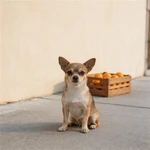
Display Chihuahua sample on a quiet sidewalk beside a citrus crate
Present Chihuahua sample in a Japanese maple garden
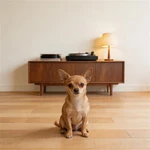
Feature Chihuahua sample in a minimal room with a turntable
Capture Chihuahua sample on a mountain lookout deck
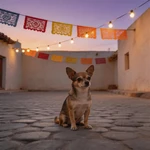
Picture Chihuahua sample in an empty courtyard with string lights
Highlight Chihuahua sample beside a colorful street-art mural
Portray Chihuahua sample on a sidewalk café brunch patio
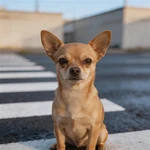
Show Chihuahua sample on an empty urban crosswalk at dawn
2.

Select an AI model

Mango AI 1.0
Fastest speed, standard video quality
Mango AI 2.0
New
Highest video quality, body movements
3.

Enter text, upload or record audio to let your Chihuahua talk

Input text
Upload audio
Record audio
Pause

Video Settings
AI Voices
Facial Pose
Lip Scale
Remove Watermark

See a Talking Chihuahua Example

The demo below shows real output from Mango AI: the mouth follows the soundtrack while the rest of the face stays natural. Use it to judge quality before you upload your own Chihuahua.

Why Mango AI for Talking Chihuahua Videos

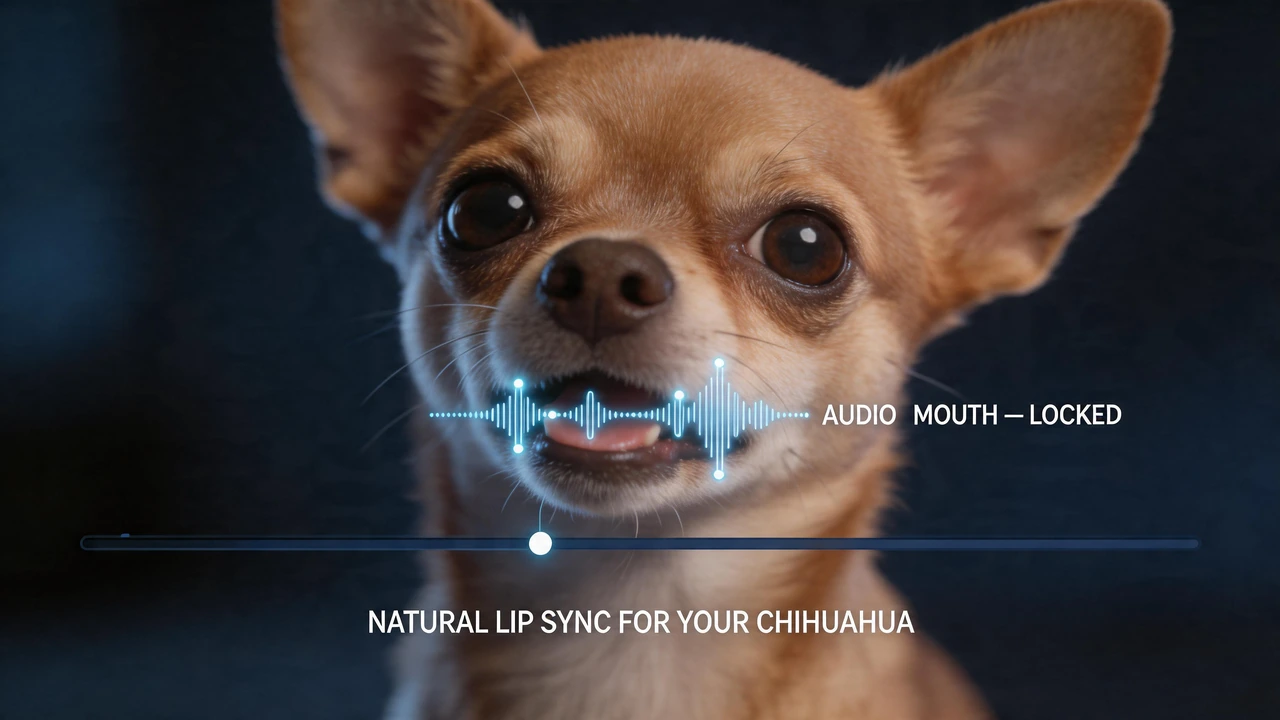
Natural Lip Sync for Your Chihuahua

A Chihuahua has a compact muzzle and very expressive eyes, so viewers notice quickly when mouth timing does not match the audio. Mango AI aligns mouth and related facial motion with the track you provide, whether that is text-to-speech or a recording, so the clip reads as one continuous performance instead of a still photo with sound pasted on. The goal is simple: your dog should still look like your dog. When sync holds, you can use the same workflow for lighthearted social content, short promotional spots, or quick updates you send to customers or friends—without reshooting video or building a manual animation timeline.

Add text-to-speech, audio upload, or microphone voice to a Chihuahua photo

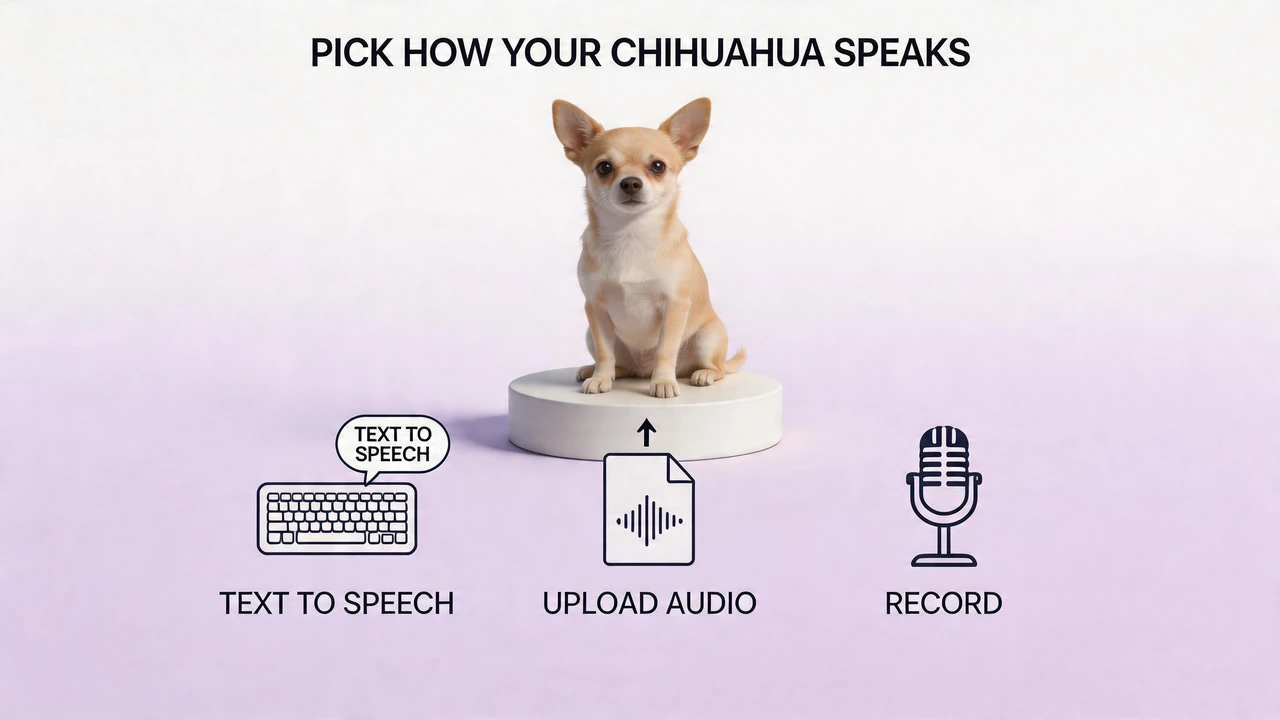
Voice Options That Fit Your Project

Different projects call for different audio. Type a script when you want a clean, repeatable read; upload a file when the best take already exists on your device; use the built-in recorder when you need a personal tone or a last-minute line. You stay in control of pacing and wording, while Mango AI maps that audio to the photo. If you publish in more than one language or region, text-to-speech with multiple languages and accents lets you reuse the same Chihuahua image as a consistent character across campaigns. The visual stays fixed; only the voice layer changes—useful for brands, educators, and creators who batch similar formats.

Natural lip sync on a Chihuahua photo—mouth movement matched to your audio

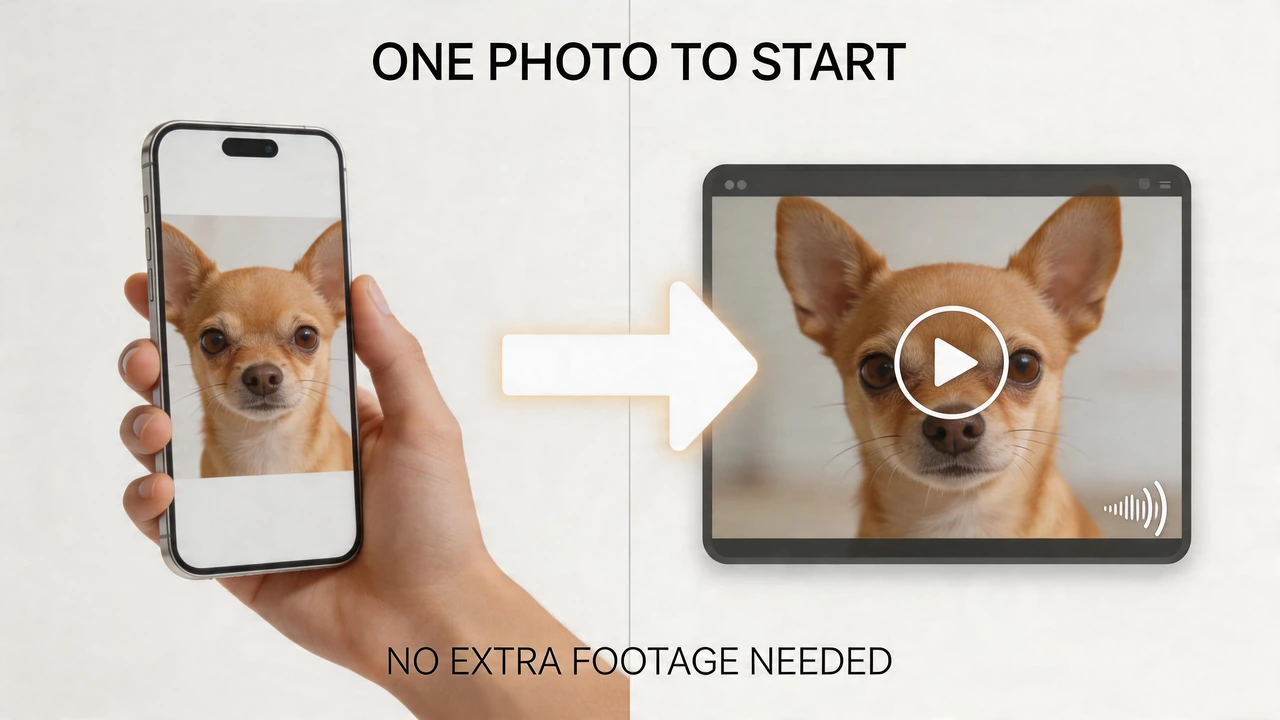
One Photo to Start

You do not need to schedule a video shoot or capture multiple angles. In most cases, a single clear, front-facing image is enough—many users start from an everyday phone photo where the eyes, nose, and mouth are visible and evenly lit. That still image becomes the full scene; movement comes from the model's response to your audio. This approach keeps production lightweight: you can iterate on the script or voice without asking your pet to perform on camera again. It also fits teams that work from approved brand photos or shelters and small businesses that already have a portrait they want to turn into a short message.

Create a talking Chihuahua video from one clear front-facing photo

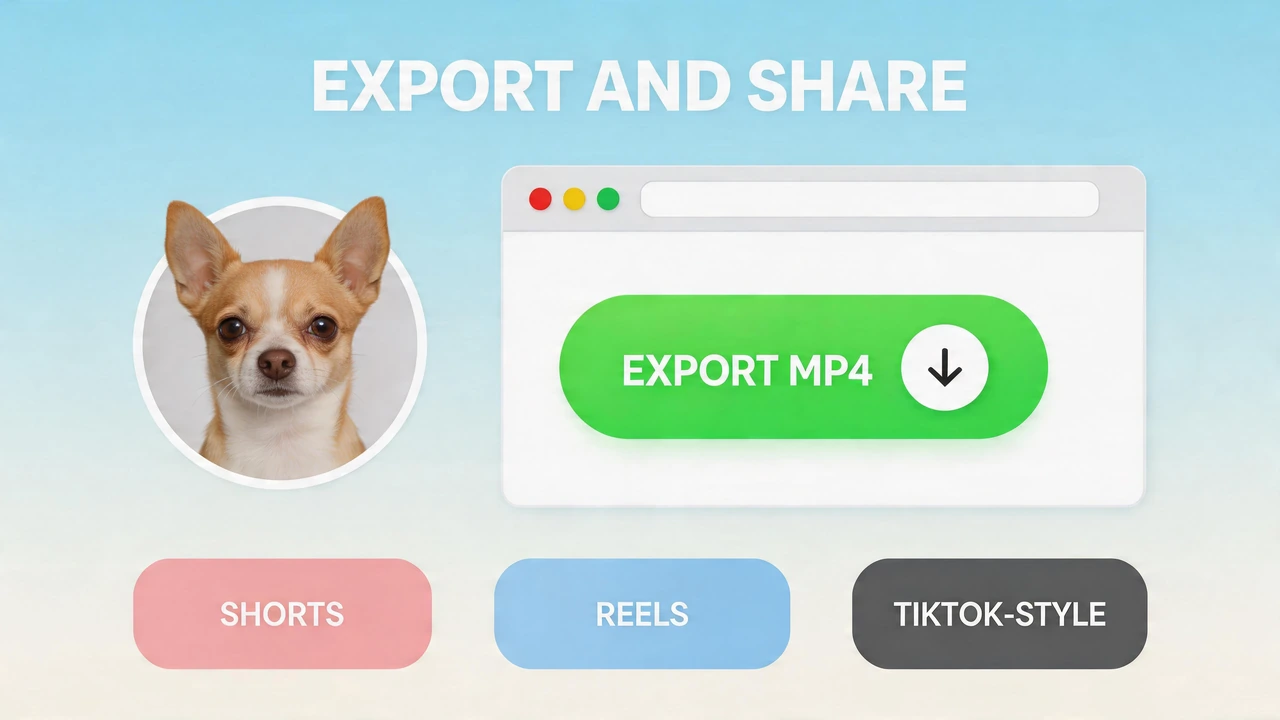
Export and Share

The entire flow runs in the browser: upload, add audio, generate, then download a file you can place wherever your audience already watches content. MP4 export is straightforward to drop into TikTok, Instagram Reels, YouTube Shorts, or an embedded player on a product or event page. For organizations, that means less time coordinating edits and handoffs. For individual creators, it means you can test ideas quickly, adjust copy or voice, and ship another version without rebuilding a full edit timeline. The emphasis stays on a short, shareable clip—not on managing complex post-production for a simple talking message.

Download and share a talking Chihuahua video as MP4 for social media

How to Create a Talking Chihuahua Video in 3 Steps with Mango AI

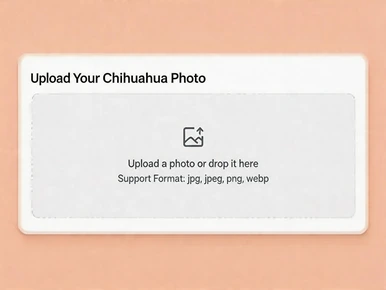
Upload a Chihuahua photo to create a talking video with Mango AI

1. Upload your photo

Choose a sharp, front-facing shot with the full face visible. Even lighting and a straight-on angle give the most stable lip sync on a small breed. Use your own photo or pick from the sample gallery.

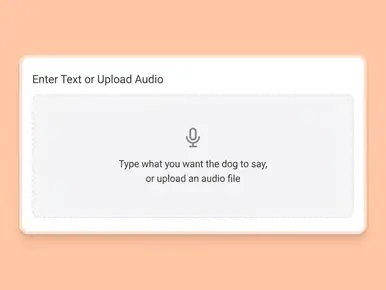
Enter text or upload audio to make your Chihuahua talk

2. Add a Voice

Type your script and pick a voice, upload an existing recording, or use the built-in recorder. The tool syncs your audio to your Chihuahua's mouth automatically.

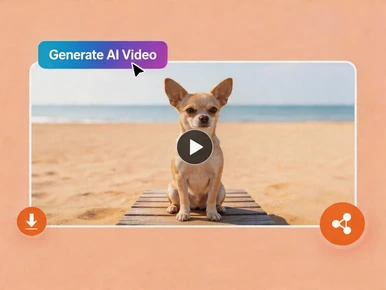
Generate a talking Chihuahua video and download or share it

3. Generate and Download

Click "Generate AI Video", wait for processing to finish, then save your MP4 and share it wherever you need.

Popular Ways to Use Talking Chihuahua Videos

Social media

Short dogs with big attitudes stop the scroll. Use clips for organic posts, ads, or channel intros that need a fast hook.

Personal greetings

Birthdays, holidays, or group-chat jokes with your Chihuahua as the "speaker."

Pet businesses

Groomers, vets, trainers, and boutiques can announce hours, offers, or tips with a memorable mascot.

Education and training

Explain routines or care steps with a friendly dog character; works well for family and youth-focused content.

Community and nonprofit

Spotlight adoptable small dogs or fundraising goals with a short, shareable script.

Memories and tributes

Turn a favorite portrait into a gentle talking clip with lip motion matched to a short message—often kept private for people who knew the dog best.

FAQs About Talking Chihuahua Video Generator

What is a talking Chihuahua video?

A short clip made from your Chihuahua's photo where mouth movement is animated to match your audio, so the dog appears to speak or deliver a message.

What photo works best for a Chihuahua?

Use a clear, front-facing shot with the muzzle unobstructed. Avoid heavy shadows on the face, extreme side angles, and anything that covers the mouth. Photos where your Chihuahua looks toward the camera usually sync best.

Does it work with Chihuahua puppies and adults?

Yes. As long as the face is visible and reasonably sharp, both puppies and adults are supported.

Can I use my own voice?

Yes. Record in the tool, upload audio, or type text and use AI voice—all options sync to lip movement automatically.

Do I need to install software?

No. Everything runs in your browser—no downloads or installs.

How are my photos handled?

Uploads are processed securely for generation. See Mango AI's Privacy Policy for storage and retention details.

Are long-haired or smooth-coat Chihuahuas both OK?

Yes. Coat length is fine when the mouth area stays visible in the photo and the image meets angle and lighting guidelines.

Can I use talking Chihuahua videos commercially?

Yes, videos generated on a paid plan can be used commercially for marketing, business social accounts, or client work—subject to your plan's terms.

Does this work with other dog breeds?

This page is tailored for Chihuahuas, but you can use other breeds when you have a clear, front-facing photo that works well for lip sync.

Create Your Talking Chihuahua Video Online