1.

Upload a Pug photo with a face

Upload a photo or drop it here
Support Format: jpg, jpeg, png, webp
Remove BG
Try Sample Photos
Portray a Pug sample sitting on pale balcony tiles in soft daylight
Show a Pug sample standing beside a simple slatted bench
Place a Pug sample sitting by a low round stone water feature
Feature a Pug sample sitting on a bright wide window sill indoors
Set a Pug sample standing on a quiet bark mulch garden path
Present a Pug sample sitting on fine gravel before a cool plain wall
Display a fawn Pug sample with black mask sitting chest up in a bright desk corner
Picture a black Pug sample standing on wet river rocks near calm water
Frame an apricot Pug sample standing on a plain slate tile terrace
Show a silver fawn Pug sample standing on a light sidewalk with a long wall
Highlight a fawn Pug puppy sample sitting beside a round terracotta planter
Show a lean fawn Pug sample sitting on a short stone landing by calm water
2.

Select an AI model

Mango AI 1.0
Fastest speed, standard video quality
Mango AI 2.0
New
Highest video quality, body movements
3.

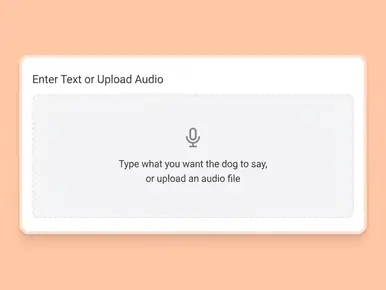
Enter text, upload or record audio to let your Pug talk

Input text
Upload audio
Record audio
Pause

Video Settings
AI Voices
Facial Pose
Lip Scale
Remove Watermark

See a Talking Pug Example

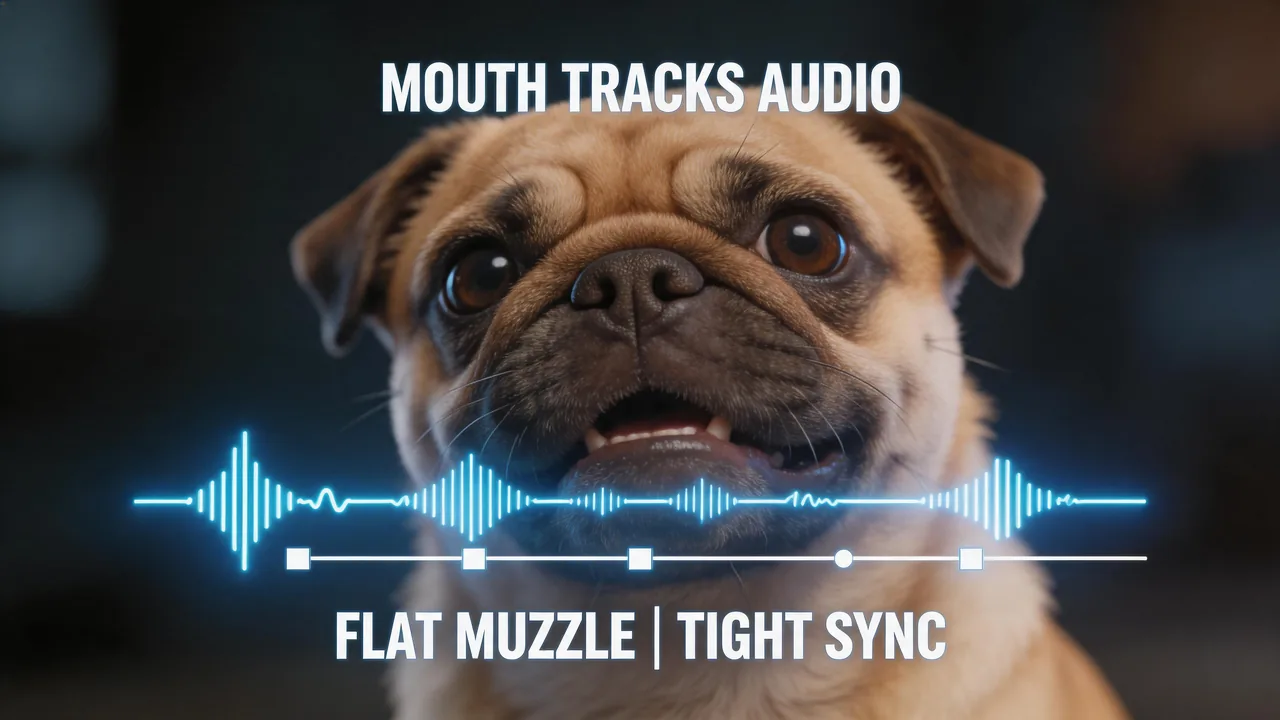
This sample comes from the Mango AI talking Pug video generator: one still Pug photo, mouth movement aligned to the audio, so you can see how a finished talking Pug clip reads.

Why Mango AI for Talking Pug Videos

A Flat Muzzle, Still a Convincing Sync

AI lip sync on a Pug still: Mango AI drives mouth and related face motion from your audio. A Pug has a short, flat muzzle, so timing errors show up easily; this AI talking Pug video generator lines that motion up to your track so image and sound stay in one consistent read.

Match a pug muzzle to your audio with lip sync

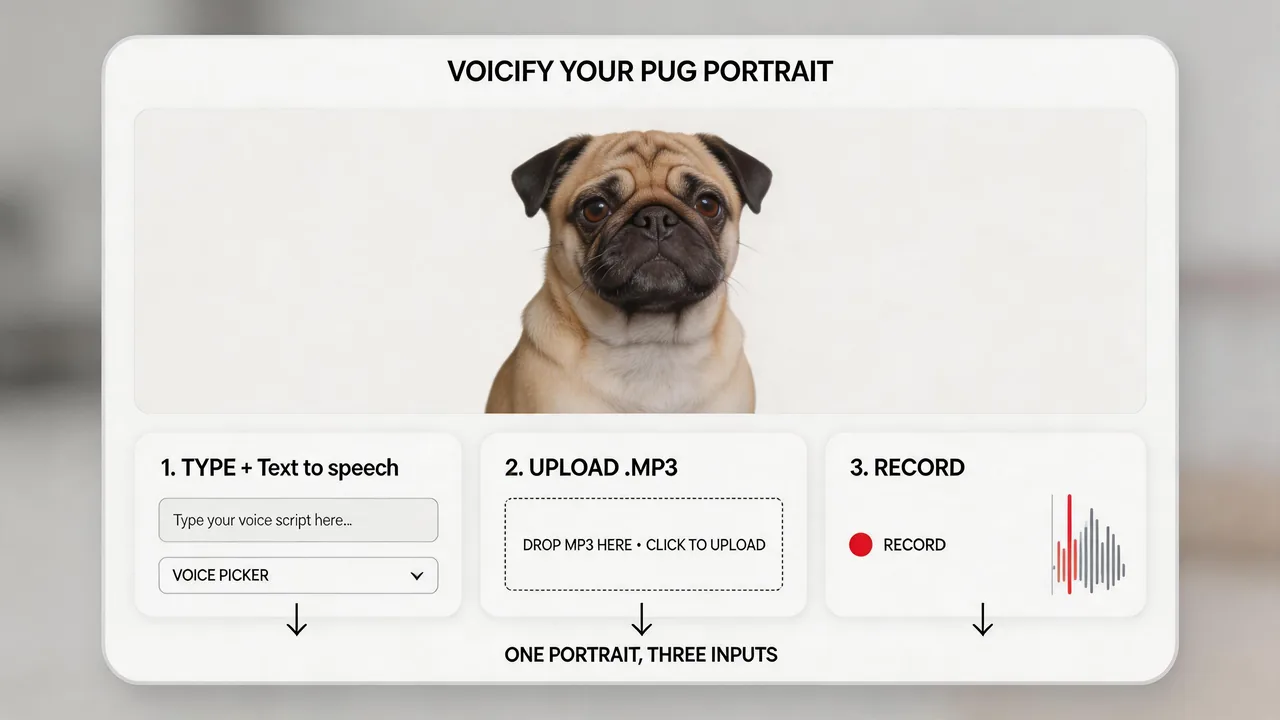
Type a Line, Drop a File, or Record Live

Voice input for the same Pug image: text to speech, file upload, or built-in recording. Mango AI builds lip movement from whatever track you attach; you control script and source, and you can replace the audio on that still when you change line or language without a new photo.

Add a voice to a pug still with text to speech or file or mic

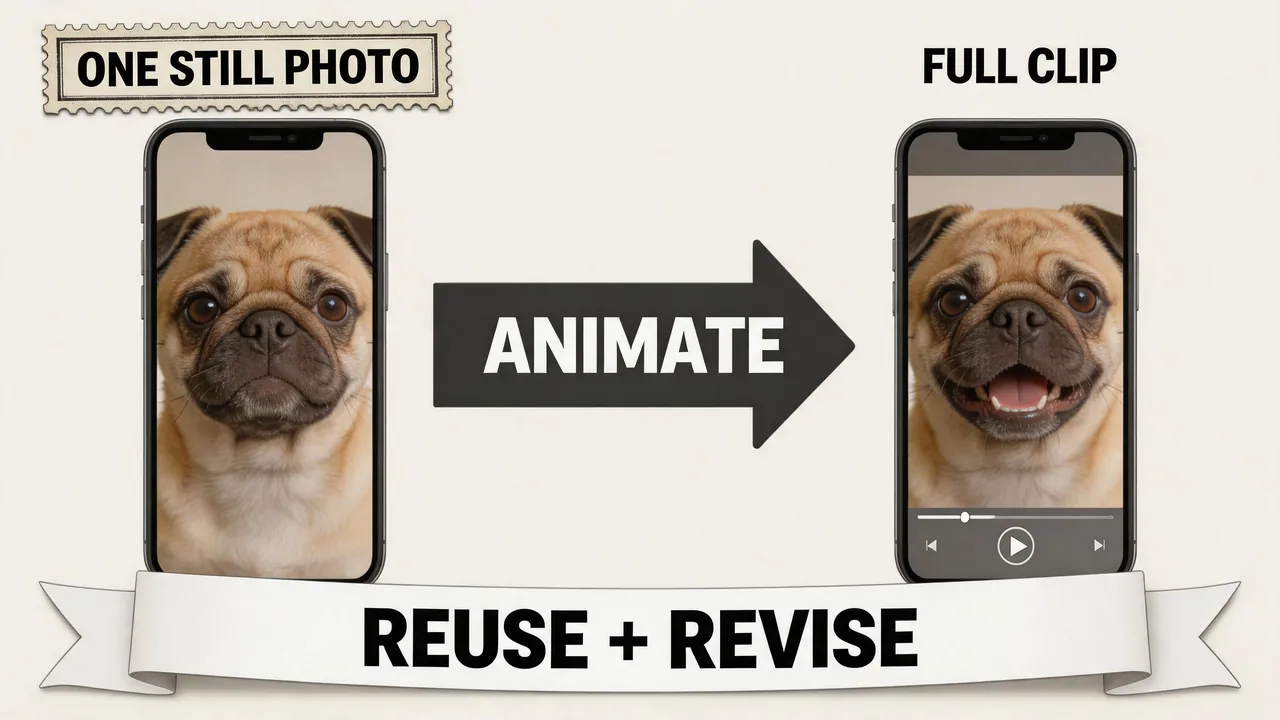
One Head Shot Carries the Whole Take

Single-image workflow: one static Pug portrait (full face, eyes, and mouth visible) is the source, and this AI talking Pug video generator creates the talking clip from that still. Motion comes from animating that photo to your audio; you can edit script or voice in Mango AI without reshooting when the picture still fits.

Turn one pug still into a full talking short

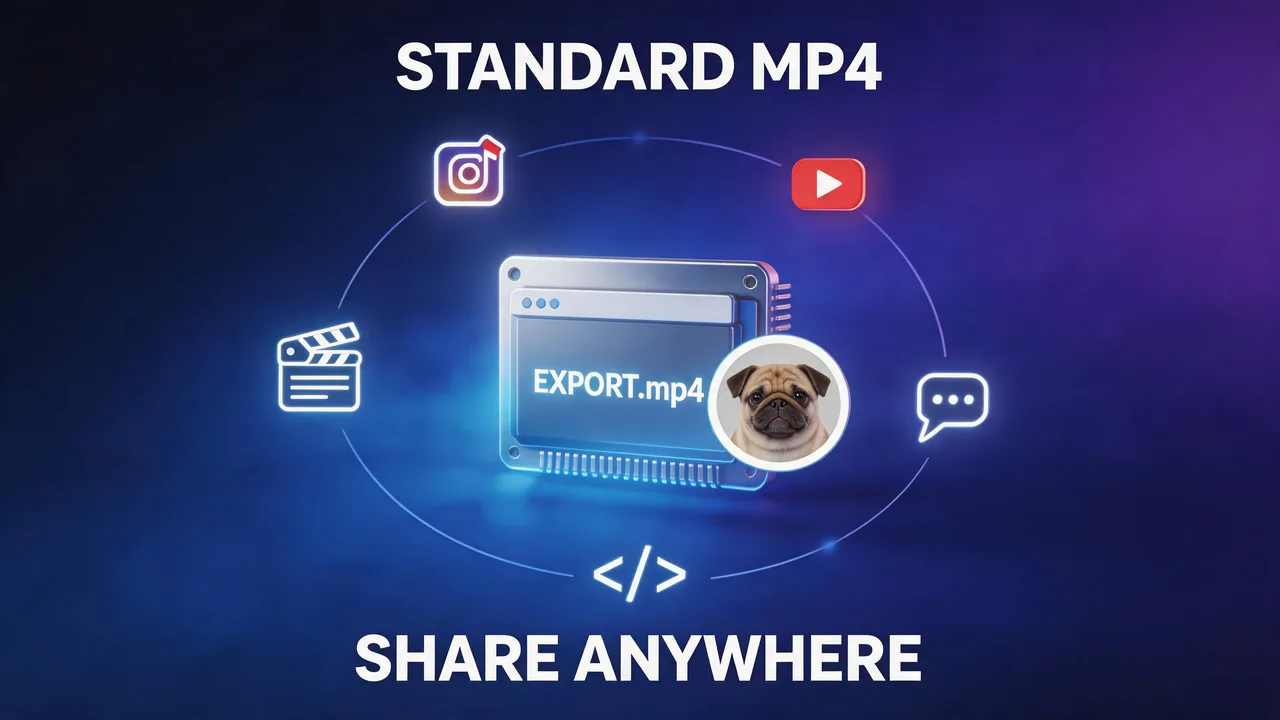
Export to MP4, Post Like Any Other Short

Download and format: after generation, Mango AI exports a standard MP4 file from this AI talking Pug video generator. You can save it and use it like any other short video file (for example Reels, Stories, YouTube, chat, or embed) without an extra conversion step for normal sharing.

Export a pug talk MP4 to your next post or message

How to Create a Talking Pug Video in 3 Steps with Mango AI

Start from a pug head shot in the uploader

1. Upload a Pug photo with a face

Choose a sharp, front-facing image with the full face in frame. Even, soft light across the muzzle and eyes helps, especially for deep wrinkles or a very dark mask where shadow can hide the lip line. A straight-on or light three-quarter angle usually gives the most stable sync. Use your own photo or pick from the sample gallery.

Set script and voice and level for the same pug

2. Add a Voice

Type your script and pick a voice, upload a recording, or use the built-in recorder. Mango AI matches your Pug's mouth to the audio automatically.

Finish a pug talk clip in the result player

3. Generate and Download

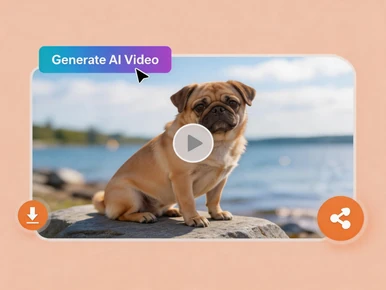
Click "Generate AI Video", wait for processing to finish, then save your MP4 and share it wherever you need.

Popular Ways to Use Talking Pug Videos

Social media

Shorts, Reels, light ads, and channel bumpers all benefit from a close-up face with strong recognition. Pug head shots tend to read well in vertical formats and quick cuts.

Personal greetings

Birthdays, group chats, or one-off messages with the family Pug as the on-screen host.

Pet businesses

Groomers, sitters, cafes, and vet-adjacent brands can use a mascot customers already like to post hours, promos, or care tips.

Breed meetups and clubs

Walk reminders, specialty-show nods, and playful "see you there" spots for people who know the breed.

Education and how-to

Quick home-care reminders, training cues, or kid-friendly "house rules" from a character kids want to watch.

Tributes and keepsakes

A favorite portrait, a few seconds of matched motion, and a sincere line, often for people who knew the dog best.

FAQs About Talking Pug Video Generator

What is a talking Pug video?

A short video generated from your Pug's still photo, with mouth and related face motion driven by your audio so the dog appears to deliver the line you supply.

How does a Pug photo differ from other breeds in practice?

The muzzle is short and the face is front-heavy, so most visible motion sits in a compact mouth area, the eyes, and skin folds. Use a sharp head shot with the mouth line visible. Deep shadow in wrinkles or a very dark mask can obscure the lip line; even light on the face usually helps. Frontal or light three-quarter angles are generally more reliable than angles that hide the mouth or foreshorten the muzzle.

Fawn, black mask, and different coat types use the same workflow?

Yes. The steps are identical. Choose a photo that keeps the muzzle, eyes, and mouth area readable, whatever the color pattern.

Is my own voice supported?

Yes. You can record in Mango AI, upload a file, or use text to speech. In each case, lip movement matches the audio you attach.

Is software installation required?

No separate desktop install is required to create your talking Pug video in Mango AI.

How are uploaded photos handled?

Uploads are processed securely to create the video. Retention and related terms are described in Mango AI's Privacy Policy.

Does Mango AI support other dog breeds in the same AI talking video generator?

Yes. This page is aimed at Pug use cases, but Mango AI supports other breeds when you have a suitable, front-facing portrait.

Create Your Talking Pug Video Online