1.

Upload a Dachshund photo with a face

Upload a photo or drop it here
Support Format: jpg, jpeg, png, webp
Remove BG
Try Sample Photos
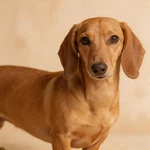
Place Dachshund sample on short meadow grass in soft morning light
Place Dachshund sample at ground level next to a park bench leg, soft green and gray blur behind
Frame Dachshund sample at a still pond edge with blurred reeds
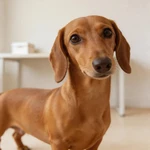
Set Dachshund sample in a bright bay window on plain floor
Display Dachshund sample beside a simple park bench
Present Dachshund sample on fine gravel in front of a single buff wall
Feature Dachshund sample in a bright minimal study corner
Capture Dachshund sample on wet sand at a calm lake shore
Picture Dachshund sample on a wide plain wooden porch
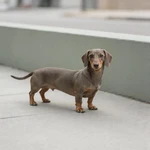
Portray Dachshund sample on a clean sidewalk by a long painted wall
Highlight Dachshund sample beside one simple wooden planter
Show Dachshund sample on a small plain wooden dock over still water
2.

Select an AI model

Mango AI 1.0
Fastest speed, standard video quality
Mango AI 2.0
New
Highest video quality, body movements
3.

Enter text, upload or record audio to let your Dachshund talk

Input text
Upload audio
Record audio
Pause

Video Settings
AI Voices
Facial Pose
Lip Scale
Remove Watermark

See a Talking Dachshund Example

This sample comes from the Mango AI talking Dachshund video generator: one still Dachshund photo, mouth movement aligned to the audio, so you can see how a finished talking Dachshund clip reads.

Why Mango AI for Talking Dachshund Videos

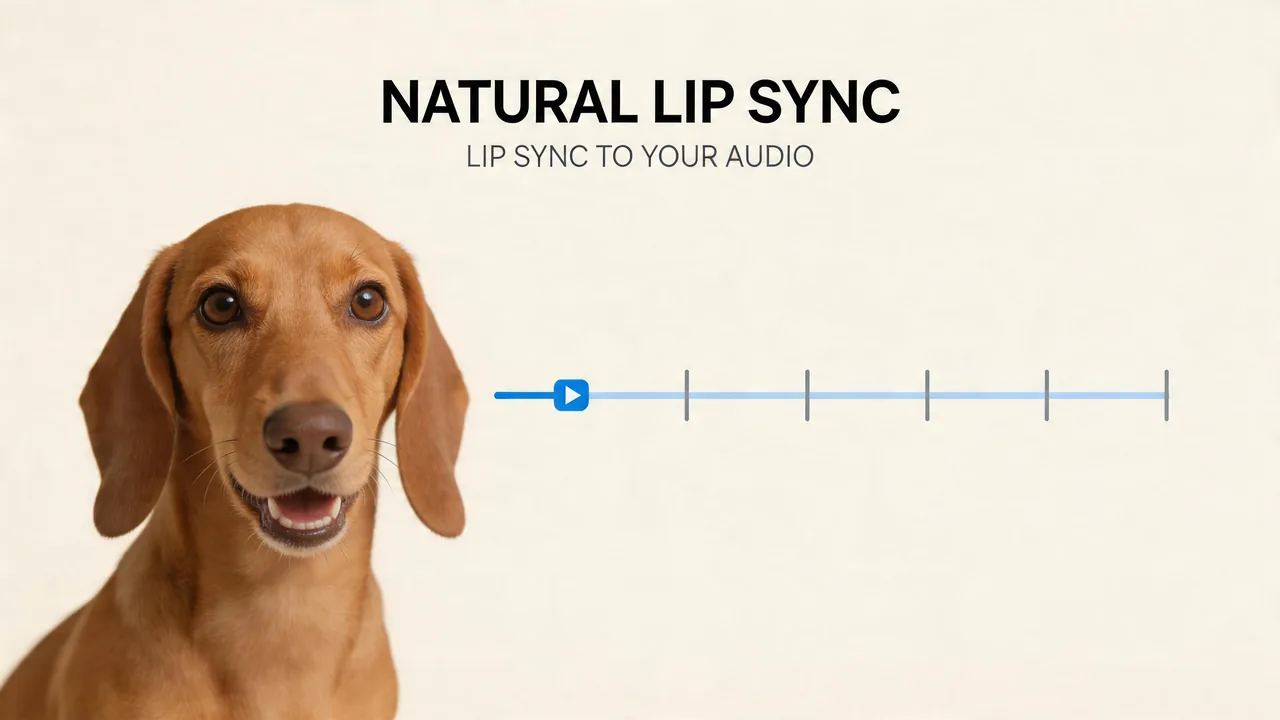
Natural Lip Sync to Your Audio

Viewers read a Dachshund from the muzzle, so bad sync is hard to miss. Mango AI animates the mouth and face to your track so the clip reads as one take, not a still with a voice file on top. The long snout and expressive face people expect on this breed should still read in your shot when you post, send a work chat, or message family.

Drive believable muzzle movement on a Dachshund photo

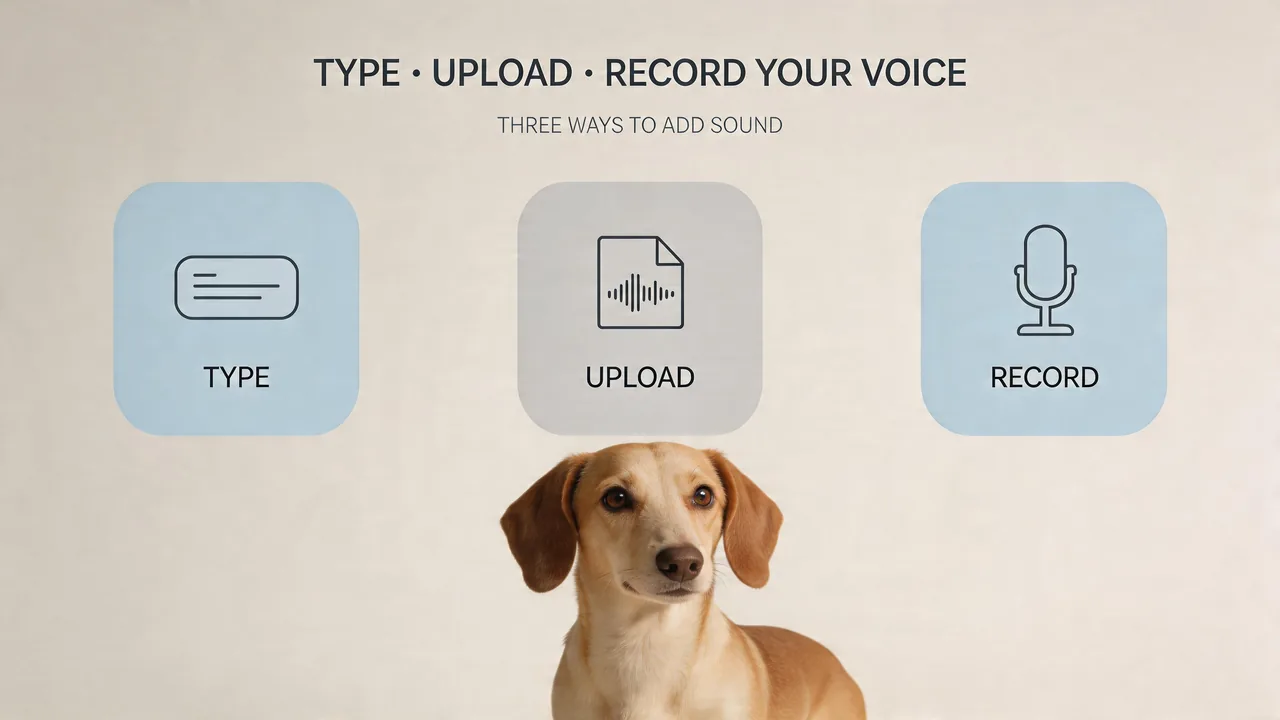
Type, Upload, or Record Your Voice

On the same Dachshund head shot, use text to speech, bring an audio file, or record with the mic. The face track follows whatever source you pick. Reuse that still for a new line, another language, or a different file without a new photoshoot, and the motion should stay matched to the audio.

Connect a Dachshund image to speech

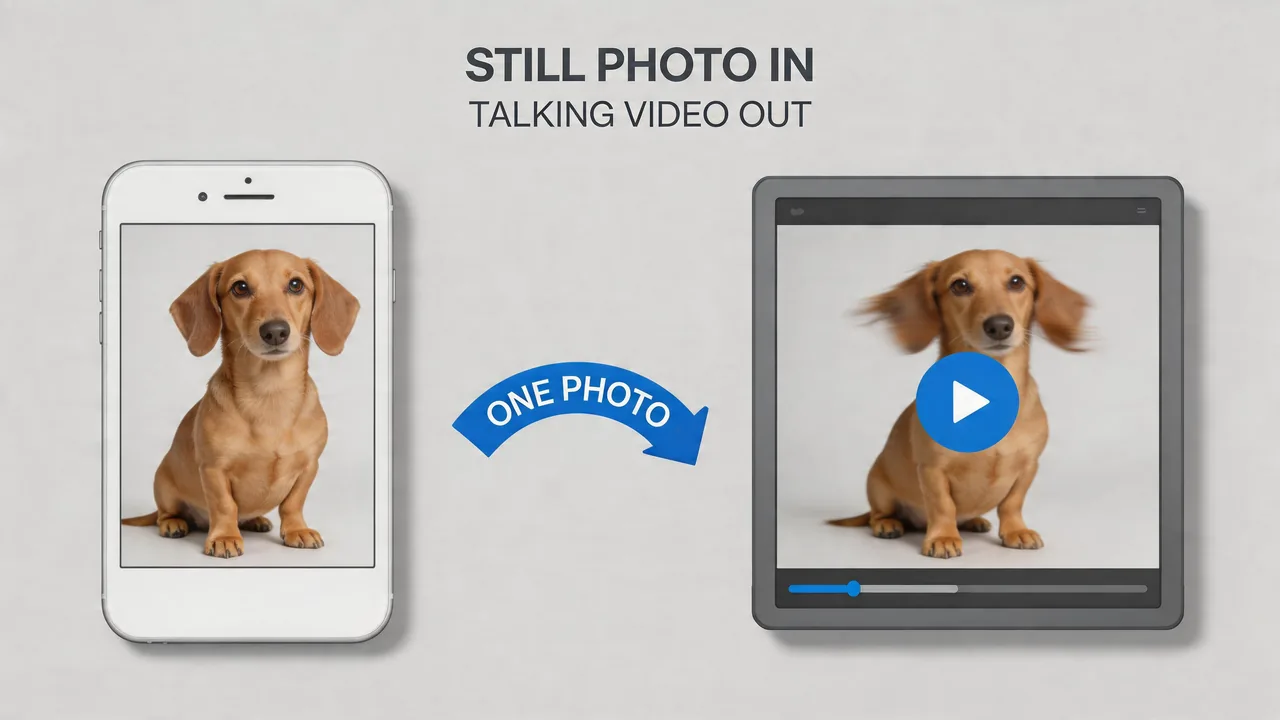
One Photo to a Full Talking Video

One clear still of your Dachshund is enough. You get a short clip where the motion and the audio belong together, not a frozen frame with sound played over it. The same long-snout portrait can get another read or a revised line later, with no new footage of the dog.

Turn one Dachshund still into a full talking scene

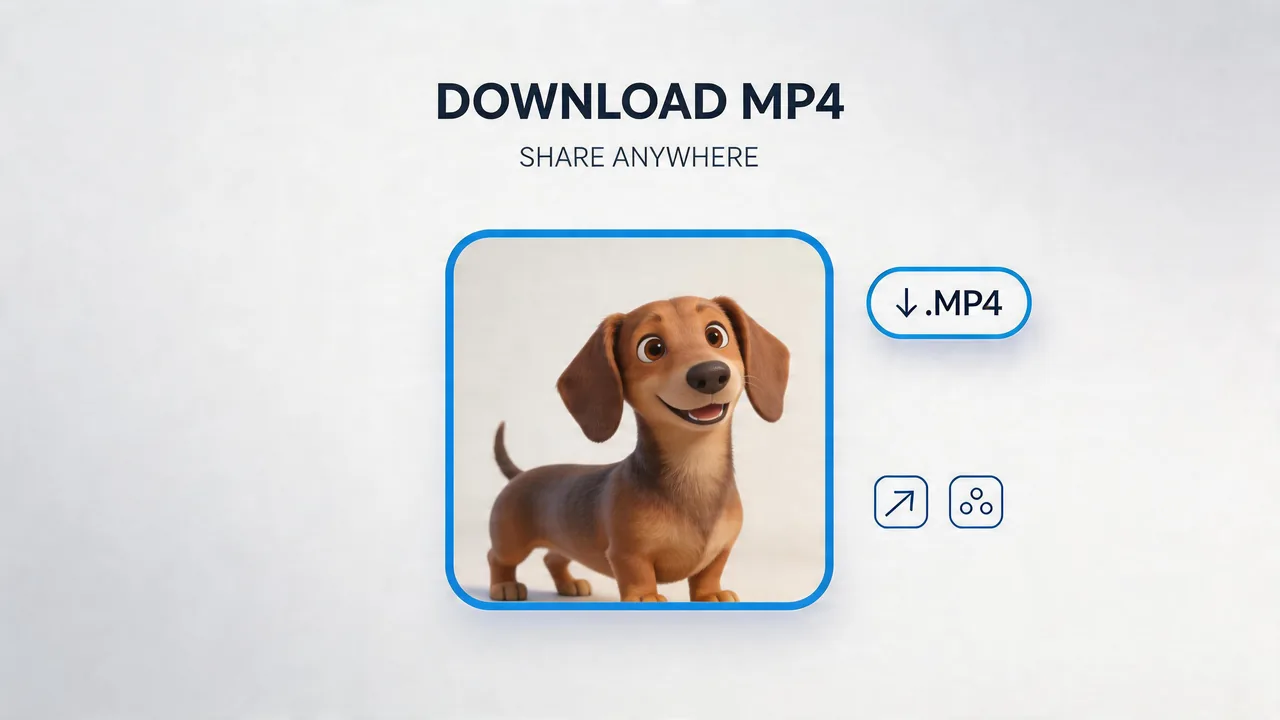
Download MP4 and Share Your Clip

You get a normal MP4 of your talking Dachshund, the same file type you use for Reels, Stories, and group chats, with no extra conversion step. Post or send it in the same places you already use for other short, close-up Dachshund clips.

Send the talking Dachshund MP4 to social feeds

How to Create a Talking Dachshund Video in 3 Steps with Mango AI

Start the flow from the uploaded Dachshund photo

1. Upload your photo

Choose a sharp, front-facing image with the full face in frame. Even light on the muzzle helps — dapple, wire, or long coats are fine as long as the mouth area is not lost in deep shadow. A level, straight-on angle usually gives the most stable sync. Use your own photo or pick from the sample gallery.

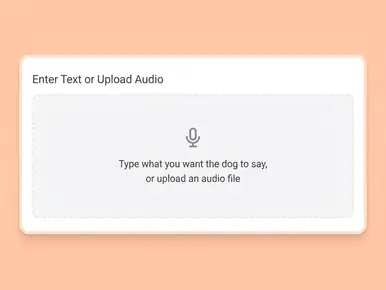
Enter text or upload audio to make your Dachshund talk

2. Add a Voice

Type a script and pick a voice, upload a recording, or use the built-in recorder. The tool matches your Dachshund's mouth to the audio automatically.

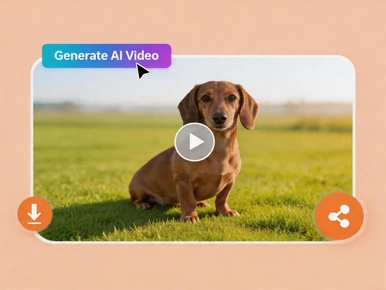
Download the clip or use the share control

3. Generate and Download

Click "Generate AI Video", wait for processing to finish, then save your MP4 and post or share it wherever you need.

Popular Ways to Use Talking Dachshund Videos

Social media

The breed's comedic timing and "big dog in a small body" appeal make for strong hooks. Shorts and Reels, ads, and channel stingers all benefit from a face people recognize.

Personal greetings

Birthdays, group chats, or other personal notes with the family Dachshund as the on-screen host.

Pet businesses

Groomers, sitters, boutiques, and vet-adjacent brands can use a mascot customers like to share hours, promos, or care tips.

Breed clubs and events

Rally, meetup, or specialty-show reminders; membership drives; and lighthearted "save the date" spots.

Education and how-to

Quick safety notes, at-home training reminders, or kid-friendly "house rules" from a character kids pay attention to.

Tributes and keepsakes

A favorite portrait, a few seconds of matched motion, and a sincere line — often for people who knew the dog best.

FAQs About Talking Dachshund Video Generator

What is a talking Dachshund video?

A short video generated from your Dachshund's still photo, with mouth and related face motion driven by your audio so the dog appears to deliver the line you supply.

How does a Dachshund photo differ from other breeds in practice?

The face is long and narrow; most visible motion runs along the muzzle. A sharp, well-lit headshot with the mouth in view is the priority. Long furnishes on wire or long coats can cover the lip line if the coat falls forward; dappled or very dark areas may need marginally more even light on the face. Frontal or light three-quarter angles are generally more reliable than strong vertical perspective or a partly covered mouth.

Do minis, standards, and different coat types use the same workflow?

Yes. The steps are identical. Choose a photo that keeps the muzzle and mouth readable regardless of size or coat length.

Is my own voice supported?

Yes. You can record in the product, upload a file, or use text to speech. In each case, lip movement aligns to the audio you attach.

Is software installation required?

No. Generation runs in the browser.

How are uploaded photos handled?

Uploads are processed securely to create the video. Retention and related terms are described in Mango AI's Privacy Policy.

Does Mango AI support other dog breeds on the same product?

Yes. This page is aimed at Dachshund use cases, but the same tool accepts other breeds with a suitable, front-facing portrait.

Create Your Talking Dachshund Video Online