Seedream 5.0 Lite intelligently captures your vision to create accurate, up-to-date images from text or photos, with live web trends, smart reasoning, and exact changes every time. Try it free online!
Image to Image
Text to Image
Model
Seedream 5.0 Lite
Precise prompt control, deep reasoning capabilities
Seedream 5.0 Lite
Precise prompt control, deep reasoning capabilities
Seedream 4.5
Improved visual fidelity, enhanced text rendering
Seedream 4.0
High-definition images, fast generation speed
Image
0/5
Add
Prompt
Aspect Ratio
16:9
9:16
1:1
4:3
3:4
3:2
2:3
Resolution
2K
3K
Output Number
1
2
3
4
Web Search
Generate List
Loading...
Seedream 5.0 Lite: Think Deeper, Create Smarter, Stay Current
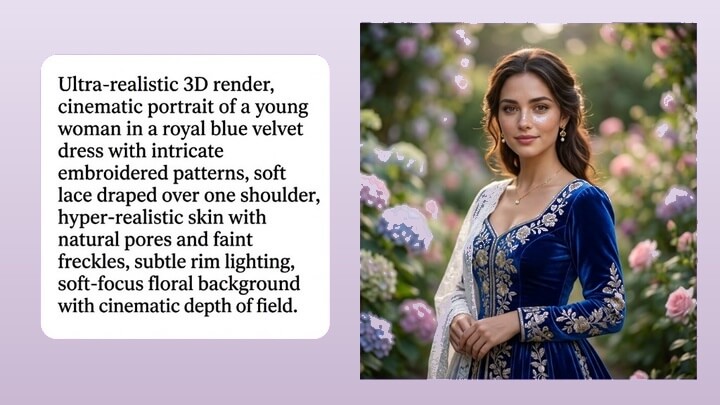
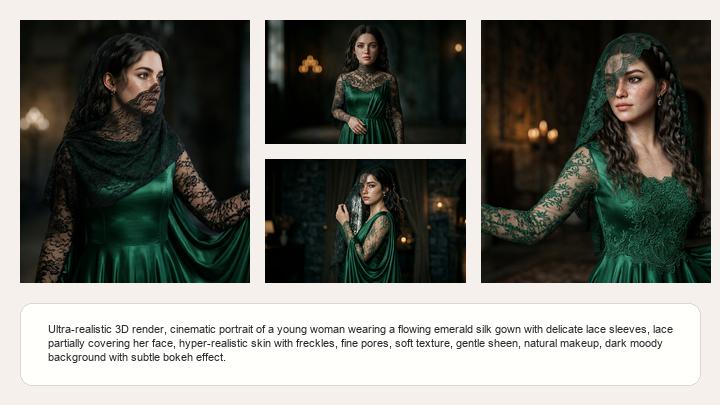
Seedream 5.0 Lite makes it easy to turn your creative ideas into professional-quality images. Just describe what you want or upload a reference photo — the model thinks through your request, understands your real intent, and delivers polished images with accurate details and thoughtful composition.
Think Deeply Like a Real Artist
It reads between the lines of your description. It figures out your real intention, handles tricky details like "put the red ball on the left side of the blue box, but behind the chair", and creates logical scenes, charts, maps, or diagrams that actually make sense.
Always Up to Date, Always Relevant
Other image generators are stuck with whatever they learned during training. Seedream 5.0 Lite can search the web in real time while creating your image, so the result includes the latest facts, trends, and data. The model figures out when it needs to look something up and does it automatically. This is a game-changer for marketing teams and content creators who work with fast-moving topics — seasonal campaigns, trending aesthetics, breaking news, product launches — without having to manually gather references first.
Show It What You Want — No Need to Explain Every Detail
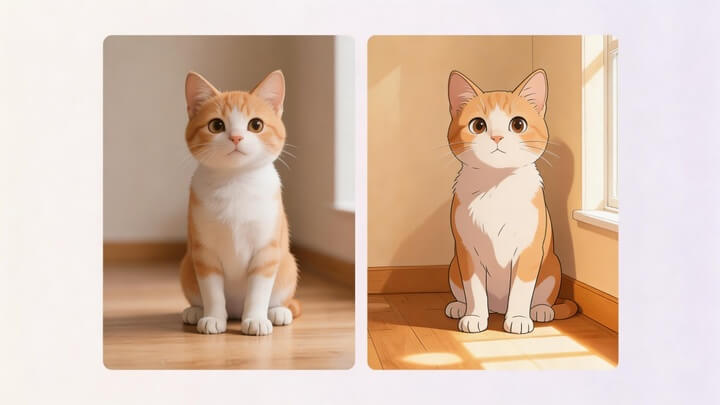
Some edits are hard to describe in words. Instead of writing a long prompt, just show Seedream 5.0 Lite what you mean. Give it a "before and after" example pair, then hand it a new image — the model figures out the pattern and applies the same transformation. This works beautifully for material swaps, style transfers, lighting changes, background replacements, and more. You can also make targeted edits using plain language — change a single element while keeping everything else untouched. Tell it what to keep and what to change, and it handles the rest with precision.
One Model, Endless Possibilities
From e-commerce product pages to brand identity systems, from data visualizations to comic storyboards, from app interface mockups to educational posters — Seedream 5.0 Lite handles it all in a single model. No need to switch between different tools for different tasks. Advanced features include blending up to 14 reference images, generating batches of related images in sequence, and rendering accurate text in multiple languages. Whether you're a designer, marketer, content creator, or developer, Seedream 5.0 Lite is built to be your go-to creative partner.
How to Create AI Images Using Seedream 5.0 Lite in Mango AI
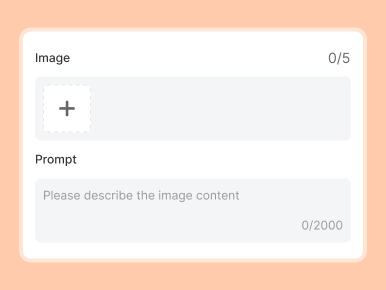
1. Enter Your Prompt or Upload Images
Type a description of what you want to see, or upload reference images.
2. Set Your Preferences
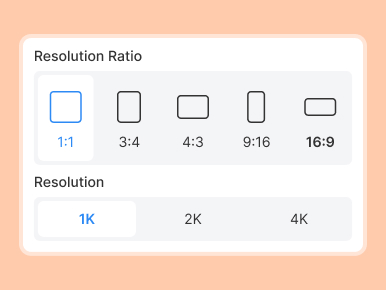
Choose your image settings: pick a resolution, select an aspect ratio, and more.
3. Generate the Image
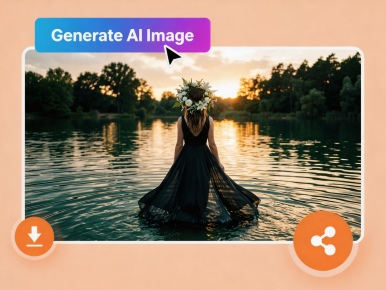
Hit generate and let Seedream 5.0 Lite do its work. You'll get back a polished, production-ready image (or a set of images).
FAQs About Seedream 5.0 Lite AI Image Generator
What is Seedream 5.0 Lite?
Seedream 5.0 Lite is an AI image generation model built by ByteDance's Seed team. It goes well beyond standard text-to-image tools — it can reason through complex requests, search the web for live information, and create images that truly match what you have in mind. Think of it as an AI that understands your creative intent like a professional designer would, not just a tool that turns keywords into pictures.
What makes Seedream 5.0 Lite different from other AI image generators?
Three things set it apart: (1) Deep thinking — it reasons through your request step by step, handling spatial layouts, physics, and logic that trip up other models. (2) Live web search — it's the first image model that can look things up online during generation, so your images stay current with the latest trends and data. (3) All-in-one design — it generates, edits, blends, and renders text in a single model, so you don't need separate tools for different tasks.
How does the live web search work?
When your prompt involves something time-sensitive — like today's weather, recent news, a trending topic, or a newly launched product — the model automatically decides to search the web for the latest information. It then weaves those real-time facts into the generated image. You don't need to turn anything on or add special commands; the model handles it on its own.
How is Seedream 5.0 Lite different from Seedream 4.5?
Seedream 5.0 Lite is a major step forward from the previous version. The biggest additions are built-in live web search and deep thinking capabilities — neither of which existed in 4.5. It also brings noticeably better intent understanding, stronger data visualization, and more consistent characters across images.
What is Seedream 5.0 Lite best suited for?
Seedream 5.0 Lite is versatile enough for just about any visual project. It's a great fit for e-commerce product pages and commercial photography, marketing posters and social media content, data visualizations and infographics, storyboards, comics, and character design sheets, app UI/UX mockups and prototypes, educational and scientific posters, architecture and interior design renderings, as well as sticker packs, icons, and hand-drawn illustration styles. If your project involves turning ideas into polished visuals, Seedream 5.0 Lite can handle it.
Turn Your Ideas into Amazing Pictures with Seedream 5.0 Lite