
Creating commercial video ads has become easier once an online video ad maker can start from a product photo or a short brief. You no longer need a full crew for every test creative. In this article, we list eight video ad maker options that help teams ship commercial clips for Reels, Shorts, Feed, and YouTube—starting with Mango AI Ad Generator.
What to Look for in a Video Ad Maker
A useful video ad maker keeps the product readable in the first second, supports vertical exports, and gives you voice or captions without leaving the browser. An online video ad maker is usually enough when you need fast variants for Meta or TikTok tests. Pick presenter tools when the face sells the offer, and photo-to-ad tools when the product shot is the hero.
Also check commercial licensing, watermark rules, and how credits burn when you regenerate. A cheap seat that locks exports behind a hard watermark is a poor fit for paid traffic.
Video Ad Maker Comparison Table
| 工具 | 輸入 | Output | 價錢 | 最適合 |
|---|---|---|---|---|
工具 Mango AI 廣告生成器 | 輸入 Product photo | Output Vertical / social ads | 價錢 免費 + 付費 | 最適合 Fast photo-to-ad drafts |
工具 視頻內 | 輸入 Prompt / script | Output Social & YouTube ads | 價錢 免費 + 付費 | 最適合 Template-led commercial cuts |
工具 Creatify | 輸入 Product URL / assets | Output UGC-style video ads | 價錢 Paid plans | 最適合 Ecommerce creative volume |
工具 AdCreative.ai | 輸入 Brief / assets | Output Static + video ads | 價錢 Paid plans | 最適合 Scored ad variants |
工具 圖畫 | 輸入 Script / URL | Output Captioned promo clips | 價錢 試用+付費 | 最適合 Script-to-stock ads |
工具 維埃德 | 輸入 Script / uploads | Output Edited ad files | 價錢 免費 + 付費 | 最適合 生成然後拋光 |
工具 綜合 | 輸入 腳本 | Output 主持人解說員 | 價錢 試用+付費 | 最適合 Talking-head commercials |
工具 弗利基 | 輸入 Text scenes | Output Voiceover promo clips | 價錢 免費 + 付費 | 最適合 Faceless product narration |
Top 8 Video Ad Maker Picks for Commercial Clips
1. AI Ad Generator
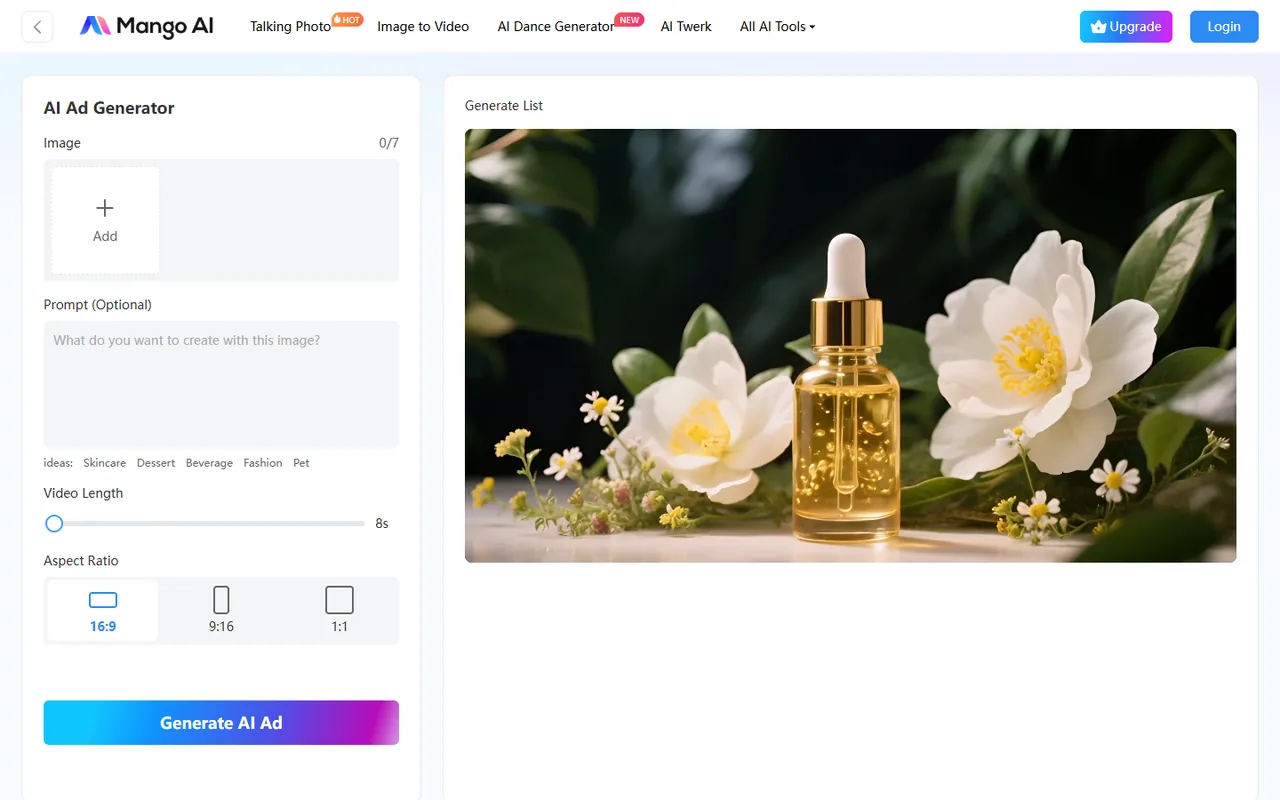
Mango AI Ad Generator turns a product photo into a short promotional clip with motion, narration, and multi-platform export in the browser. Upload a clear product image, generate the ad, then preview before you download.
主要特徵:
- Photo-to-ad workflow with motion, transitions, and AI narration
- Optional AI presenter for product talk-throughs
- Vertical and social-ready exports for Reels, Shorts, and Feed
- Browser preview and download without a separate timeline app
優點:
- Fast first commercial draft from one product still
- Voice, motion, and export sit in one browser flow
- Free + paid path for light tests or heavier batches
缺點:
- Voice and avatar libraries are smaller than dedicated presenter suites
- Long branded films still need a heavier editor
- Credit use rises if you regenerate often
最適合: Teams that need a practical video ad maker for quick photo-to-ad commercial drafts
2. InVideo
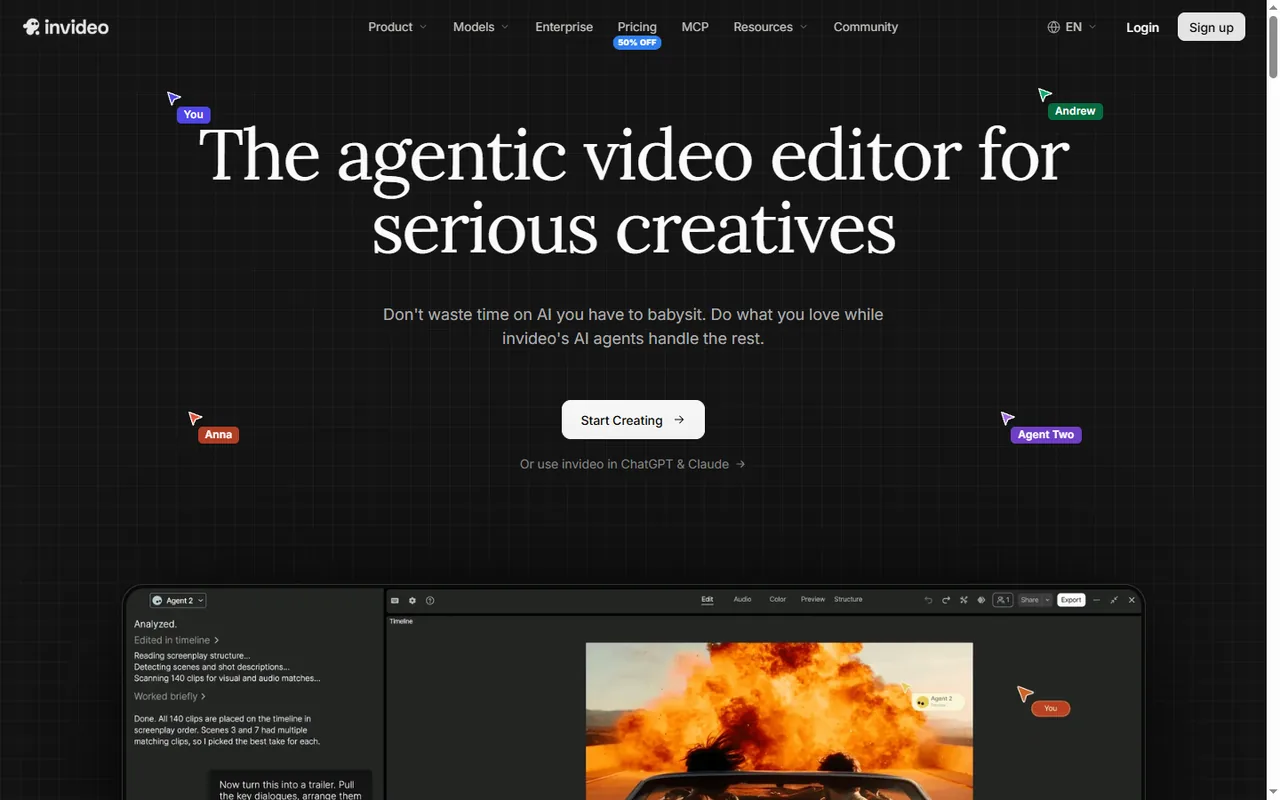
The next video ad maker on the list is InVideo. Prompt or paste a brief, pick a template, and generate social or YouTube-ready cuts with AI voiceover and stock layers.
主要特徵:
- Prompt or script input with commercial templates
- AI voiceover plus stock media layers
- Social and YouTube export sizes
- Free seat for short tests; paid plans for longer exports
優點:
- Strong template structure for quick commercial cuts
- Friendly for marketers who revise from a brief
- Free tier covers short experiments
缺點:
- Stock-led scenes can look generic without brand assets
- Free limits tighten on length and watermark rules
- Heavy customization still needs manual cleanup
最適合: Teams that want a template-led online video ad maker for social commercials
3. Creatify
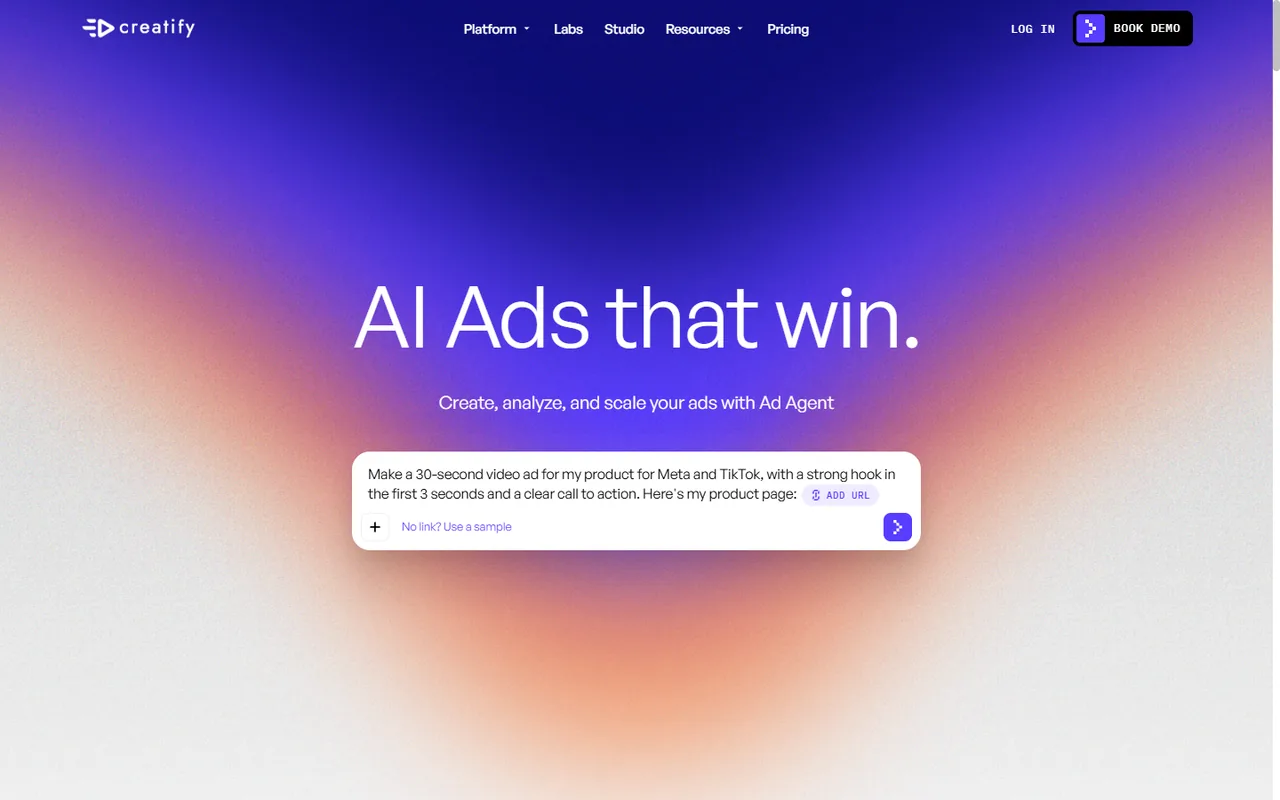
Creatify focuses on ecommerce video ads from product URLs and creative assets. It is built for volume—UGC-style hooks, avatar presenters, and batch variants for Meta and TikTok tests.
主要特徵:
- Product URL / asset ingest for ecommerce ads
- UGC-style and avatar presenter formats
- Batch variants for Meta and TikTok testing
- Paid plans aimed at creative volume
優點:
- High output for weekly creative testing
- Strong fit for product-page driven ads
- Avatar and UGC styles cover common feed formats
缺點:
- Pricing sits on paid seats
- Less ideal as a casual free editor
- Brand polish may still need a final pass
最適合: Ecommerce teams that need a video ad maker for high-volume feed creatives
4. AdCreative.ai
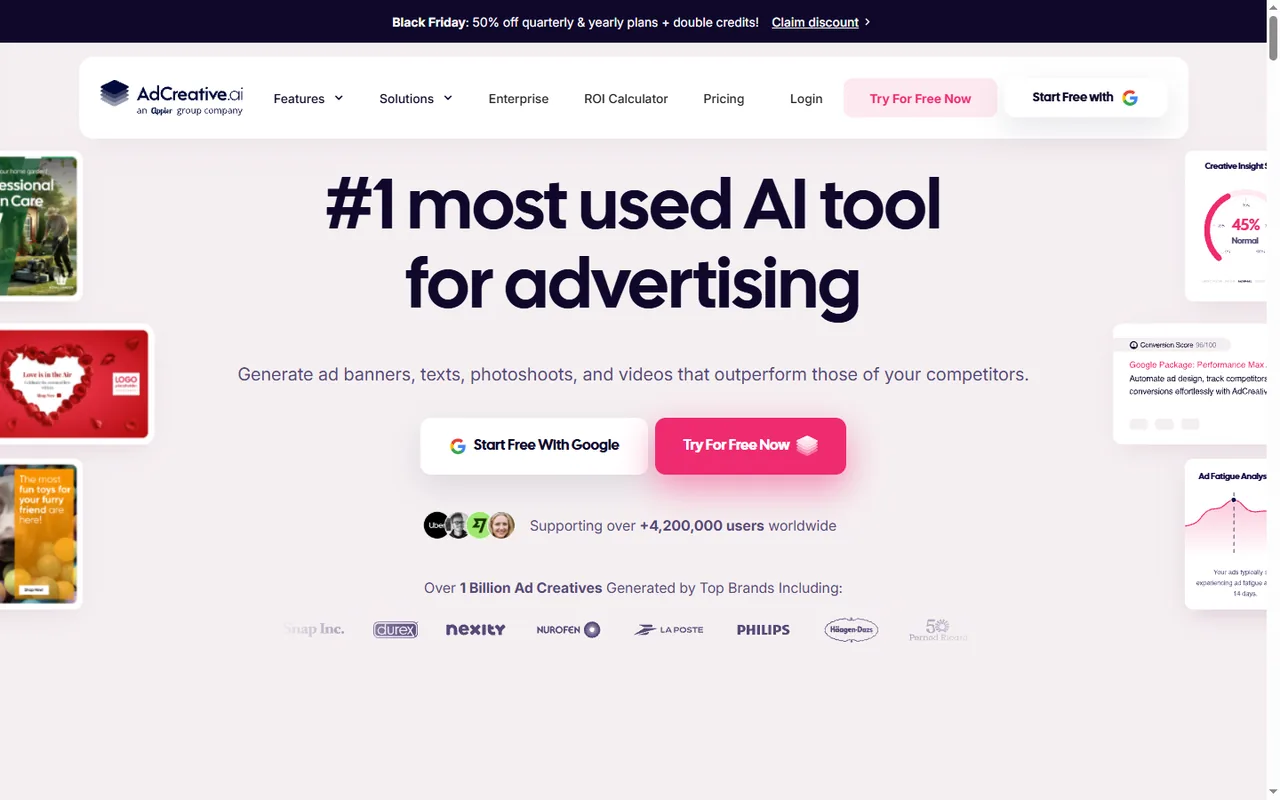
AdCreative.ai generates static and video ad variants from a brief, then scores creatives so media buyers can prioritize tests.
主要特徵:
- Brief-to-variant generation for static and video ads
- Creative scoring to rank test candidates
- Bulk angles for the same offer
- Paid plans for media-buying workflows
優點:
- Useful when you need many angles, not one hero film
- Scoring helps pick what to test first
- Fits performance creative pipelines
缺點:
- Not a free casual editor
- Scoring is a guide, not a guarantee
- Final brand checks still sit with the team
最適合: Media buyers who want a scored video ad maker for variant testing
5. Pictory
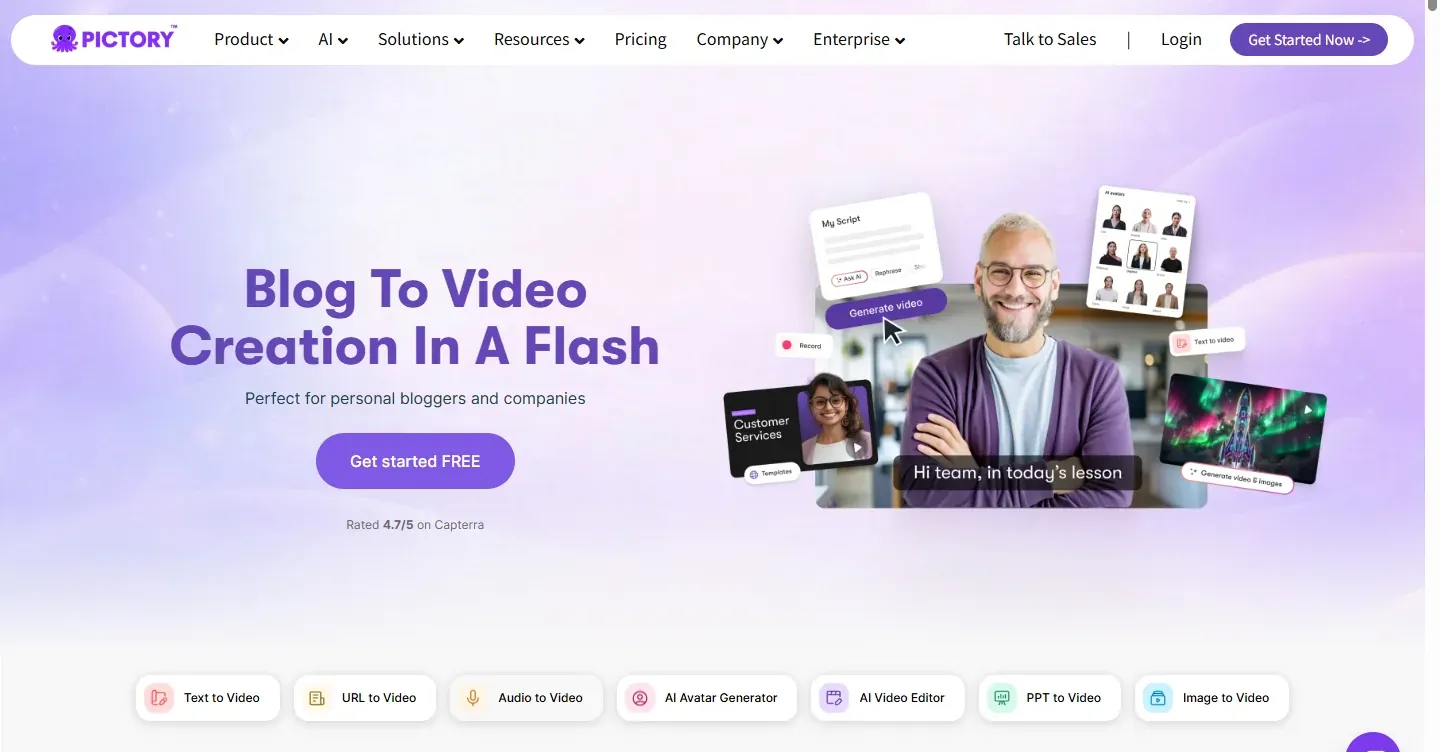
Pictory turns scripts or web copy into captioned promo clips with stock footage and AI voices. It is a solid online video ad maker path when the offer is already written as a short script.
主要特徵:
- Script or URL input to scene-based clips
- AI voices with auto captions
- Stock footage pairing for silent autoplay feeds
- Trial + paid plans
優點:
- Fast script-to-captioned promo workflow
- Captions help on muted social feeds
- Good when copy is already ready
缺點:
- Stock scenes can feel generic without brand footage
- Longer brand films need more editing control
- Trial limits may cap campaign batches
最適合: Marketers who need an online video ad maker from a finished short script
6. VEED
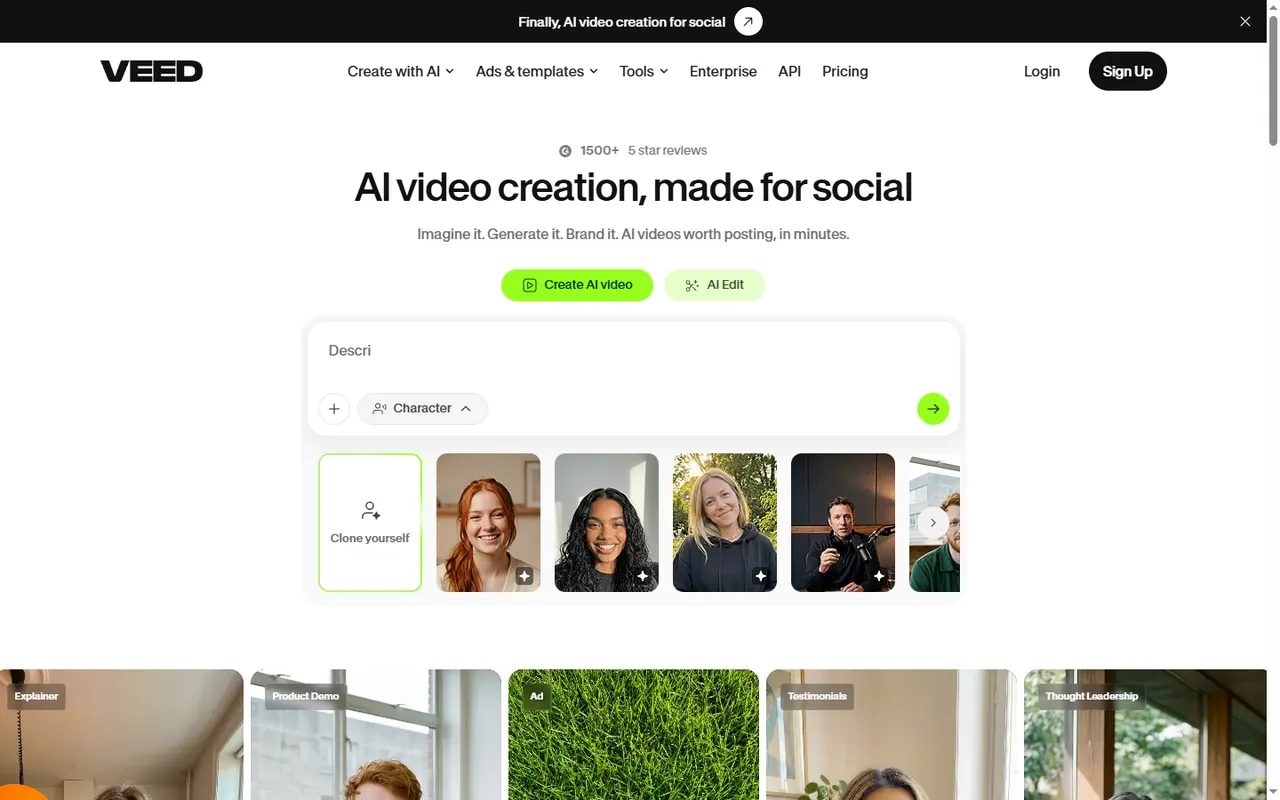
VEED combines AI draft generation with a browser timeline for captions, trims, and polish. Use it when you want a video ad maker that still lets you fix pacing by hand before you publish.
主要特徵:
- AI draft generation plus timeline editor
- Caption, trim, and polish tools in-browser
- Free exports for drafts; paid plans clear watermarks
- Upload support when you already have clips
優點:
- Generate first, then fix pacing manually
- Clear free-to-paid path for export quality
- Works for mixed AI + upload workflows
缺點:
- Timeline work takes more time than one-click ads
- Free watermarks block paid traffic use
- Complex brand kits may need another design tool
最適合: Editors who want a video ad maker with hands-on timeline control
7. Synthesia
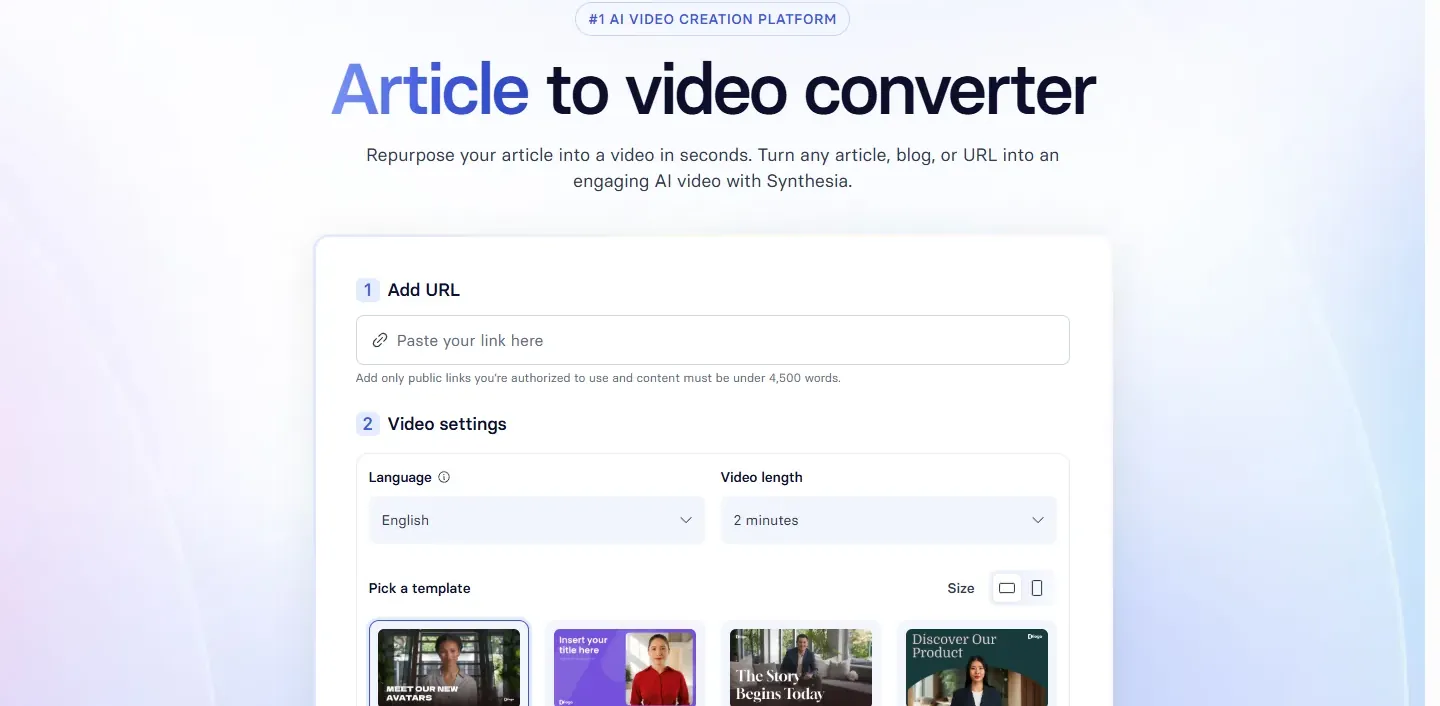
Synthesia builds presenter-led commercial explainers from a script. Pick an avatar, paste the offer copy, and export a talking-head style ad without filming talent.
主要特徵:
- Script-to-avatar presenter commercials
- Multilingual avatar and voice options
- Talking-head style exports for demos and explainers
- Trial + paid seats
優點:
- No talent shoot for face-led commercials
- Clear fit for SaaS demos and training-style ads
- Consistent presenter look across variants
缺點:
- Less suited to flashy product motion from one still
- Avatar style is not a UGC look
- Paid plans needed for serious volume
最適合: Teams that need a presenter-style video ad maker for offer explainers
8. Fliki
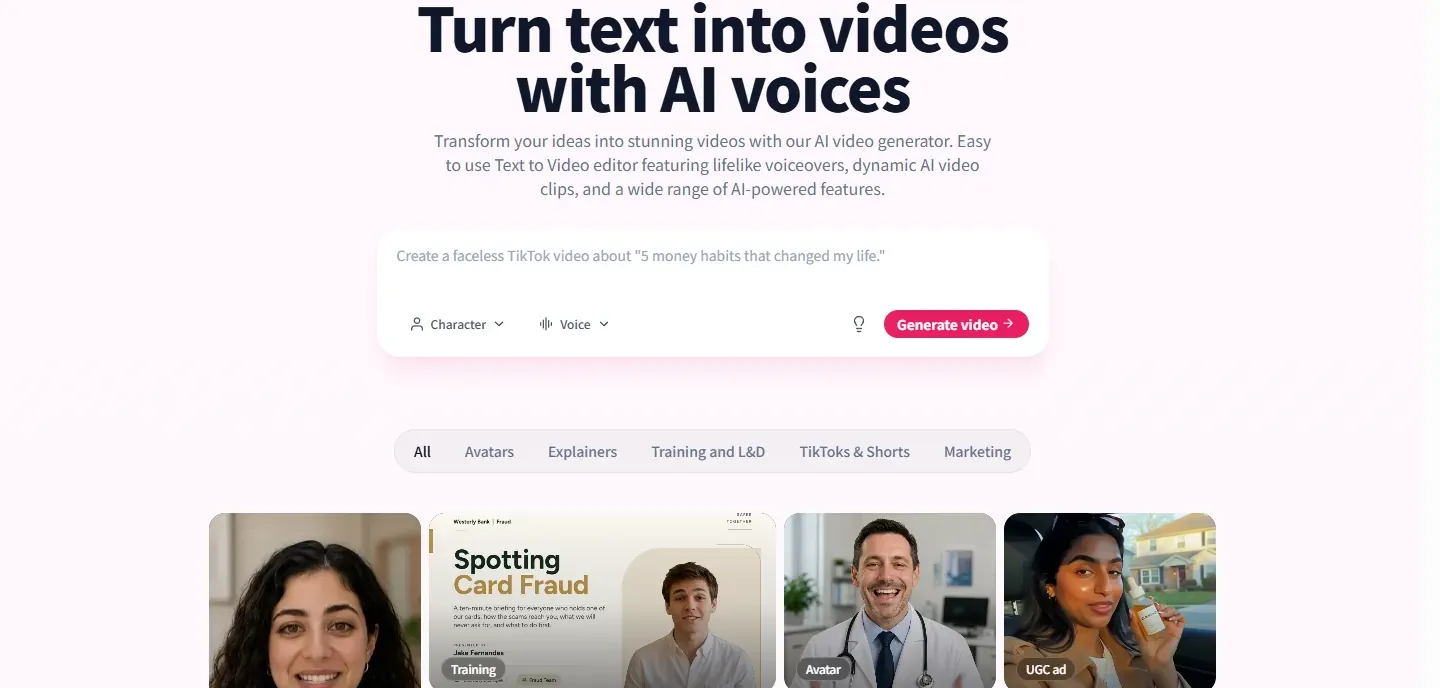
The last video ad maker on this list is Fliki. Map product copy into scenes, assign AI voices, and layer stock or uploads under the narration.
主要特徵:
- Scene-based text-to-promo workflow
- Large AI voice library for faceless ads
- Stock or upload layers under narration
- Free minutes plus paid plans for longer batches
優點:
- Strong when voice variety is the main need
- Friendly for faceless product narration
- Free minutes cover short tests
缺點:
- Timeline depth is lighter than full editors
- Long commercial batches usually need paid seats
- Visual polish may need brand footage swaps
最適合: Faceless channels that need a video ad maker focused on narration
How to Choose an Online Video Ad Maker for Your Campaign
- Start from a clear product photo or a short offer script—messy briefs waste credits.
- Prefer vertical exports if the budget sits on Reels, Shorts, or TikTok.
- Check watermark and commercial-license rules before you push paid traffic.
- Generate two or three angles, then keep the cut where the product stays readable in the first second.
Conclusion
A good video ad maker should get a commercial clip out the door without a studio day. Mango AI Ad Generator is a fast photo-to-ad start; InVideo, Creatify, and AdCreative.ai stretch further when you need templates, ecommerce volume, or scored variants. Match the tool to the asset you already have—still, script, or product URL—then test small before you scale.
If you want more ad-format ideas after this, see 十大最佳AI廣告生成器,幫助您打造吸睛影片廣告 和 如何製作能在前3秒內吸引觀眾的AI影片廣告.
Common Questions About Video Ad Maker Tools
A video ad maker turns product photos, scripts, or short briefs into commercial clips you can post as Reels, Shorts, Feed ads, or YouTube pre-roll—without a full production crew.
Yes. Several platforms offer free minutes or watermarked exports. Limits on length, resolution, and commercial use vary, so check the plan page before you scale a campaign.
Not always. Photo-to-ad tools start from stills. Script tools pair AI voiceover with stock or avatars. Upload-based editors help when you already have clips to polish.
For social feed ads, 6–15 seconds is common. Keep the offer readable in the first second and put the product in frame early.
Make a Commercial Video Ad with AI Ad Generator