
Creating short clips from long drafts has become easier once AI voiceover entered the workflow. Instead of booking a studio mic, you paste the copy, pick a voice, and let the tool assemble scenes. In this article, we list eight tools that help you convert article to video with narration built in—starting with Mango AI Article to Video.
Key Takeaways
- An article to video converter works best when the draft is already trimmed and the narration can stay close to the headings.
- Mango AI Article to Video is a fast browser path if you want outline, voice, and export in one place.
- Fliki and Murf lean hardest into voice libraries when narration quality is the product.
- Pictory and InVideo AI stay strong when a blog URL or short brief should drive stock-led scenes.
- VEED and Kapwing help when you want to generate first, then polish captions and timing on a timeline.
Why Convert Article to Video with AI Voiceover
Marketers and educators already sit on finished posts. Readers skim; viewers finish. When you turn articles into videos, the same outline becomes timed scenes with spoken delivery, captions for silent autoplay, and a file you can drop on Shorts, Reels, or a course page. AI voiceover removes the biggest blocker: recording yourself for every update.
Not every article to video converter treats voice the same way. Some ship with huge TTS catalogs and scene layouts. Others start from a presenter avatar and treat voice as part of the talking-head package. A few are editors first—you generate a draft, then fix pacing by hand. Matching that mix to your channel saves money on seats you will never use.
Convert Article to Video: Comparison Table
| Tool | AI Voiceover | Input | Pricing | Best For |
|---|---|---|---|---|
Tool Mango AI Article to Video | AI Voiceover Built-in voices | Input Paste draft | Pricing Free + paid | Best For Fast draft-to-narration |
Tool Fliki | AI Voiceover Large voice library | Input Text / URL | Pricing Free + paid | Best For Faceless narration |
Tool Pictory | AI Voiceover AI voices + captions | Input Blog URL / script | Pricing Trial + paid | Best For Blog repurposing |
Tool InVideo AI | AI Voiceover Prompt + voiceover | Input Text / brief | Pricing Free + paid | Best For Social cuts |
Tool VEED | AI Voiceover AI voice + editor | Input Script / text | Pricing Free + paid | Best For Generate then polish |
Tool Synthesia | AI Voiceover Multilingual voices | Input Script / doc | Pricing Trial + paid | Best For Presenter explainers |
Tool Murf | AI Voiceover Studio-grade TTS | Input Script + media | Pricing Free + paid | Best For Voice-first control |
Tool Kapwing | AI Voiceover AI draft + TTS | Input Text + timeline | Pricing Free + paid | Best For Fine timeline edits |
Top 8 Tools to Convert Articles to Videos with AI Voiceover
1. Article to Video
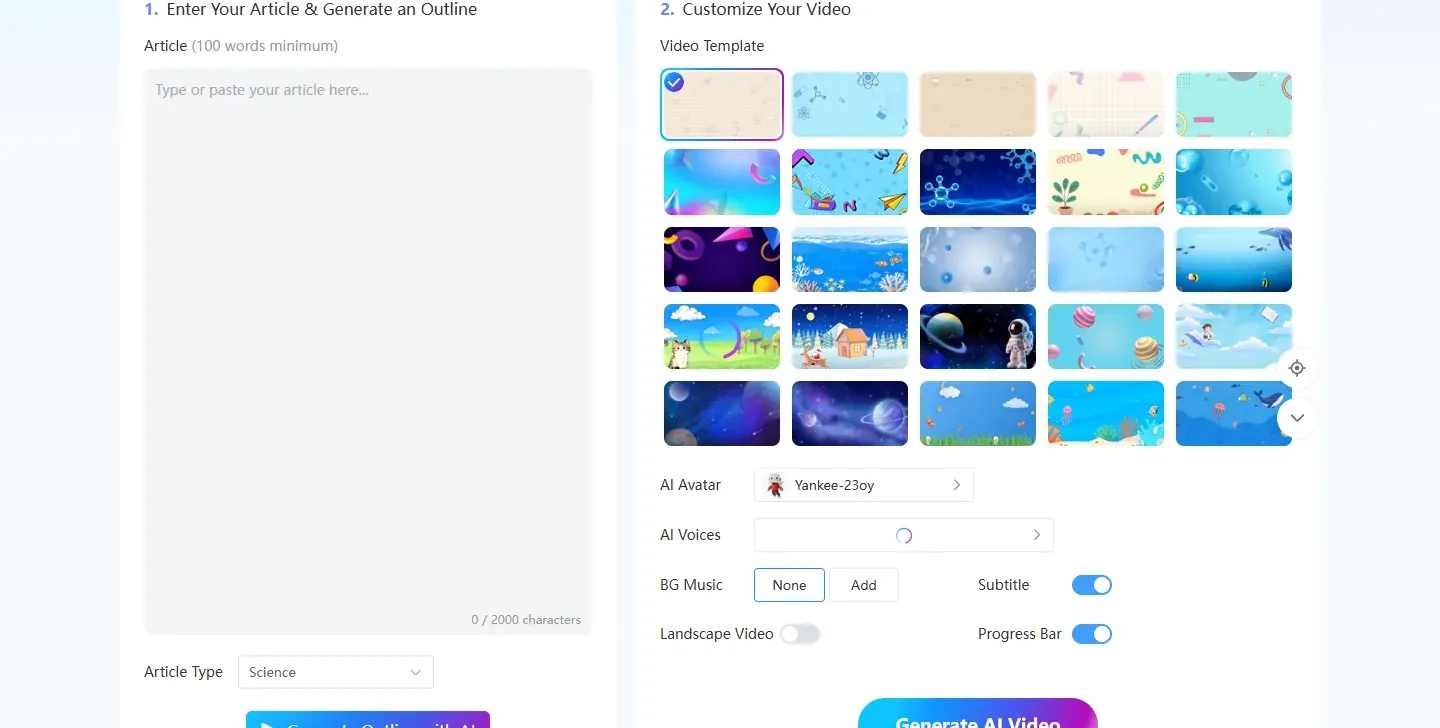
Mango AI Article to Video is built for writers who already have a draft and want narrated scenes without opening a separate timeline app. Paste the text, generate an outline with cover and chapters, pick a voice and template, then preview and download in the browser. It is a practical article to video converter when speed matters more than a huge enterprise voice catalog.
Key Features:
- Paste draft text and generate an outline with cover, chapters, and narration
- Built-in AI voiceover plus template, avatar, and subtitle controls on one page
- Progress-bar and caption toggles for social or longer explainers
- Preview and download in-browser; reopen projects under My Creations
Pros:
- Fast path from finished copy to a narrated clip
- Voice, outline, and export sit together—less tool-hopping
- Credit-based access fits light tests or heavier batches
Cons:
- Voice and avatar libraries are smaller than dedicated TTS or presenter suites
- Messy posts still need trimming before you paste
- Credit costs rise if you regenerate long clips often
Best For: Writers who need a fast draft-to-clip path with AI voiceover in one browser tab
2. Fliki
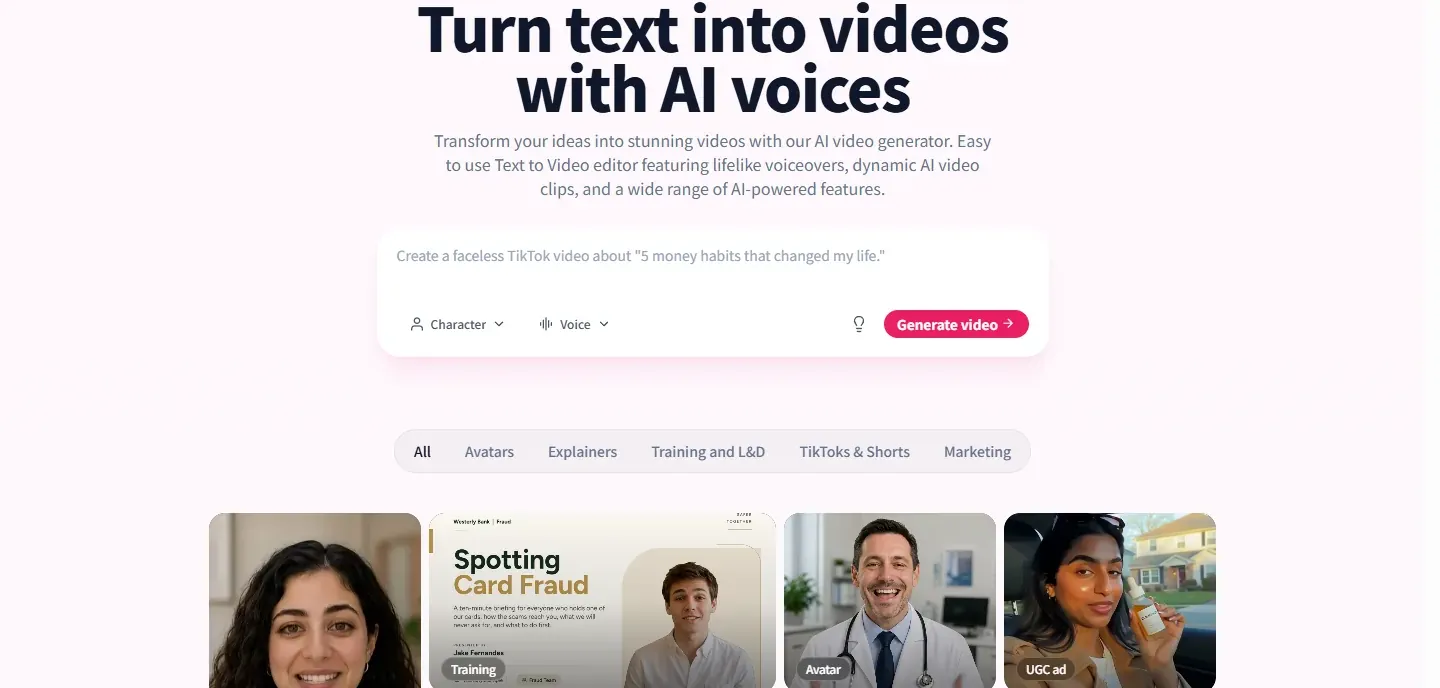
The next tool on the list is Fliki. Paste article sections as scenes, assign voices from a large multilingual catalog, and layer stock or uploads under the narration. Faceless YouTube and explainer channels often start here because voice choice is the main selling point.
Key Features:
- Large multilingual AI voiceover library with pitch and pause controls
- Scene-based layout that maps paragraphs to clips
- Stock and upload layers beside the narration
- Optional AI avatars for presenter-style scenes
Pros:
- Strong voice catalog for multilingual and faceless content
- Friendly for writers who think in scenes, not timelines
- Free minutes cover short experiments
Cons:
- Rewriting after render can burn voice minutes again
- Longer articles usually need a paid seat
- Avatar depth trails specialist presenter tools
Best For: Faceless channels and teams that prioritize narration variety when they turn articles into videos
3. Pictory
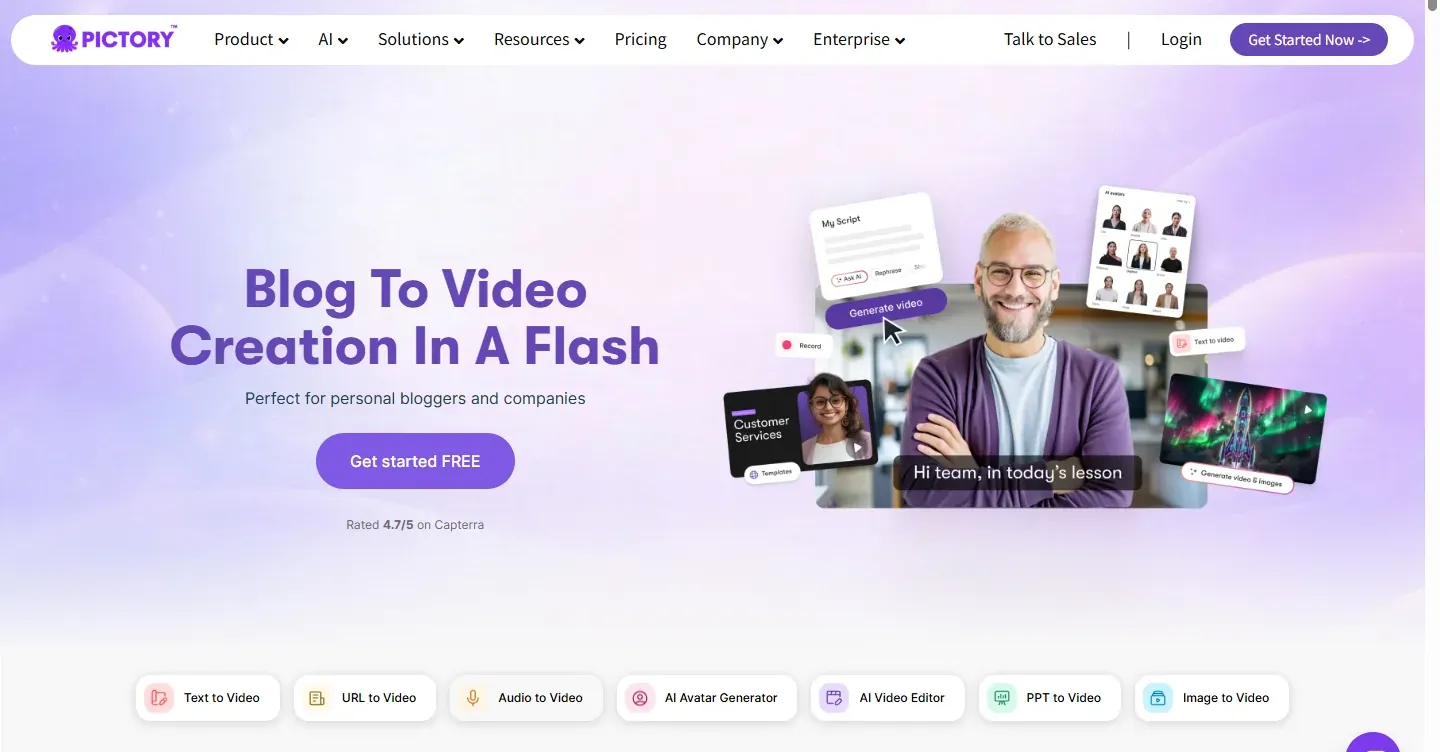
Pictory remains a common path when you want to convert article to video from a live blog URL. Import the page, split scenes, match stock footage, and add AI voiceover plus captions for social exports.
Key Features:
- Blog URL or script import with auto scene splitting
- Stock footage matched to narration
- AI voiceover and caption tools for social exports
- Brand and highlight controls on paid plans
Pros:
- Fast URL-to-video path for existing blogs
- Solid middle ground between pure TTS and avatar studios
- Lower entry price than many enterprise presenter suites
Cons:
- Watermark and length limits on lower tiers
- Stock matches can drift from the script meaning
- Voice polish may trail Fliki or Murf for narration-first channels
Best For: Marketers who already publish posts and need weekly stock-led cutdowns with narration
4. InVideo AI
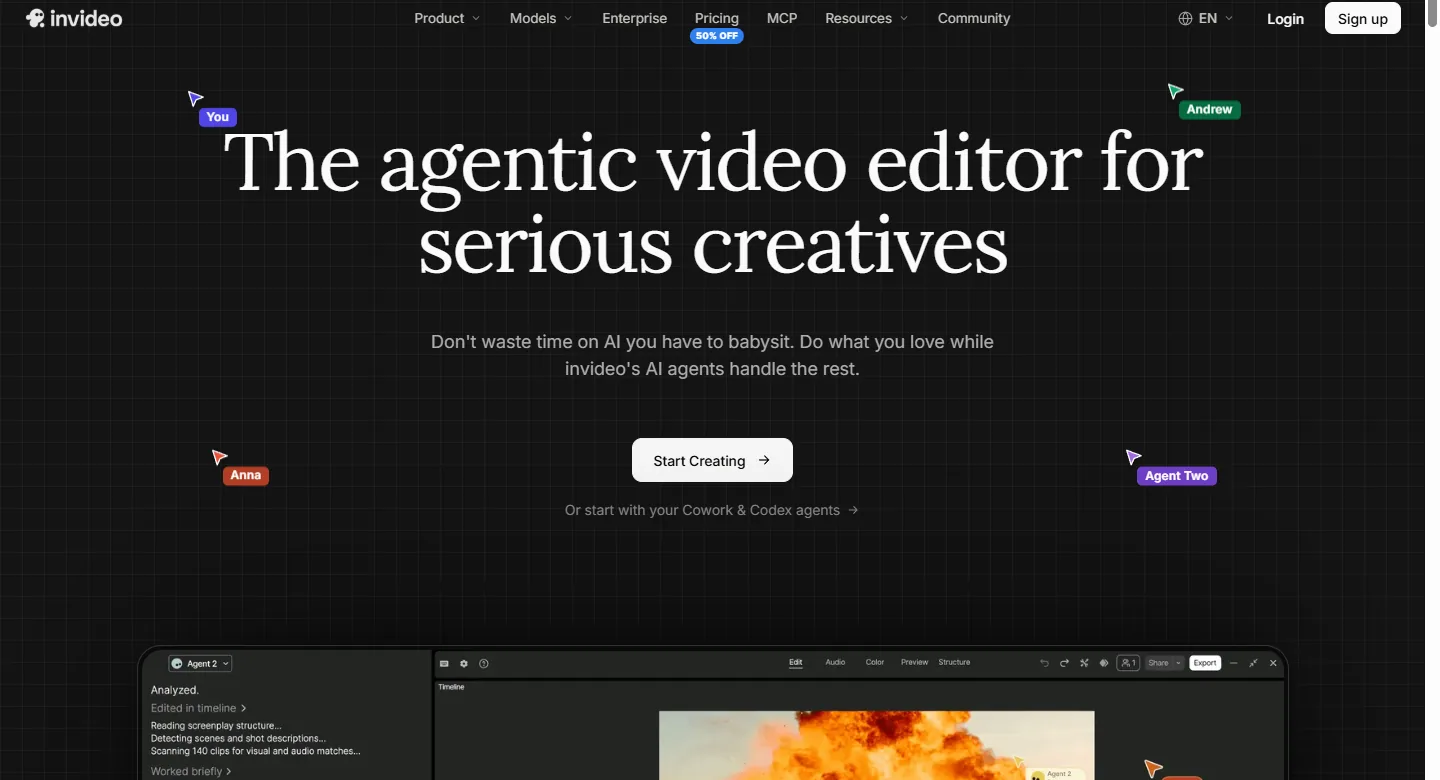
InVideo AI leans on prompts and templates. Feed article-length text or a short brief, let the model propose scenes with voiceover and music, then regenerate until pacing feels right.
Key Features:
- Prompt- or text-driven scene generation with AI voiceover
- Template library aimed at ads and social cuts
- Quick regenerate loops instead of deep storyboard review
- Mixed stock and media options by template
Pros:
- Fast first drafts from a brief or article paste
- Templates nudge platform-ready aspect ratios
- Free tier covers light experiments
Cons:
- Less line-level control than a full editor
- Watermark-free volume sits behind paid plans
- Outputs can feel stock-led if you need highly original scenes
Best For: Social and marketing teams that prefer regenerating whole cuts over fine timeline edits
5. VEED
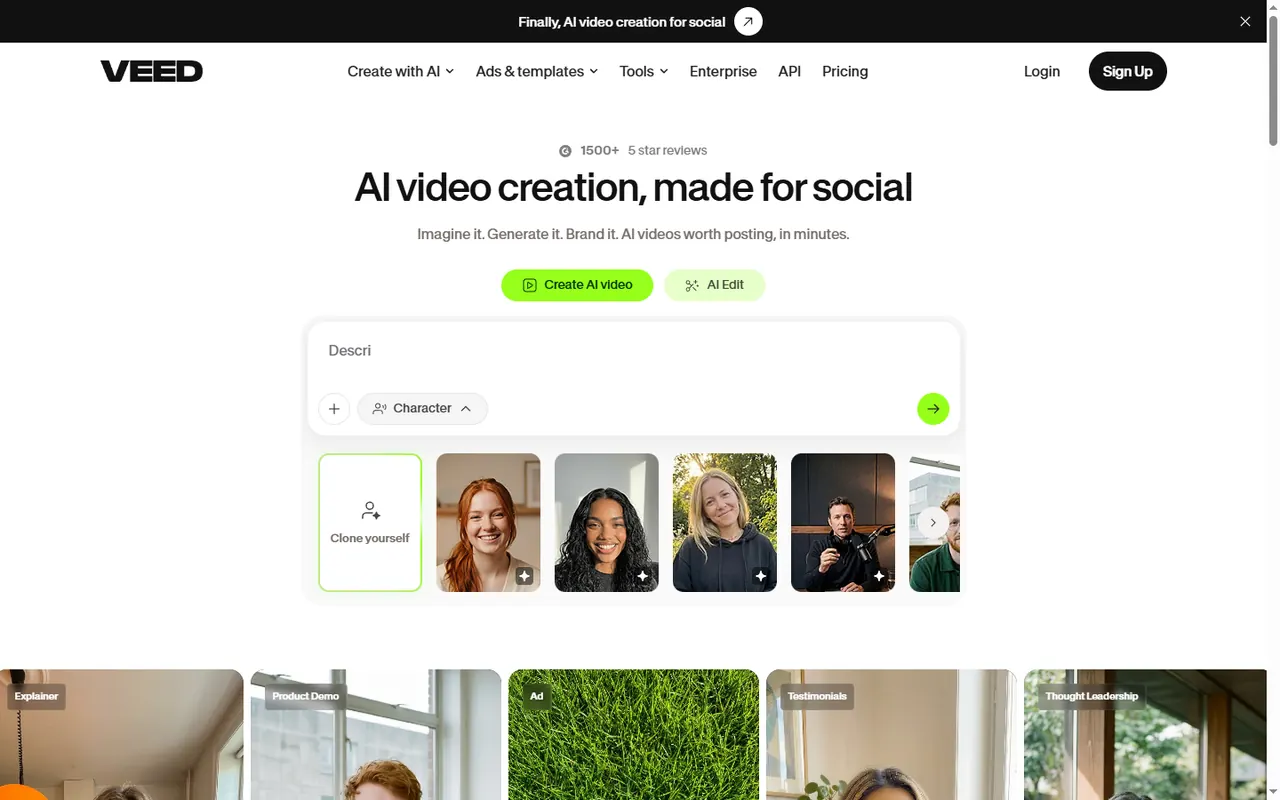
VEED combines text-to-video generation with a real browser editor. Start from a script, get scenes and AI voiceover, then trim, caption, translate, and brand without exporting to another app.
Key Features:
- AI generation from script with built-in voiceover
- Full browser timeline for trim, captions, and branding
- Translation and subtitle tools for multi-market posts
- Team review features on paid plans
Pros:
- Generate-then-edit loop without leaving the browser
- Strong caption and finishing tools after AI voiceover
- Useful for training clips and social cuts in the same workflow
Cons:
- Free exports are watermarked and limited
- Not the deepest one-click blog URL importer
- Pricing varies by seat; check current plan pages
Best For: Small teams that want to generate a draft, then polish timing and captions in one place
6. Synthesia
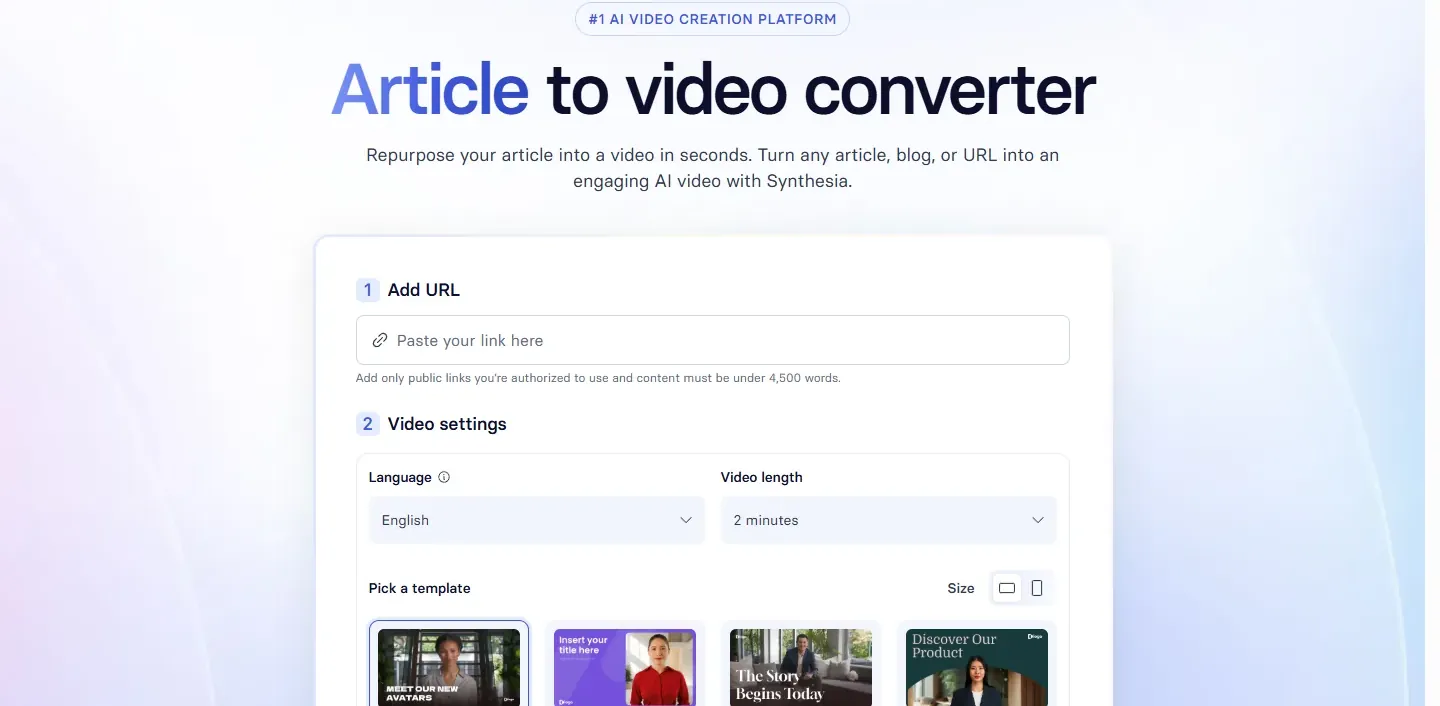
Synthesia is the pick when the finished video should look like a studio presenter read the article. Paste a script or upload a document, choose from a large avatar library, and ship multilingual voices for training-style explainers.
Key Features:
- Large AI avatar library with multilingual AI voiceover
- Script or document import into presenter-led scenes
- Brand kits and stock assets for corporate explainers
- Share, embed, or download for L&D workflows
Pros:
- Polished talking-head look for training and explainers
- Broad language coverage for localized versions of the same draft
- Mature brand controls for consistent presenters
Cons:
- Pricing climbs with seats and minutes
- Heavier than a quick social cut from a short blog post
- Tone can feel formal for casual consumer content
Best For: Corporate and L&D teams that need polished presenters plus narration, not faceless B-roll alone
7. Murf
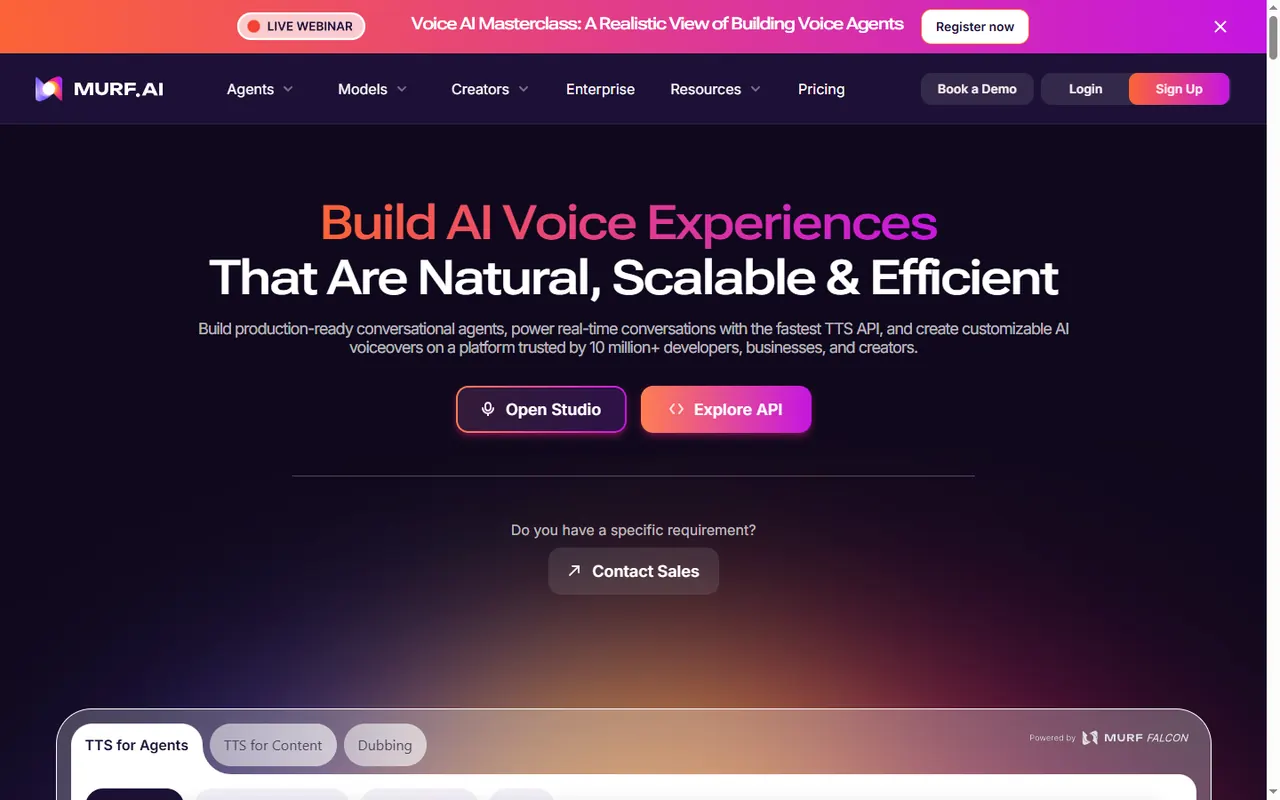
Murf focuses on studio-grade AI voiceover: pronunciation, pacing, pauses, and cloning controls that writers notice. Upload slides, images, or video, attach the script, and export when the delivery sounds right. It is less of a one-click blog importer—use it when you already have visuals and need the narration to carry the piece.
Key Features:
- Studio-grade TTS with pronunciation and pacing controls
- Voice cloning and tone options on supported plans
- Upload media or slides and sync AI voiceover on a timeline
- Team collaboration for script and voice review
Pros:
- Strong delivery control when voice quality is the product
- Useful over existing media instead of forcing a full auto cut
- Clear fit for localization and pronunciation-sensitive scripts
Cons:
- Weaker one-click blog URL import than Pictory or Fliki
- Not a full stock-montage storyboard tool by itself
- Video export features depend on plan—confirm before you buy
Best For: Teams that turn articles into videos in two steps—visuals first, narration second—or need fine voice control
8. Kapwing
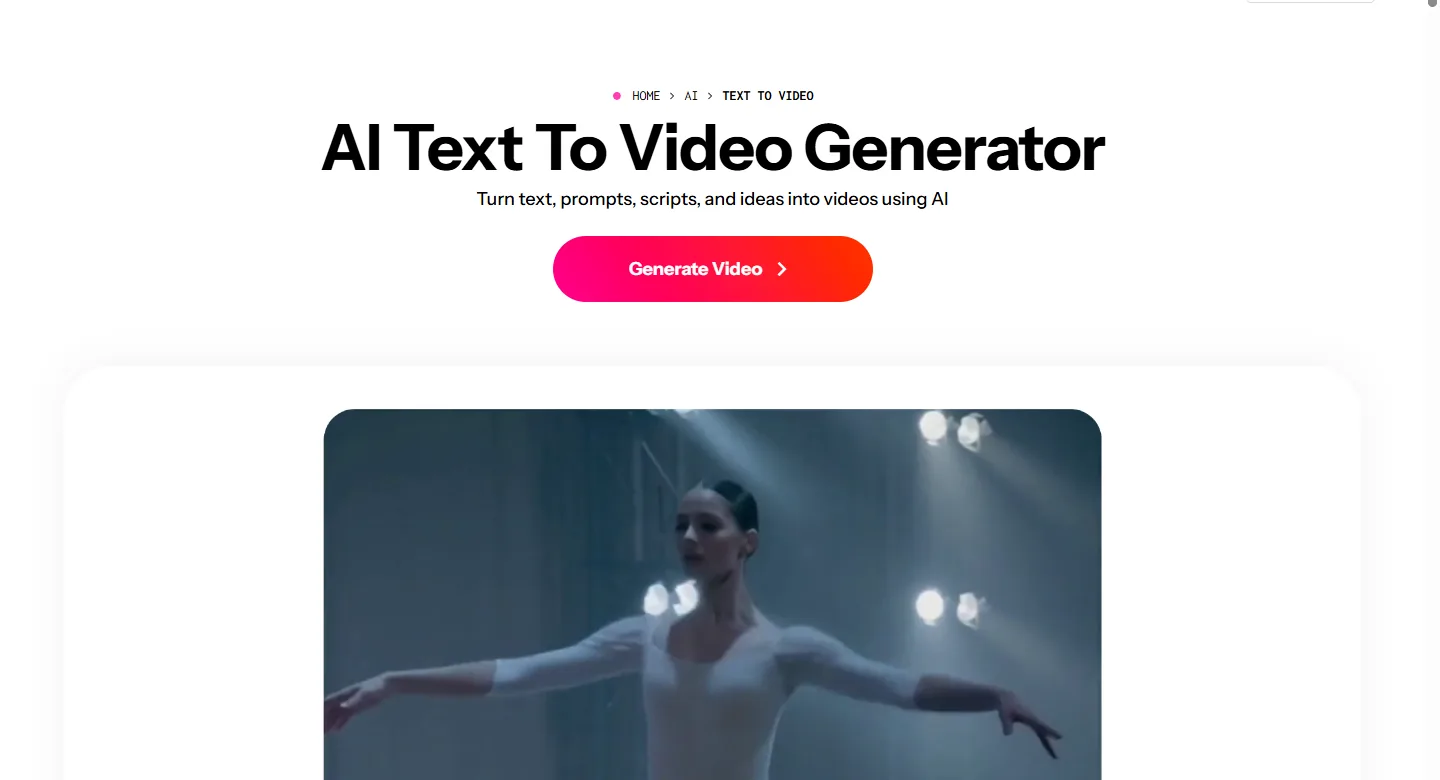
The last tool on this list is Kapwing. AI helpers can draft a cut from text with voiceover, then you finish inside a full browser timeline—trim, captions, overlays, and collaboration.
Key Features:
- AI draft from text with AI voiceover options
- Full browser timeline for trim, captions, and overlays
- Collaborative editing for teams
- Flexible media imports after the first AI pass
Pros:
- Timeline control beats regenerate-only tools for fine edits
- Works well as a finishing layer after another converter
- Captions and collaboration help team workflows
Cons:
- Steeper learning curve than one-click importers
- Free exports carry length and watermark limits
- Not a pure voice studio—presenter and TTS depth vary by AI path
Best For: Editors who want an article to video converter draft, then refuse to ship without timeline polish
How to Choose the Right Article to Video Converter
- Start from your source: clean draft paste, public blog URL, or document upload.
- Decide if voice quality, stock-led scenes, or a talking-head presenter matters most.
- Check languages, subtitle export, and vertical vs landscape output for the channels you actually use.
- Read watermark, monthly minutes, and commercial-use notes before you schedule a series.
- Prefer tools that let you edit the script before the final render so awkward lines never hit the file.
Tips for Cleaner Narrated Exports
- Cut the draft before you paste—clear headings and short paragraphs give the outline cleaner chapter breaks.
- Read the generated narration once out loud; if a sentence trips you, shorten it before you spend voice minutes.
- Keep captions on for silent autoplay.
- Match aspect ratio to the platform instead of forcing one master file everywhere.
Common Questions About Convert Article to Video Tools
It means taking a written draft or blog post and turning headings into scenes, paragraphs into AI voiceover, and optional stock or avatar visuals into a shareable clip—without filming yourself.
No. Most tools narrate with AI voiceover and pair the audio with stock footage, slides, or an AI presenter. You only need a clear draft and a voice you like.
Yes. Several platforms offer free minutes or watermarked exports. Limits on length, resolution, and commercial use vary, so check the plan page before you batch a series.
A tight outline and a few hundred usable words usually work better than a raw long post. Trim tangents first so the narration stays easy to follow.
Conclusion
The right pick depends on whether you care more about voice libraries, blog URL speed, presenter polish, or timeline control after the first render. If you already have a solid draft and want a browser-first path to convert article to video, start with Mango AI Article to Video, then compare Fliki or Pictory when narration catalogs or URL import matter more.
Want the paste-and-generate walkthrough? See How to Turn an Article into a Video Step by Step. For an avatar-focused roundup, browse Top 8 Article to Video Converters with AI Avatars.
Convert Your Article to Video with Mango AI