
Short romantic clips move faster than still photos on social feeds. If you want to make AI kissing video posts for YouTube Shorts, TikTok, or Instagram Reels, you only need one clear portrait and a browser tool. This guide shows how to create AI kissing video clips with Mango AI Kissing, then export a kissing short video ready to post.
Why Short Platforms Favor a Kissing Short Video
Viewers decide in the first second. A moving kiss reads as warmth even when the clip lasts only a few seconds. That is why people search for ways to create AI kissing video drafts instead of booking a full shoot. Keep the idea small: one face, one mood, one vertical loop that fits TikTok, Reels, and Shorts.
Production stays light. A sharp photo and a kiss style are enough for a first draft. If the emotion feels flat, change the photo or the style before you chase timeline edits.
Open AI Kissing in Your Browser
For this workflow, open AI Kissing. Choose a kiss type, upload a photo, then generate. Styles include French Kiss, General, Kiss Me AI, and Cheek Kiss. Kiss Me AI is the path when you only have a single-person photo. Keep uploads ethical: adult subjects only, and only photos you have permission to use.
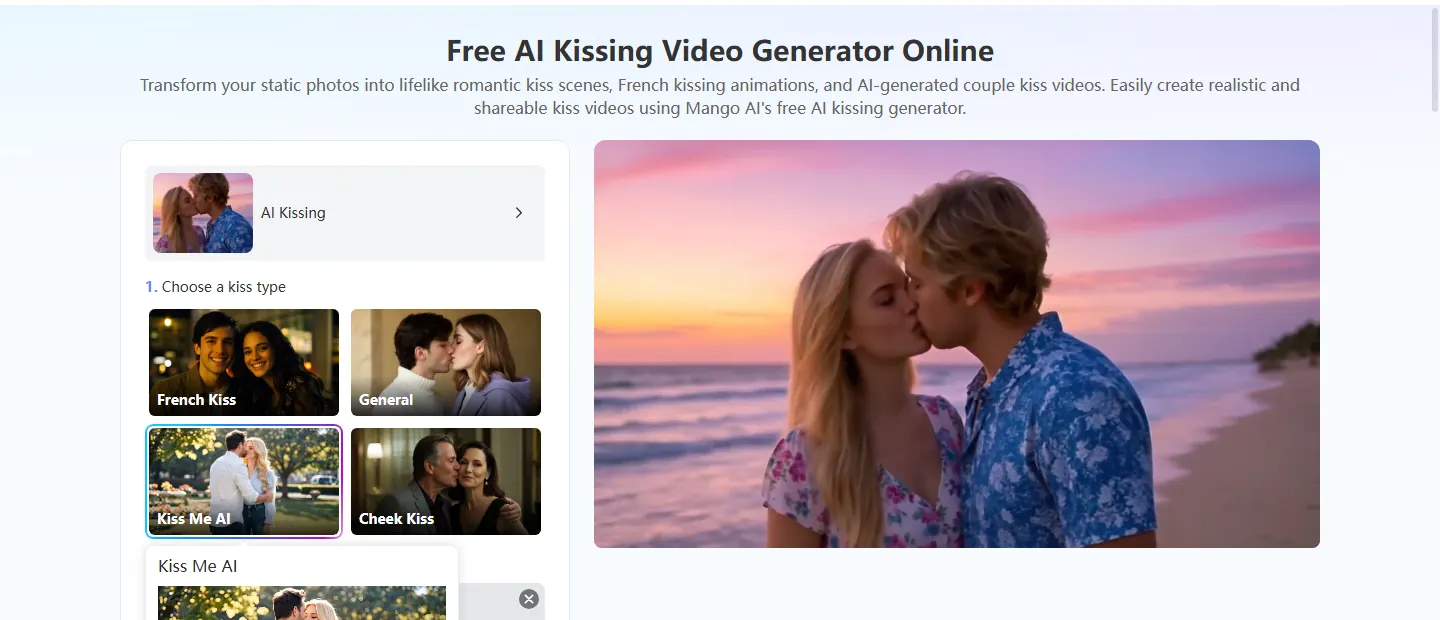
How to make AI kissing video Clips in Three Steps
Use these three steps when you want to make AI kissing video files for short platforms without leaving the browser.
- Ladda upp ditt foto
Open AI Kissing and pick Kiss Me AI when you only have one portrait. Drop a sharp front-facing adult photo into the upload area. Soft light and a clear face help the motion read on TikTok, Reels, or Shorts. Skip blurry shots, heavy filters, and crops that hide the mouth.
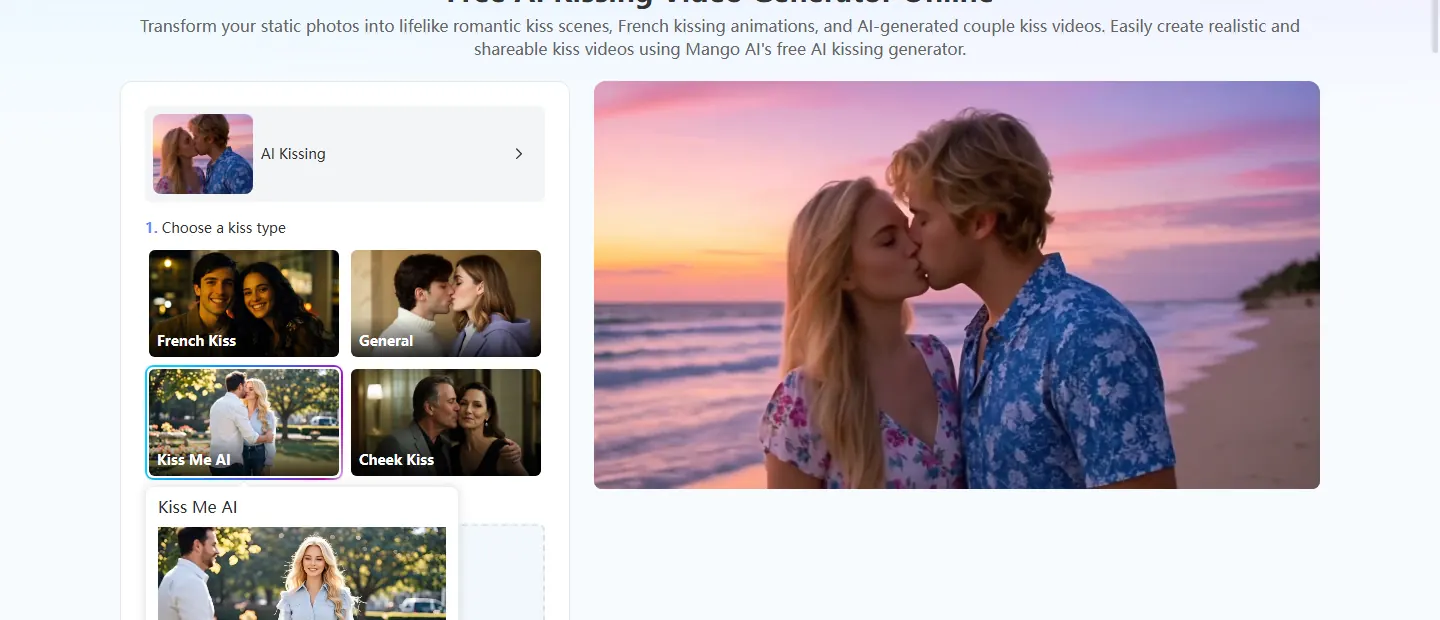
- Generate the Kissing Clip
Click Generate Kissing Video and wait for the preview. You can turn on background music on the same page if the kissing short video needs a soft score. Watch the eyes, mouth, and head tilt before you move on. If the mood feels stiff, try another photo or kiss style instead of heavy edits.
- Preview and Download for Shorts
Play the finished preview, then download when it looks right. Before you post to YouTube Shorts, TikTok, or Instagram Reels, note that the clip is AI-generated.
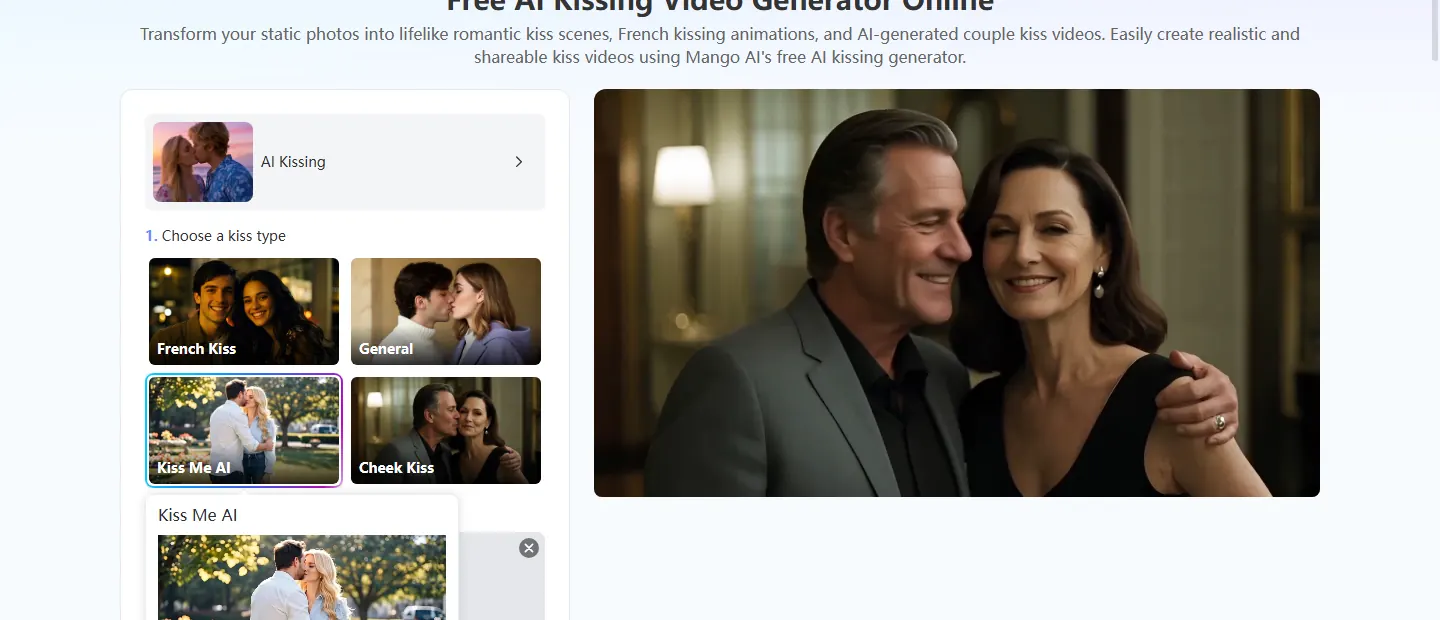
Tips That Help the Clip Land on YouTube, TikTok, or Reels
- Keep the face easy to see at the start of the clip—short videos are hard to follow when the opening is too dark or too far away.
- Use a vertical frame when you post to TikTok, Reels, or YouTube Shorts.
- Keep backgrounds simple so the kiss stays the focus.
- Say the clip is AI-generated when you share, and only animate photos you own or have rights to use.
- If you want another mood, keep the same photo and switch the kiss style to create AI kissing video variants faster.
Common Questions About make AI kissing video Workflows
It means turning a still photo into a short animated kiss clip with AI, then exporting a file you can post. You do not need a camera crew or a second person in the room for Kiss Me AI.
Yes. Download the file and post it as a kissing short video on TikTok, Instagram Reels, or YouTube Shorts. Use a vertical crop when the platform asks for one, and label AI content when you share.
Not for Kiss Me AI. That style is built for a single portrait. Couple styles such as French Kiss usually need one clear photo with two people.
There is a free path for short clips that may include a watermark. Paid options unlock higher quality exports with fewer limits.
Conclusion
You do not need a studio date to make AI kissing video posts for short feeds. With one clear photo, Kiss Me AI, and a quick generate-and-download pass, you can ship a kissing short video for YouTube, TikTok, or Reels. Test one style at a time, then post when the motion feels warm enough to finish.
Want a closer look at the single-portrait Kiss Me path? See Hur man gör en "Kyss mig"-video som ser realistisk och känslosam ut.
Make an AI Kissing Video with Mango AI