
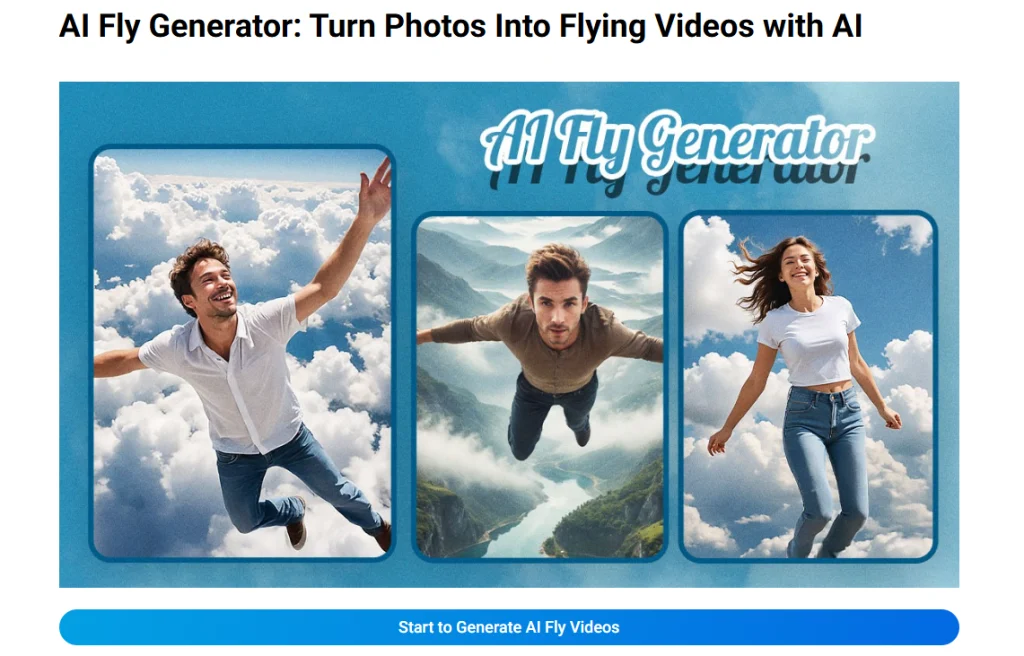
Če ste si kdaj predstavljali, da drsite skozi oblake kot superheroj ali mirno lebdite nad gorskimi vrhovi, vam lahko tehnologija umetne inteligence za letenje pomaga to fantazijo spremeniti v videoposnetek, ki ga lahko delite. Ti generatorji videoposnetkov letenja z umetno inteligenco spremenijo fotografije v dinamične posnetke iz zraka z realističnim vzgonom, gibanjem kamere in kinematografskim gibanjem. Spodaj smo zbrali najboljša orodja za generatorje videoposnetkov letenja z umetno inteligenco, ki lahko iz preprostih fotografij ustvarijo gladke učinke letenja. Ne glede na to, ali želite virusni posnetek na TikToku, objavo v fantazijskem slogu na družbenih omrežjih ali dodelan ustvarjalni videoposnetek, te platforme olajšajo ustvarjanje učinkov letenja brez ročnega urejanja.
What Is a Flying AI Video Generator?
Generator videoposnetkov z umetno inteligenco, ki leti, je orodje za pretvorbo slike v videoposnetek, ki uporablja umetno inteligenco za animiranje osebe na fotografiji, tako da se zdi, kot da lebdi, drsi ali leti. Namesto snemanja z žicami, droni, zelenimi zasloni ali kompleksno programsko opremo za urejanje naložite fotografijo in pustite, da umetna inteligenca uporabi gibanje na motivu in ozadju.
Večina orodij deluje najbolje z jasno fotografijo celotnega telesa, saj mora umetna inteligenca prepoznati osebo, jo ločiti od ozadja in dodati verodostojno gibanje. Nekatere platforme podpirajo tudi pozive, filtre, glasbo in nastavitve sloga, kar ustvarjalcem daje večji nadzor nad končnim videoposnetkom letenja.
Top 7 Flying AI Video Generators
Tukaj je sedem orodij, ki jih je vredno preizkusiti, če želite iz fotografij ustvariti hiperrealistične videoposnetke z umetno inteligenco, ki letijo.
1. Mango AI – Best for Smooth AI Flying Videos
Mango Animate ponuja izjemne zmogljivosti umetne inteligence za letenje, ki navadne fotografije spremenijo v privlačne videoposnetke letenja z gladkim in naravnim gibanjem. Njegova umetna inteligenca prepozna subjekt na naloženi fotografiji, loči osebo od ozadja in uporabi realistične vzgonske in drsne gibe, zaradi katerih je končni videoposnetek kinematografski.
Ustvarjanje videoposnetka letenja z Mango Animate je preprosto. Naložite jasno fotografijo celotnega telesa, po potrebi izberite glasbo v ozadju in kliknite »Ustvari video letenja«. V le nekaj korakih lahko ustvarite dodelan video letenja za Instagram Reels, TikTok, YouTube Shorts ali kreativne predstavitve.
Ključne značilnosti
- Inteligentno prepoznavanje subjekta: Samodejno zazna osebo in pripravi fotografijo za animacijo letenja.
- Realistično gibanje leta: Doda naravni dvig, drsenje in lebdeče gibanje fotografijam.
- Hitra generacija: V nekaj minutah ustvari videoposnetke letenja, ki jih lahko delite.
- Izhod, pripravljen za družabno delovanje: Dobro deluje za kratke videoposnetke, kreativne objave in osebno pripovedovanje zgodb.
Zakaj izstopa
Mango Animate je odlična prva izbira za začetnike, saj ohranja osredotočen potek dela: naložite fotografijo, ustvarite učinek in prenesite dodelan videoposnetek letenja, ne da bi se učili zapletenih orodij za urejanje.
2. Pollo AI – Best for Prompt-Controlled Flying Effects
Pollo AI je specializiran za preoblikovanje fotografij ene osebe v dinamične videoposnetke z umetno inteligenco, ki letijo, z dramatičnim, superjunaškim slogom. Zasnovan je za ustvarjalce, ki si želijo drznih zračnih posnetkov, ki so energični in primerni za družbena omrežja.
Ena glavnih prednosti Pollo AI je prilagajanje. Po nalaganju fotografije lahko rezultat prilagodite z besedilnimi pozivi in nastavitvami generiranja, kar olajša vodenje ozadja, razpoloženja in vrste gibanja leta, ki ga želite.
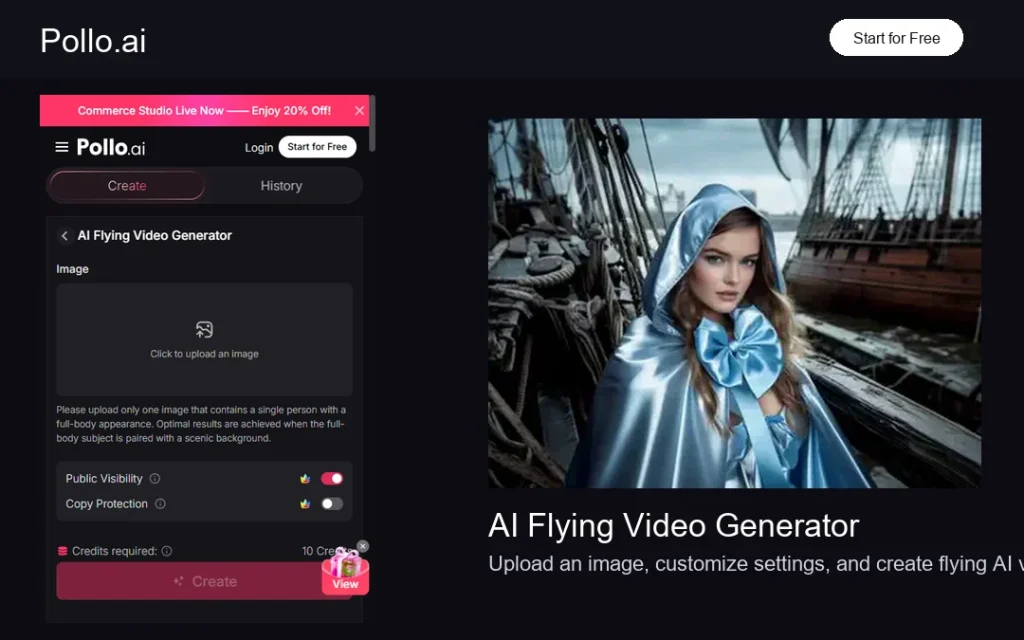
Ključne značilnosti
- Hitra prilagoditev: Omogoča uporabnikom, da opišejo prilagojene učinke leta in vizualno smer.
- Delovni tok za eno fotografijo: Spremeni eno jasno fotografijo osebe v leteči video.
- Ustvarjalni video učinki: Podpira dramatične, energične leteče prizore za družbene platforme.
Zakaj izstopa
Pollo AI je uporaben, če želite več ustvarjalnega nadzora nad letečim prizorom in imate raje prilagajanje na podlagi pozivov kot fiksni učinek z enim klikom.
3. Wondershare Virbo – Best for Web and Mobile Flying Filters
Wondershare Virbo ponuja priročen način za ustvarjanje realističnih videoposnetkov letenja z umetno inteligenco tako na spletu kot na mobilnih napravah. Njegov sistem za videoposnetke letenja z enim klikom je zasnovan za uporabnike, ki si želijo hitrih rezultatov brez ročnega urejanja, veščin posebnih učinkov ali tehnične nastavitve.
Virbo vključuje več filtrov za letenje za različne ustvarjalne scenarije, od jadralnega letenja po oceanu do mestnih letov in prizorov nočnega neba. Zaradi mobilne podpore je praktičen tudi za ustvarjanje spontanih vsebin s telefona ali tablice.
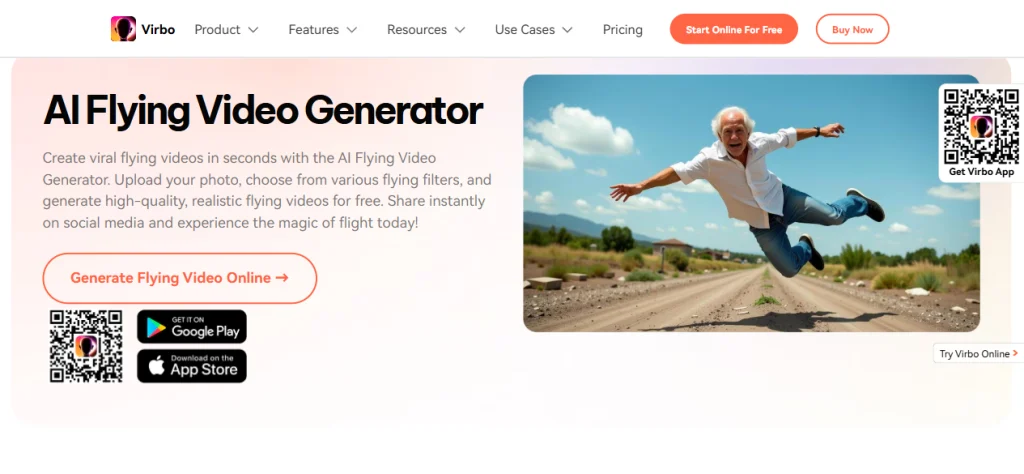
Ključne značilnosti
- Spletna in mobilna podpora: Ustvarjajte videoposnetke letenja iz brskalnika ali mobilne aplikacije.
- Več letečih filtrov: Ponuja sloge, kot so ocean, mesto in nočni let.
- Generiranje na podlagi pozivov: Podpira ustvarjalno smer za različne leteče prizore.
Zakaj izstopa
Virbo je primeren za ustvarjalce, ki si želijo prilagodljivo orodje za letečo umetno inteligenco, ki deluje na vseh napravah in podpira hitro ustvarjanje videoposnetkov, namenjenih predvsem mobilnim napravam.
4. Media.io – Best for a Simple Online Studio Workflow
Media.io je odlična možnost za uporabnike, ki si želijo brskalniško studijsko okolje za pretvorbo navadnih fotografij v leteče videoposnetke. Platforma je prijazna za začetnike in ne zahteva znanja grafičnega oblikovanja ali naprednih izkušenj z urejanjem.
Uporabniki lahko dostopajo do poteka dela za pretvorbo slike v videoposnetek, naložijo fotografijo in vnesejo poziv za letenje. Media.io nato ustvari animacijo leta, ki jo je mogoče uporabiti za TikTok, Instagram, YouTube in druge ustvarjalne platforme.
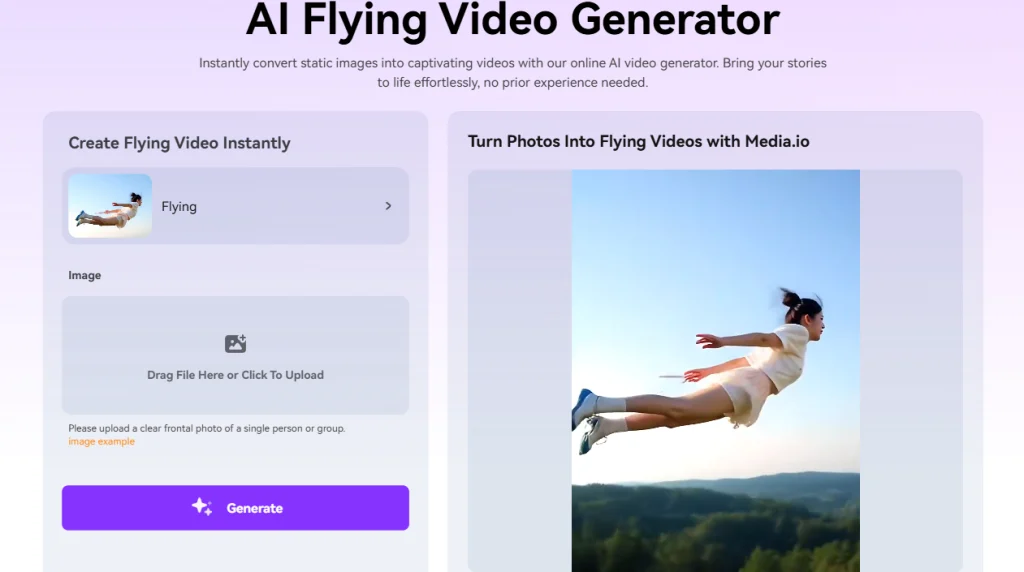
Ključne značilnosti
- Vmesnik, prijazen za začetnike: Omogoča ustvarjanje letečih videoposnetkov tudi za tiste, ki niso montažerji.
- Izhod na podlagi pozivov: Uporabnikom omogoča opis želenega letečega gibanja ali prizora.
- Več ustvarjalnih slogov: Podpira ideje za videoposnetke v superjunaškem, kinematografskem in zračnem slogu.
Zakaj izstopa
Media.io je primeren za ustvarjalce, ki si želijo preprostega spletnega delovnega procesa in raje ustvarjajo videoposnetke z umetno inteligenco znotraj širšega spletnega medijskega studia.
5. DreamLux AI – Best for Watermark-Free AI Video Output
DreamLux AI se pozicionira kot preprosta rešitev za ustvarjanje kinematografskih videoposnetkov z umetno inteligenco z dodelanim gibanjem in profesionalnim občutkom. Njegove možnosti letečih videoposnetkov so uporabne za ustvarjalce vsebin, tržnike in pedagoge, ki potrebujejo vizualno privlačne rezultate, ne da bi porabili ure za urejanje.
Kar dela DreamLux AI še posebej privlačnega, je njegov poudarek na dostopnem izpisu brez vodnih žigov. To je lahko koristno pri ustvarjanju vsebin z blagovno znamko, profesionalnih predstavitev ali promocijskih vizualnih elementov, ki potrebujejo čistejši zaključek.
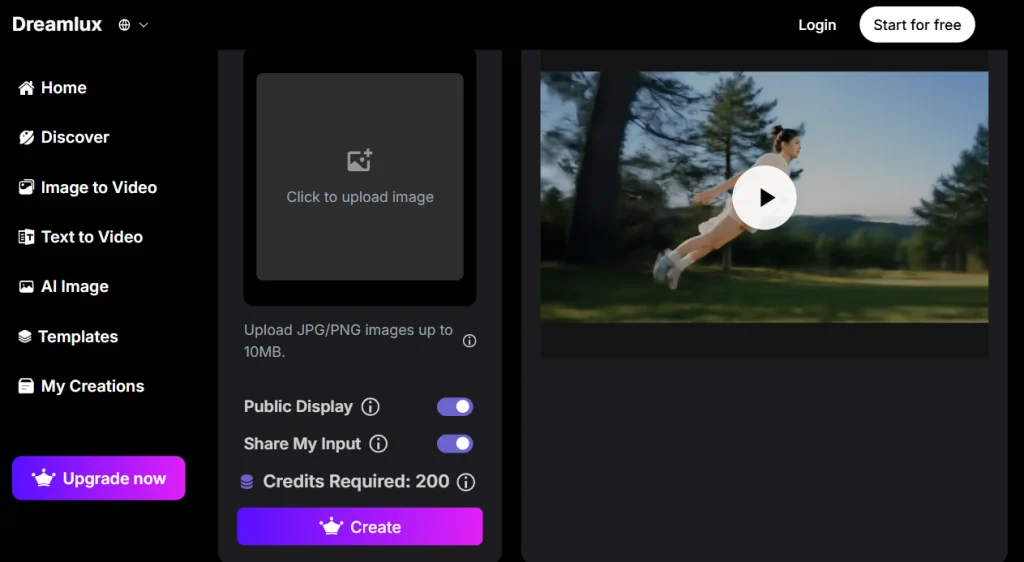
Ključne značilnosti
- Izpis brez vodnega žiga: Ustvari čistejše videoposnetke za profesionalno uporabo in uporabo blagovnih znamk.
- Kinematografski prehodi: Podpira izpopolnjeno gibanje za družabne in predstavitvene vsebine.
- Podpora za nalaganje slik: Omogoča uporabnikom, da začnejo s statičnimi fotografijami in ustvarijo učinke gibanja.
Zakaj izstopa
Če sta izvoz brez vodnih žigov in preprost kinematografski video potek dela prednostna naloga za vaše projekte leteče umetne inteligence, je vredno razmisliti o DreamLux AI.
6. YouCam – Best for Personalized Flying Prompts
YouCam ponuja dosledne rezultate letenja z umetno inteligenco za ustvarjanje vsebin na družbenih omrežjih. Od vzletov v slogu superjunakov do sanjskih levitacijskih prizorov, orodje ponuja praktičen način za pretvorbo fotografij v animirane leteče posnetke.
YouCamove funkcije personalizacije so uporabne za ustvarjalce, ki želijo natančno opisati, kako naj bi subjekt letel, kakšno naj bi bilo ozadje in kakšno razpoloženje naj bi ustvaril končni videoposnetek. Njegov mobilni ekosistem omogoča tudi ustvarjanje vsebin na poti.
Ključne značilnosti
- Sistem ustvarjalnih spodbud: Omogoča podrobno personalizacijo letečih učinkov in prizorov.
- Delovni proces, prijazen mobilnim napravam: Podpira hitro ustvarjanje vsebin za družbena omrežja.
- Optimizacija fotografij: Najbolje deluje z jasnimi slikami celotnega telesa za realistično gibanje.
Zakaj izstopa
YouCam je dobra izbira za uporabnike, ki si želijo ravnovesja med enostavnim ustvarjanjem, hitrim upravljanjem in ustvarjalnimi orodji, prijaznimi do mobilnih naprav.
7. DreamFace App – Best for Fast Mobile AI Flying Videos
Aplikacija DreamFace prinaša ustvarjanje videoposnetkov letenja z umetno inteligenco uporabnikom, ki si želijo hitrih in mobilno prijaznih transformacij. Zasnovana je za takojšnje ustvarjanje fotografij v videoposnetke z minimalnim tehničnim znanjem, kar omogoča enostavno ustvarjanje videoposnetkov v slogu zraka iz fotografij pametnih telefonov.
Platforma poudarja hitrost in preprostost ter ustvarja profesionalne videoposnetke letenja kmalu po nalaganju fotografij. DreamFace poudarja tudi zaščito zasebnosti, vključno z varnim ravnanjem z naloženimi fotografijami in samodejnim brisanjem po obdelavi.

Ključne značilnosti
- Vmesnik, optimiziran za mobilne naprave: Omogoča enostavno ustvarjanje videoposnetkov med letenjem na pametnih telefonih.
- Hitra generacija: Hitro ustvari videoposnetke letenja po nalaganju fotografij.
- Upodabljanje naravnega gibanja: Ustvari realistične učinke letenja za osebne in družabne videoposnetke.
Zakaj izstopa
DreamFace je idealen za uporabnike, ki si želijo lahko mobilno izkušnjo in hitre rezultate, ne da bi morali slediti dolgim vadnicam.
How to Choose the Best Flying AI Video Generator
Najprej izberite enostavnost uporabe: Če želite najhitrejši potek dela, izberite orodje, ki zahteva le nalaganje fotografij in ustvarjanje z enim klikom.
Preverite nadzor prompta: Če vas zanima ozadje, smer leta ali slog prizora, izberite platformo s prilagajanjem na podlagi pozivov.
Upoštevajte kakovost izhoda: Za profesionalne ali blagovne znamke povezane vsebine poiščite izvoze visoke ločljivosti, gladko gibanje in prenose brez vodnih žigov.
Razmislite, kje ustvarjate: Spletna orodja so priročna za namizne delovne procese, medtem ko so mobilne aplikacije boljše za hitre vsebine TikTok, Reels in Shorts.
Conclusion
Tehnologija generatorja videoposnetkov z umetno inteligenco za letenje je spremenila način, kako ustvarjalci ustvarjajo kinematografske učinke letenja. Namesto snemanja zapletenih prizorov ali urejanja posnetek za posnetkom lahko orodja, kot so Mango Animate, Pollo AI, Virbo, Media.io, DreamLux AI, YouCam in DreamFace, v nekaj minutah spremenijo fotografijo v dinamičen videoposnetek letenja. Če želite gladek in začetnikom prijazen začetek, je Mango Animate odlična možnost za ustvarjanje realističnih videoposnetkov letenja, ki jih je mogoče deliti na družbenih omrežjih in pri ustvarjalnih projektih.
Z Mango AI spremenite katero koli fotografijo v kinematografski video letenja
FAQs About Flying AI Video Generators
What is the best flying AI video generator?
Mango AI je ena najboljših izbir za začetnike, saj ponuja preprost delovni proces, realistično gibanje letenja in hitro ustvarjanje fotografij celotnega telesa iz ene same fotografije. Druga orodja, kot sta Pollo AI in YouCam, so uporabna, če želite hitrejši nadzor.
Can AI make a person fly in a video?
Da. Leteči video generator z umetno inteligenco lahko analizira fotografijo, loči osebo od ozadja in doda gibanje, tako da se zdi, kot da subjekt lebdi, drsi ali leti skozi prizor.
What kind of photo works best for flying AI videos?
Jasna fotografija celotnega telesa običajno deluje najbolje. Dobra osvetlitev, preprosto ozadje in telo brez ovir pomagajo umetni inteligenci zaznati motiv in ustvariti bolj realistično gibanje letenja.
Are flying AI videos good for social media?
Da. Leteči videoposnetki z umetno inteligenco seveda pritegnejo pozornost, saj iz običajne fotografije ustvarijo nemogoč gibalni učinek. Še posebej dobro delujejo za TikTok, Instagram Reels, YouTube Shorts in osebne pripovedne objave.
Do I need editing skills to create flying AI videos?
Ne. Večina orodij za umetno inteligenco za letenje je zasnovanih za začetnike. Običajno naložite fotografijo, izberete slog ali vnesete poziv, ustvarite videoposnetek in prenesete rezultat.