
Still photos get polite likes on Facebook. A short Facebook twerk clip is harder to ignore because the bounce shows up in the first second. You do not need a dancer on set. One clear full-body photo and a browser tool are enough to make twerk videos Facebook can play in Reels or Feed.
What AI Twerk Does for a Facebook twerk Clip
AI Twerk is a browser tool that turns one full-body still into a short bounce clip. You upload a photo, choose whether to keep Background Music on, then hit Generate Twerk Video and wait for the preview on the right. The export is vertical, so it fits Reels and Feed when you are posting a Facebook twerk clip.
It works with JPG, JPEG, PNG, and WebP. A clear full-body shot of one adult works best; headshots usually fail because the hips need to stay in frame. Use only photos you have the right to animate. After you download, you can use the same file for twerk videos Facebook viewers watch in Reels, or keep testing while twerking on Facebook with a different photo.
Make the Clip in AI Twerk
Open the tool below when you are ready to upload and generate. The three steps after this walk through the same screen.
3 Simple Steps for Hot Facebook Twerk Videos
Use these three steps when you want twerking on Facebook without booking a choreography day.
- قم بتحميل صورة واحدة واضحة لكامل الجسم
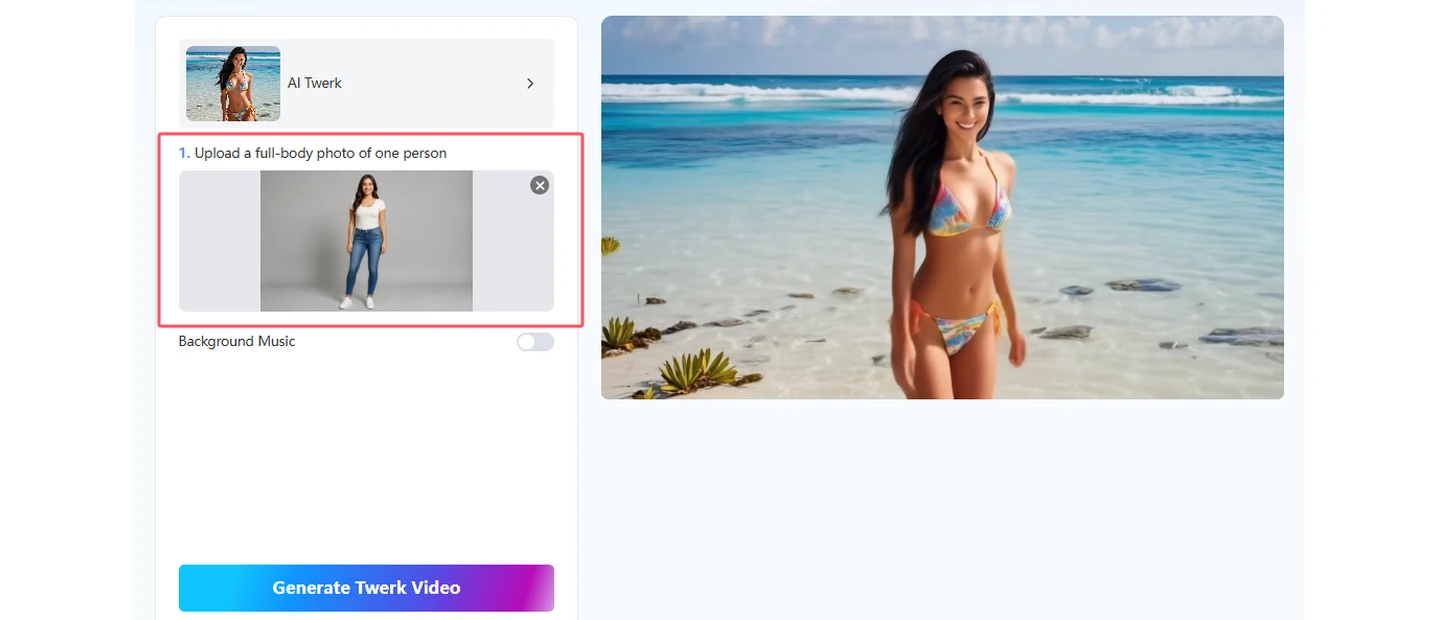
Open AI Twerk and drop a sharp front-facing full-body photo into the upload area, or click Upload a photo. Soft light helps. Skip blurry shots, crops that cut the hips, and awkward side angles if you have a cleaner option. The tool expects one adult in the frame.
- Generate the Twerk Clip
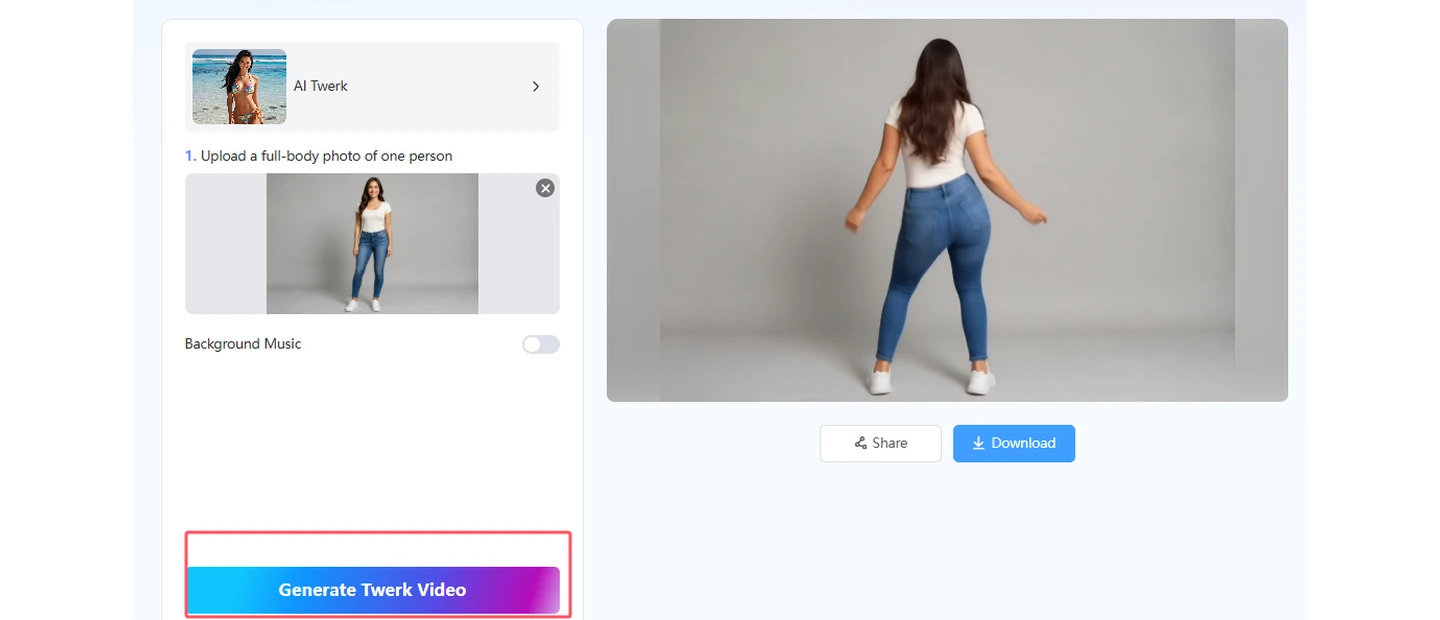
Turn on Background Music if you want a beat baked into the file. Leave it off if you plan to add a Facebook Reels sound later. Click Generate Twerk Video and wait until the preview finishes. Check the hips, balance, and framing before you move on.
- Preview and Download for Facebook
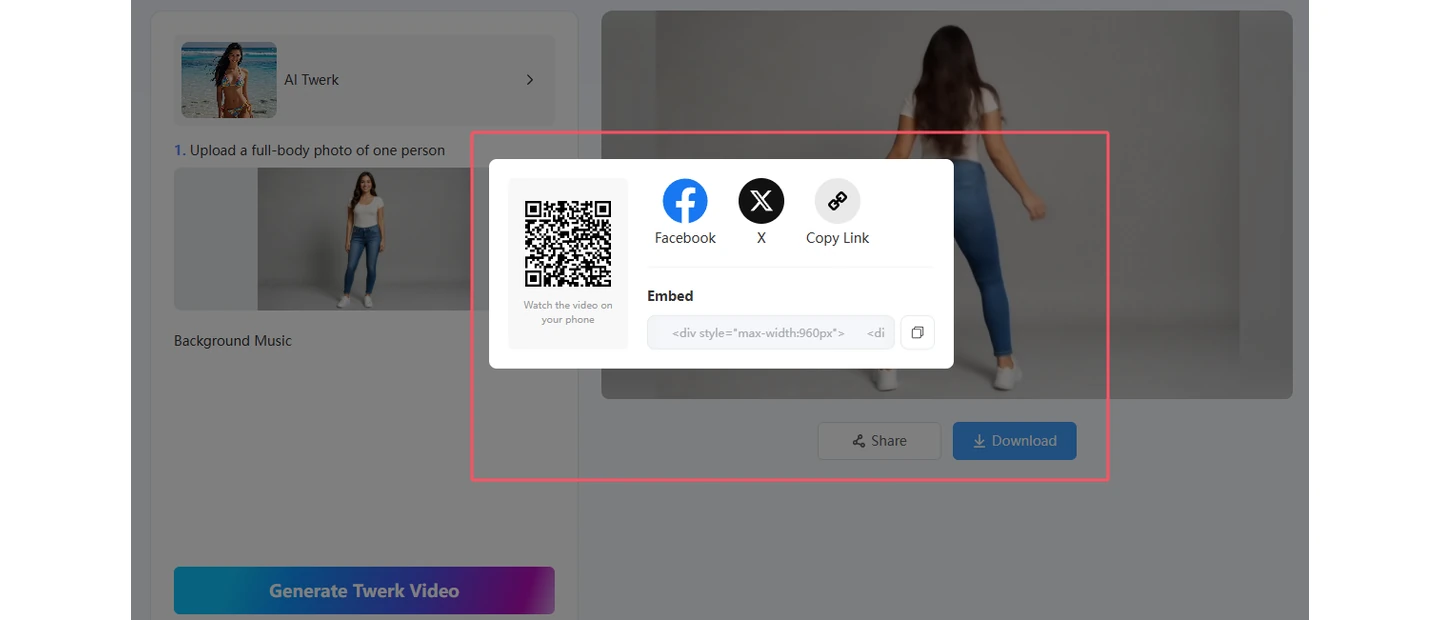
Play the finished preview, then download when the bounce looks right. Vertical files fit Facebook Reels and Feed. Put motion in the first second, and say the clip is AI-generated when you share.
Small Fixes That Help Twerk Videos Facebook Readers Stick Around
- Leave space around the hips and legs so the bounce has room on a phone screen.
- Keep the background plain so the motion stays the joke.
- Show movement in the first second for Reels autoplay.
- Say the clip is AI-generated when you post, and only animate photos you own or have rights to use.
- If you need another take, keep the same photo and flip Background Music instead of over-editing a weak render.
Wrap-Up
You do not need a studio dance day to post a Facebook twerk clip. One full-body photo and AI Twerk get you a short file for Reels or Feed. Try one photo at a time, then share when the bounce looks good enough to finish.
If you want more twerk-format ideas after this, see كيفية إنشاء فيديوهات رقص مضحكة على يوتيوب، تيك توك، فيسبوك، وإنستغرام و كيفية إنشاء فيديوهات رقص التويرك بالذكاء الاصطناعي في دقائق والانتشار على الإنترنت.
Common Questions About Twerking on Facebook
It is a short vertical bounce clip made from a still photo, then posted to Facebook Reels or Feed. You get the joke of the motion without filming a full dance take.
Yes. Download the vertical file and upload it as a Reel or Feed video. Add a trending sound in the Facebook app if you generated the clip without music.
Use a clear full-body photo of one adult facing the camera. Half-body can work if the hips and stance still read clearly on a phone.
Yes. You can start free in the browser. Premium raises the limit if you need more runs.
Make a Facebook twerk Clip with AI Twerk