
You want your video content to reach a global audience. Choosing the right voice translator online tool lets you create accurate and natural-sounding localizations. Focus on translation accuracy, voice quality, language support, user-friendliness, and cost. These factors help you deliver professional results every time.
Comparison Table
Feature Overview
You want to compare the top voice translator online tools quickly. The table below shows the main features you should look for. You can see which tools offer language support, dubbing, voice cloning, lip-sync, pricing, and ease of use.
Tool | Language Support | Dubbing | Voice Cloning | Lip-Sync | Pricing | Ease of Use |
|---|---|---|---|---|---|---|
40+ | Yes | Yes | Yes | Premium | High | |
30+ | Yes | No | No | Free/Paid | High | |
20+ | Yes | No | No | Free | Medium | |
80+ | Yes | Yes | Yes | Premium | High | |
50+ | Yes | No | No | Free/Paid | Medium | |
20+ | Yes | Yes | No | Premium | High | |
40+ | Yes | Yes | Yes | Free/Paid | High | |
100+ | Yes | No | No | Free | Medium | |
60+ | Yes | Yes | Yes | Premium | High | |
30+ | Yes | Yes | Yes | Premium | High |
Tip: You should check the language support and voice cloning features before you choose a tool for your video localization project.
Key Differences
Mango AI, Maestra, Vidnoz, Rask, and Dubly.AI offer advanced lip-sync for realistic video dubbing.
Talkao supports the most languages, which helps you reach a wider audience.
Murf AI and Maestra provide high-quality voice cloning for unique voice styles.
Clideo and Screenapp offer free plans, which help you test basic features.
Ease of use varies. Most premium tools have simple interfaces, while free tools may require more setup.
Pricing ranges from free to premium. You should match your budget to your project needs.
You can use this comparison to find the best voice translator online tool for your workflow.
What Makes a Great Voice Translator Online
Accuracy & Voice Quality
You want your localized videos to sound natural and clear. Accuracy in translation ensures your message stays true across languages. High voice quality helps your audience connect with your content. Many voice translator online tools use advanced AI to deliver lifelike voices. You should listen to sample outputs before choosing a tool.
Tip: Always check if the tool offers human-like voices and precise translations. This will help you avoid awkward or robotic results.
Language Support
You need a tool that covers all the languages your audience speaks. Some platforms support over 100 languages, while others focus on fewer but offer deeper customization. Wide language support lets you reach more viewers and expand your global presence.
Look for tools that update their language library often.
Check if the tool supports dialects or regional accents.
User Experience
Easy-to-use platforms save you time and reduce frustration. You should look for a voice translator online tool with a simple interface and clear instructions. Drag-and-drop features, quick previews, and fast processing make your workflow smoother.
Test the platform with a short video before starting a big project.
Read user reviews to learn about common issues or helpful features.
1. Mango AI
Overview
You want your localized videos to look and sound authentic. Mango AI stands out because it uses advanced lip-sync technology. This feature matches translated speech with mouth movements in your video. You get a seamless result that feels natural to viewers. Mango AI helps you create professional content that connects with audiences worldwide. You can rely on this platform for accurate and engaging video localization.
Create Awesome Animated Videos with The Best Animation Maker
Features
Industry-leading lip-sync synchronization
You see precise mouth movement alignment in translated videos.AI-powered voice translation
You can translate speech into multiple languages with high accuracy.Customizable voice options and dubbing styles
You choose from a variety of voices and styles to match your project.User-friendly interface
You navigate the platform easily and complete tasks quickly.Cloud-based processing
You access your projects from anywhere and enjoy fast turnaround times.
Tip: Mango AI’s cloud-based system lets you work on your videos without worrying about hardware limitations.
Pros and Cons
Pros:
You benefit from exceptional lip-sync accuracy, which makes your videos more realistic.
You hear high-quality, natural-sounding AI voices in every translation.
You reach global audiences with support for many languages.
You enjoy an intuitive platform that streamlines your workflow.
Cons:
Advanced lip-sync features may come at a higher price point.
Some languages or voice styles may have limited customization options.
You can use Mango AI as your voice translator online tool to achieve seamless and professional video localization.
2. Clideo
Overview
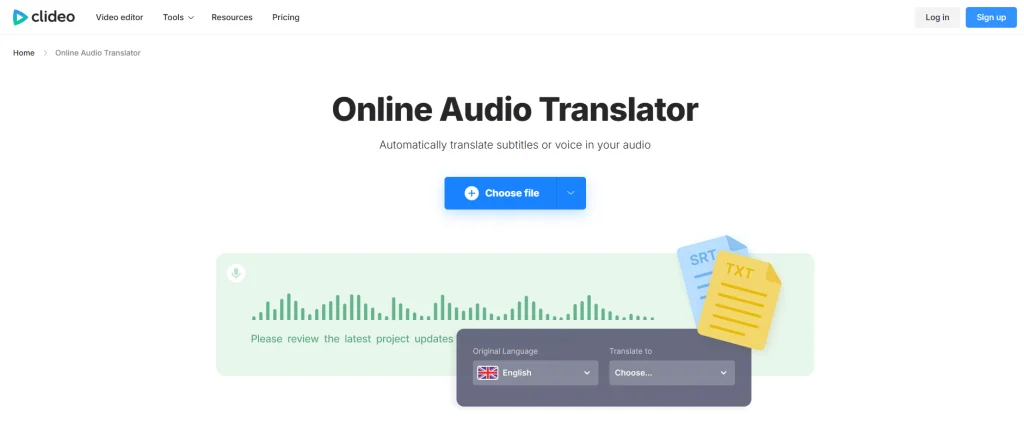
You want a simple way to translate voices in your videos. Clideo gives you an easy-to-use platform for quick video localization. You can upload your video, select the target language, and let Clideo handle the rest. The tool works well for short clips and social media content. You do not need advanced editing skills to get started.
Clideo helps you localize videos with minimal effort. You can reach new audiences without spending hours on manual translation.
Features
Multiple Language Support
You choose from over 30 languages for your translations.Online Dubbing
You add new voice tracks to your videos directly in the browser.Simple Interface
You drag and drop files, then follow clear steps to complete your project.Free and Paid Options
You test basic features for free or unlock more tools with a paid plan.
Feature | Description |
|---|---|
Language Support | 30+ languages |
Dubbing | Yes |
Voice Cloning | No |
Lip-Sync | No |
Pricing | Free/Paid |
Ease of Use | High |
Pros and Cons
Pros:
You use Clideo without downloading software.
You finish projects quickly with a straightforward workflow.
You try basic features for free before upgrading.
Cons:
You do not get advanced options like voice cloning or lip-sync.
You may find limited customization for voice styles.
You can rely on Clideo as a voice translator online tool for fast and easy video localization.
3. Screenapp
Overview
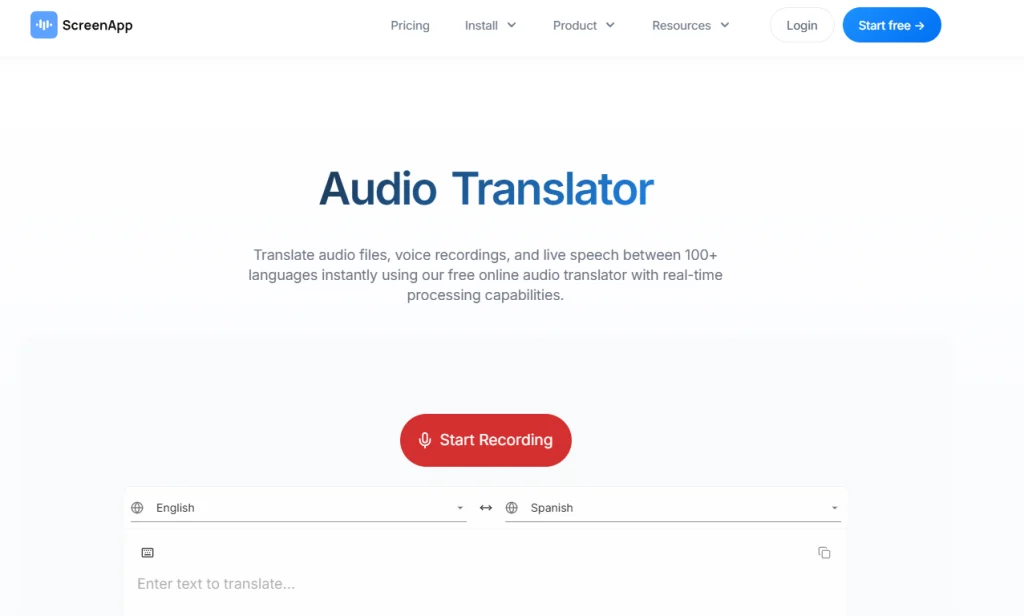
You want a tool that makes video localization simple and fast. Screenapp gives you a web-based platform where you can translate and dub your videos without installing software. You upload your video, select the language, and let Screenapp process your file. The platform works well for short videos, tutorials, and quick social media posts. You do not need advanced editing skills to use Screenapp.
Screenapp helps you save time when you need to localize videos for different audiences.
Features
Supports 20+ Languages
You can translate your videos into many popular languages.Online Dubbing
You add new voice tracks to your videos directly in your browser.Automatic Transcription
You get a text version of your video’s audio, which helps with editing and review.Simple Workflow
You follow clear steps from upload to download, making the process easy.Free Plan Available
You try basic features at no cost before deciding to upgrade.
Feature | Description |
|---|---|
Language Support | 20+ languages |
Dubbing | Yes |
Voice Cloning | No |
Lip-Sync | No |
Pricing | Free |
Ease of Use | Medium |
Pros and Cons
Pros:
You use Screenapp for free, which is great for testing or small projects.
You finish video localization quickly with a straightforward process.
You do not need to download or install anything.
Cons:
You do not get advanced features like voice cloning or lip-sync.
You may find fewer language options compared to other voice translator online tools.
Tip: Try Screenapp for quick projects or when you need a simple solution for video translation.
4. Maestra
Overview
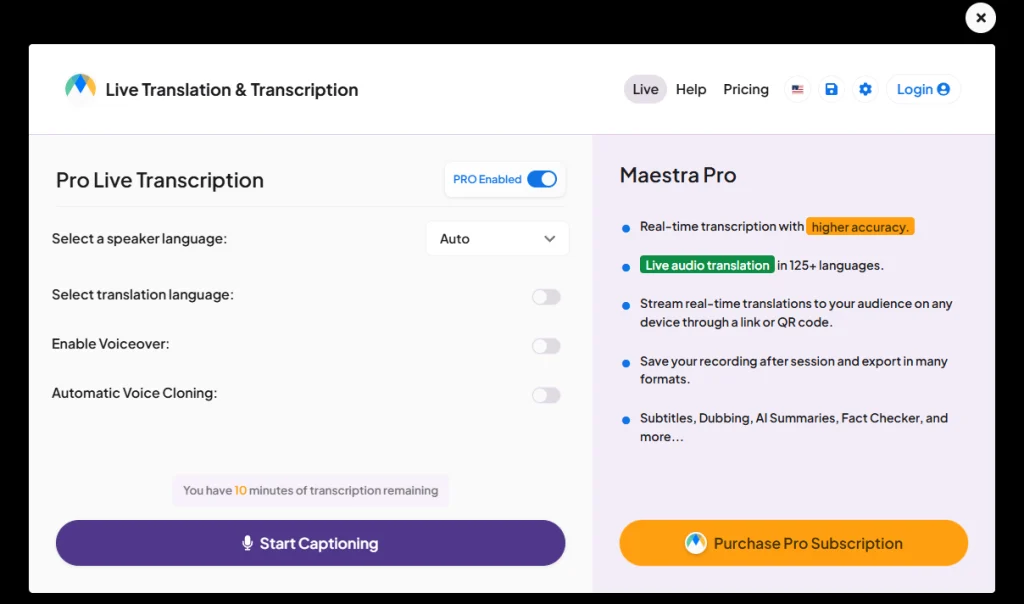
You want a tool that helps you localize videos for global audiences. Maestra gives you a powerful platform with advanced dubbing and translation features. You can use Maestra to create professional voiceovers and subtitles for your content. The platform supports many languages, so you reach viewers in different regions. You do not need technical skills to get started. Maestra guides you through each step with a clear interface.
Maestra makes video localization easier for creators, educators, and businesses.
Features
Extensive Language Support
You access over 80 languages for translation and dubbing.AI Voice Cloning
You generate unique voice styles for your videos.Lip-Sync Technology
You match translated speech with mouth movements for realistic results.Subtitle Generation
You create accurate subtitles automatically.Collaboration Tools
You invite team members to review and edit projects together.
Feature | Description |
|---|---|
Language Support | 80+ languages |
Dubbing | Yes |
Voice Cloning | Yes |
Lip-Sync | Yes |
Subtitle Creation | Yes |
Ease of Use | High |
Pros and Cons
Pros:
You work with a wide range of languages and dialects.
You use AI voice cloning for custom voiceovers.
You benefit from lip-sync for natural-looking videos.
You collaborate easily with your team.
Cons:
You may need a paid plan for advanced features.
You might find the interface complex if you are new to video editing.
Tip: Try Maestra if you want a voice translator online tool with strong collaboration and advanced dubbing options.
5. NoteGPT
Overview
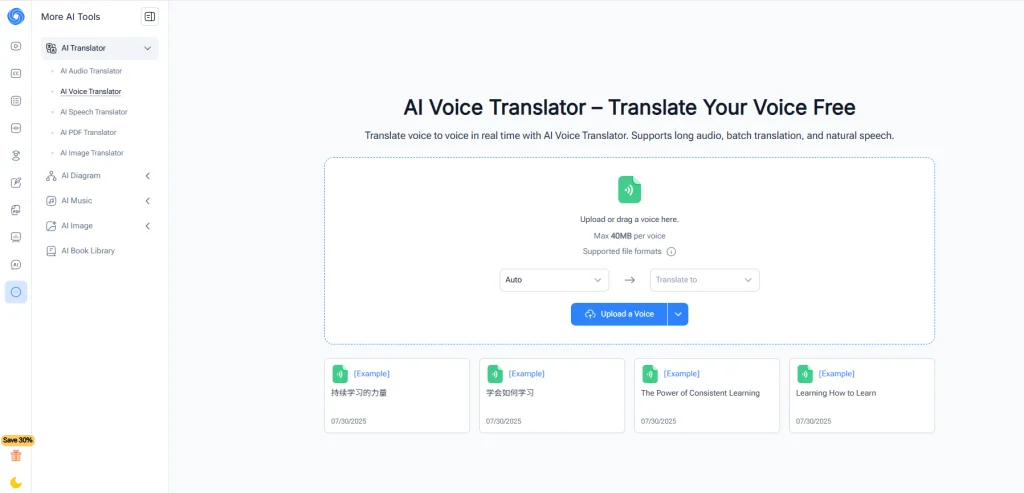
You want a tool that helps you translate and dub videos with ease. NoteGPT gives you a modern platform for video localization. You can use it to turn spoken content into different languages. The tool works well for educational videos, business presentations, and social media clips. You do not need advanced editing skills to get started. NoteGPT guides you through each step with a clear and simple interface.
NoteGPT helps you reach new audiences by making your videos accessible in many languages.
Features
Supports 50+ Languages
You can translate your videos into many popular languages.Online Dubbing
You add new voice tracks to your videos directly in your browser.Automatic Transcription
You get a text version of your video’s audio, which helps with editing and review.Speaker Identification
You can separate different speakers in your video for more accurate dubbing.Flexible Pricing
You try basic features for free or unlock more tools with a paid plan.
Feature | Description |
|---|---|
Language Support | 50+ languages |
Dubbing | Yes |
Voice Cloning | No |
Lip-Sync | No |
Pricing | Free/Paid |
Ease of Use | Medium |
Pros and Cons
Pros:
You use NoteGPT for free to test basic features.
You finish video localization quickly with a simple process.
You benefit from speaker identification for better dubbing accuracy.
Cons:
You do not get advanced features like voice cloning or lip-sync.
You may find fewer customization options for voices.
Try NoteGPT if you want a voice translator online that balances ease of use with solid language support.
6. Murf AI
Overview
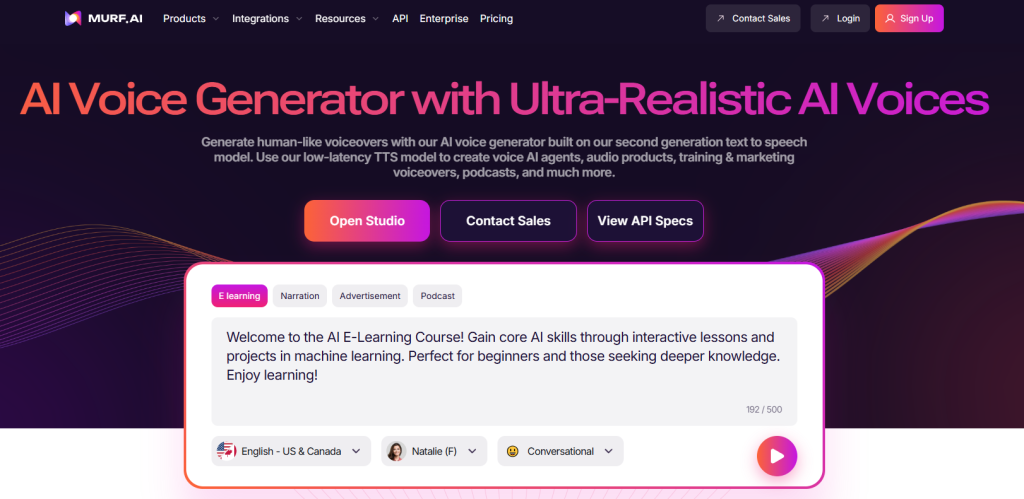
You want a tool that gives you professional-quality voiceovers for your videos. Murf AI stands out as a voice translator online that uses advanced AI to create natural-sounding speech. You can use it for video localization, e-learning, podcasts, and business presentations. Murf AI helps you turn text into speech with voices that sound human and engaging. You do not need to hire voice actors or buy expensive equipment.
Murf AI lets you focus on your content while it handles the technical side of voice translation.
Features
AI Voice Generation
You choose from a library of over 120 voices in 20+ languages.Voice Cloning
You create a custom voice that matches your brand or project.Text-to-Speech Editor
You edit pitch, speed, and emphasis to get the perfect sound.Collaboration Tools
You invite team members to work on projects together.Script Import
You upload scripts directly and convert them into voiceovers quickly.
Feature | Description |
|---|---|
Language Support | 20+ languages |
Yes | |
Dubbing | Yes |
Text Editing | Yes |
Ease of Use | High |
Tip: Try different voices and settings to find the best match for your video.
Pros and Cons
Pros:
You access a wide range of realistic voices.
You customize voiceovers with advanced editing tools.
You collaborate easily with your team.
You save time and money compared to traditional dubbing.
Cons:
You may need a paid plan for premium features.
You find fewer language options than some other platforms.
You can use Murf AI to create high-quality, localized videos that connect with your audience.
7. Vidnoz
Overview
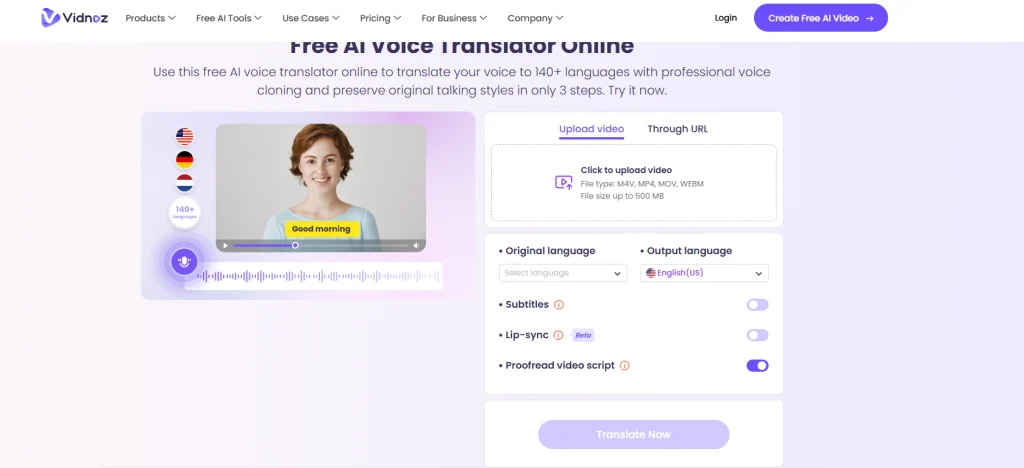
You want a tool that brings advanced AI features to your video localization projects. Vidnoz gives you a modern platform that helps you translate, dub, and enhance your videos for global audiences. You can use Vidnoz for marketing, education, or entertainment content. The platform stands out with its ability to create realistic voiceovers and match lip movements to translated speech. You do not need technical skills to get started. Vidnoz guides you through each step with a clear interface.
Vidnoz helps you make your videos sound natural in different languages. You can reach more viewers and grow your audience.
Features
Supports 40+ Languages
You can translate your videos into many popular languages.AI Voice Cloning
You create custom voices that match your brand or project.Lip-Sync Technology
You see translated speech align with mouth movements for a realistic effect.Online Dubbing
You add new voice tracks to your videos directly in your browser.Flexible Pricing
You try basic features for free or unlock more advanced tools with a paid plan.
Feature | Description |
|---|---|
Language Support | 40+ languages |
Dubbing | Yes |
Voice Cloning | Yes |
Lip-Sync | Yes |
Pricing | Free/Paid |
Ease of Use | High |
Pros and Cons
Pros:
You use advanced lip-sync for natural-looking videos.
You create unique voices with AI voice cloning.
You access a user-friendly platform with clear steps.
You try out basic features for free.
Cons:
You may need a paid plan for full access to all features.
You find fewer language options than some other platforms.
If you want a voice translator online that combines AI voice cloning and lip-sync, Vidnoz gives you a strong set of tools for seamless video localization.
8. Talkao
Overview
You want to reach as many people as possible with your videos. Talkao gives you a powerful voice translator online that supports over 100 languages. This tool helps you break language barriers and share your message with a global audience. You do not need advanced skills to use Talkao. The platform guides you step by step, so you can focus on your content.
Talkao works well for creators, teachers, and businesses who want to make their videos accessible worldwide.
Features
Extensive Language Support
You can translate your videos into more than 100 languages. This wide range helps you connect with viewers from many regions.Online Dubbing
You add new voice tracks to your videos directly in your browser. The process is simple and fast.Automatic Transcription
You get a written version of your video’s audio. This feature helps you review and edit your content.User-Friendly Interface
You follow clear instructions and finish your projects quickly.
Feature | Description |
|---|---|
Language Support | 100+ languages |
Dubbing | Yes |
Voice Cloning | No |
Lip-Sync | No |
Pricing | Free |
Ease of Use | Medium |
Pros and Cons
Pros:
You reach a global audience with support for many languages.
You use Talkao for free, which is great for testing and small projects.
You finish video localization quickly with a simple workflow.
Cons:
You do not get advanced features like voice cloning or lip-sync.
You may find fewer options for customizing voices.
Tip: Try Talkao if you want a free and easy way to localize your videos for many languages.
9. Rask
Overview
You want a tool that brings advanced technology to your video localization projects. Rask gives you a powerful platform that focuses on accuracy and realism. You can use Rask to translate, dub, and sync voices in your videos. The platform uses AI to make sure the translated voice matches the original speaker’s tone and timing. You do not need to be a tech expert to get started. Rask guides you through each step, making the process simple and efficient.
Rask helps you create videos that sound natural in many languages. You can reach new audiences and grow your global presence.
Features
Supports 60+ Languages
You can translate your videos into many popular languages.AI Voice Cloning
You create voices that sound like the original speaker for a more authentic result.Lip-Sync Technology
You see the translated voice match the mouth movements in your video.Online Dubbing
You add new voice tracks directly in your browser.User-Friendly Interface
You follow clear steps and finish your projects quickly.
Feature | Description |
|---|---|
Language Support | 60+ languages |
Dubbing | Yes |
Voice Cloning | Yes |
Lip-Sync | Yes |
Pricing | Premium |
Ease of Use | High |
Pros and Cons
Pros:
You get realistic voiceovers with advanced AI voice cloning.
You use lip-sync for natural-looking videos.
You access a wide range of languages for global reach.
You enjoy a smooth and easy workflow.
Cons:
You may need a premium plan for full access to features.
You might find fewer free options compared to other platforms.
If you want a voice translator online that combines accuracy, realism, and ease of use, Rask gives you a strong solution for seamless video localization.
10. Dubly.AI
Overview
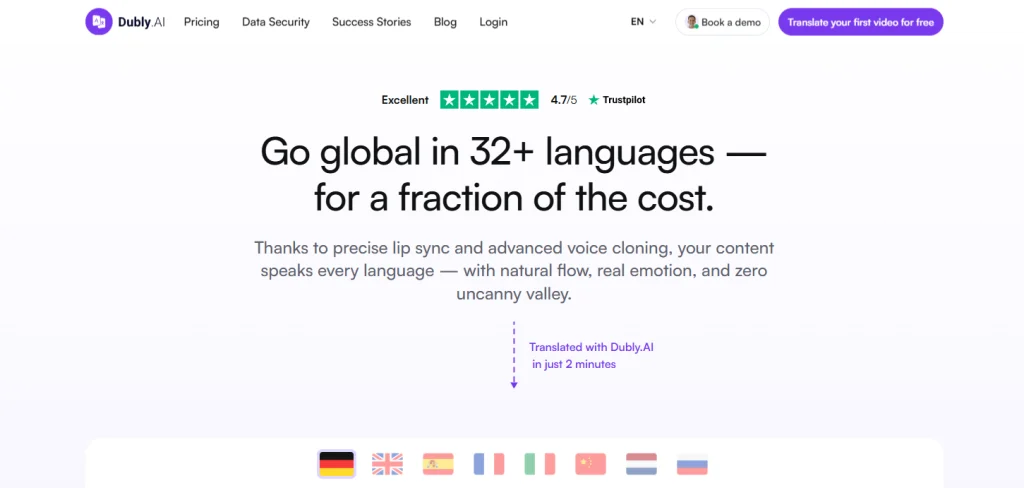
You want a modern solution for video localization. Dubly.AI gives you a powerful platform that uses artificial intelligence to translate and dub your videos. You can use this tool to create content for global audiences. Dubly.AI focuses on making your videos sound natural in different languages. You do not need advanced editing skills to get started. The platform guides you step by step, so you can finish projects quickly.
Dubly.AI helps you break language barriers and share your message with viewers around the world.
Features
Supports 30+ Languages
You can translate your videos into many popular languages.AI Voice Cloning
You create custom voices that match your brand or project.Advanced Lip-Sync
You see translated speech align with mouth movements for a realistic effect.Online Dubbing
You add new voice tracks to your videos directly in your browser.User-Friendly Interface
You follow clear instructions and complete your projects with ease.
Feature | Description |
|---|---|
Language Support | 30+ languages |
Dubbing | Yes |
Voice Cloning | Yes |
Lip-Sync | Yes |
Pricing | Premium |
Ease of Use | High |
Pros and Cons
Pros:
You use advanced lip-sync for natural-looking videos.
You create unique voices with AI voice cloning.
You access a simple and clear platform.
You reach more viewers with support for many languages.
Cons:
You may need a premium plan for full access to all features.
You find fewer free options compared to some other voice translator online tools.
Try Dubly.AI if you want a complete solution for dubbing and translating videos for international audiences.
You have many options for video localization. Each voice translator online tool offers unique features. Review your project needs, budget, and language requirements. Try a few tools to see which fits your workflow best. Stay updated as new technology and features appear in this fast-changing space.
FAQ
What is a voice translator online tool?
A voice translator online tool lets you convert spoken words in videos into another language. You can use it to localize content for global audiences.
How do you choose the best tool for video localization?
You should compare language support, voice quality, lip-sync features, and pricing. Test each tool with a short video before making your final choice.
Can you use these tools for social media videos?
Yes, you can use most voice translator online tools for social media videos. Many platforms support quick uploads and fast processing for short clips.