
Ever wondered what it would be like if your photo could talk? With the rise of AI-powered tools, bringing still images to life has never been easier. AI talking photo technology allows anyone to turn a simple portrait into a realistic, expressive video that speaks, smiles, and moves naturally — all within minutes. This guide will walk you step-by-step through creating realistic talking avatars. If you want to make photo talk for social posts, training clips, or personalized messages, this is the simplest workflow.
Why Make a Photo Talk with AI
Turning photos into talking avatars isn’t just for entertainment anymore — it’s a powerful way to communicate, teach, and connect.
Here are some of the most common reasons people and businesses are embracing this technology:
- 1. Create engaging social media content
Talking photos grab attention on social platforms, helping creators and influencers stand out with short, interactive clips that feel more personal and dynamic. - 2. Enhance storytelling and education
Teachers, trainers, and content creators can use AI-talking photos to make learning materials more interactive. Imagine a historical figure explaining their own story, or a mascot introducing course content. - 3. Personalize communication
A talking photo adds warmth and character to messages — whether it’s a personalized birthday greeting, a customer onboarding message, or a brand introduction. - 4. Boost marketing and branding
Businesses use AI-generated talking avatars to deliver consistent brand messages, explain products, or introduce team members, all while saving production time and cost. - 5. Preserve memories in a new way
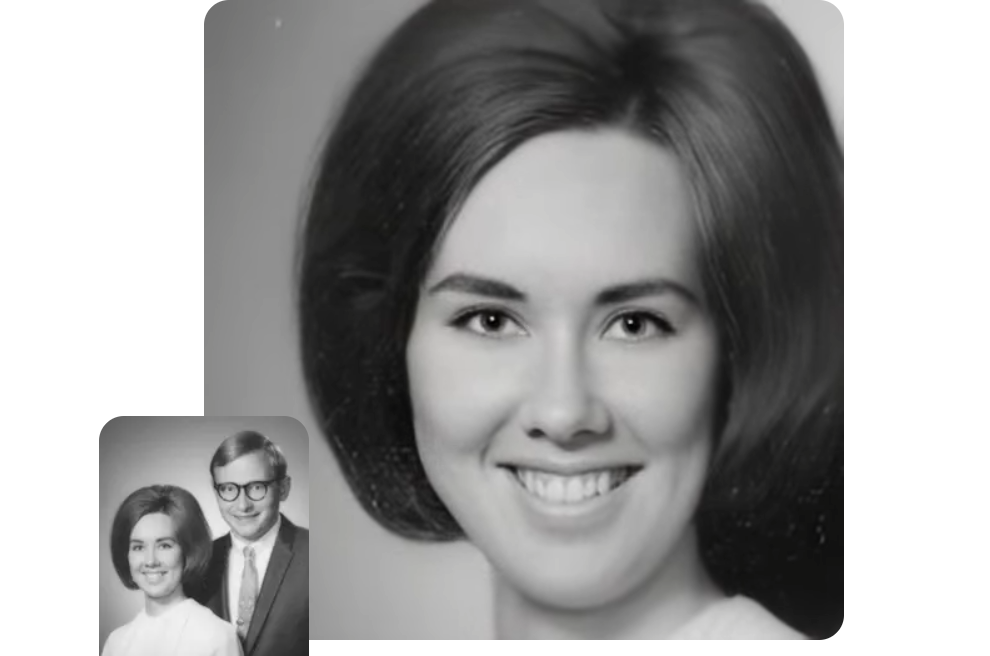
With AI, even old photos can be animated to recreate voices or expressions, bringing nostalgic images to life in a touching and memorable way.
In short, AI talking photo tools make photos talk simply — combining creativity, technology, and communication into one seamless experience.
Top Talking Photo AI Tools to Make Photos Speak Vividly
1. Mango AI Talking Photo
Mango AI develops tools like Talking Photo and Avatar Dialogue to offer an intuitive way to turn static photos into lifelike talking avatars. Simply upload a photo, add your voice or text, and the AI animates facial expressions and lip movements with remarkable realism. It’s ideal for creating personalized greetings, explainer videos, or interactive content for social media — no editing skills required. Mango AI stands out for its ease of use, customization, and fast online rendering.
2. D-ID
D-ID specializes in generating realistic digital humans using AI-driven facial animation and text-to-speech. It’s particularly suited for presentations, tutorials, and e-learning materials where a human-like presence enhances engagement. With multilingual voice support and natural lip-sync technology, D-ID makes it easy to create professional, studio-quality talking photos online free in minutes, making it popular among educators, marketers, and training professionals.
3. HeyGen
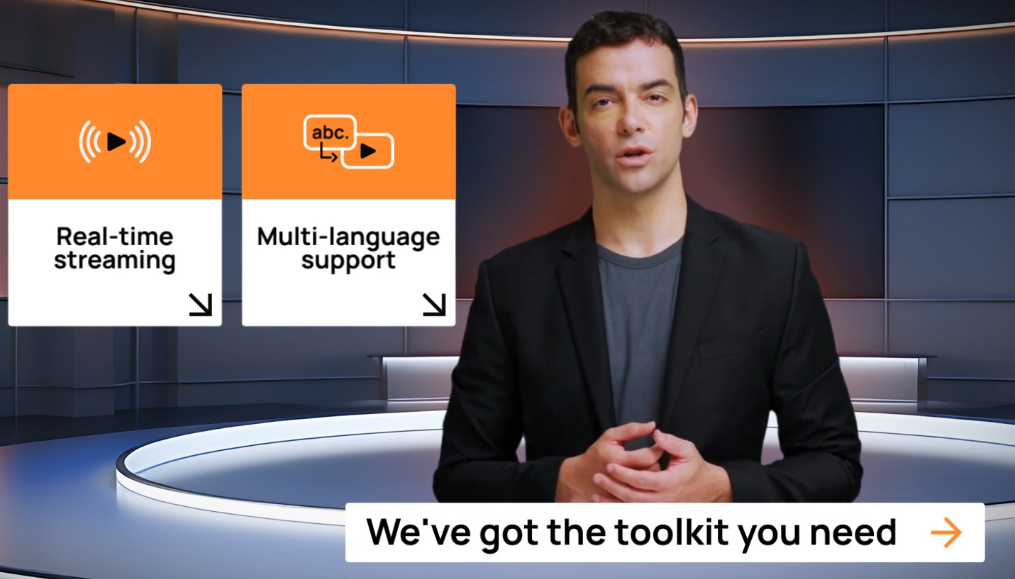
This versatile AI avatar maker, HeyGen, focuses on business and marketing applications. Users can choose from diverse avatars or create custom ones by uploading photos, to deliver branded messages, product introductions, or explainer videos. It supports script-based video generation, background customization, and voice cloning. HeyGen’s strength lies in helping companies produce polished marketing videos quickly — perfect for sales pitches, corporate training, and social media promotion.
4. Synthesia
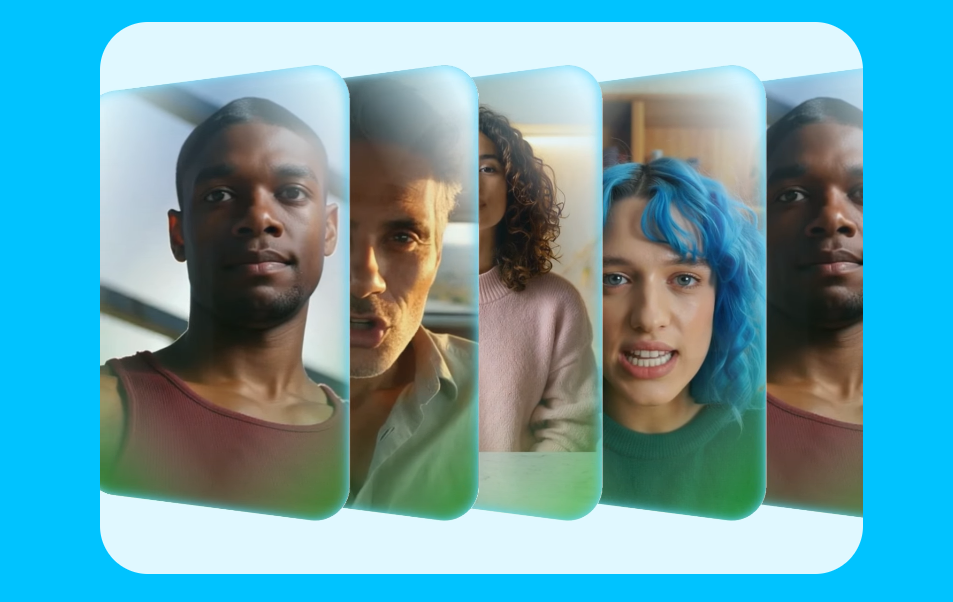
Synthesia is one of the leading AI video generation tools for enterprises. It enables teams to produce multilingual, animated avatar-based videos without filming equipment. Users can transform text scripts into professional corporate content, making it ideal for onboarding, internal communication, or product demos. With its extensive avatar library and high-quality voice synthesis, Synthesia streamlines video creation for global teams.
5. MyHeritage
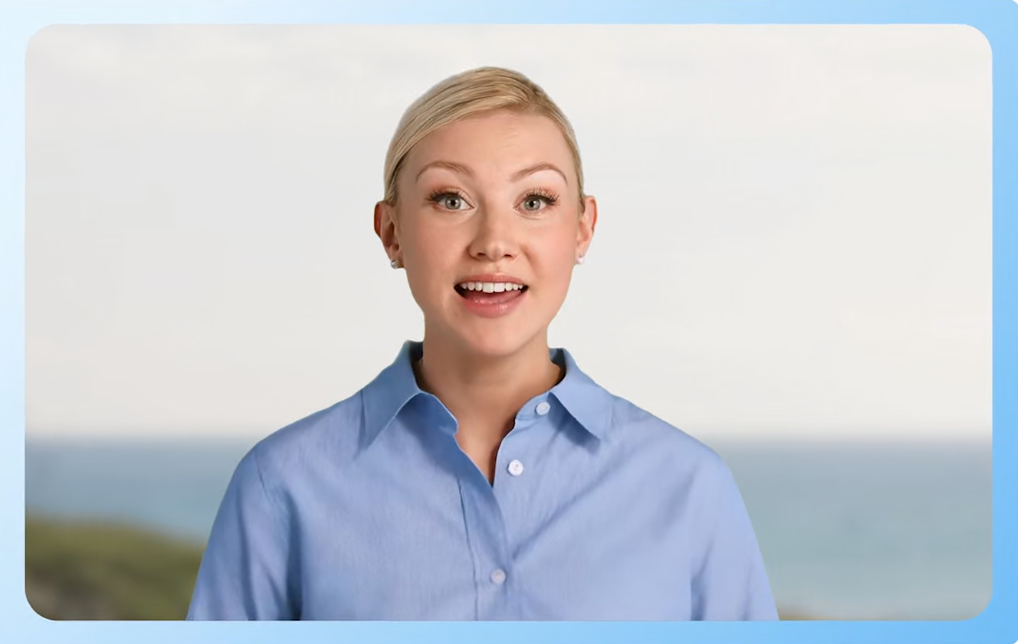
MyHeritage brings old photos to life with AI-powered facial motion technology. It animates portraits with subtle expressions like smiling or nodding, preserving emotional connections to the past. Designed mainly for genealogy and memory preservation, Deep Nostalgia is perfect for families who want to see ancestors “move” again — combining nostalgia and innovation beautifully.
How to Make a Photo Talk Step by Step
Next, we will explore how to make photo talk with Mango AI’s Talking Photo features. You need to register for a Mango Animate account to make talking photos online free. By the way, Mango AI is available on both desktop and mobile devices.
- Upload a photo
Tap the “Upload Photo” button and choose a clear picture of a face taken head-on from your device.
Images focusing on the head and shoulders that show the face with nothing blocking it work best. You can pick a selfie or even an artwork. Use JPG, PNG, or WebP files, and Mango AI will recognize the face to create the animation.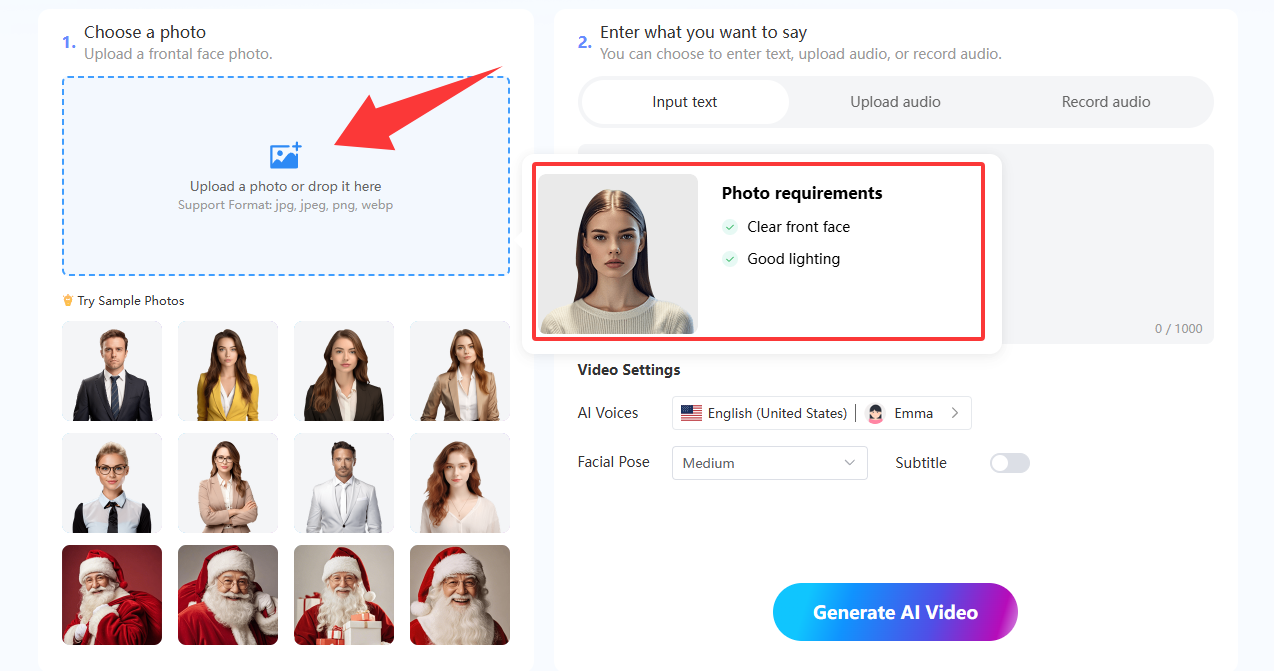
- Enter what you want the photo to say
You have three options:
1. Type or paste your script (text-to-speech will convert it),
2. Upload a prerecorded audio file,or
3. Record audio directly in the browser.
When speed matters, simply input your text — Mango AI will handle the voice synthesis, bringing your photo to life with realistic speech.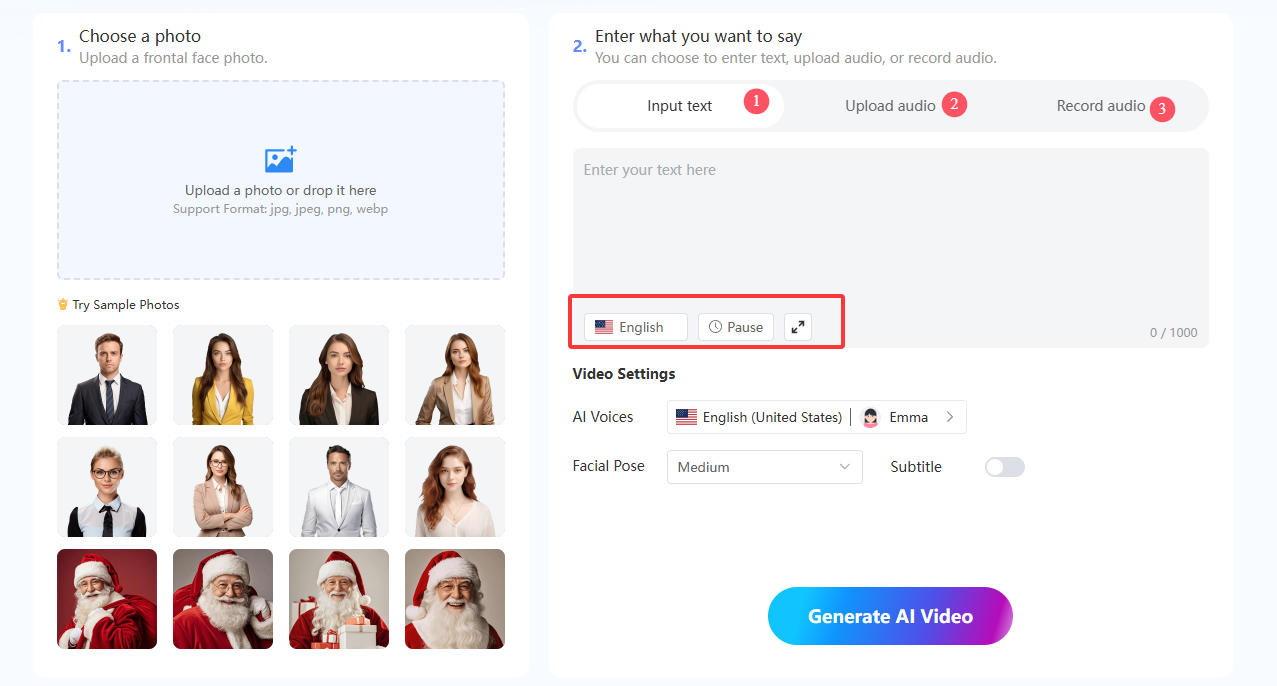
- Choose an AI voice
Choose from a wide range of AI voices featuring different genders, ages, and accents to match your photo’s personality.
Mango AI’s multilingual voice library supports multiple languages, making it easy to create localized versions of your talking photo. You can also adjust the voice speed for a more natural or expressive delivery, ensuring your message sounds just right across audiences.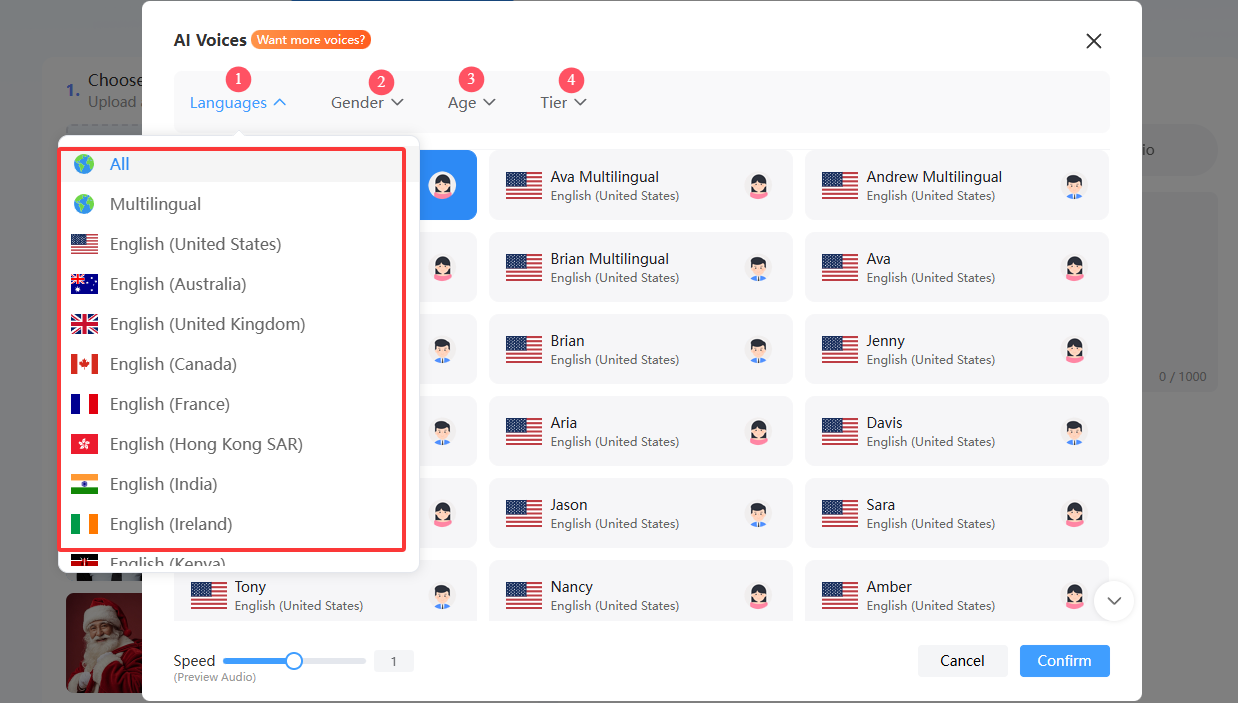
- Adjust facial expression
Adjust facial pose settings to pick between subtle, medium, or more noticeable facial movements.
Those small settings turn rigid lip-sync into a natural and engaging performance. Focus on small details like pauses, head angles, and eye movements to make it look realistic.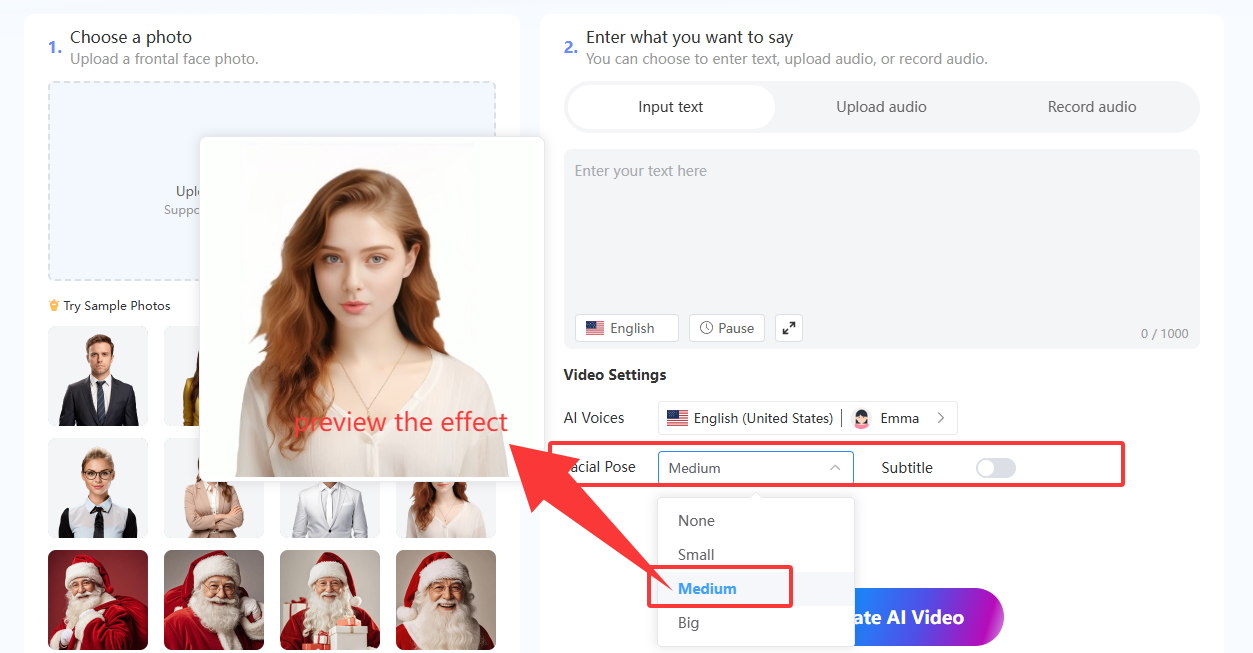
- Export and share
Once your talking photo is ready, simply generate the video with one click.
You can then download it in MP4 format or share it directly via social media or a shareable link. The MP4 format makes it easy to use your talking photo across platforms — from social media posts and online presentations to training materials and websites.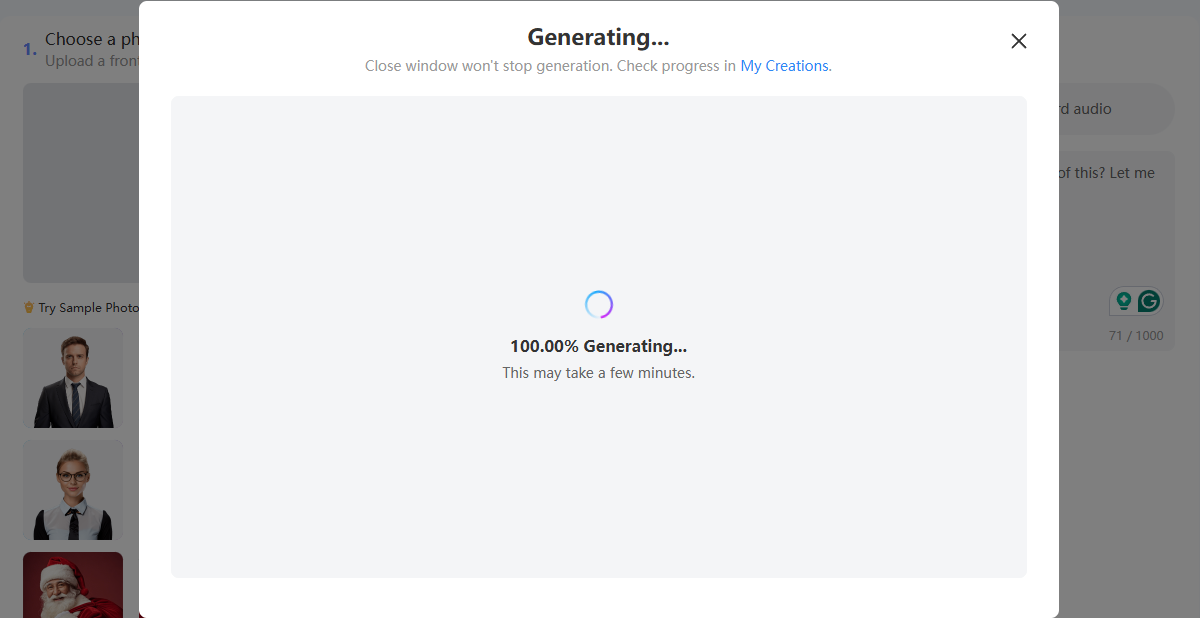
Tips for Better Results
- Start with a high-quality photo to get sharper animations.
- Use short casual scripts to help delivery feel more natural.
- Try different voices to fit the content, like sounding educational or promotional as needed.
- Adjust facial expressions. Sometimes, subtle movements can make a clip look more realistic.
Final Thoughts
AI technology has made it easy and fast to make a photo talk by turning still photos into expressive, talking virtual avatars. What once required professional animation skills can now be done in minutes — simply upload a photo, add text or voice, and watch it come to life. With tools like Mango AI Talking Photo, anyone can effortlessly make photos speak and share their ideas in a more dynamic way. Try it today and bring your pictures to life with just a few clicks!
Create Awesome Talking Photos with Mango AI