
Traditional film and video crews would have to spend a considerable amount of time and money to create videos of people flying through the air. They would need special effects teams and other expensive resources to make a short flying video. New AI technology eliminates the need for hiring professional crews to create flying videos. Now you can use an AI flying app to generate lifelike flying videos in minutes. The AI flying scenes look so realistic that the videos are likely to go viral on TikTok, Facebook, and other social media platforms. Today, I will introduce the best 10 AI flying video creators and provide a simple guide on how to make a flying video within minutes.
Explore the Top 10 AI Flying Apps
Now all you need to do is choose the best AI flying video creator. Since there are many options available on the market, we have reviewed the top ten for your consideration.
1. Mango AI
Mango AI flying video generator brings your full-body images to life by applying realistic AI flying effects. Use it to transform boring, static photos into lively, eye-catching flying videos that showcase you or someone else soaring through the air. The motion of the entire flight looks smooth, natural, and realistic.
No one will be able to tell that you used an AI flying app to make it. There is even an option to add background music to the flying video, delivering an immersive and engaging viewing experience. Here’s the stunning result it generated.
2. YouCam Online Editor
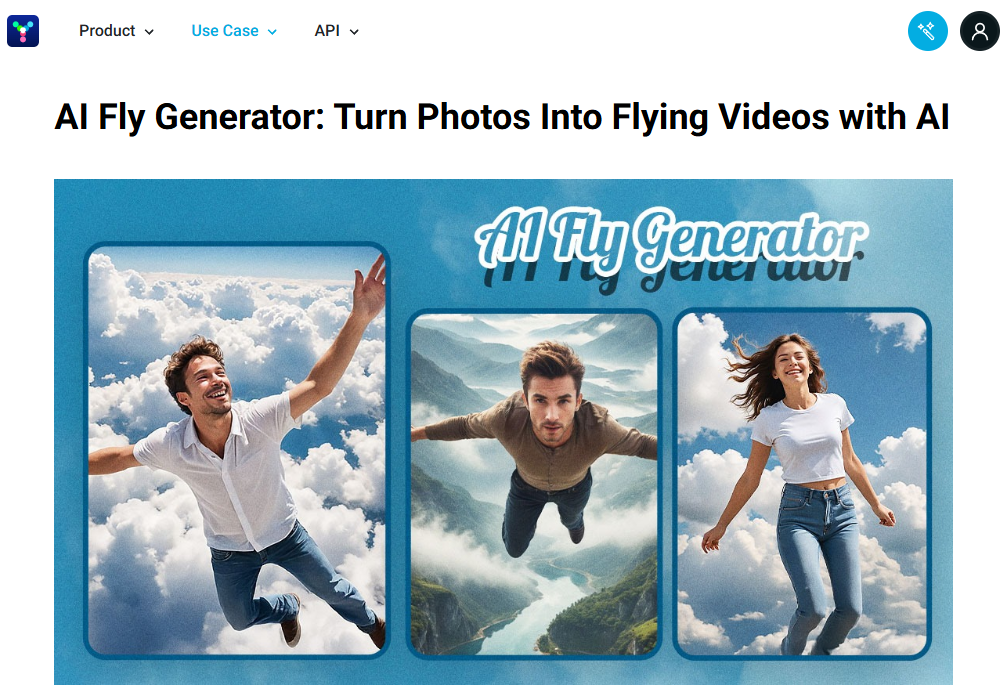
Making someone fly into the clouds is a sure way to create a viral video on social media. YouCam Online Editor is an incredible AI flying app that can transform any person into a superhero who takes flight effortlessly.
The text prompt feature lets you describe where you want the flying person to go as per your preference. That gives you more control over your flying videos, which allows you to unleash your true creativity. You have access to the app on iOS and Android for convenient generation.
3. Pollo AI
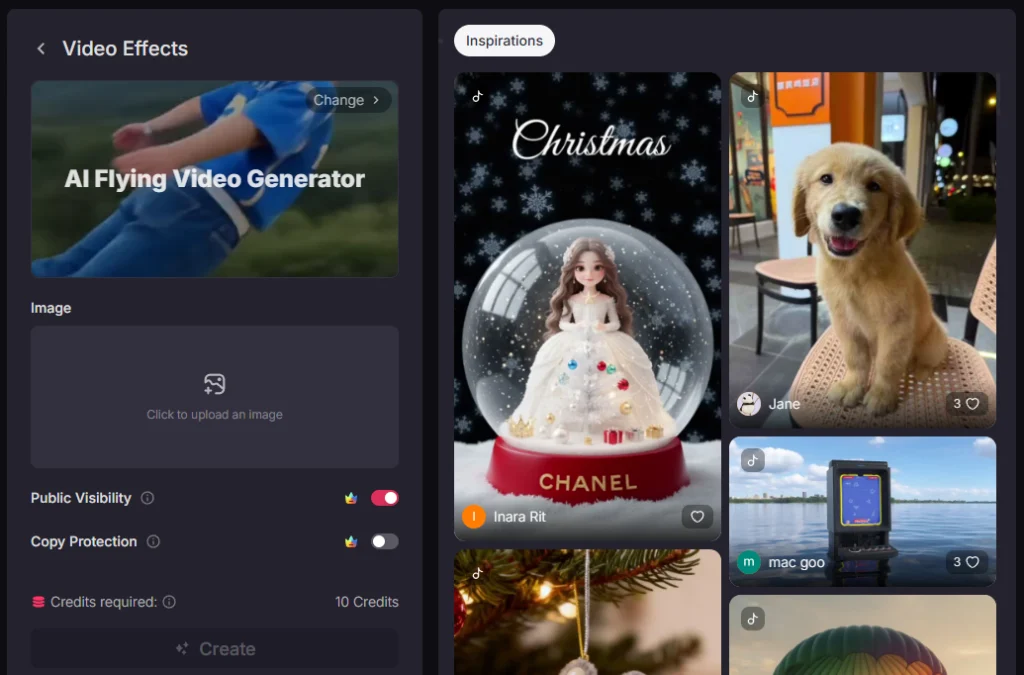
Pollo AI has a simple AI flying app that quickly transforms a full-body image of a single person into one that appears to fly up in the air. The best results are achieved by using a photo with gorgeous background scenery. The AI will make the person fly above the background environment in all its glory.
There are additional options to set public visibility or copy protection on the video. Public visibility may increase the likelihood that others will see your video in the Pollo community.
4. Funy AI
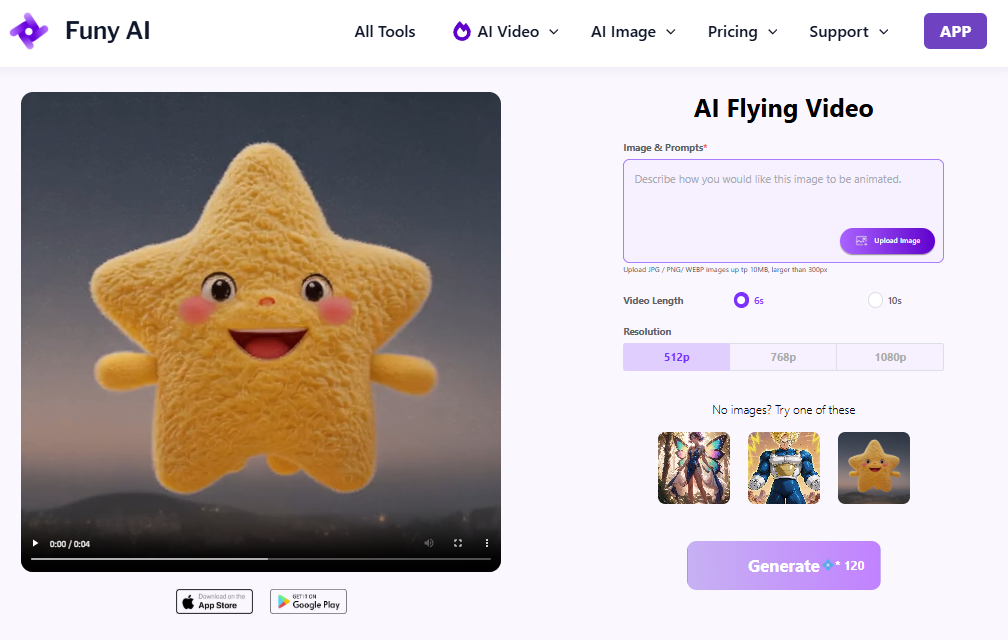
Funy AI is an AI flying app that lives up to its name. It converts a single image of a person, pet, or fictional character into one that flies into the sky or glides over landscapes. The AI-generative flying video will appear hyper-realistic to whoever watches it.
Unlike other AI flying apps limited to image processing, Funy AI enables you to input your text prompt to describe the scene in which you want your character to fly, such as over mountains or snowy hills. The AI will bring your vision to life within seconds.
5. Chroma Studio
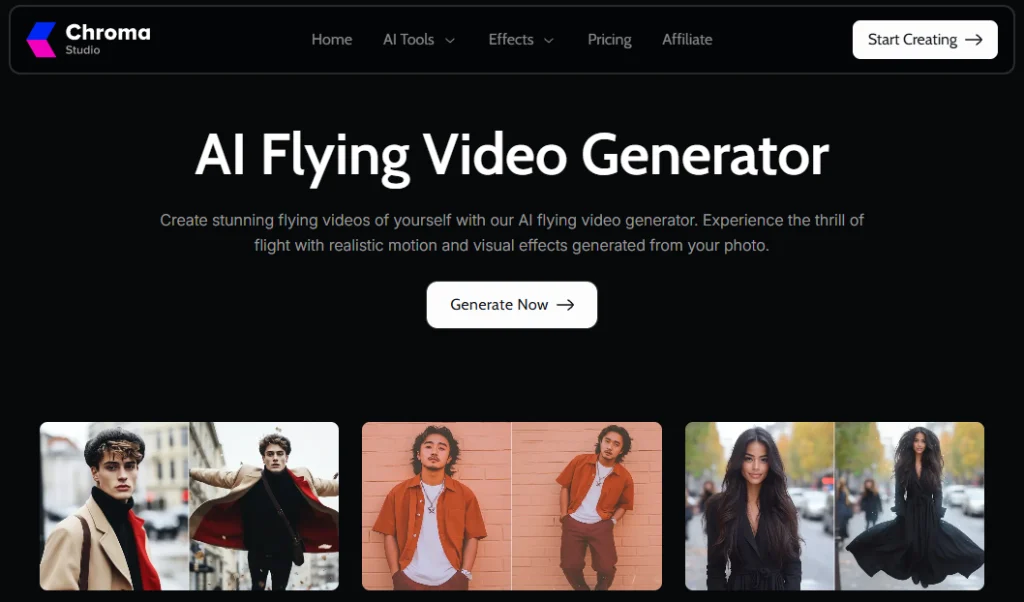
Chroma Studio applies lifelike visual flying motion effects to any photo of yourself or someone else. The AI flying app will instantly transform your photo into a video with a person flying smoothly.
Just ensure you provide a clear, high-quality photo to achieve optimal results. You may preview the flying video before downloading it to your computer or mobile device.
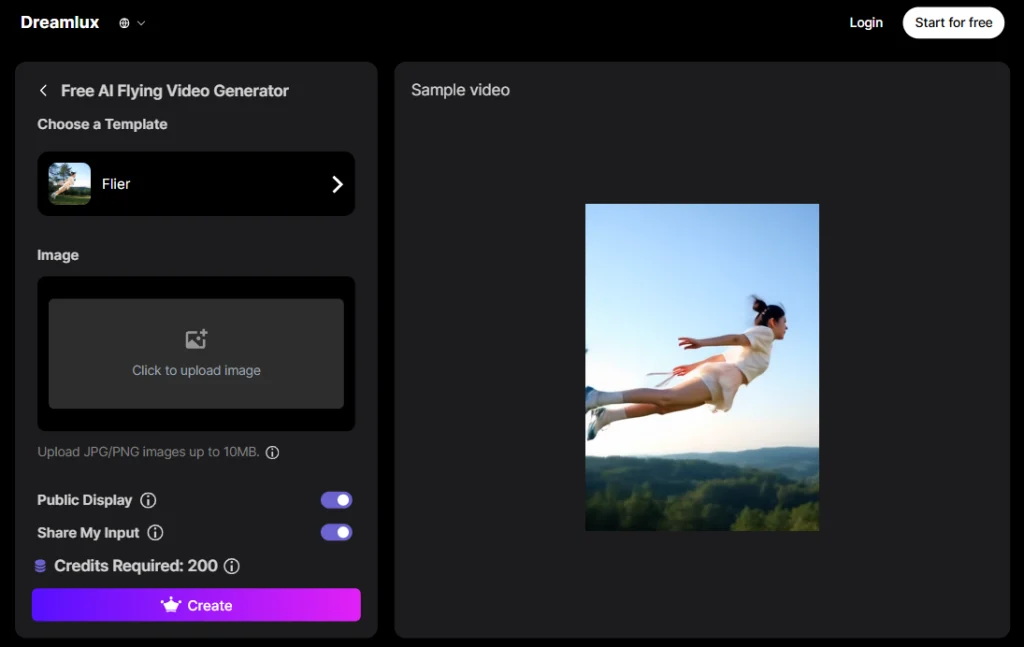
6. Dreamlux
Dreamlux is a remarkable AI flying app designed for professionals and beginners alike. The AI has the power to transform boring, static photos into cinematic aerial videos with realistic flying effects.
Many educators, marketers, and content creators use Dreamlux to incorporate humorous and eye-catching flying videos into their educational or promotional materials.
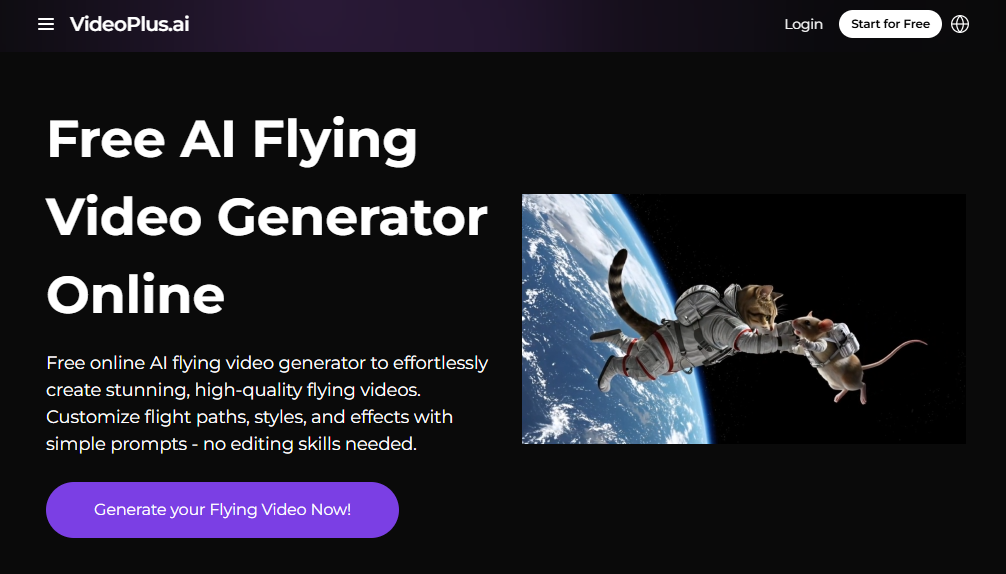
7. VideoPlus
VideoPlus is an intuitive AI flying app for creating high-quality flying videos with customized flight paths, effects, and styles. You have the option to upload an image or use the AI to generate a reference image for your flying video.
The customization comes from typing out a text prompt to describe the flying action you would like to see in the video. There is even a way to set the camera control in reference to the person flying.
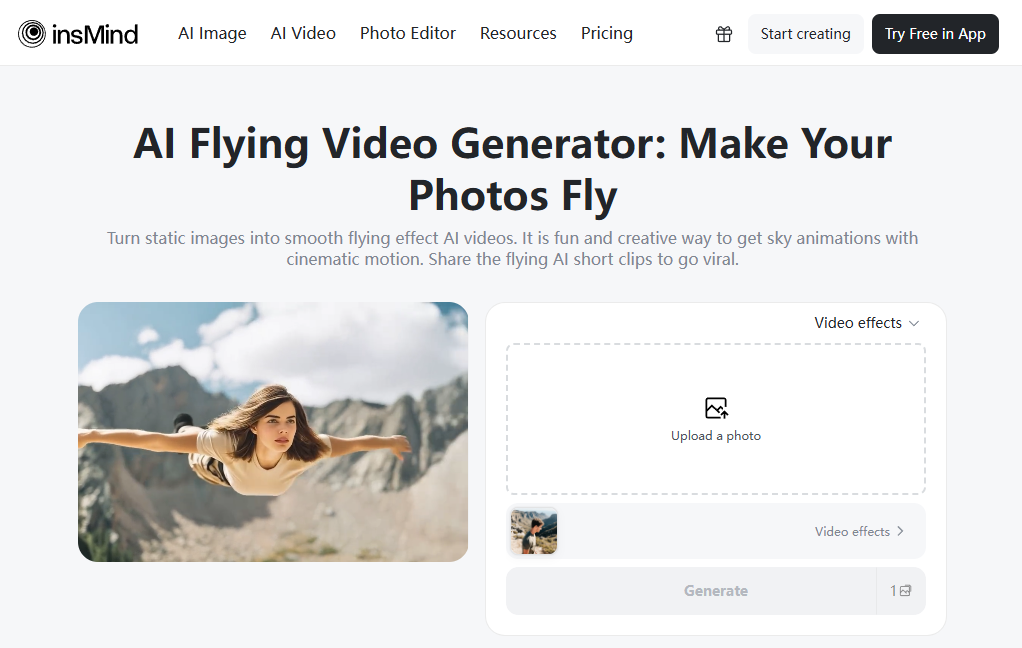
8. insMind
insMind makes the person in a static image fly smoothly. Its AI flying app available on App Store and Google Play is another simple, direct tool that transforms images of people into flying videos within seconds. You only need a photo of a person’s full body or just their full face.
Choose from a small library of AI flying animation templates to apply to your photo. You will have a lot of fun with this app, which allows you to or someone else appear as if they are flying in the sky in full cinematic motion. The AI adds incredible depth and movement to the flying videos, along with dynamic lighting.
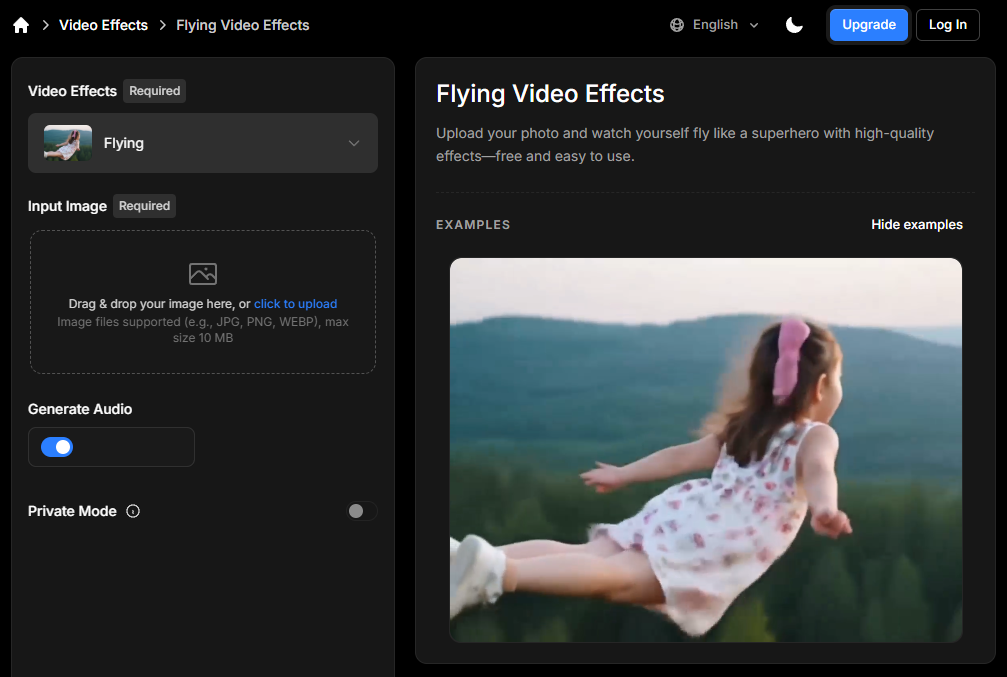
9. Somake AI
Somake AI features a user-friendly interface that resembles those of other AI flying apps. The only real step is to upload your photo and select whether you want the AI to generate audio for the video.
Unless you turn on Private Mode, your AI flying video creation may get selected for inclusion in the local community feed. Somake AI gives you access to a history of your past flying video creations in case you need to download one of them again.
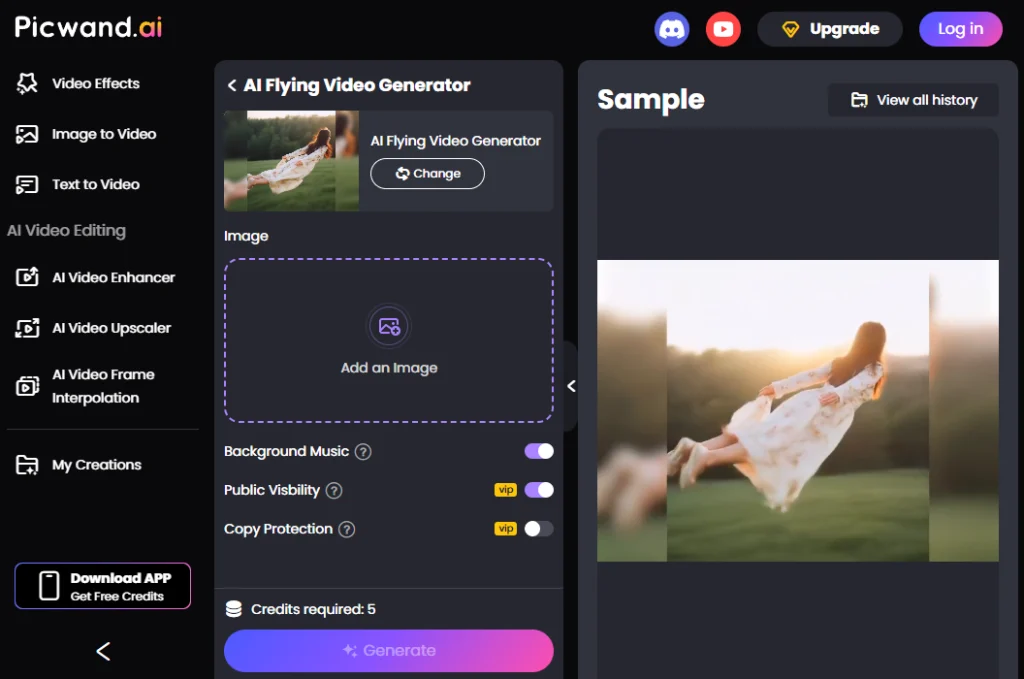
10. Picwand
Picwand is an AI flying app that offers options to add background music, enable public visibility, or apply copy protection to the flying video. Again, it resembles some of the other AI flying apps on this list, but many users have found it to be highly effective in creating the types of AI flying effects they need for their videos.
Create an AI Flying Video in 3 Steps
Are you ready to create a flying video with your favorite AI flying app? Here are the three basic steps on how to proceed:
- Prepare an Image
The first step is to prepare an image to upload. It should be a clear, full-body photo of one person, taken from the front. Ensure the photo doesn’t have any blurry areas, dark shadows, or extremely bright spots. Every area of the image should have equal lighting, clarity, and high-definition visuals. That will ensure the best possible outcome.
- Upload the Image
Now that you have prepared the necessary image, begin uploading it to Mango AI’s flying video generator (https://mangoanimate.com/ai/ai-flying). Click the upload box or drag the image from your device’s folder into the box. Wait a few seconds for the upload to complete.
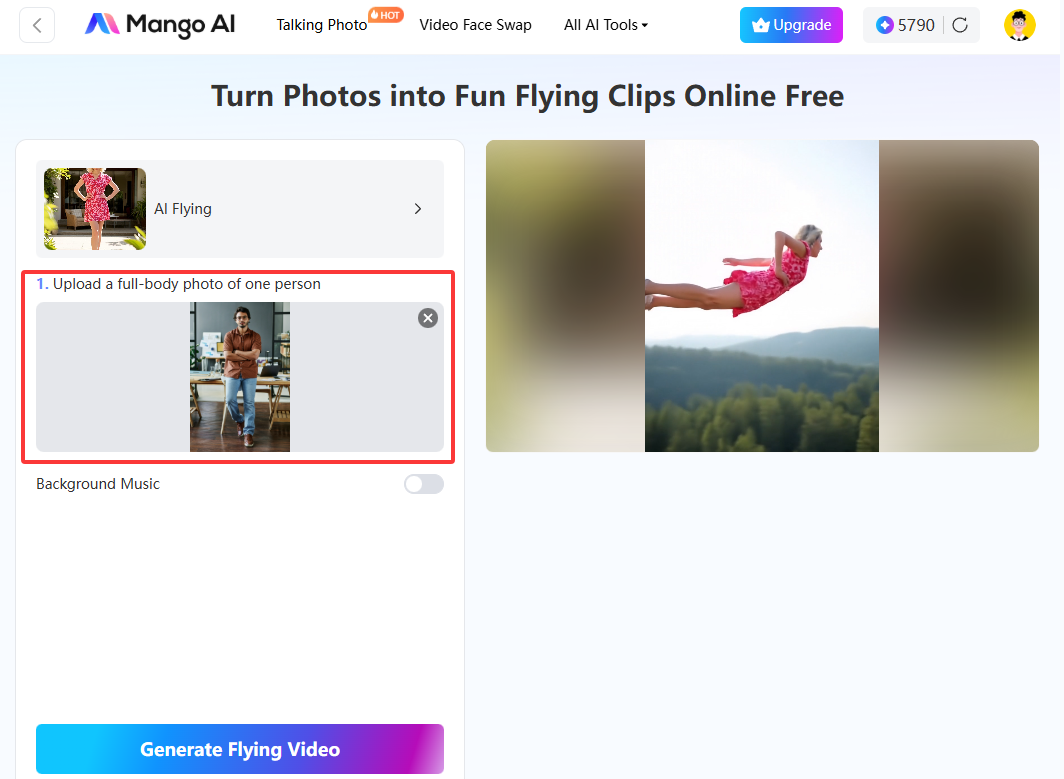
- Click the Button
Lastly, click the “Generate Flying Video” button to initiate the AI flying video generation process. It will only take seconds for the AI to scan the photo and apply the animated flying video effect.
Conclusion
An AI flying app is the fastest, cheapest, and most efficient way to create a viral flying video for social media. You don’t need any special technical skills or expensive camera equipment to accomplish this. All you need is a good photo and an active imagination. The tool will do the rest. Mango AI stands out as one of the best AI flying video generators for creating ultra-realistic flying videos. It quickly converts a full-body photo into a dynamic flying video with natural motion. Any beginner or busy professional will benefit from using Mango AI to generate flying videos for their social media channels and marketing promotions. Without further delay, try Mango AI and watch it work its magic!
Create Viral Flying Videos with Mango AI