
AI-generated videos are no longer limited to fun dance edits or meme-style animations. One of the most emotional trends today is the AI hug video, created by turning a still photo into a warm hugging moment. People use it to recreate reunions, friendships, family memories, and even tribute moments for loved ones.
What makes this trend stand out is its simplicity. With a reliable hug AI generator, all you need is a clear photo—the tool automatically detects faces and body structure and adds a natural hugging motion within seconds. Many platforms even offer AI hugging free options, allowing you to try the effect without upfront costs.
Below, we’ll introduce the best tools to create an AI hug from a photo, followed by a step-by-step tutorial.
5 Best Tools to Create AI Hugging Free
Not every AI hugging generator creates hugging videos. Some tools generate only a hug-style photo, not an animation. For example, Flux.1 AI creates a hugging image (still photo), which is useful for profile pictures or romantic edits, but it is not an AI hug video generator. The following introduced tools include AI hug photo generators and AI hug video generators, and their differences are clearly explained so you can pick the right tool for your goal.
1. Mango AI
Turning a still photo into a believable hug animation is simple here because the tool is built specifically for AI hugging videos, not general motion effects. Upload an image, and the Mango AI will automatically map facial and body structure to generate a smooth hugging motion within seconds.
What sets it apart is how share-ready the output feels: it supports JPG, JPEG, PNG, and WebP, and even lets you add Background Music to make the hug clip more emotional and social-friendly. If you need a practical hug AI generator for creating AI hugging free videos from real photos, Mango AI is one of the most direct options.
2. Wondercraft
For creators who want hugging videos that feel like storytelling content rather than a quick filter, this AI hug video maker is a strong pick. Wondercraft hug AI generator focuses on producing hug clips that look clean and polished, making them easier to fit into emotional posts like reunions, tributes, and “missing you” edits.
Instead of overloading you with advanced controls, it keeps the workflow smooth and creator-friendly. This makes Wondercraft a good AI hug from photo option when you want a more content-ready result.

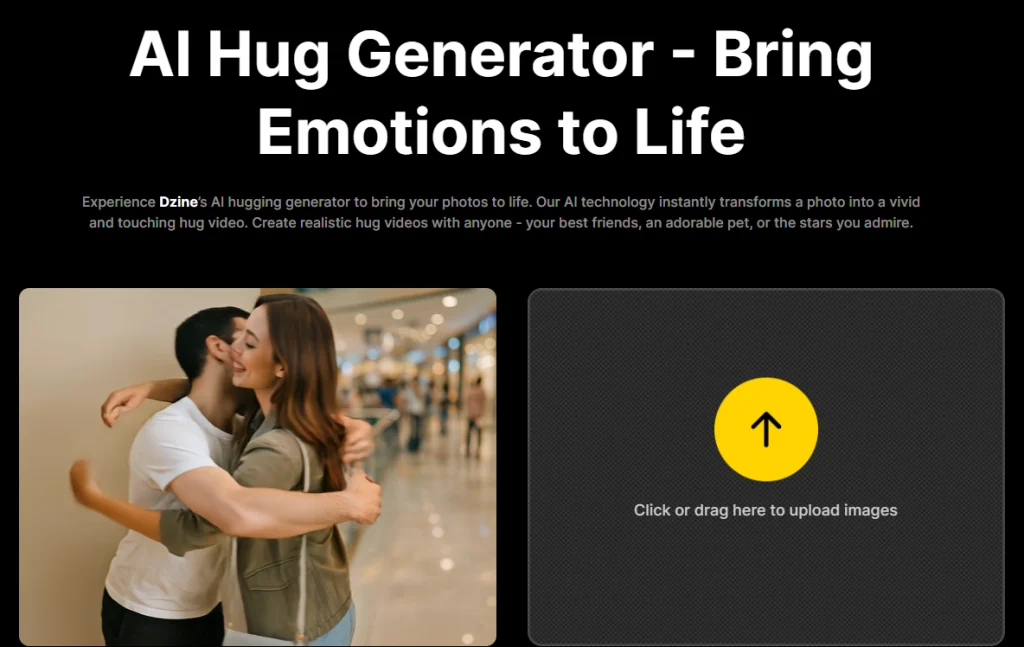
3. Dzine
Stylized hugging visuals are where this tool shines. Rather than chasing pure realism, it leans toward creative AI effects that make hug scenes look trendy and enhanced, perfect for romantic edits, cinematic mood content, and aesthetic reels.
It’s especially useful when you want the output to look more like an AI-designed scene than a basic animation overlay. For creators who want a more artistic hug AI generator, Dzine is a solid choice.
4. Vidful
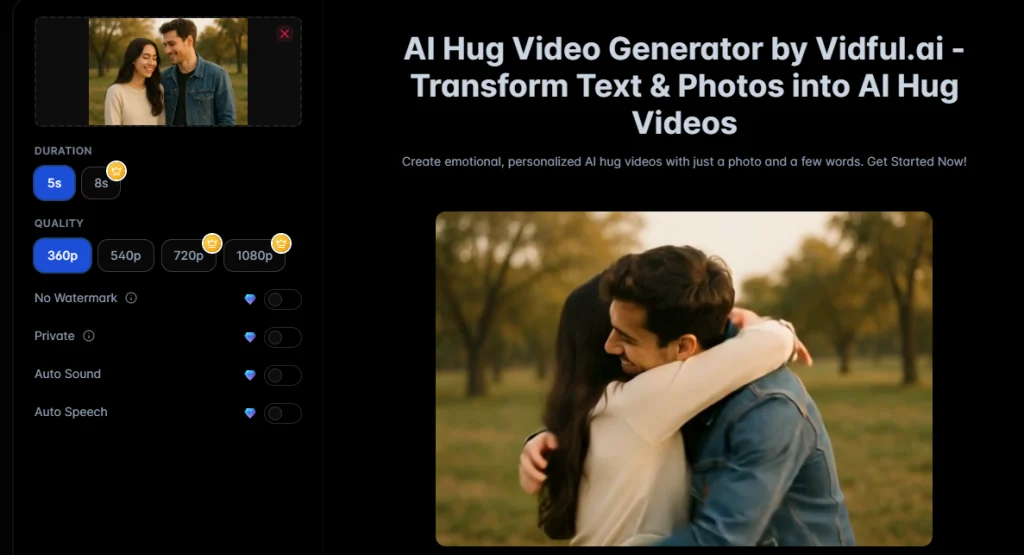
Quick creation is the biggest advantage here. Since it’s browser-based, you can generate hugging content without installing anything. It’s convenient for mobile users and fast social workflows. Upload your image, let the AI detect the subject, and generate the hug clip in a few clicks.
This tool works best when you want to test different photos quickly and produce multiple AI hugging free results in one sitting, especially for TikTok/short-form content.
5. Flux.1 AI
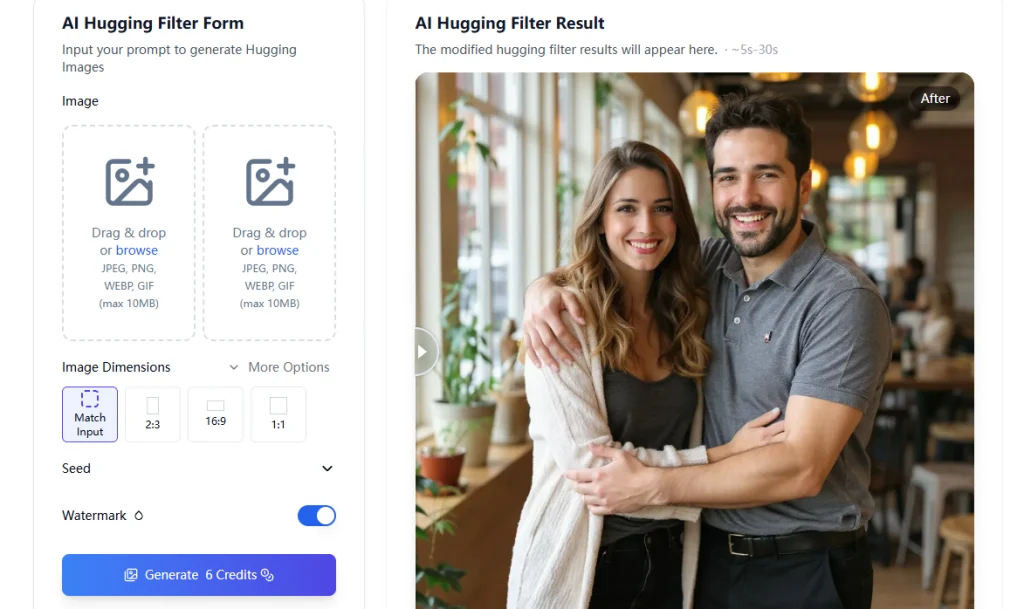
This one needs a clear distinction: it generates an AI hug photo, not a hug video. The output is a still hugging-style image, often used for profile posts, wallpapers, thumbnails, or romantic photo edits.
So while it can still deliver an AI hug from a photo, Flux.1 AI belongs in the “hug image effect” category. If you need an animated hugging motion, you’ll get better results from the video tools above.
How to Create an AI Hugging Video From a Photo
Regardless of the tools used, a suitable photo is needed before creating an AI hugging video.
Providing a clear image with visible faces and sufficient body space helps AI hug from photo tools detect body structure more accurately and reduce the chances of unnatural or awkward motion in the final result. Hug-style interaction generators typically perform best when the photo includes two people, as the system needs to recognize both subjects to create a natural interaction.
For higher-quality output:
- Use a high-resolution image
- Avoid blur or dark lighting
- Avoid photos where faces are blocked
- Avoid extreme angles or heavily cropped portraits
The following is a clear guide on how to create an AI hugging free using Mango AI hug from photo generator.
- Upload the image to Mango AI Hug tool
Go to: https://mangoanimate.com/ai/ai-hug. Upload your photo, be it in JPG, JPEG, PNG, or WebP format, after registering or logging in.
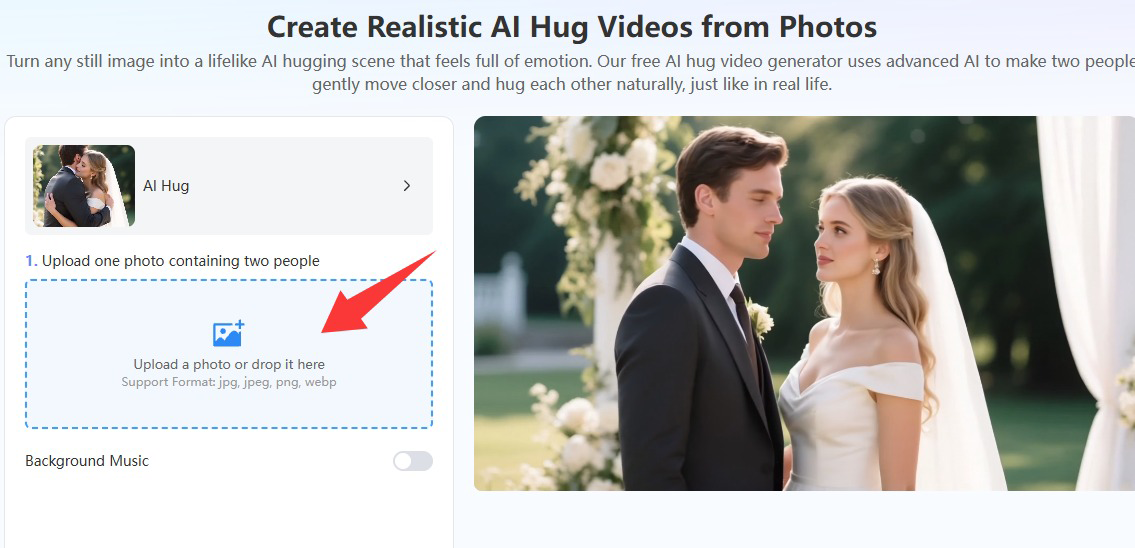
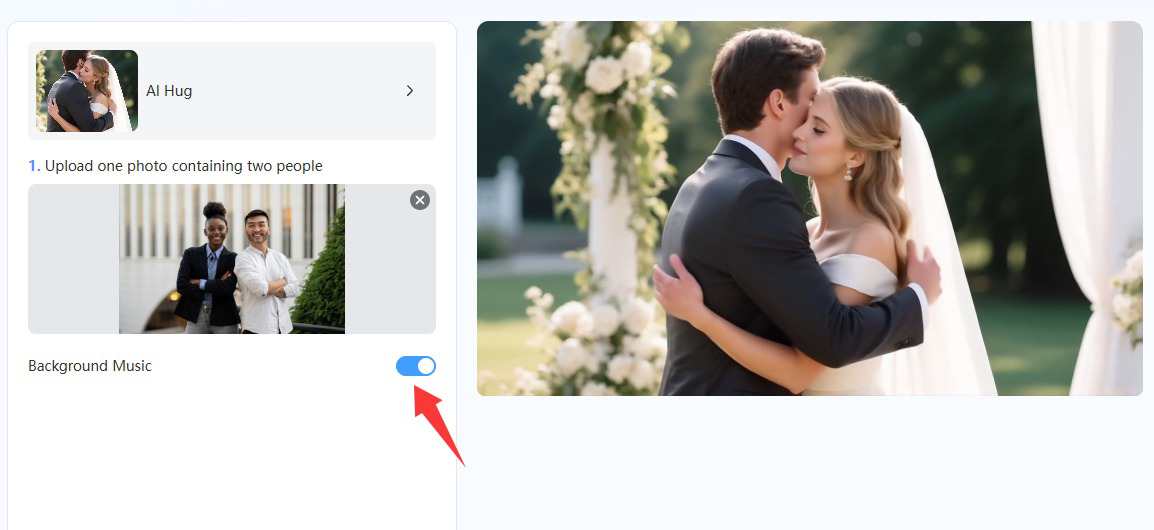
- Enable Background Music (optional but recommended)
To make the hug animation feel more emotional and ready for sharing, tap on the button to enable Background Music. This improves how the final clip feels on social media, making it look like a finished edit rather than a silent AI effect.
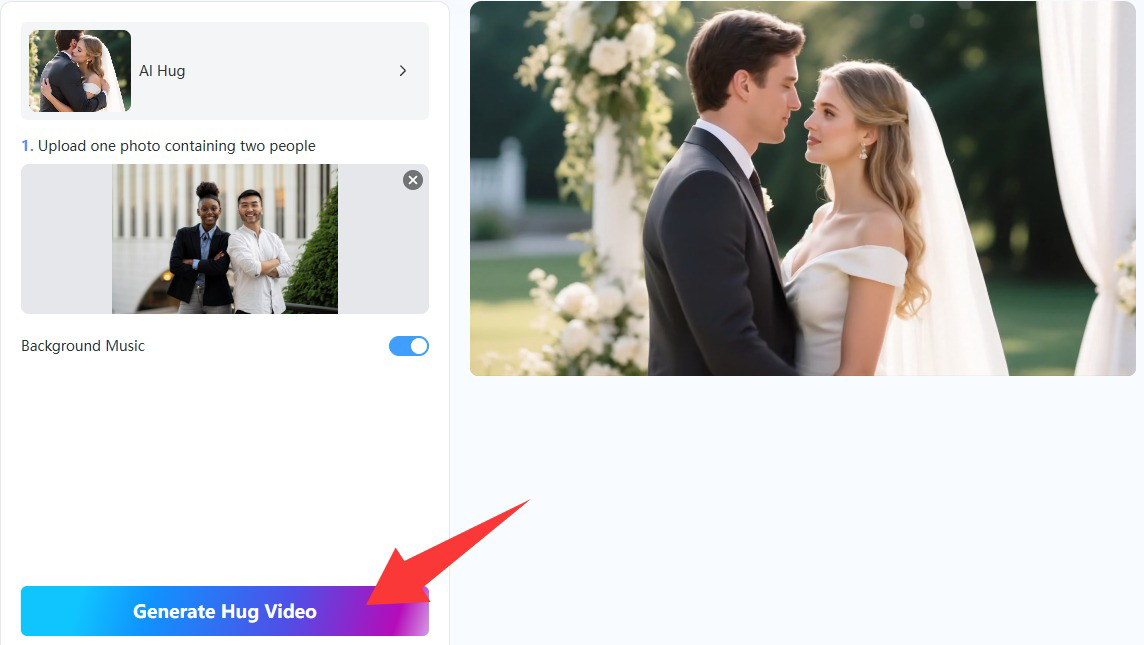
- Generate the hug video
Click Generate Hug Video. The AI will analyze your photo, detect the body structure and facial positioning, and apply a hugging motion automatically.
- Preview and download
Once the hug clip is ready, preview the motion and download the final output. You also have the option to share it online via URL.
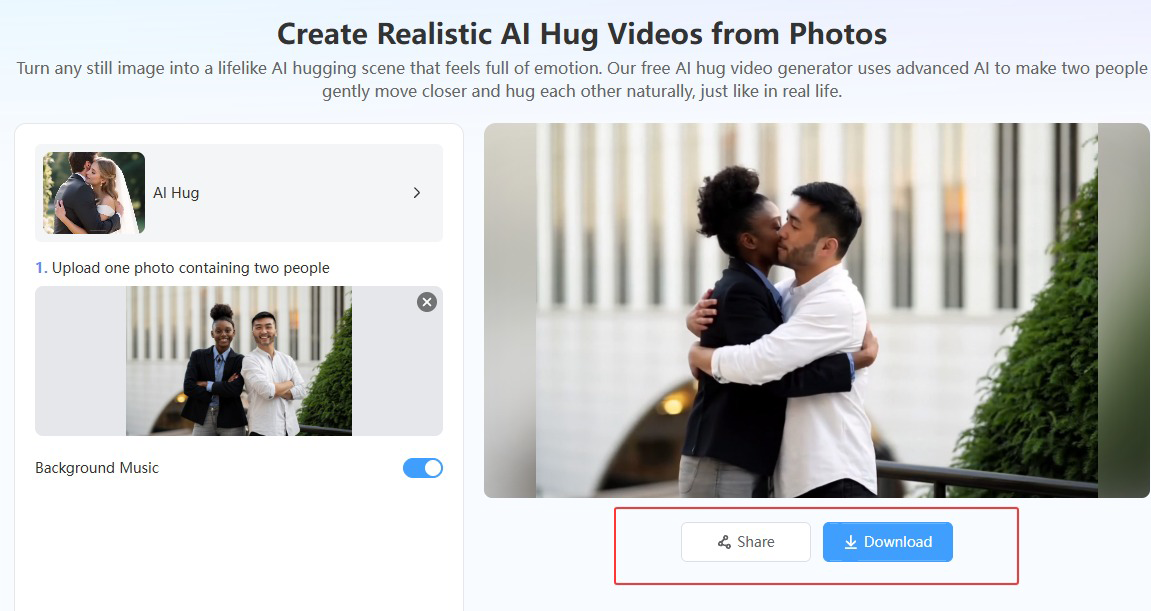
Generated hugging AI video example
Your generated hug AI video can be used for:
• WhatsApp and Telegram status posts
• TikTok/Reels hug edits
• Reunion-style memory clips
• Anniversary/birthday content
• Friendship and family storytelling posts
This makes Mango AI useful for both creators and casual users who want AI hugging free content that feels personal.
Conclusion
AI hug videos have become one of the most meaningful AI trends because they turn simple images into emotional moments people can share. Whether you want to recreate a reunion, show affection to someone far away, or produce social media edits that feel warm and relatable, a good hug AI generator makes it possible within minutes.
Just remember to choose the right tool depending on what you need. If you want motion and animation, use an AI hug video generator free like Mango AI and similar platforms. If you only want a still hugging visual, Flux.1 AI is designed for hug-style photos instead. Either way, the ability to create an AI hug from a photo has made heartfelt content easier than ever, and many tools now offer AI hugging free access so anyone can join the trend instantly.
Create Emotional AI Hug Videos with Mango AI Instantly