
Cartoon videos are a fun and creative way to make your content stand out. Whether you want to make cartoon video clips for social media, add cartoon effects to videos for school projects, or use a video to cartoon converter for professional content, today’s AI tools make it possible in minutes. You no longer need advanced animation skills; just upload your clip, choose a style, and download your animated result. In this blog, we’ll show you step-by-step how to cartoonize a video in minutes with the help of AI cartoon video generator tools.
Overview of Cartoonizing a Video
Manga-like processing of videos refers to the conversion of videos into animation styles with AI-mounted tools. Unlike standard video filters that only adjust color tones and lighting, video cartoonizer tools redraw both people and backgrounds, making the entire clip look completely animated. This process enables you to easily add cartoon effects to your videos and turn ordinary recordings into creative and fun pieces. Regardless of SNS posting, marketing, or personal projects, manga processing sublimates ordinary videos into attractive animation content.
Top 5 Tools to Cartoonize Video with Ease
Creating cartoon-style videos has never been easier. With AI-equipped tools, you can quickly turn your videos into manga-style scenes, create cartoon-style clips, and add fun cartoon effects to enhance your visuals. Here are the top 5 video to cartoon converters to help you get started.
1. Mango AI
If you want a tool that lets you cartoonize video quickly and effectively, Mango AI, developed by Mango Animate, is the best option to get started. It is a professional yet beginner-friendly cartoon avatar maker. With multiple styles such as Anime, 3D, Sketch, and Hand-drawn, it helps anyone create video projects featuring AI cartoon characters with just a few clicks. Mango AI is available on both desktop and mobile devices.
Key Features:
- Convert videos into cartoons using advanced AI.
- Multiple styles: Anime, Art, Sketch, 3D, Hand-drawn, and more.
- High-resolution outputs.
- Beginner-friendly interface.
2. PowerDirector
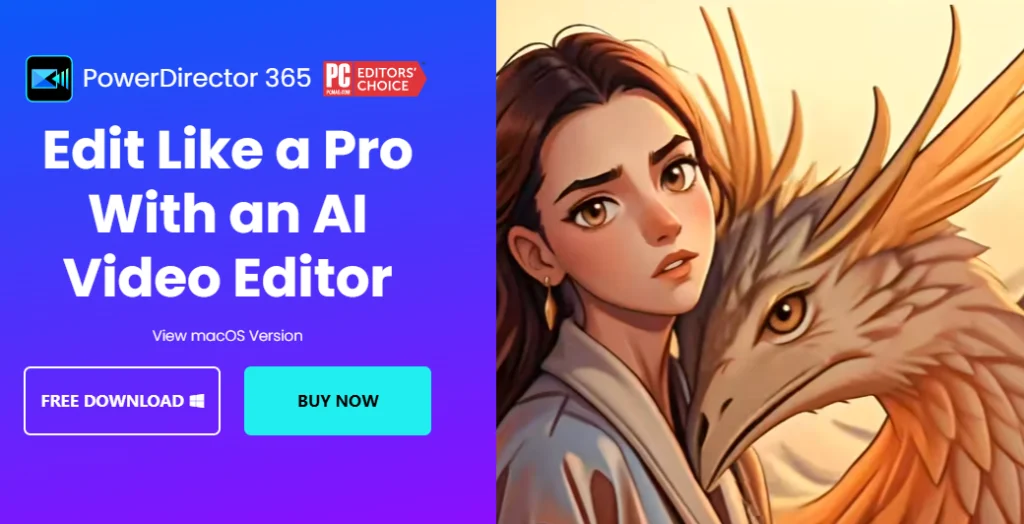
CyberLink PowerDirector is a full video editor with built-in AI cartoon effects. Unlike simpler apps, it provides detailed control, letting you add cartoon effects to video with layers and custom designs. Available on Windows, Mac, iOS, and Android, it’s suited for both professionals and beginners. Cartoon effects include Anime-inspired looks and creative layers like stars or butterflies. If you want to cartoonize videos while still having full editing features, PowerDirector is a reliable all-in-one solution.
Key Features:
- AI style transfer for videos.
- Cartoon layers and animation options.
- Supports 4K resolution.
- Works on PC and mobile.
3. UpScaler
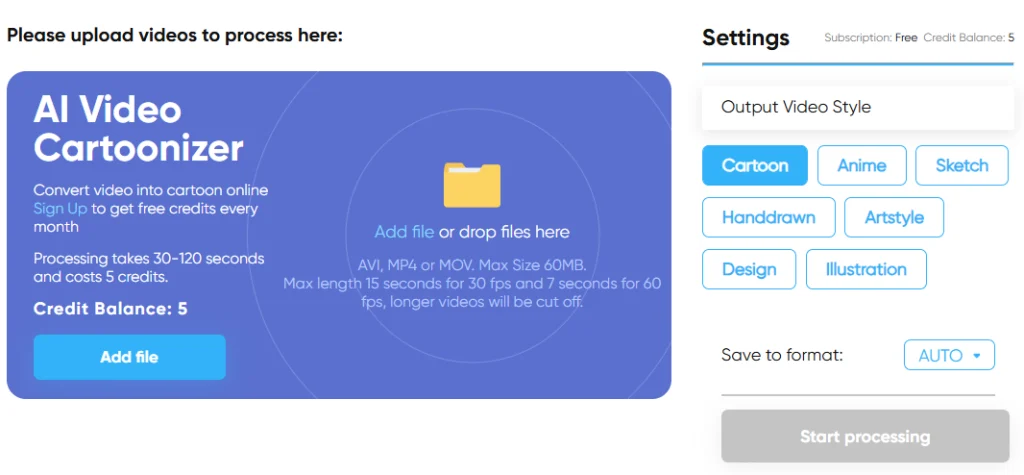
UpScaler is a web-based video to cartoon converter that lets you add cartoon effects to video directly from your browser. Its smart algorithm processes the face and background separately, making the cartoon effects look natural. The tool supports styles like Anime, Illustration, and Sketch. Free users get credits to cartoonize video clips up to two minutes long, while premium plans allow batch processing and longer exports. UpScaler is a great option if you want an online tool to make cartoon video animations without downloading software.
Key Features:
- AI cartoon effects with natural details.
- Batch processing support.
- Runs fully in your browser.
- Free credits for short videos.
4. Media.io
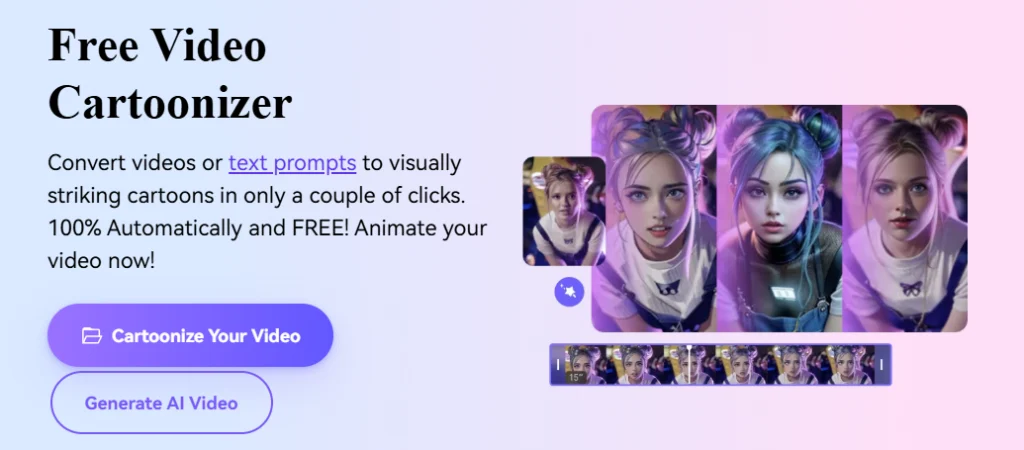
Media.io AI’s Video Cartoonizer, a browser-based tool that lets you convert ordinary video clips into stylized animations—no software installation required. With one click, you can apply vivid cartoon effects to your footage: simply upload your video, choose a style (such as anime, cyberpunk, or fantasy), and download the finished cartoon version. Equipped with AI-powered processing, the tool maintains smooth motion and expressive detail while transforming both characters and backgrounds. Additional features include HD video export, multiple filter templates, and full online editing support.
Key Features:
- AI-powered algorithm for natural motion and vivid expression.
- Choice of cartoon styles including anime, cyber-punk, fantasy, and more.
- HD export and quick turnaround from upload to download.
- Integrated editor tools to fine-tune or combine effects.
5. DeeVid AI
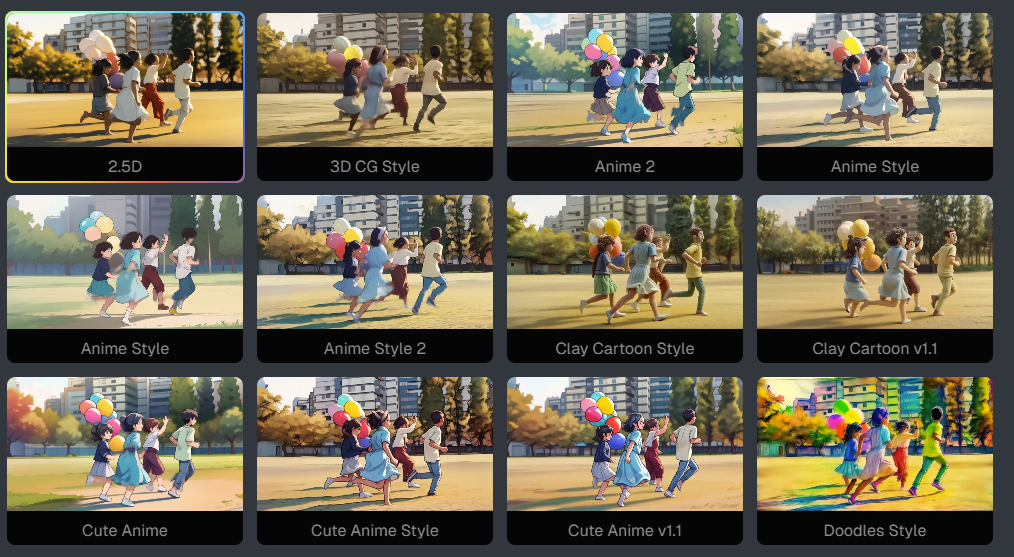
As a browser-based video cartoonizer and style-transfer engine, DeeVid allows you to upload a short clip (MP4, MOV, AVI) and transform it into a stylized animation in minutes. You can pick from preset looks — such as anime-to-realism, vintage, retro — or upload your own reference style for a fully custom visual overhaul. The interface lets you adjust the “style intensity” to control how strongly the effect is applied, enabling anything from subtle tweaks to full cartoon makeovers.
Key Features:
- AI-powered style-transfer.
- Various anime styles.
- Adjustable style intensity.
- High resolution and smooth motion.
How to Cartoonize a Video with Mango AI
Before cartoonizing videos with Mango AI, you need to register for Mango Animate, and go to Mango AI Video Cartoonizer.
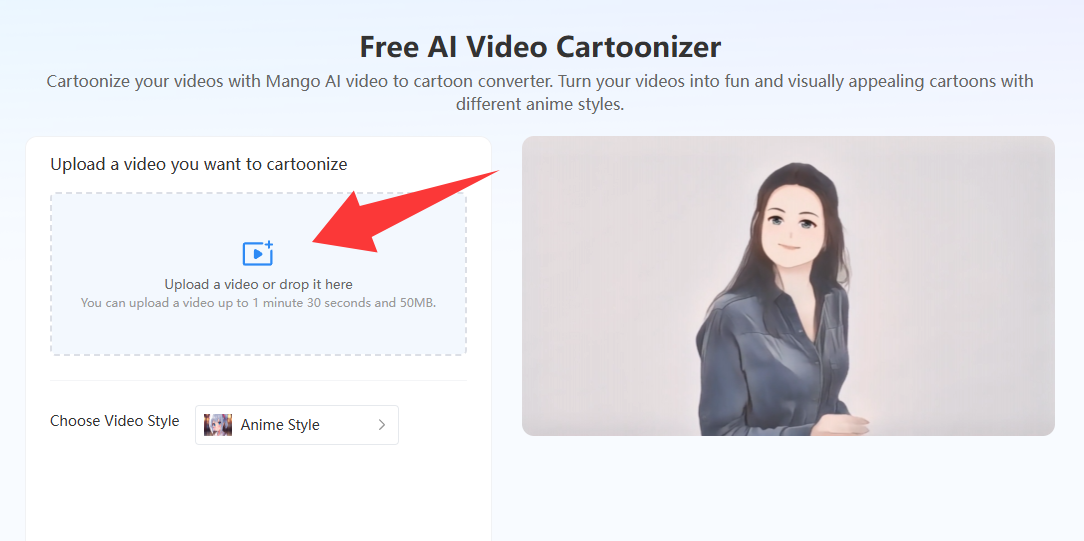
- Upload Your Video
Upload or drop a video that you want to cartoonize from your computer. Mango AI supports cartoonizing a video up to 1 minute 30 seconds and 50 MB.
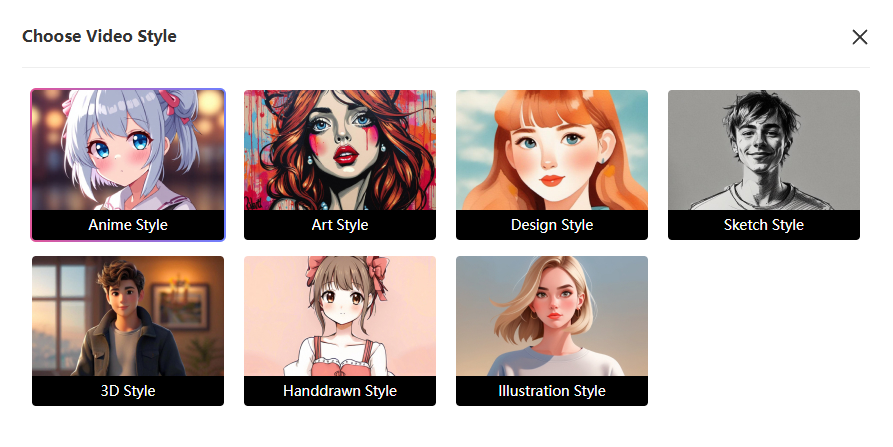
- Choose a Preferred Animation Style
Select the animation style from options including Anime, Design, Art, Sketch, 3D, Illustration, and Hand-drawn. Each style gives a different cartoon look, helping you visualize your video.
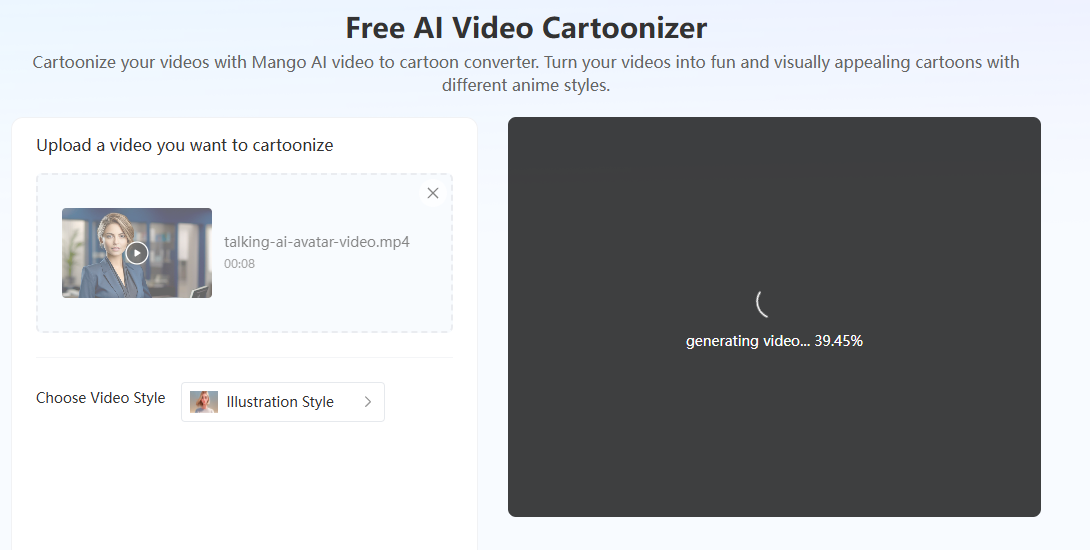
- Generate the Video
Click “Cartoonize Video”. Mango AI will transform your footage into a cartoon video within minutes.
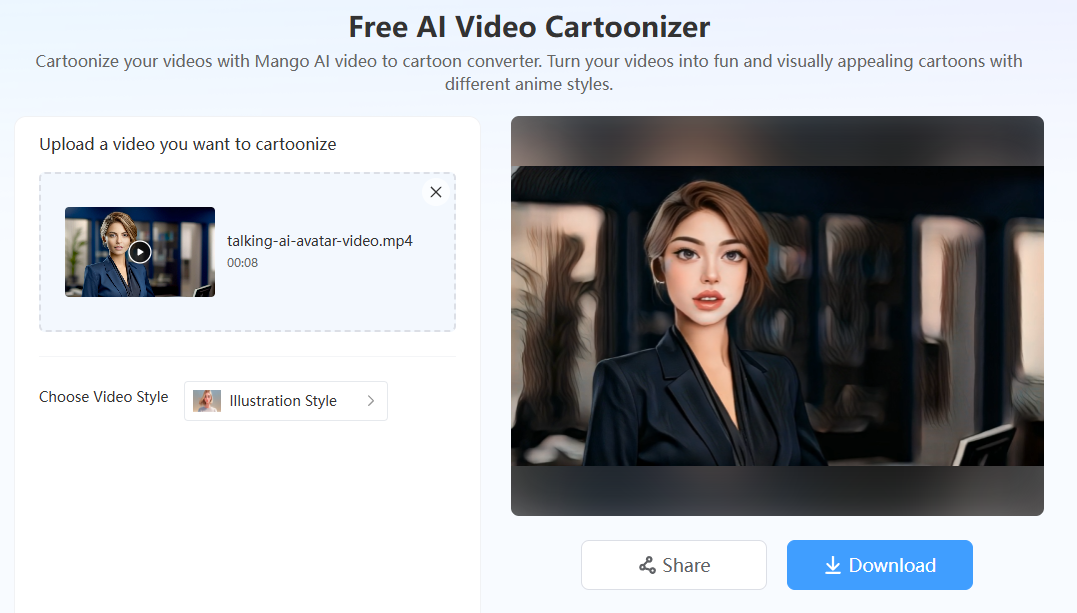
- Download or Share the Video
Once satisfied with the cartoonized video, click “Download” to save it to your device or share your cartoonized video on social media. You can find all your AI-generated videos in “My Creations” tab.
Conclusion
Cartoon-style videos are no longer just for professional animators. With today’s AI tool, anyone can easily animate video clips quickly. Whether you want to edit anime videos for SNS, use a video animation converter for business, or just look forward to adding anime effects to your video, the right tool will affect everything. Try video to cartoon converters to make cartoon videos for free today!
Create Awesome Cartoonized Videos with Mango AI