
Forestil dig suset af at trodse tyngdekraften, svæve højt over skyer eller glide over trætoppene – alt sammen fra et simpelt foto. En AI-flyvevideogenerator gør denne fantasi til virkelighed ved at animere stillbilleder til dynamiske flyvninger, komplet med livagtige bevægelser og betagende udsigter.
Uanset om du er en influencer på sociale medier, der jagter virale hits, eller en marketingmedarbejder, der sigter mod at fange publikum, udnytter disse innovationer kraftfulde algoritmer til at producere problemfri videoer.
Fra almindelige brugere, der tilføjer sjov til personlige klip, til professionelle, der forbedrer historier – en AI-flyvende videogenerator åbner op for et ubegrænset potentiale. Dyk ned i muligheder, der kombinerer lethed med fantastiske resultater, og forvandler hverdagens billeder til delbare forestillinger, der inspirerer til ærefrygt og interaktion.
1. Mango AI
Flyvning fanger fantasien, selvom det overstiger menneskelig formåen. Folk higer efter den følelse af frihed i luften, og Mango AI leverer denne oplevelse digitalt gennem sin innovative AI-flyvevideogenerator. Upload et helkropsfoto; AI'en identificerer tydeligt figuren og skaber realistiske flyvevideoer på få minutter. Værktøjet sikrer en jævn animation, når fødderne løfter sig, og kroppen stiger naturligt. Du kan aktivere baggrundsmusik for at øge spændingen og gøre klippet mere engagerende. Når det er genereret, kan du downloade MP4-filen i høj kvalitet for at dele den på sociale medier, hvor skabere ofte forvandler disse til trendy shorts, der tiltrækker reaktioner og øger interaktionen.
Nøglefunktioner
- Avanceret AI-model, der leverer levende flyvende animationer.
- Praktiske delings- og downloadmuligheder.
- Understøtter flere typer billedupload (f.eks. JPEG, PNG, JPG, WebP)
- Beskyttelse af personlige oplysninger: Ingen misbrug af brugerbilleder.
2. Pollo AI
Pollo AI's AI-flyvevideoværktøj er et solidt valg, når du ønsker en flyveeffekt med lidt mere retning. Du uploader et enkelt billede af én person, og værktøjet genererer et kort klip fra start, hvor motivet svæver op i luften. Du kan guide resultatet med en tekstprompt og justere genereringsindstillingerne, før du kører det. Når resultatet er klar, downloader du videoen og bruger den til sociale opslag eller hurtige kreative tests.
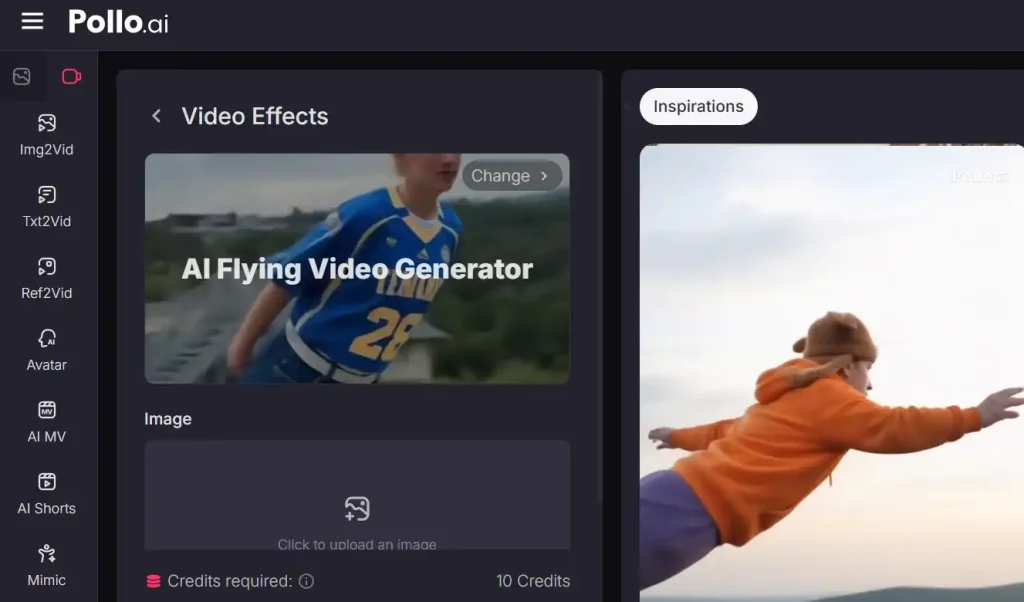
Nøglefunktioner
- Upload billeder af én person til flyklip.
- Styr stemningen med en tekstprompt.
- Juster genereringsindstillinger for resultater.
- Download videoen, når den er gengivet.
3. Media.io
Media.io gør det nemt at tilføje et flyveøjeblik uden at skulle oprette et studie. Du starter med et foto og anvender en flyveeffekt, der forvandler scenen til en animeret sekvens. Arbejdsgangen er designet til hurtig oprettelse, så du kan teste flere ideer til forskellige sociale formater uden at sætte farten ned. Det er også et nyttigt valg, når du ønsker en tilgængelig proces, der ikke er afhængig af green screens eller professionel redigering.
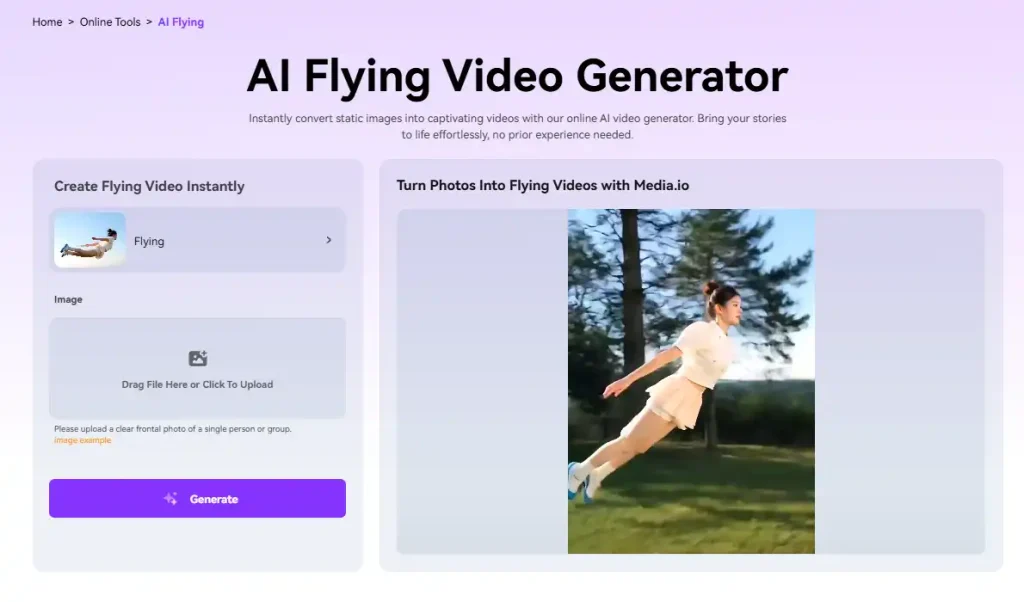
Nøglefunktioner
- Anvend flyvende effekter på fotos.
- Spring grønne skærme og komplekse redigeringer over.
- Skab resultater med et par klik.
- Gentag hurtigt for indholdstest.
4. Vidu
Vidus OneClickFlight-skabelon er designet til hurtige og delbare resultater. Du uploader et foto, vælger, hvor mange videoer du vil generere, og klikker på opret. Det gør det nemt at få et par variationer uden at genopbygge ideen fra bunden. Vidu giver dig mulighed for at forhåndsvise outputtet og derefter downloade eller dele det med det samme, hvilket passer til korte arbejdsgange. Vidu oplyser også, at uploads er krypterede, og at personlige data ikke gemmes ud over, hvad der er nødvendigt for at generere klippet.
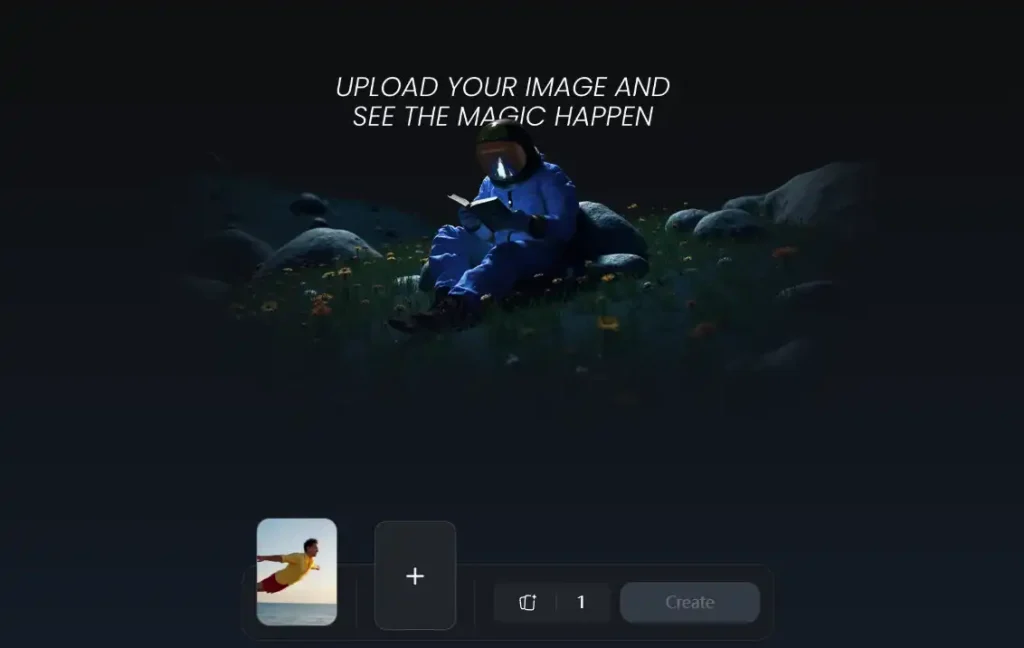
Nøglefunktioner
- Upload et billede og generer hurtigt.
- Opret en til fire variationer ad gangen.
- Forhåndsvis, download eller del med det samme.
- Bruger krypterede uploads i henhold til værktøjet.
5. insMind
Med insMinds AI-flyvevideogenerator er det en leg at generere AI-flyvevideoer. Du uploader blot et billede, vælger flyveskabelonen og klikker på generer, så systemet håndterer animationen. Værktøjet beskriver sit output som at tilføje dybde og bevægelse med dynamisk belysning, hvilket gør flyvebevægelsen mere troværdig. Når du kan lide forhåndsvisningen, kan du gemme klippet som en MP4 i høj kvalitet og dele den på platforme som TikTok, Instagram eller YouTube.
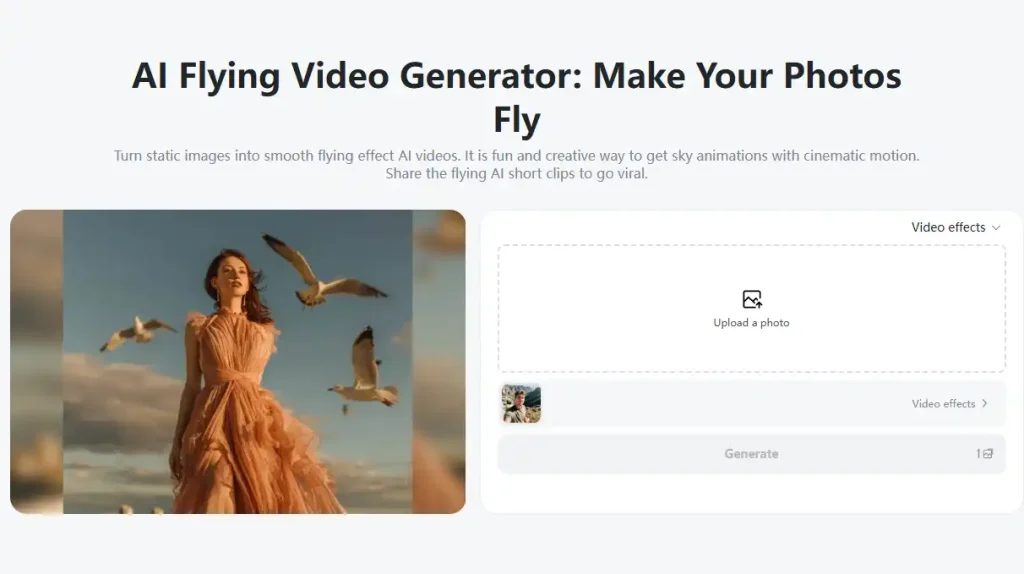
Nøglefunktioner
- Følg trinnene for upload, skabelon og generering.
- Tilføj dybde og dynamisk belysning.
- Forhåndsvisning før du gemmer outputtet.
- Download som en MP4-fil i høj kvalitet.
6. ImagineArt
ImagineArt er et godt valg, når du ønsker, at dit flyveøjeblik skal matche en specifik æstetik. Du kan starte med billeder, skitser eller prompts og derefter styre looket ved hjælp af stilvalg og sceneretning. Det er nyttigt til brandede visuelle elementer, fantasy-temaer eller ensartet serieindhold. ImagineArt positionerer også arbejdsgangen som hurtig, med videoer genereret på få minutter, så du kan udforske flere retninger i én session uden at miste momentum.
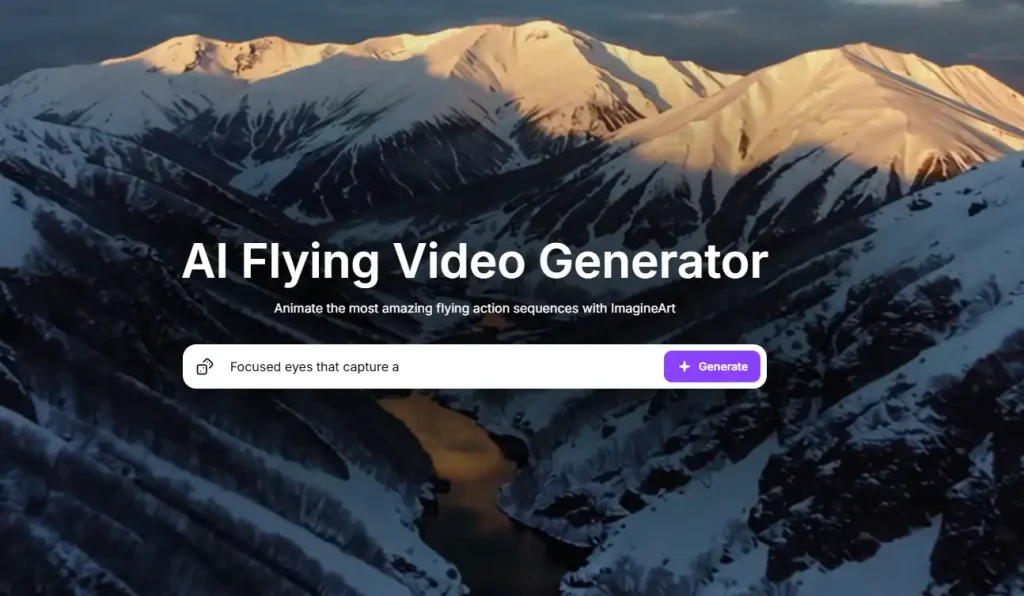
Nøglefunktioner
- Start med billeder, skitser eller opfordringer.
- Vælg stilarter, der matcher din æstetik.
- Direkte scener for ensartet historiefortælling.
- Generer videoer på få minutter.
7. SuperMaker
SuperMakers AI-flyvevideogenerator forvandler et stillbillede til et kort flyveklip med en simpel arbejdsgang. Du uploader et foto, og værktøjet genererer en flyveanimation, der sigter mod naturlig bevægelse og en overbevisende opstigning. Hvis det første resultat ikke er din favorit, lader SuperMaker dig regenerere til en ny variation uden at ændre din opsætning. Når du er tilfreds, kan du downloade outputtet i HD, så det forbliver skarpt, når du deler det.
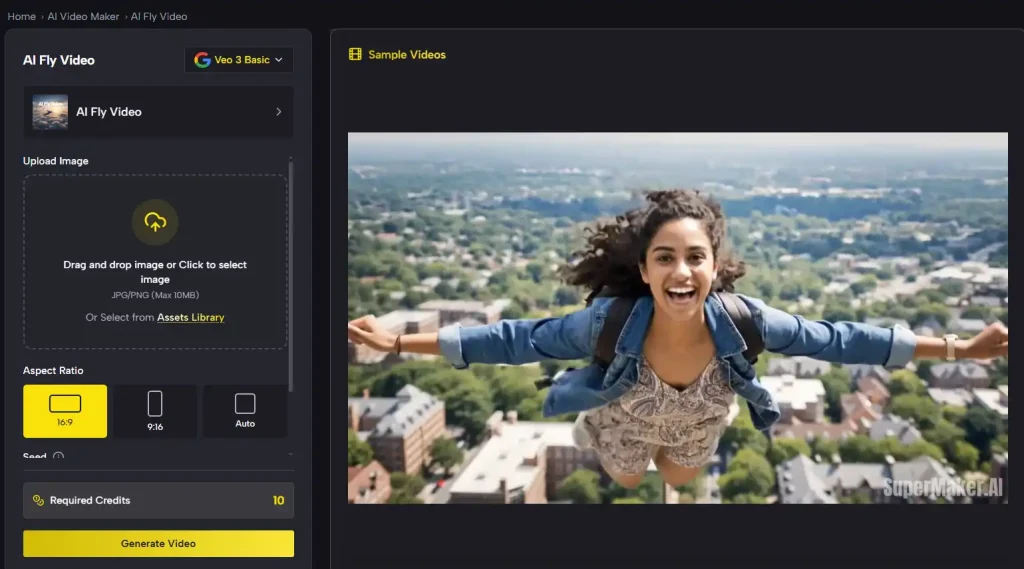
Nøglefunktioner
- Upload et billede og generer en flyvetur.
- Regenerer for at udforske nye variationer.
- Hold en enkel, guidet arbejdsgang.
- Download resultater i HD.
8. ChromaStudio
ChromaStudio fokuserer på at forvandle ét billede til en flyvende transformation med minimale trin. Du uploader et tydeligt foto, klikker for at anvende videoeffekter, og værktøjet genererer et flyveklip med realistisk bevægelse og visuelle effekter. Webstedet opfordrer dig til at forhåndsvise resultatet, før du downloader, så du kan bekræfte, at bevægelsen føles rigtig til dit opslag. Dette er en praktisk mulighed, når du ønsker et hurtigt wow-øjeblik uden at lære et editor.
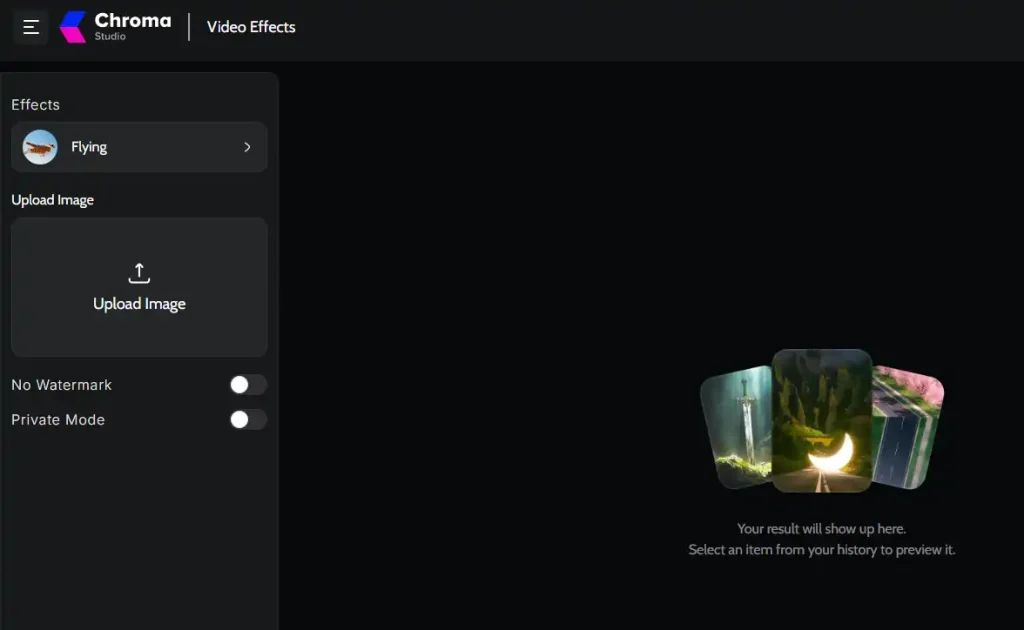
Nøglefunktioner
- Upload et billede og anvend flyvende effekter.
- Generer realistisk bevægelse og grafik.
- Forhåndsvisning før download af klippet.
- Download eller del efter generation.
9. Funy AI
Funy AI's AI-flyvevideogenerator animerer dine fotos til problemfri flyveeventyr uden barrierer. Upload et billede af et enkelt motiv, giv eventuelt en guide med en prompt, og generer videoer med naturlig bevægelse på få minutter. Dens tilgængelighed er fremragende til hurtige eksperimenter og producerer klip i høj kvalitet, der tilføjer energi til statiske øjeblikke. Den er perfekt til at blande humor eller fantasi og tiltrækker brugere, der søger ubesværet og levende indhold.
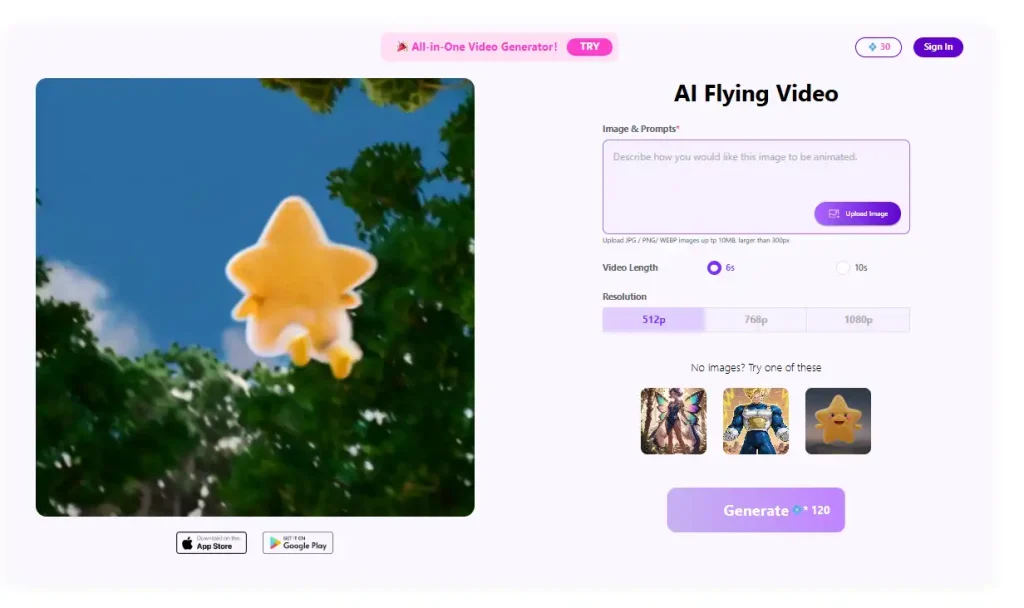
Nøglefunktioner
- AI-flyveeffekter til realistiske animationer.
- Glatte stier med naturlig fysik.
- Ingen login påkrævet.
- Valgfri tekstprompter til stil.
Conclusion
Med så mange AI-flyvende videogeneratorer lige ved hånden er der virkelig ingen grænser for dine kreative bestræbelser. Uanset om du laver legende personlige klip eller professionelle fortællinger, giver disse værktøjer dig mulighed for at animere ideer ubesværet og holde trit med digitale trends. Eksperimenter med forskellige muligheder for at finde det, der giver genlyd, da hver især bringer unikke styrker til at løfte dit indhold. I denne æra med hurtig innovation sparer det ikke kun tid at omfavne en AI-flyvende videogenerator, men forstærker også rækkevidden og fremmer forbindelser gennem visuelt fantastiske oplevelser, der efterlader et varigt indtryk på seere over hele verden.
Lav fantastiske AI-flyvevideoer med Mango AI