
Engaging lip synchronization videos are now a necessity for content creators, educators, and even businesses. The right AI lip sync software can transform static images and videos into lively, interactive presentations that are awe-inspiring to viewers. When you’re creating educational material, marketing materials, or entertainment videos, these programs simplify the process of integrating audio and visual elements.
In this post, we’ll go over 7 AI lip sync software options that can help create professional-looking synchronized video with no technical expertise. From AI-powered applications to traditional tools for animation, find out the best platform that fits your needs for creativity and budget.
1. Mango AI
Mango AI’s lip sync generator is a dependable solution to create realistic lip-syncing videos in a matter of minutes. Simply upload a clip with faces, and then provide either audio or typed script files. Mango AI then automatically creates precise lip-synchronized movements. If you prefer not to make a public appearance, Mango has different avatar options that include cartoon and human characters with different styles. The tool supports a variety of different languages and options for voice, which makes it perfect to create content that appeals to global viewers. You can even turn videos of pets into fun videos where animals speak, which is ideal for social media interaction.
- Natural lip sync animations with natural lips from uploaded videos
- Choose from a variety of avatars for those who don’t want to be seen on camera
- Access a variety of AI voices in various languages and age groups.
- Change static content into engaging and interactive videos
- Download and save your work straight from the platform
2. Synthesia
Synthesia is an advanced AI video generation platform featuring high-quality AI lip sync technology. It enables you to create professional videos that feature AI avatars that speak your text in perfectly coordinated lip movements. Simply type in your text, choose from more than 240 different AI presenters, and select from a variety of languages to create content that resonates across the globe. The lip sync software uses AI technologies to analyse your text and generate facial movements that look natural and stimulating. Businesses are particularly interested in Synthesia for making training materials, marketing content, and corporate communications without the requirement for actors or cameras.
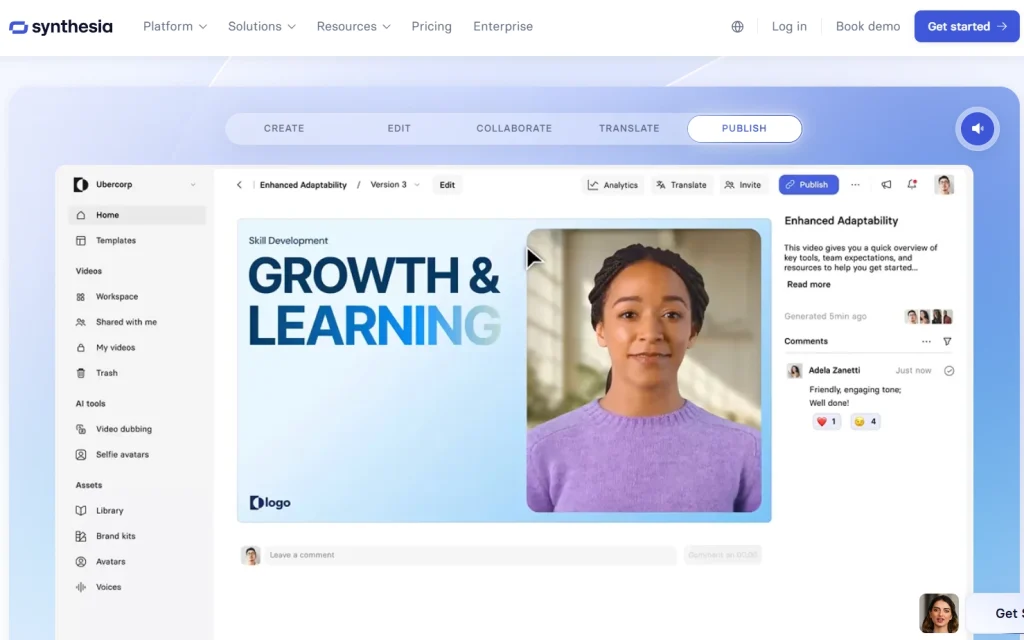
- Create professional-looking videos using AI avatars
- Choose from a variety of 240+ presenters and 160+ different languages.
- Create content with no cameras or actors
- Make videos more current by simply changing the text
- Scale video production while preserving the quality
3. HeyGen
HeyGen is a specialist in creating AI-generated lip sync video content. This tool allows you to select from a variety of AI avatars or create custom digital representations (such as from photos or video) that deliver your script with realistic lip movements and facial expressions. The AI analyzes your text and creates lips and facial expressions that turn out to be remarkably real. The AI analyzes your text and creates lips and facial expressions that turn out to be remarkably real. Use this tool to create customized marketing messages on a large scale.
- Produce videos using realistic AI avatars
- Generate natural mouth movements using text
- Deliver multiple language versions of content with seamless lip sync
- Build custom digital representations
- Scale your personalized video production quickly
4. D-ID
D-ID animates still images into talking videos with its advanced lip sync and facial animation technology. The platform uses deep-learning algorithms to bring photos to life, creating realistic facial movements—including synchronized lips, expressions, and gestures—that match the speech. The Creative Reality(tm) Studio combines text-to-speech technology with facial animation to transform static images into captivating videos. You can use the AI lip sync software to design customized marketing messages or create educational content.
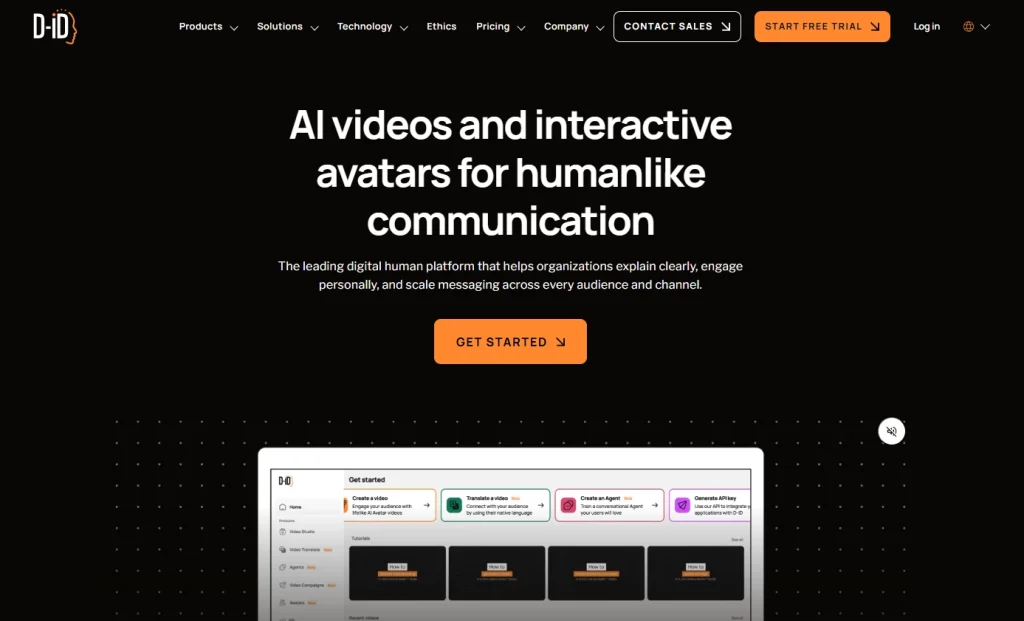
- Create animated still images that have the ability to talk
- Transform photos into engaging talking videos
- Create content that features historical figures
- Create customized marketing messages
- Combine text-to-speech and facial animation
5. Adobe Character Animator
Adobe Character Animator works with Adobe Creative Cloud to provide powerful lip sync capabilities for animators. The software makes use of your microphone and webcam to record facial expressions as well as voice, and converts them into animated characters in real time. The auto lip sync feature analyzes your speech and creates the appropriate mouth shapes, which can be manually refined for accuracy. The AI lip sync software based on triggers lets you create elaborate performances using synchronized lip movements. Thus making it suitable for live streaming, educational content, or animations which require natural character performance.
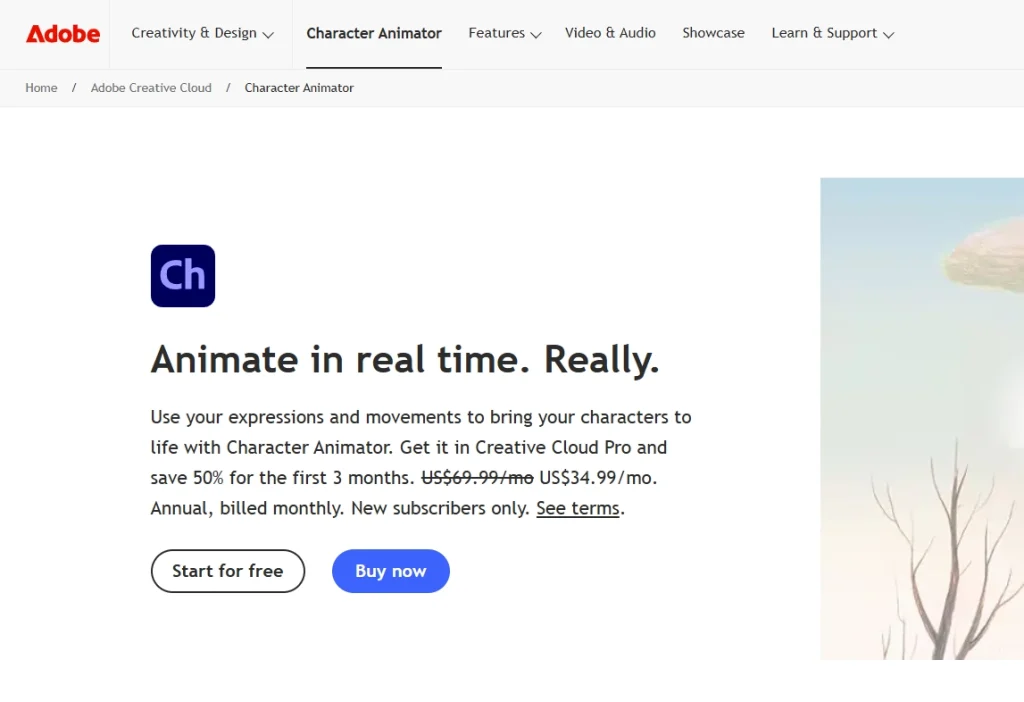
- Capture facial expressions using a webcam
- Create real-time character animation
- Create a lip sync feature that is automatic based on voice input
- Manually refine animations for precision
- Integration into Adobe Creative Cloud applications
6. Vyond
Vyond is a specialist in the creation of professional business videos that are animated and feature high-quality lip sync technology that improves communication. The platform provides a variety of character designs and templates that automatically sync mouth movements using uploaded audio or text-to-speech voices. What makes Vyond particularly useful for business users is the ability to keep the same appearance of characters across multiple videos while ensuring precise lip synchronization. These time-saving features allow companies to create marketing and training materials and internal communications that feature talking characters who communicate messages clearly and with a sense of humor.
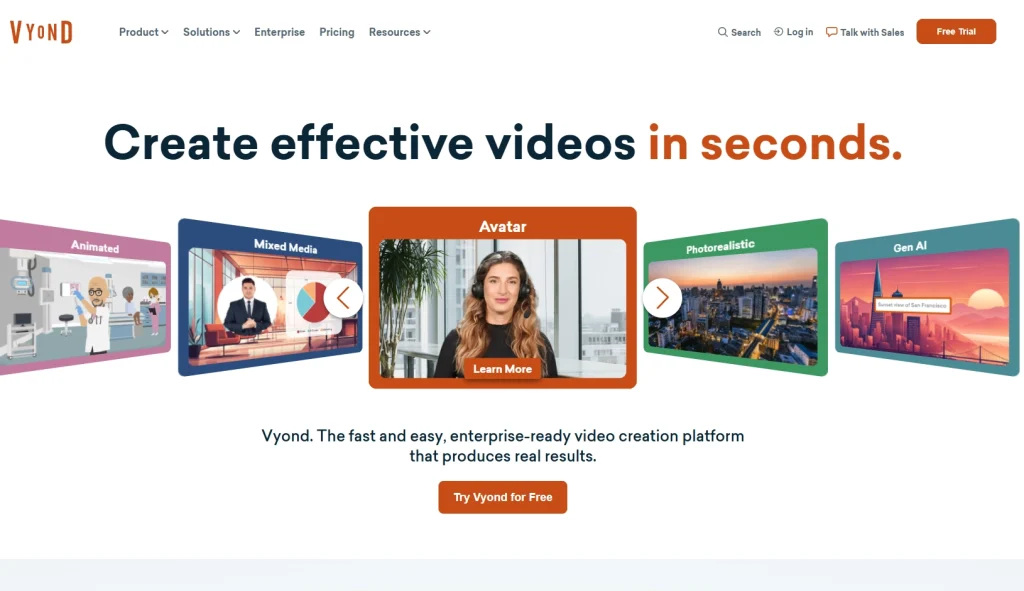
- Create professional business videos with animation
- Choose from a variety of designs and templates for characters.
- Maintain a consistent appearance of the character across all videos
- Create marketing and training content quickly
- Create compelling and clear messages
7. Voki
Voki is a platform for education that allows teachers and students to create chat avatars using synced lip movements. This user-friendly tool lets users alter avatar appearances, and record or type messages that avatars can speak to you using natural mouth movements. The ease of Voki makes it a great tool in classroom settings, where teachers can create engaging educational content or let students demonstrate understanding by presenting animated videos. This AI lip sync software guarantees that the educational content is communicated clearly, increasing retention and comprehension for students of all different ages.
- Create a custom-designed avatar that talks to help with education
- Write or type messages to create avatars to use
- Make natural mouth movements for clear communications
- Increase engagement in the classroom by using animated content
- Students should be able to demonstrate their knowledge in a creative way
Conclusion
The rapid advancement of AI lip sync software has democratized professional video production, enabling creators at all levels to produce high-quality content with synchronized speech. From animating still images to full animation suites offering precise mouth control, these tools cater to diverse needs. Select a preferred lip sync software and transform static content into memorable, audience-captivating videos.
Create Realistic Lip Sync Videos with Mango AI