To rotate an object on the canvas:
1. Select the object.
2. Hover over the rotation handle.
3. Hold down the left mouse button and rotate the object to the desired degree.
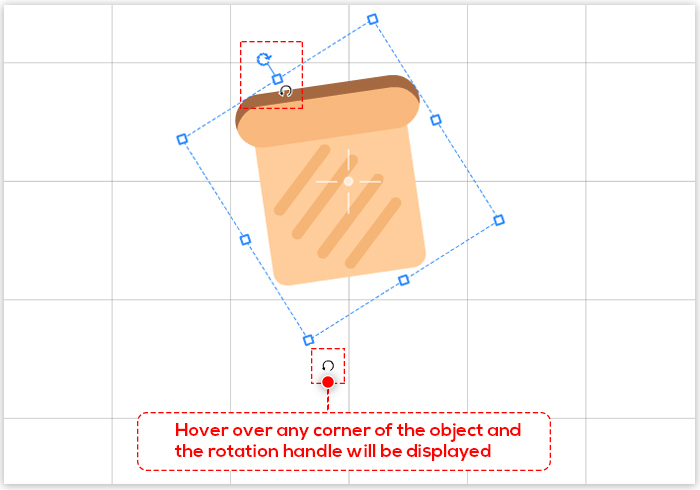

To rotate an object on the canvas:
1. Select the object.
2. Hover over the rotation handle.
3. Hold down the left mouse button and rotate the object to the desired degree.


Animacijos vaizdo įrašų kūrėjas, skirtas kurti paaiškinamuosius vaizdo įrašus, reklaminius vaizdo įrašus, mokomuosius vaizdo įrašus, lentos vaizdo įrašus ir personažų vaizdo įrašus.